
8 canva Alternatives (2026)
https://canva.com8 alternatives listed6 of 8 are Design Tools4 of 8 free or freemiumTop use case: Content Creation (4 of 8)
All alternatives to canva

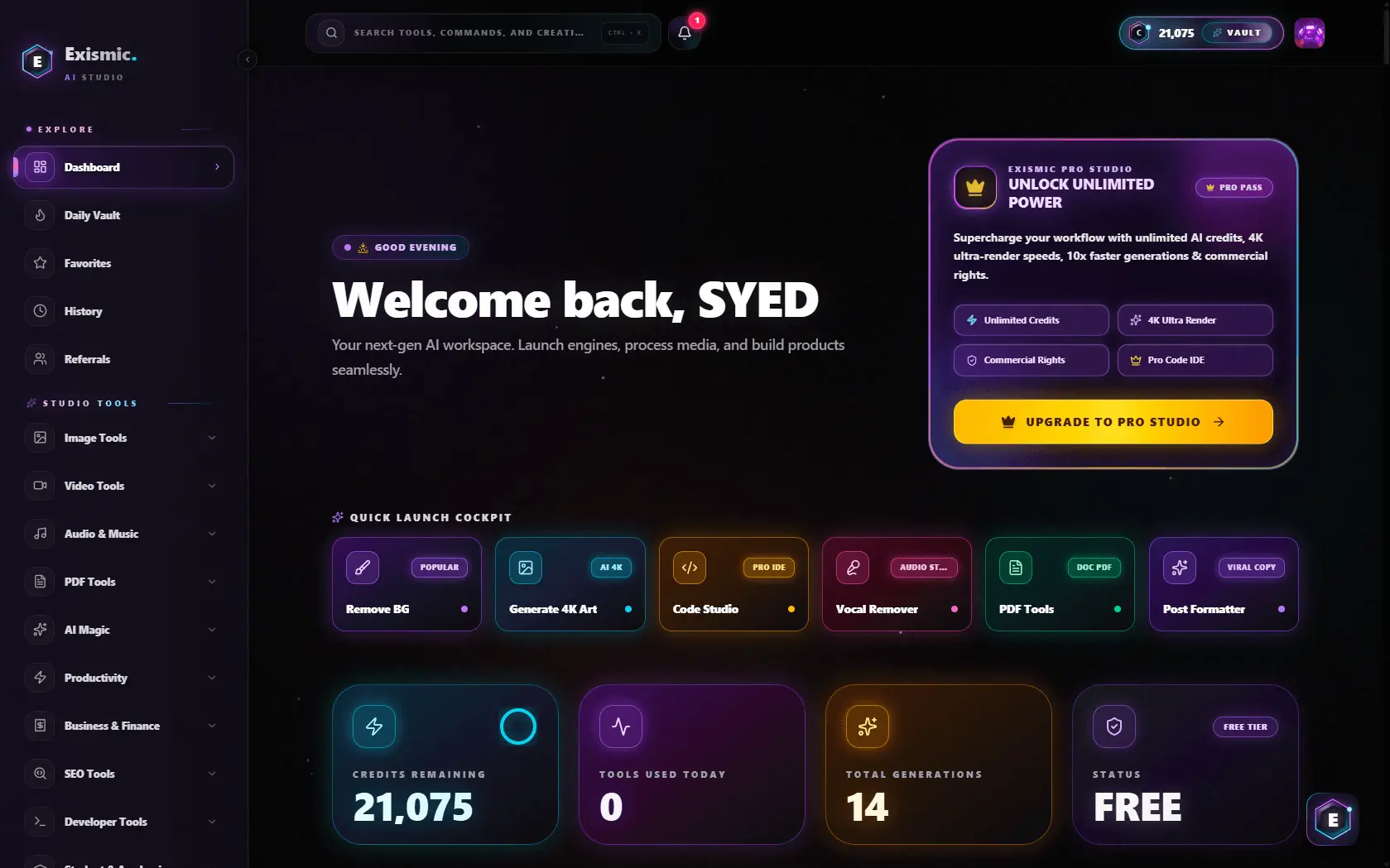
All-in-one AI creative studio
Exismic is a next-generation all-in-one AI creative studio and multimedia workstation designed for digital creators, developers, designers, and students. Instead of juggling dozens of expensive, single-purpose subscriptions, Exismic unifies 40+ professional creative utilities into a single...

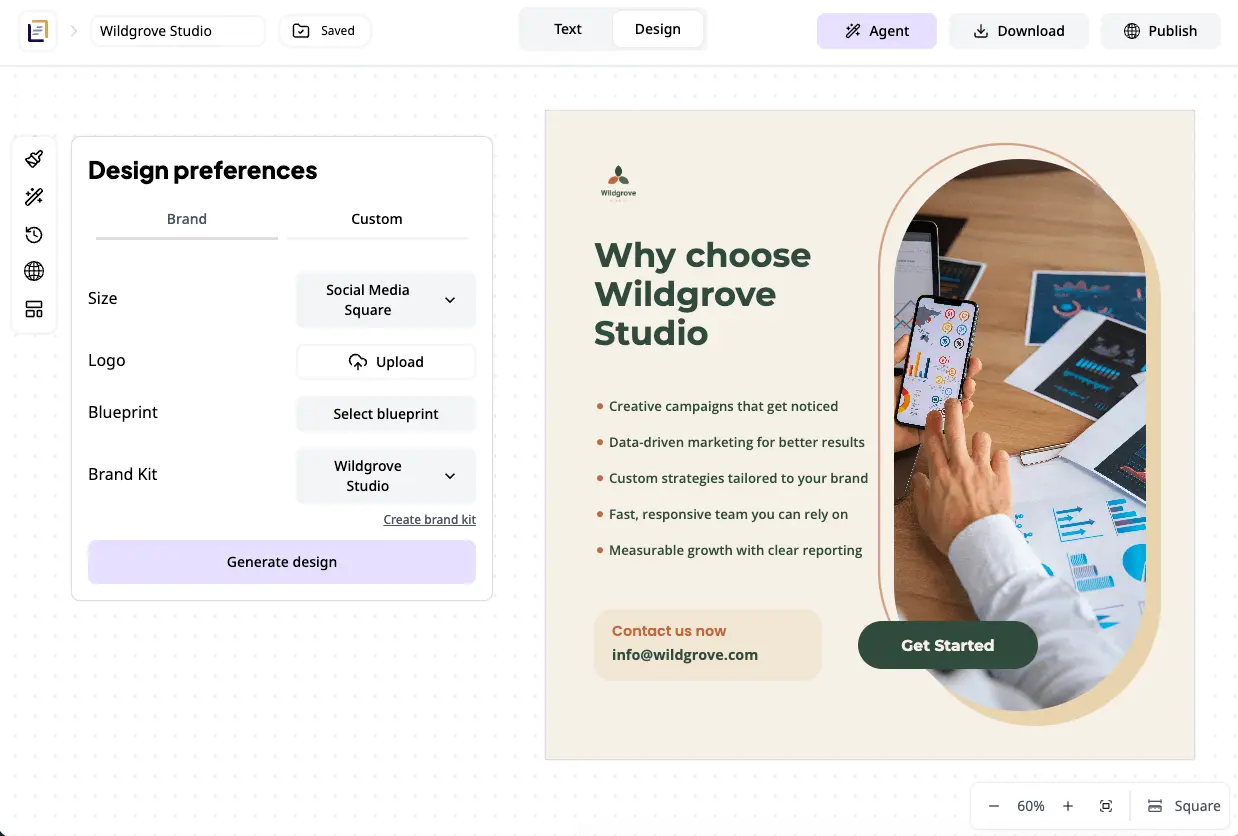
Design graphics fast with AI
Grafista is an AI graphic design platform that generates editable designs from your text and images in minutes. Create anything from social media posts to presentations to brochures to menus. It is specifically created for non-designers as it doesn't require prompt skills, manual work or design...

Human-designed logos, sold once and retired forever.
Logo Creation is a marketplace for professionally designed, one-of-a-kind logos - each one made by hand by a real designer, sold exactly once, and permanently retired from the catalog the moment it's purchased. Not "exclusive" as a marketing word. Exclusive as a mechanical fact: once a mark sells...


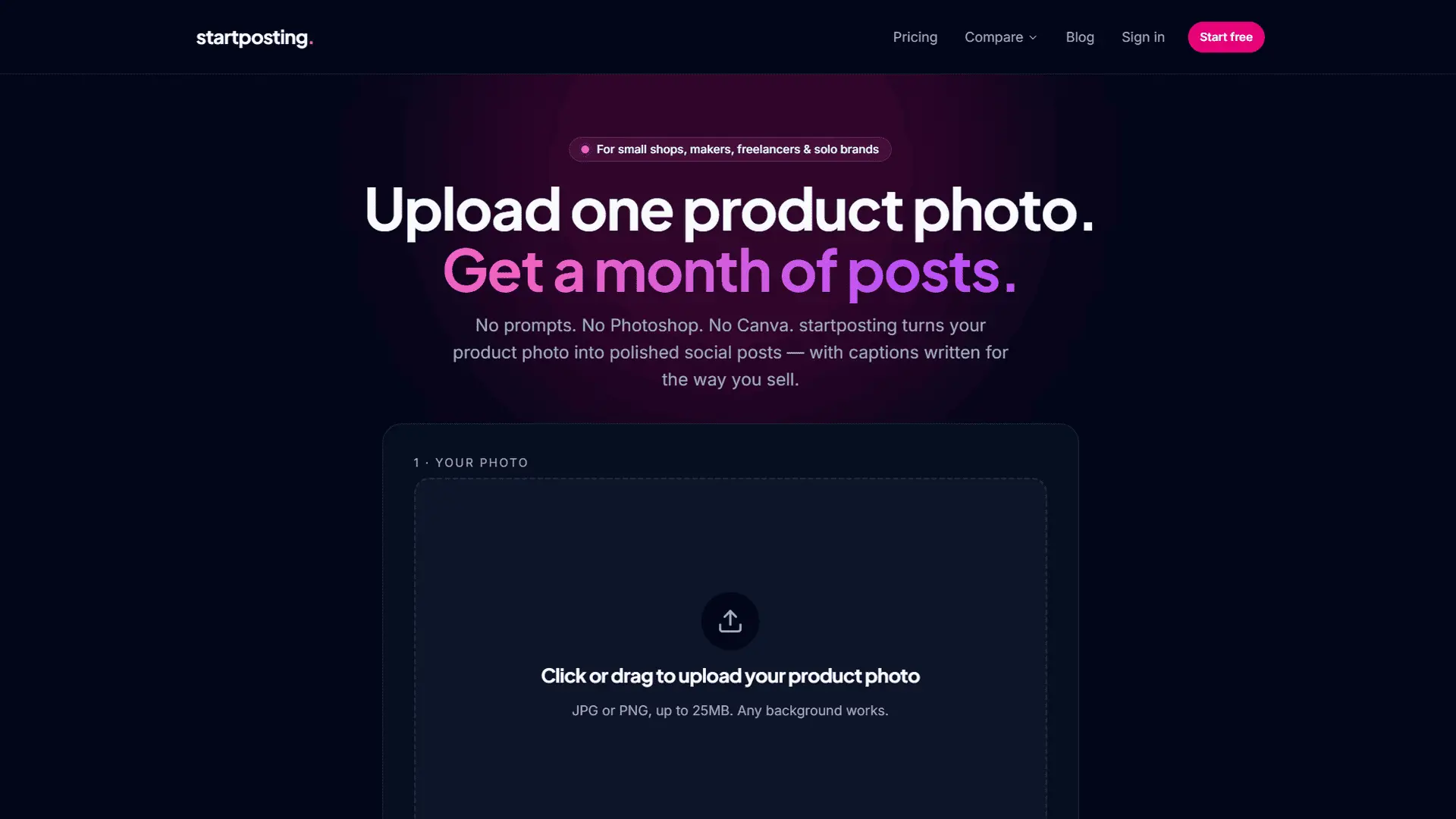
Turn product photos into social posts with captions
startposting transforms a single product photo into a publish-ready social media post inclusive of captions. Unlike general AI generators, the tool uses the actual product photo provided rather than creating a lookalike image. Users can generate their first three posts for free without providing...

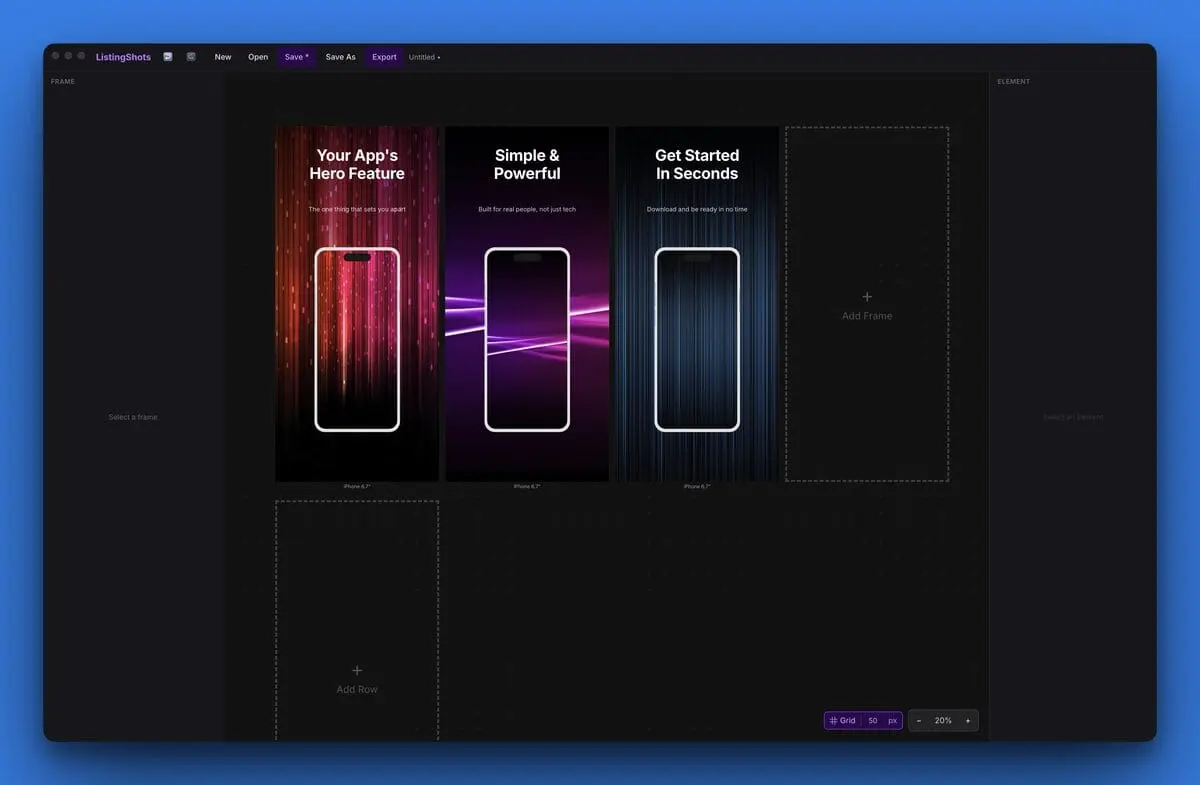
App Store screenshot generator for Mac and Windows
ListingShots is a desktop application designed to create pixel-perfect screenshots for the App Store, Google Play, and Microsoft Store. It provides tools for developers and creators to design professional app storefront visuals on both macOS and Windows platforms.

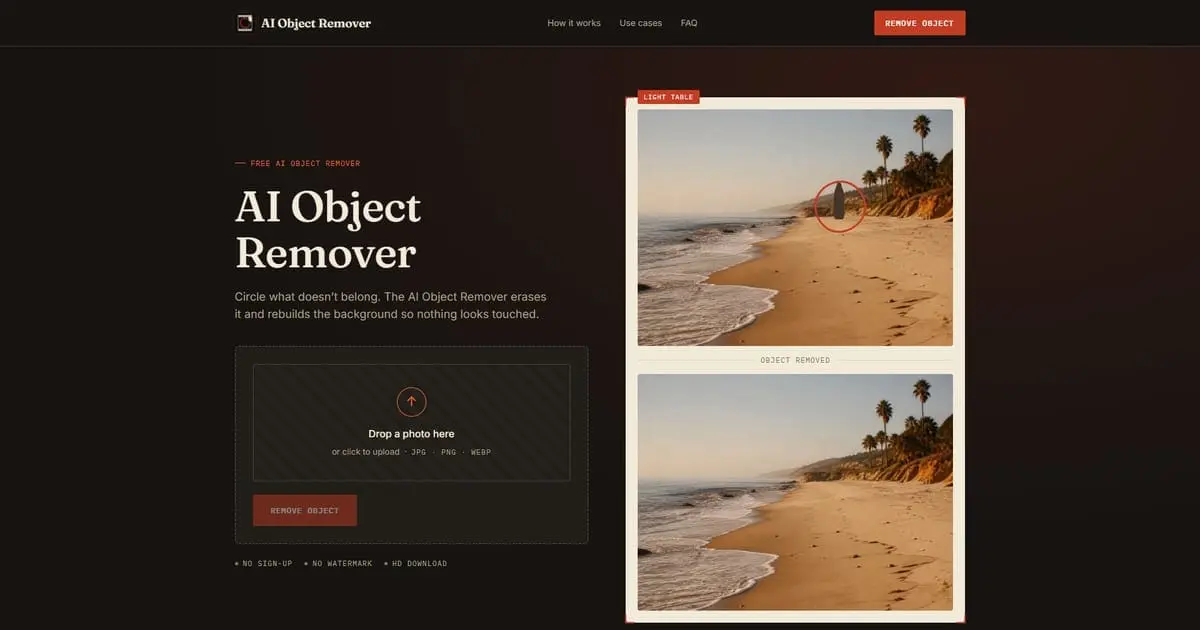
Erase people and clutter from photos instantly
AI Object Remover is a sophisticated and user-friendly online platform dedicated to helping individuals and professionals enhance their visual content through the power of artificial intelligence. In an era where high-quality imagery is essential for personal branding, social media, and e-commerce...

Design sharp 1200x630 social media cards
Blank or ugly link previews get scrolled past. betterimage.io fixes that without opening Figma or Canva. Pick a template, type your title, drop in a photo or logo, and download a sharp 1200x630 image ready for Twitter, LinkedIn, Facebook, Slack, your blog or your newsletter. What you preview is...

Turn plain text into social media carousels and videos
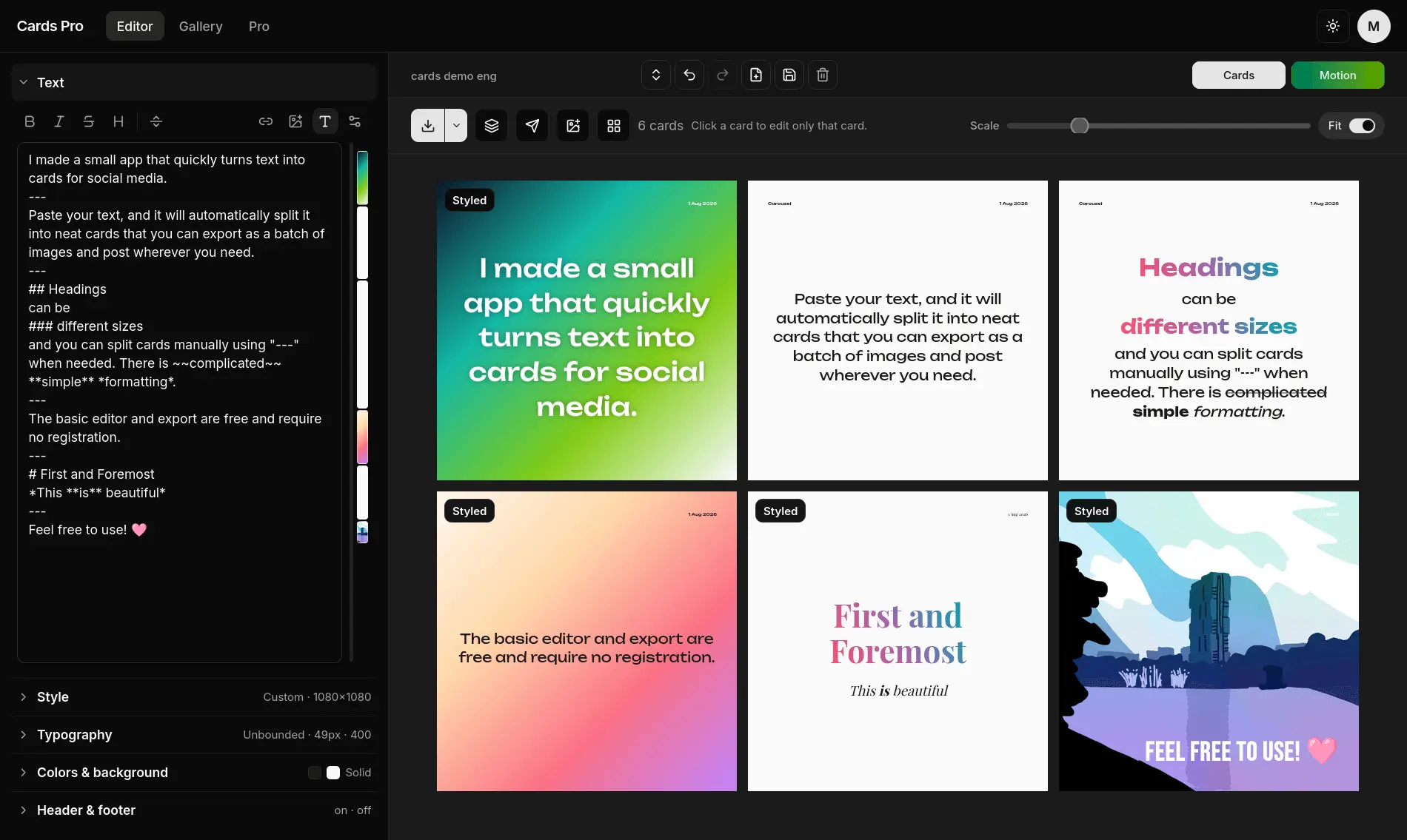
Cards converts plain text into a consistent set of social cards. Automatic splitting handles longer drafts, manual separators give exact control, and Smart split understands Markdown headings, quotes, lists, and code. The editor exports JPEG and PNG images that match the preview. It works free...
canva alternatives for Content Creators
5 of these are built for Content Creators: Exismic, Grafista, AI Object Remover, betterimage.io and Cards.
Free and freemium canva alternatives
4 of the 8 canva alternatives listed here have a free or freemium plan: Exismic, AI Object Remover, betterimage.io and Cards.
canva alternatives for Content Creation
4 of these list Content Creation as a use case: Grafista, startposting, betterimage.io and Cards.