How to Add Image, Video and Voice AI to Your App With One API

Adding generative AI to a product usually starts small. You want one image model for product photos. A month later you also need a video model, a voice for your onboarding, and an LLM for support replies. Each comes from a different vendor, with its own account, SDK, request format, billing and failure modes. The integration work grows faster than the feature list.
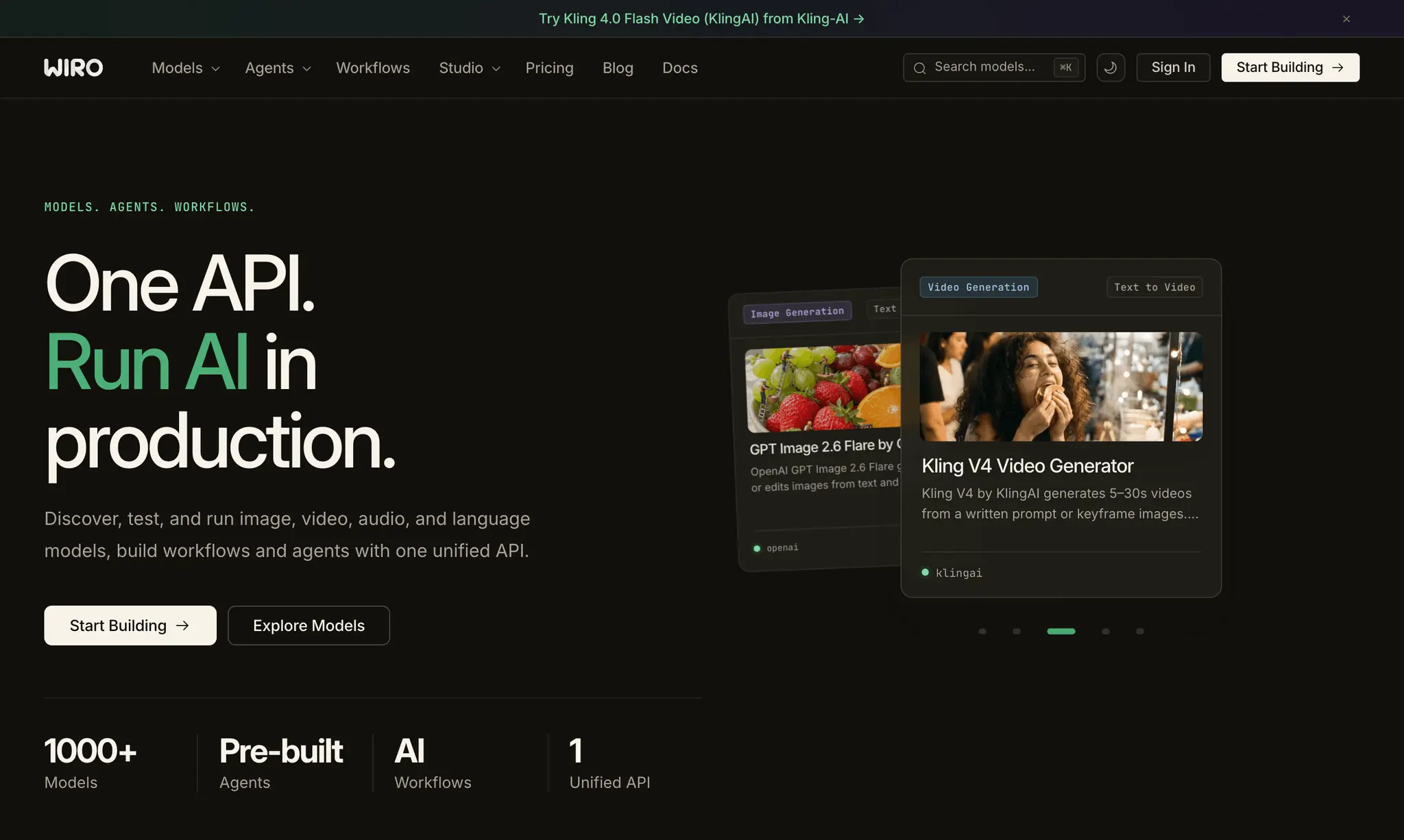
This post walks through a different setup: one API in front of many models. The examples use Wiro AI, which serves 1,000+ models for image generation and editing, video, speech, music, 3D and chat. The catalog includes Kling, Veo, Seedance, Seedream, FLUX, Nano Banana and ElevenLabs voices, plus open models that Wiro hosts on its own GPUs.
One request shape for every model
Every model runs through the same endpoint:
curl -X POST "https://api.wiro.ai/v1/Run/google/nano-banana" \
  -H "x-api-key: YOUR_API_KEY" \
  -H "Content-Type: application/json" \
  -d '{"prompt": "a ceramic coffee mug on a wooden table, soft morning light"}'
The response is a task ID and a WebSocket token:
{ "result": true, "errors": [], "taskid": "2221", "socketaccesstoken": "eDcCm5yyUfIvMFspTwww49OUfgXkQt" }Parameters differ from model to model, so you look them up once with the /Tool/Detail endpoint and keep the rest of your code the same. When a model needs files, such as an image to animate or audio to transcribe, you send multipart/form-data or a public URL instead of JSON.
Waiting for results: three options and a shortcut
Generation can take a few seconds or a few minutes, so runs are asynchronous. You can:
- Poll the task until it finishes.
- Listen on a WebSocket with the token from the response.
- Get a webhook: add a
callbackUrlto the request and the result is POSTed to your server when the task completes.
If you would rather make a single HTTP call and wait, use the sync variant on the same host: POST /Run/{owner}/{model}/sync. That is handy for scripts, internal tools and quick prototypes.
LLMs with the SDK you already have
Language models are also served on an OpenAI- and Anthropic-compatible gateway at https://llm.wiro.ai/v1. Code that already uses the OpenAI SDK only needs a new base URL and key to reach models from OpenAI, Anthropic, Google, Qwen, DeepSeek and others. It covers /chat/completions, /messages and /responses.
Keep your keys on the server
Wiro offers two ways to authenticate. API Key Only sends an x-api-key header. Signature-based authentication also sends x-nonce and an HMAC-SHA256 x-signature, so the secret itself never travels with the request. Whichever you pick, a browser or mobile app should call your own backend, and your backend calls the API. Keys never belong in client code.
When one model is not enough: workflows
Many real features are chains. Generate a product photo, upscale it, then turn it into a short video. Workflows let you save that chain as one graph of steps, where each step runs a model or a built-in utility. You run the saved workflow again with new inputs, and you can start from workflows other people have published in the public gallery.
When the job keeps going: agents
Some work is not a single request at all. Answering reviews every morning, drafting ad variations each week, or replying to new leads needs memory, tools and access to your accounts. Wiro Agents are hosted AI assistants for that kind of work. They keep running, remember the conversation, connect to external services and use skills to finish tasks. You can deploy one from a template or build your own.
Let your coding assistant do the wiring
There is also an MCP server at https://mcp.wiro.ai/v1. Add it to Claude, Claude Code, Cursor, VS Code, Gemini CLI or another MCP client, sign in with your Wiro account in the browser, and your assistant can search models, check their parameters and prices, and run them for you while you build.
What it costs
Billing is prepaid and pay as you go. Each model has its own price per request, second, token or output, and the full price list is public at wiro.ai/product/pricing. Agents have their own plans.
Getting started
- Create a project at wiro.ai and copy its API key.
- Pick a model in the catalog and read its parameters.
- Send your first
Runrequest, then add a webhook or the sync call.
The full reference lives at wiro.ai/docs.