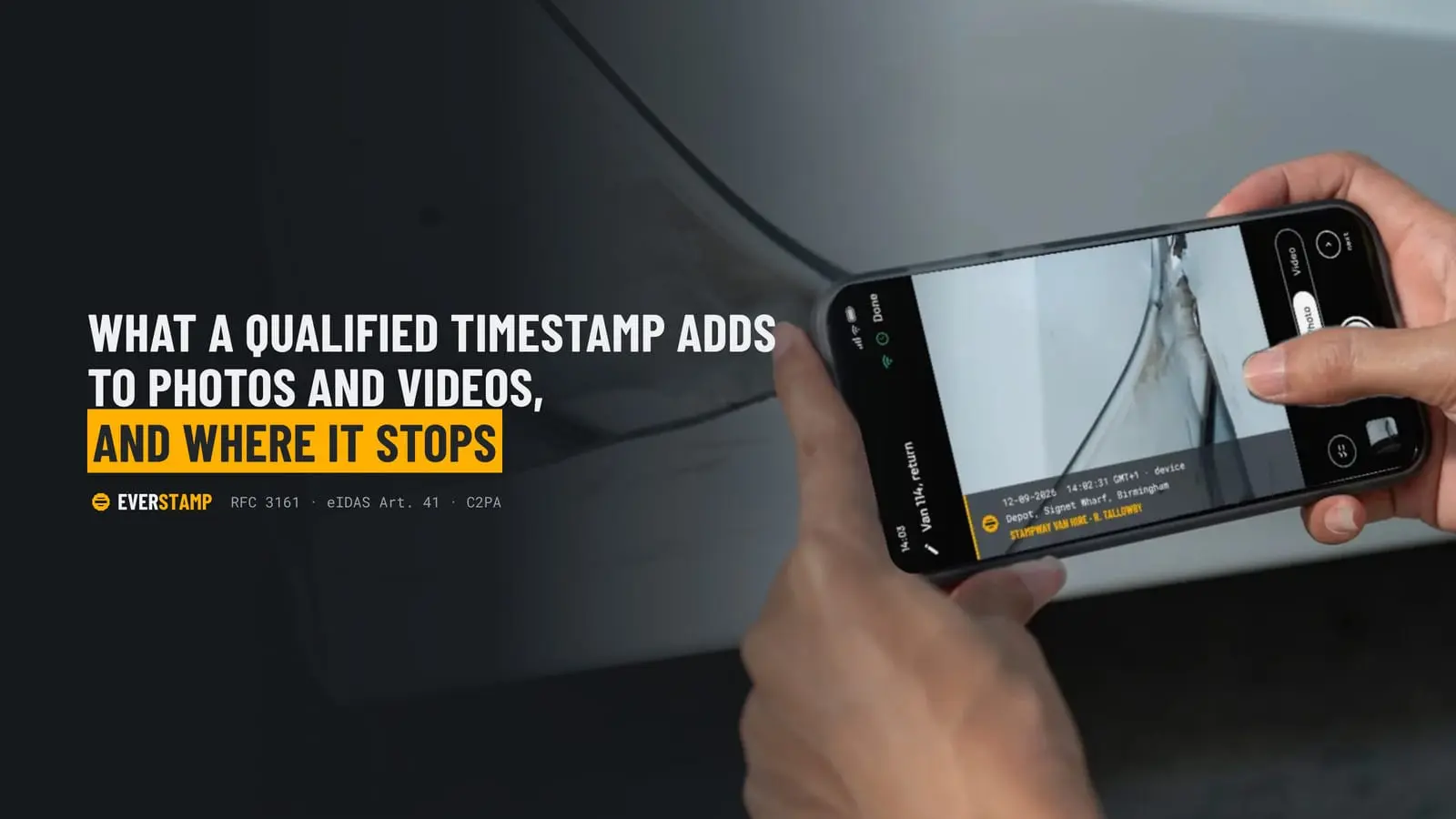
What a qualified timestamp adds to photos and videos, and where it stops

The rental car comes back and the renter says the scratch was already there. The tenant moves out and the deposit turns into an argument about a stained carpet. A parcel arrives damaged, or did it? The insured doubts your claim based on photos. In each case both sides have photos. And in each case the photos settle surprisingly little.
That is rarely because people take bad photos. It is because a photo on its own carries very little that the other side can check.
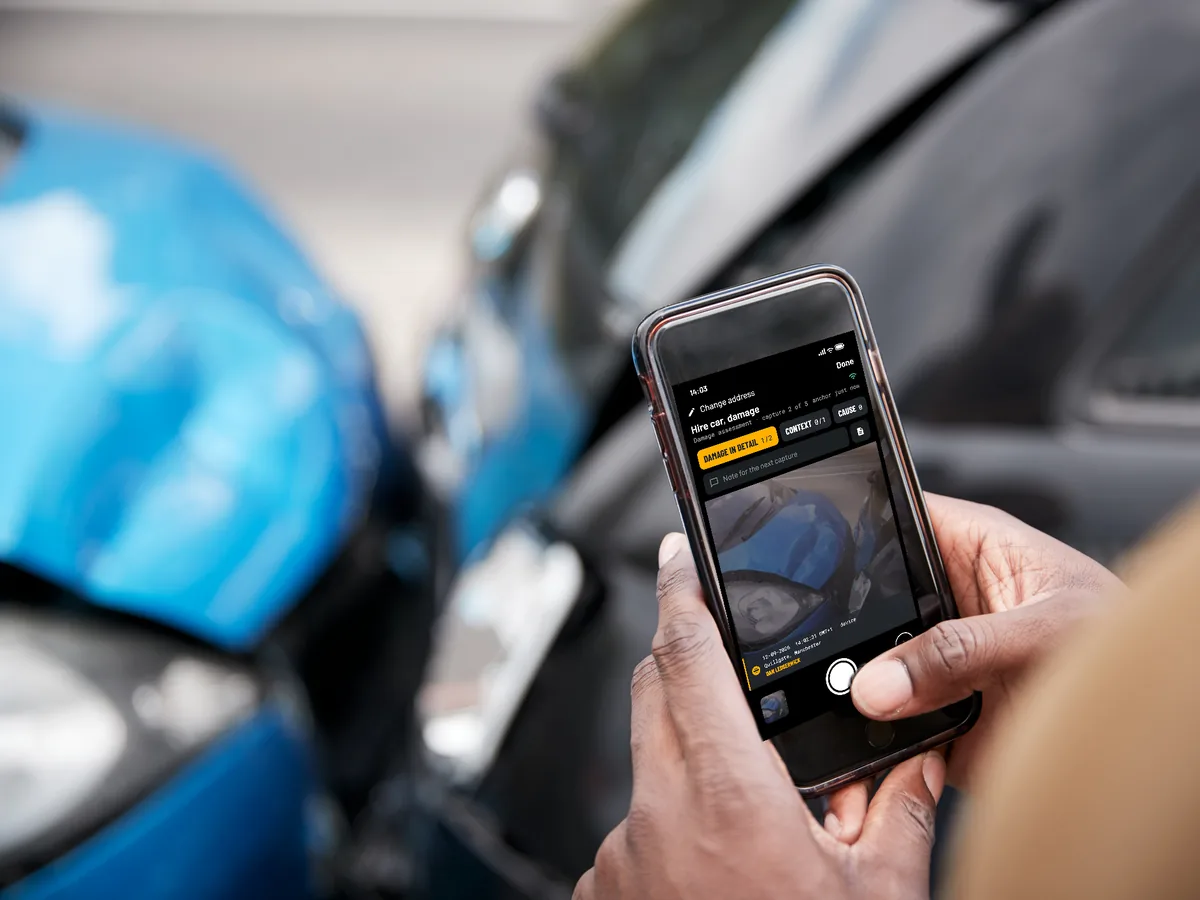
Why the date or EXIF data in a photo says little
Every phone writes a date and time into the photo's metadata (EXIF). That date comes from the phone's own clock, which the owner can set, and a free app can rewrite it in seconds. Send the photo through a chat app and the metadata is often stripped altogether. A date drawn onto the image itself, as many timestamp camera apps do, comes from that same clock.
A folder of loose photos has a second weakness: it does not show what is missing. Nobody can tell whether a photo was left out, added later or edited since.
So the useful question is not "is there a date on it?" but "can someone who does not trust me check when this existed, and whether it changed since?"
What a timestamp from a trust service adds
A trusted timestamp works on a fingerprint of the file, not on the file itself. The device computes a hash, for example with SHA-256, and sends only that hash to a timestamping authority. The authority returns a signed token that binds the hash to its own clock. The format is standardised as RFC 3161, and anyone can check such a token with ordinary tools such as OpenSSL.
Two properties matter:
- Any change shows up. Change a single pixel and the hash no longer matches the token.
- It cannot be backdated. The request has no field for asking a time; the authority fills in its own.
In the EU there is one more step. A qualified timestamp comes from a provider on the EU Trusted List, supervised under the eIDAS Regulation. Article 41(2) says such a timestamp "shall enjoy the presumption of the accuracy of the date and the time it indicates and the integrity of the data to which the date and time are bound." The presumption covers exactly those two things, and it is EU law. Outside the EU the token is still a precise technical record, but that presumption does not apply as such.
One nuance is easy to miss. A timestamp shows that the file existed in this form before a certain moment. It does not show when the photo was taken. A careful system therefore records a window: a lower bound, such as a public random value from the drand beacon that did not exist before a known moment, and the timestamp as the upper bound. The tighter that window, the more it says.
Signing on the device, and Content Credentials
A timestamp says nothing about where a file came from. Two techniques help with that.
- Hardware-backed signing. Modern phones have secure hardware: the Secure Enclave on iPhone, a hardware-backed keystore on Android. An app can sign each capture there with a key that cannot leave the device. Apple's App Attest and Android key attestation let a third party check that the key was created in real hardware, for that app.
- C2PA Content Credentials. C2PA is the open standard behind Content Credentials: a signed manifest inside the image or video that records what made it and what happened to it since. Anyone can read it with public tools.
Keep the set together
When photos and videos are sealed together as one file, typically through a hash tree that also holds their number and order, a dropped, added or reordered capture shows up as well. That closes the gap of the loose folder.

What none of this tells you
It is worth being plain about the limits, because that is where disputes actually go.
- What the image shows. A photo of a screen is still a photo, and a scene can still be staged.
- Whether other photos were taken outside the file.
- Whether the device was jailbroken or rooted. Attestation raises the bar, nothing more.
- Who is right. That is for the other party, an insurer or a court to weigh.
These techniques record. They do not decide.
A checklist for your next handover or damage report
- Start wide, then go close. First a shot that shows where you are, such as the car with its licence plate or the room with its door, then the details.
- Use the same order every time. A fixed checklist makes gaps obvious, to you and to the other side.
- Record the context. Meter readings, mileage, serial numbers and keys belong in the record, not in your memory.
- Walk through it on video. A short walkthrough shows how the details relate to each other. Say out loud what you are looking at.
- Seal it on the spot. The longer you wait, the wider the window between the capture and the timestamp.
- Send the file, not screenshots. A screenshot is a new image without the record. Let the recipient check the original.
How we do it at EverStamp
Disclosure: we make EverStamp, so read this section with that in mind.
EverStamp is a timestamp camera for iPhone and Android that puts the techniques above together. The date, time and place go into every photo and every frame of a video. Each capture is signed on the phone and carries C2PA Content Credentials. When you close the file, a qualified trust service timestamps it, and every video gets a timestamp of its own. The recipient checks the file at everstamp.app/verify, in the browser, without an account. Every check but one also works with public tools; the last one is against our public registry.
The first file is free, without a subscription; video comes with Plus. Businesses can send their customers a request link with their own checklist and receive the file in a dashboard.
More at everstamp.app.