
AI Flowchart Generator
Turn ideas into clear, structured AI flowcharts
Details
- Follow on
- Categories
- Target Audience
- Platforms
Discovery signals
How AI and people discover AI Flowchart Generator on PeerPush
- ChatGPT
- Claude
- +2 other AI crawlers
Reads by these AI engines
Crawlers behind these engines read this listing on PeerPush.About AI Flowchart Generator
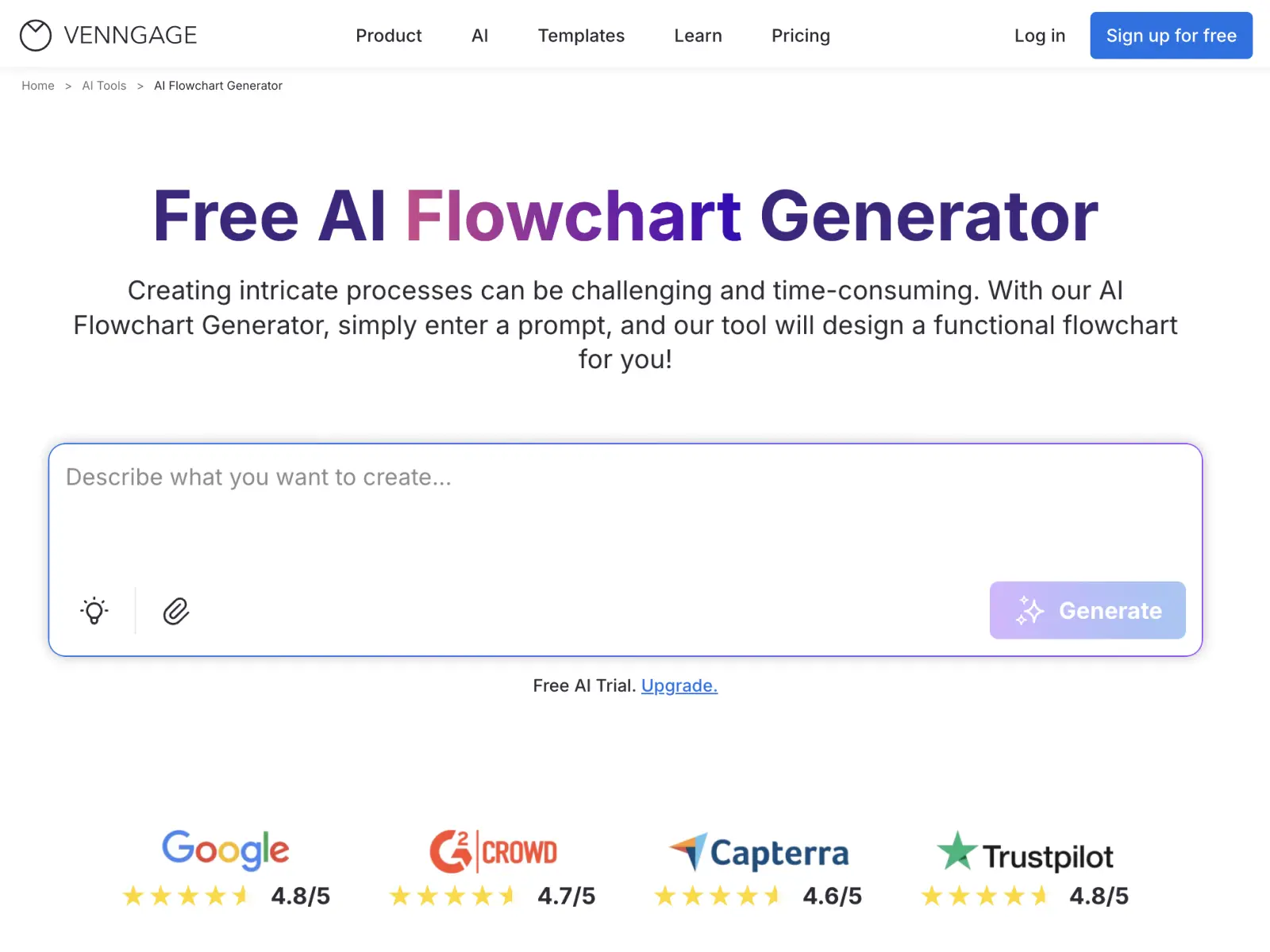
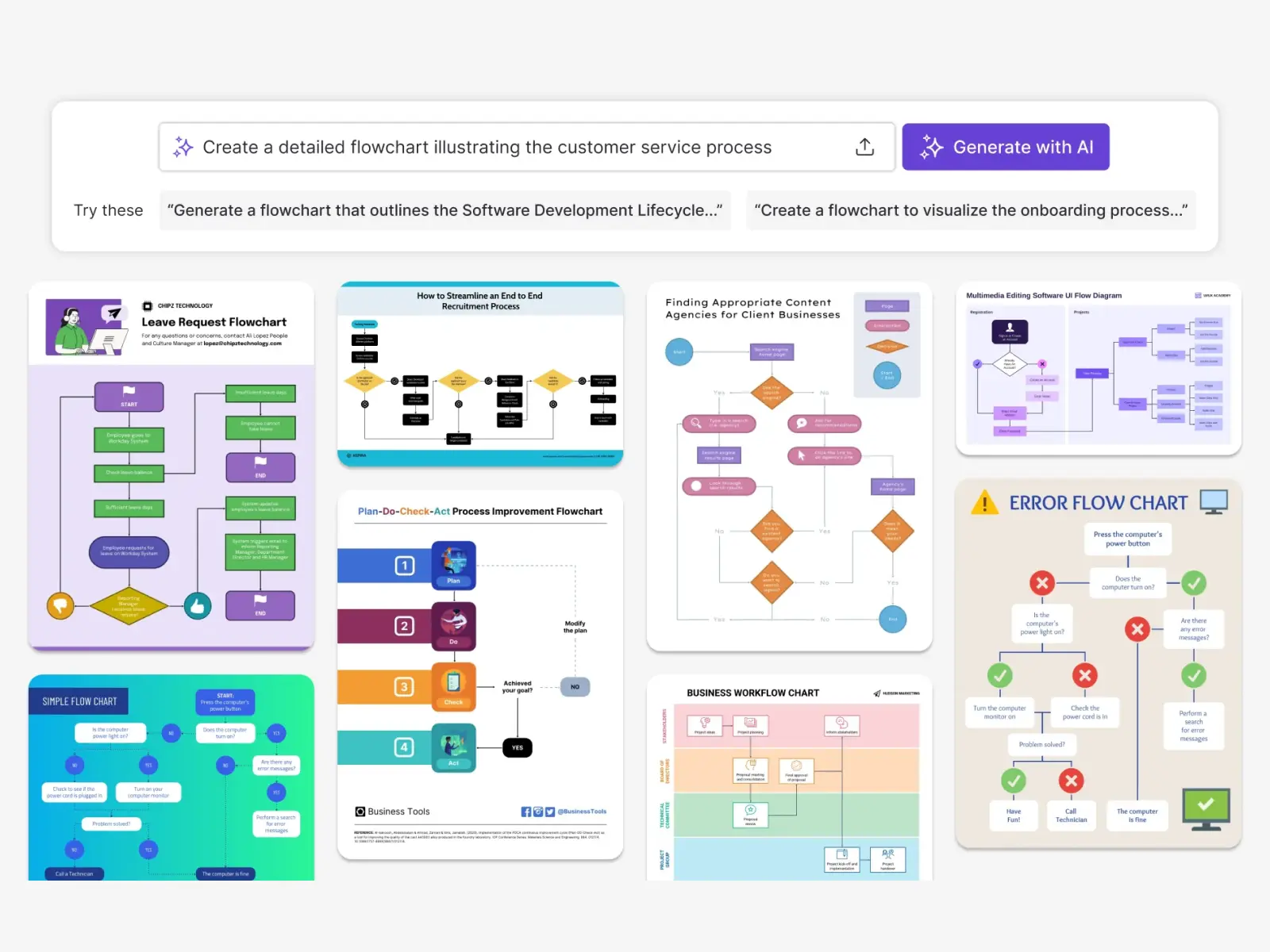
The AI Flowchart Generator helps teams turn written processes and ideas into clear, easy-to-follow flowcharts. Built on Venngage’s trusted design system and standard flowchart conventions, it makes process visualization more approachable—whether you’re documenting workflows, planning projects, or explaining decisions. How It Works: Simply describe your process in plain language, such as outlining steps in a workflow or mapping a decision path. The AI reads your input, identifies key steps and decision points, and creates a structured flowchart automatically. You can then fine-tune text, layout, connectors, and visuals using the drag-and-drop editor before exporting or sharing. Key Features: - Prompt-based flowchart creation from written processes - Automatic detection of steps, decisions, and flow logic - Clean, structured flowchart layouts using standard symbols - Auto Branding to apply brand colors, fonts, and logos - Drag-and-drop editor for easy edits and updates - Accessibility-friendly design tools for readability and contrast Key Benefits: - Create flowcharts faster without manual diagramming - Make complex processes easier to understand and follow - Maintain consistent branding across all diagrams - Enable non-designers to create professional flowcharts - Reduce time spent on formatting and layout work - Improve clarity and alignment across teams Use Cases: - Business process documentation - Workflow and procedure mapping - Project planning and decision trees - Training and instructional materials - Operations and process improvement diagrams - IT and system flow diagrams - Educational explanations and lessons
Screenshots
Reviews (0)
No reviews yet. Be the first to rate this product!
Comments (0)
No comments yet. Be the first to share your thoughts!