
AI Site Builder
AI website builder — describe your business, live in 60s
Details
- Target Audience
- Pricing
- Freemium
- Platforms
Discovery signals
How AI and people discover AI Site Builder on PeerPush
- ChatGPT
- Perplexity
- Claude
- +4 other AI crawlers
Reads by these AI engines
Crawlers behind these engines read this listing on PeerPush.About AI Site Builder
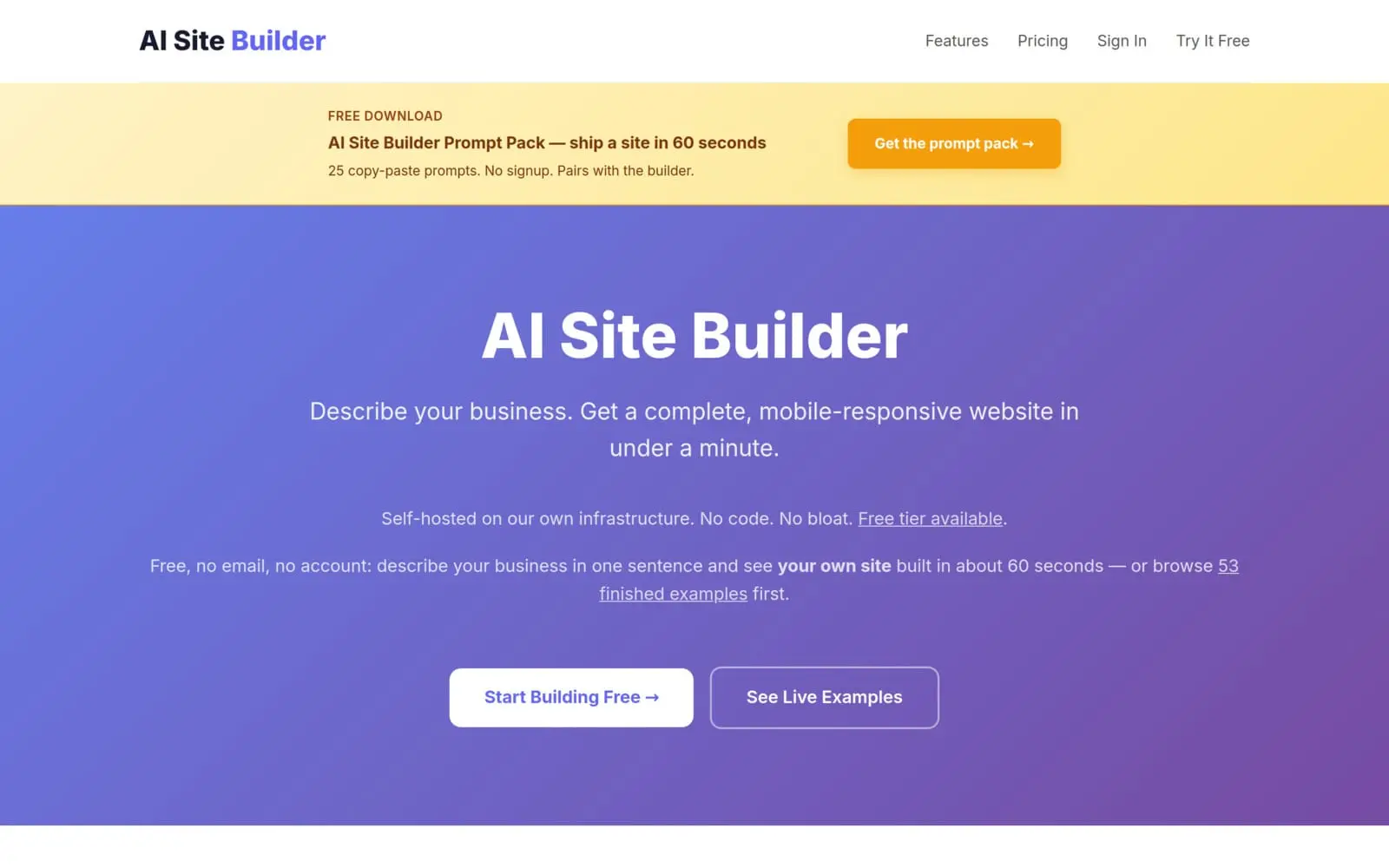
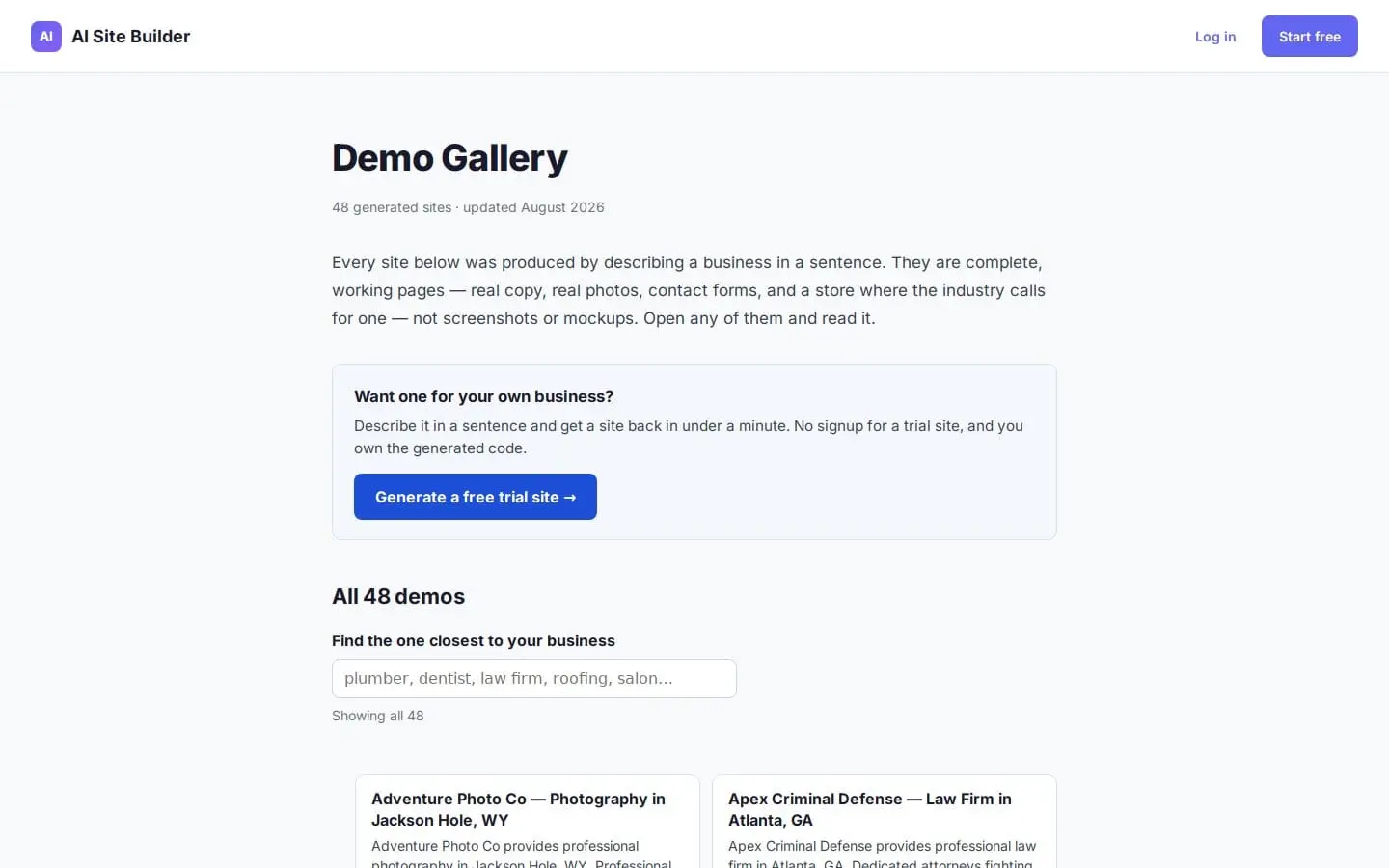
AI Site Builder helps you create a professional website quickly. You simply describe your business, and the AI builds your website, allowing you to go live in 60 seconds. This streamlined process removes the technical hurdles of traditional web development, making it fast and efficient to establish an online presence.
Screenshots
Product Updates (1)
"Our mobile QA tool lied to us for two weeks"
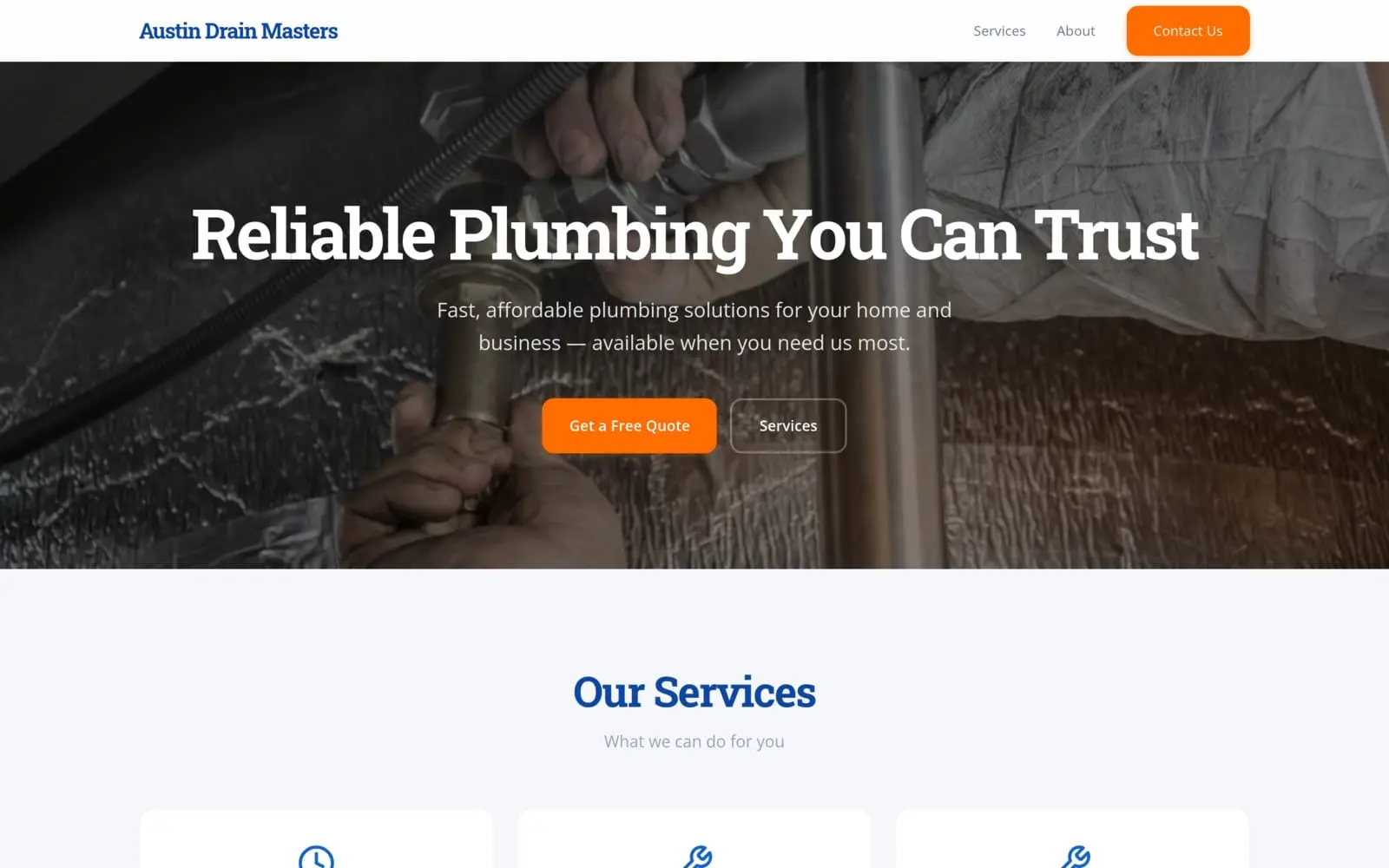
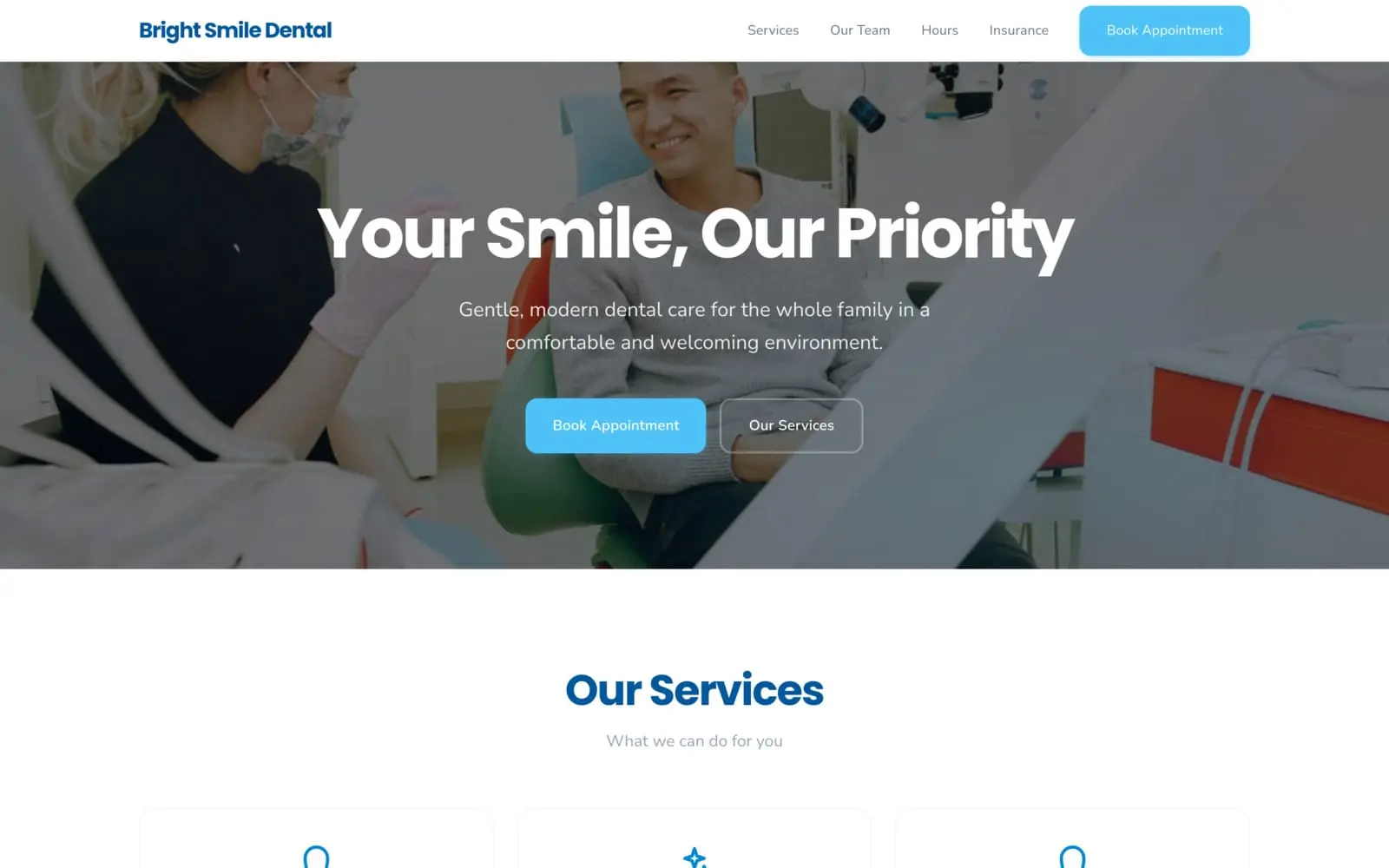
SiteBuilder is our self-hosted AI site builder — describe your business, get deployed code you own (no platform lock-in). We use puppeteer + headless Chrome to take mobile-viewport screenshots of every generated site as a QA pass. This week the auto-demo iframe on our YT-landing showed broken icons across every service section: lightning bolts rendered as the literal letter "S", emojis rendered as empty boxes (▢). Real ugly. I almost shipped a "fix" before realizing what was happening. The headless Chrome on our Linux server has no emoji font installed. iOS, Android, real Chrome on Mac/Windows all DO. So the emoji icons (⚡🦷🛡️🔧) we were emitting in services.ejs were rendering perfectly on every actual user's phone — and broken on every screenshot we'd been auditing for weeks. Two ways to read this: 1. Fix the audit tool (install emoji fonts on the server) 2. Fix the underlying ambiguity (don't use anything font-dependent for visual identity) I picked option 2. Switched all service icons to inline SVG — 33 line-art 24×24 paths (paw, scissors, tooth, wrench, scales, hammer, dumbbell, camera, house, key, fork, chef, flame, ...). Keyword-matcher on the service name picks the icon (e.g. "haircut/breed-specific/trim" → scissors). Industry-default fallback rotation when no keyword matches. Icons inherit `currentColor` so they take the site's brand `--primary` automatically. Result: identical rendering across iOS, Android, Linux headless, and any future audit tool we wire up. Zero font dependency. Also a side win: the "test tool can lie to you" lesson — silence in QA is not the same as correctness. Builder Q: what's your worst "the test tool was wrong, not the product" story? I want to hear that one of you has lost more time than I just did. 🔗 sitebuilder.adcreator-ai.com
Comments (0)
No comments yet. Be the first to share your thoughts!
Reviews (0)
No reviews yet. Be the first to rate this product!
Comments (0)
No comments yet. Be the first to share your thoughts!