
Banana AI
AI image editor and video generator for visuals

Details
- Categories
- Use Cases
- Target Audience
- Platforms
Discovery signals
How AI and people discover Banana AI on PeerPush
By AI reads among AI tools
14,135 AI reads since launch, ranked against every AI tool listed.About Banana AI
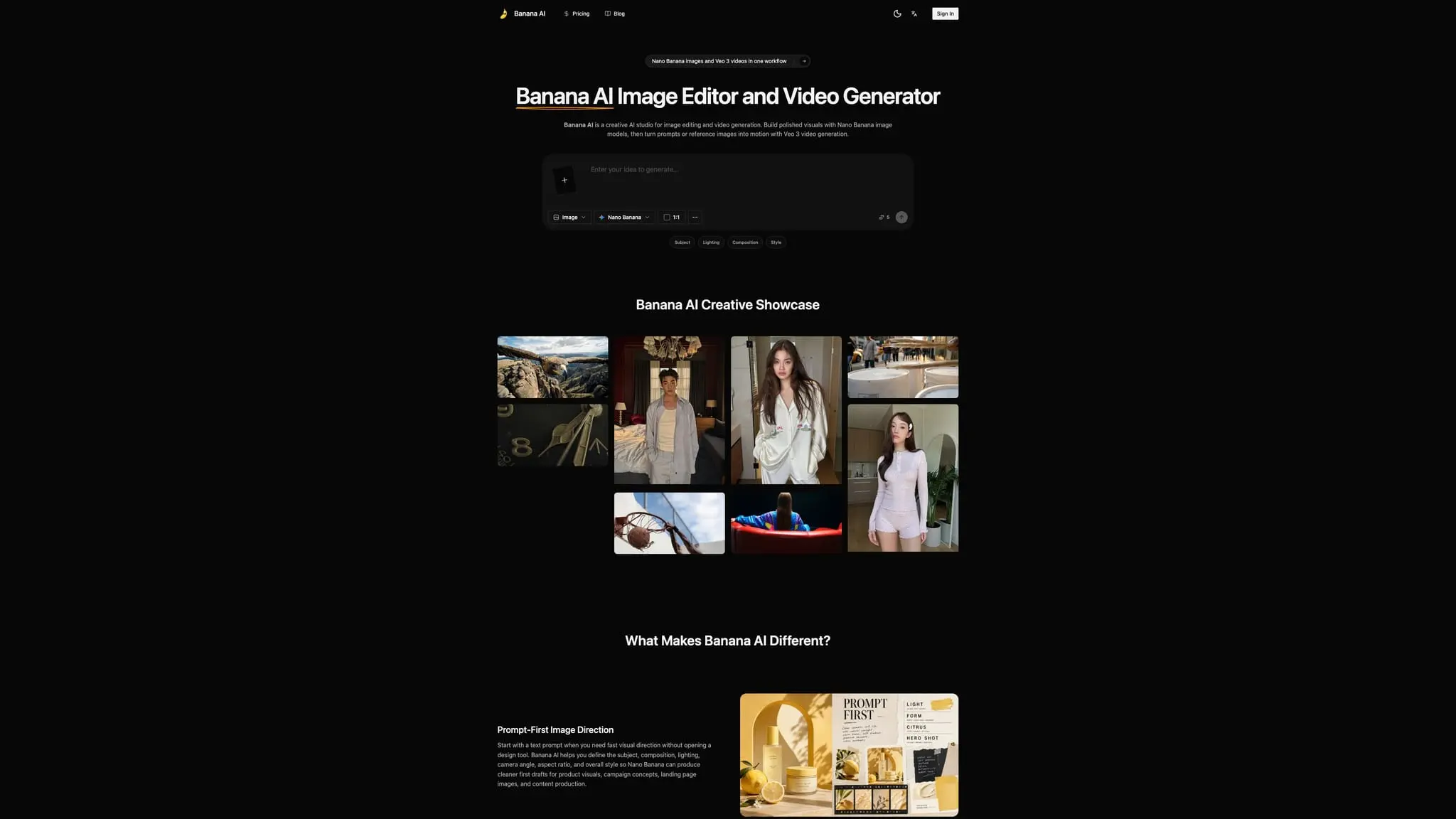
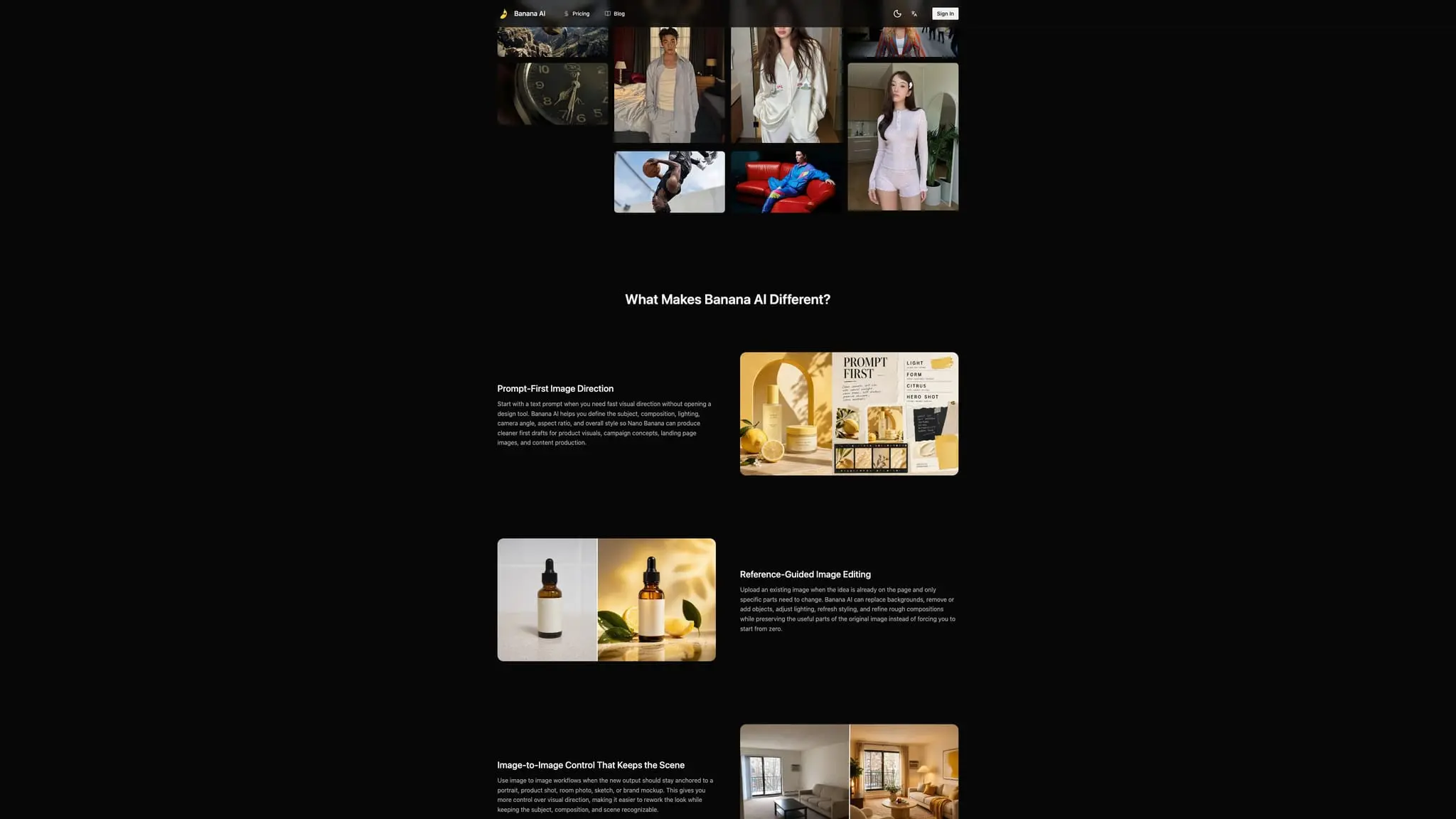
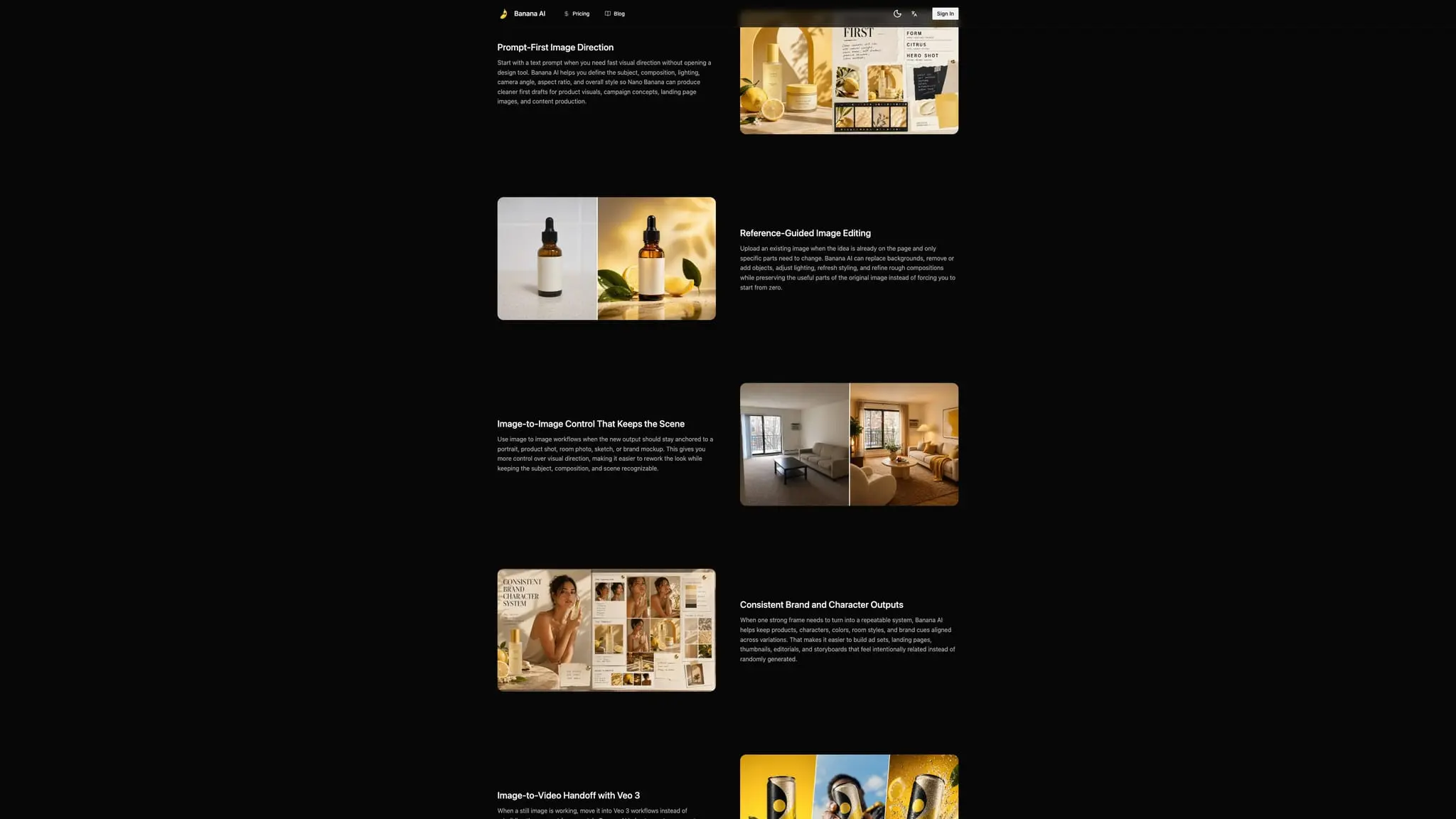
Banana AI is a browser-based creative AI studio for generating and editing images with Nano Banana workflows, then turning strong frames into short videos through Veo 3 video generation. It brings prompt writing, reference-guided editing, variation testing, and image-to-video creation into one online workspace so creators can move from a rough brief to a more polished visual without switching between disconnected tools. The image workflow starts with text when you need fast visual direction. Describe the subject, composition, lighting, camera angle, aspect ratio, overall style, and intended use, then use the generated image as a first draft to review and improve. Upload an existing image when the idea is already on the page and only certain parts need to change. Depending on the selected workflow, users can replace backgrounds, remove or add objects, adjust lighting, refresh styling, and refine rough compositions while preserving useful parts of the original image. Image-to-image workflows help keep a new output anchored to a portrait, product shot, room photo, sketch, mockup, or other visual reference. A source image can communicate identity, layout, material, palette, lighting, and scene direction more clearly than a long prompt. When a product, character, or brand system needs to remain recognizable across multiple assets, reference-led iteration provides a stronger starting point than unrelated one-off generations. A strong frame can guide related outputs so products, characters, colors, room styles, and brand cues stay aligned across ads, landing pages, thumbnails, editorials, and storyboards. When a still image is working, Banana AI provides an image-to-video handoff into Veo 3 workflows. Creators can move a prompt, key frame, or selected image into motion generation instead of rebuilding the concept from scratch. This supports motion drafts for product demonstrations, explainers, social clips, cinematic tests, storyboards, and other short-form video concepts. The still stage establishes the look, while the video stage explores movement, pacing, camera direction, and the opening scene. The workflow moves from brief to asset in a few deliberate steps. Choose image editing, image generation, or Veo 3 video generation. Enter a focused prompt that explains the subject, scene, style, lighting, camera feel, aspect ratio, motion direction, and final use case. Upload a product photo, portrait, room image, brand mockup, first frame, or storyboard reference when identity, layout, product details, or visual direction matters. Generate results, compare variations, refine the prompt or reference, and download assets for the next stage. Banana AI can support ecommerce, marketing, content, and creative teams. Ecommerce teams can explore product images, hero visuals, listing graphics, packaging concepts, launch assets, backgrounds, and merchandising directions before a full photo shoot. Marketing teams can develop paid-social variations, organic posts, UGC openings, YouTube thumbnails, campaign covers, and first-frame ideas before committing media spend or extensive editing. Content teams can create blog covers, landing-page heroes, newsletter visuals, and editorial assets aligned with the page they support. Designers and creative teams can use the workspace for concept development, art direction, visual prototyping, and pre-production decisions. Good prompts prioritize what the viewer should notice first. Name the subject, describe the visible action or arrangement, explain the desired composition, and then add lighting, style, environment, camera perspective, aspect ratio, motion, and destination. Use a reference image when it is more efficient to show the product, person, room, mockup, or visual identity than to describe every detail. When moving from image to video, state what should move, how the camera should respond, and what must remain recognizable. Model availability, controls, output settings, generation access, pricing, and usage rights may depend on the current configuration, selected model, account, plan, provider terms, and intended platform. Review live information before planning production. Before uploading media, confirm that you have permission, especially for recognizable people, private footage, client work, logos, music, voices, characters, or protected artwork. Before publishing, review applicable rights and terms. Banana AI can refine assets, but it does not clear third-party rights or guarantee commercial approval. For anyone who wants to develop images and motion from the same creative brief, Banana AI offers a direct path from prompt to visual direction. Start with text or a reference, edit and compare image variations, keep the strongest frame, move it into Veo 3 when motion is useful, and continue refining until the result is ready for the next stage.
Screenshots
Reviews (0)
No reviews yet. Be the first to rate this product!
Comments (0)
No comments yet. Be the first to share your thoughts!