
Bank Statement Converter - BSC
PDF bank statements to Excel and CSV, checked row by row

Details
- Follow on
- Categories
- Use Cases
- Target Audience
- Pricing
- Freemium from $5
- Platforms


Discovery signals
How AI and people discover Bank Statement Converter - BSC on PeerPush
About Bank Statement Converter - BSC
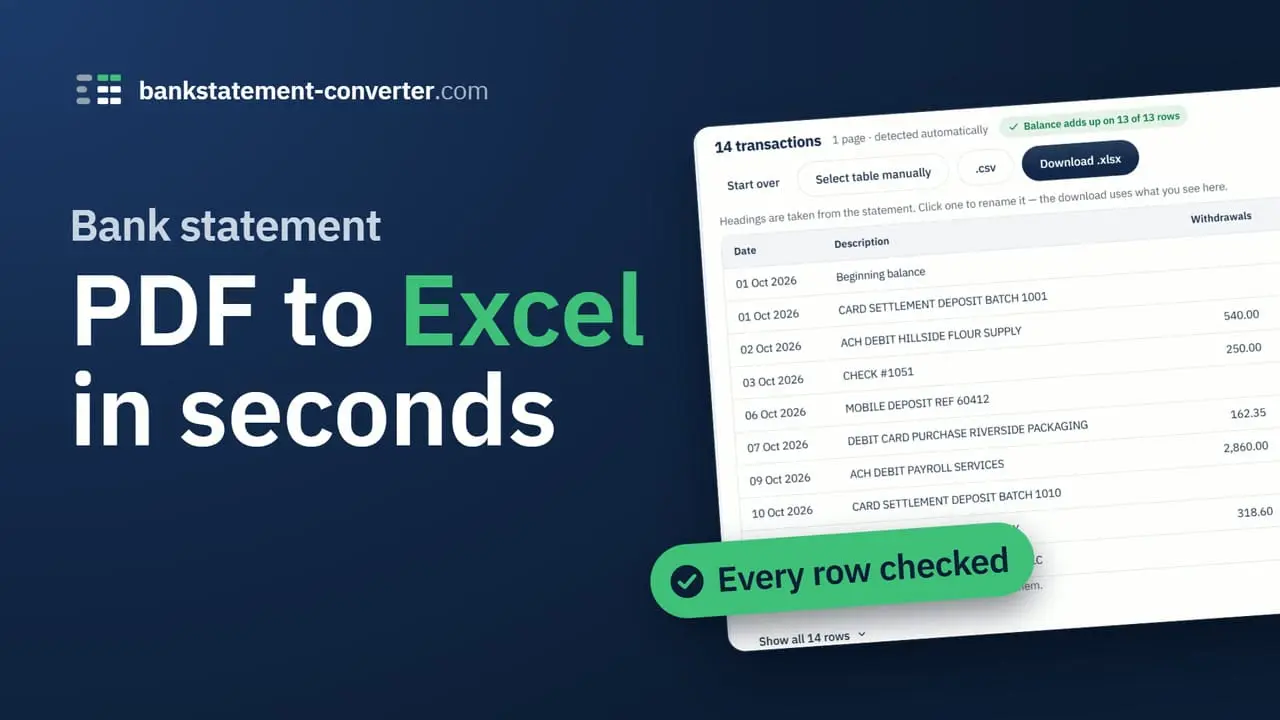
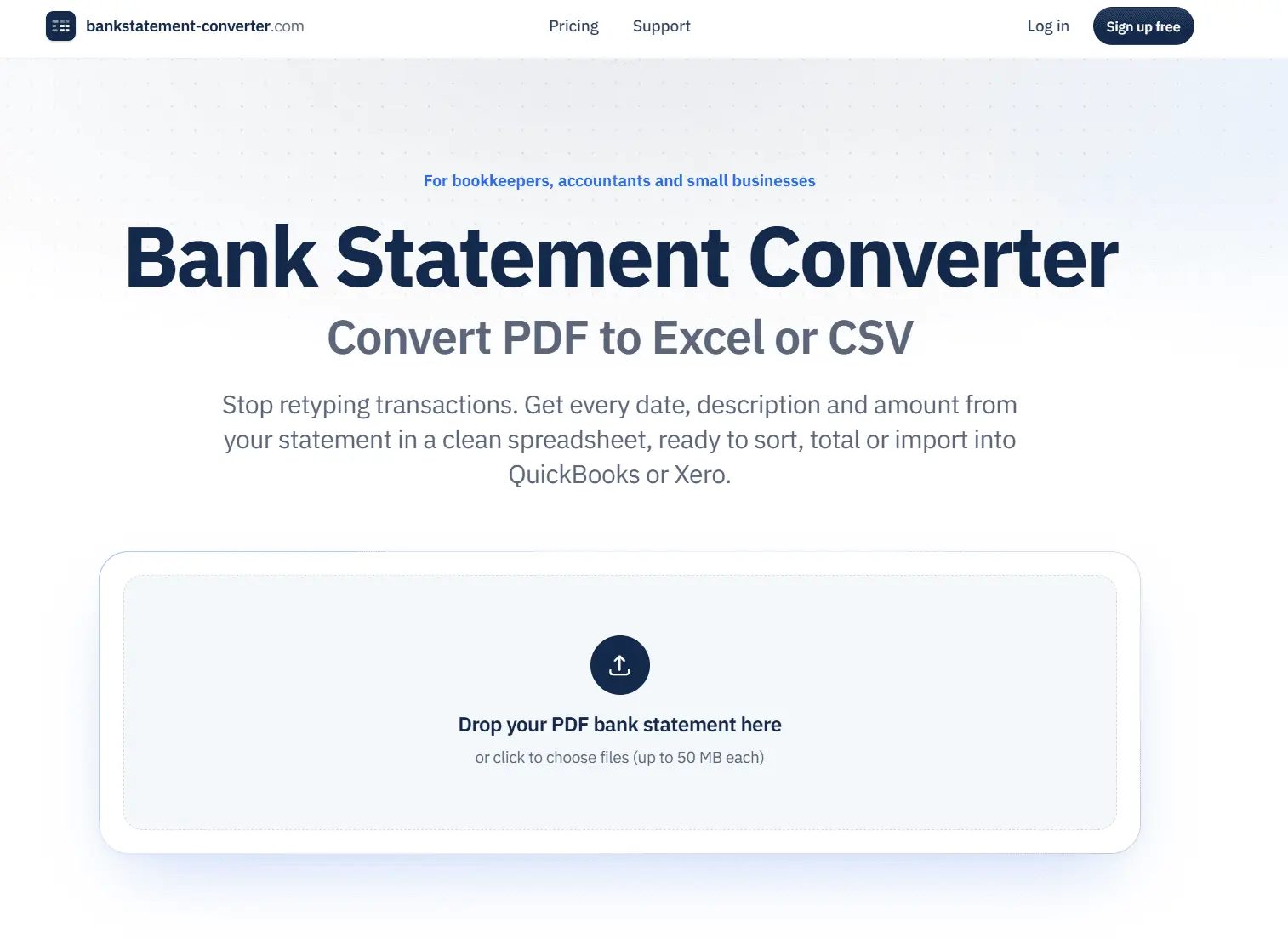
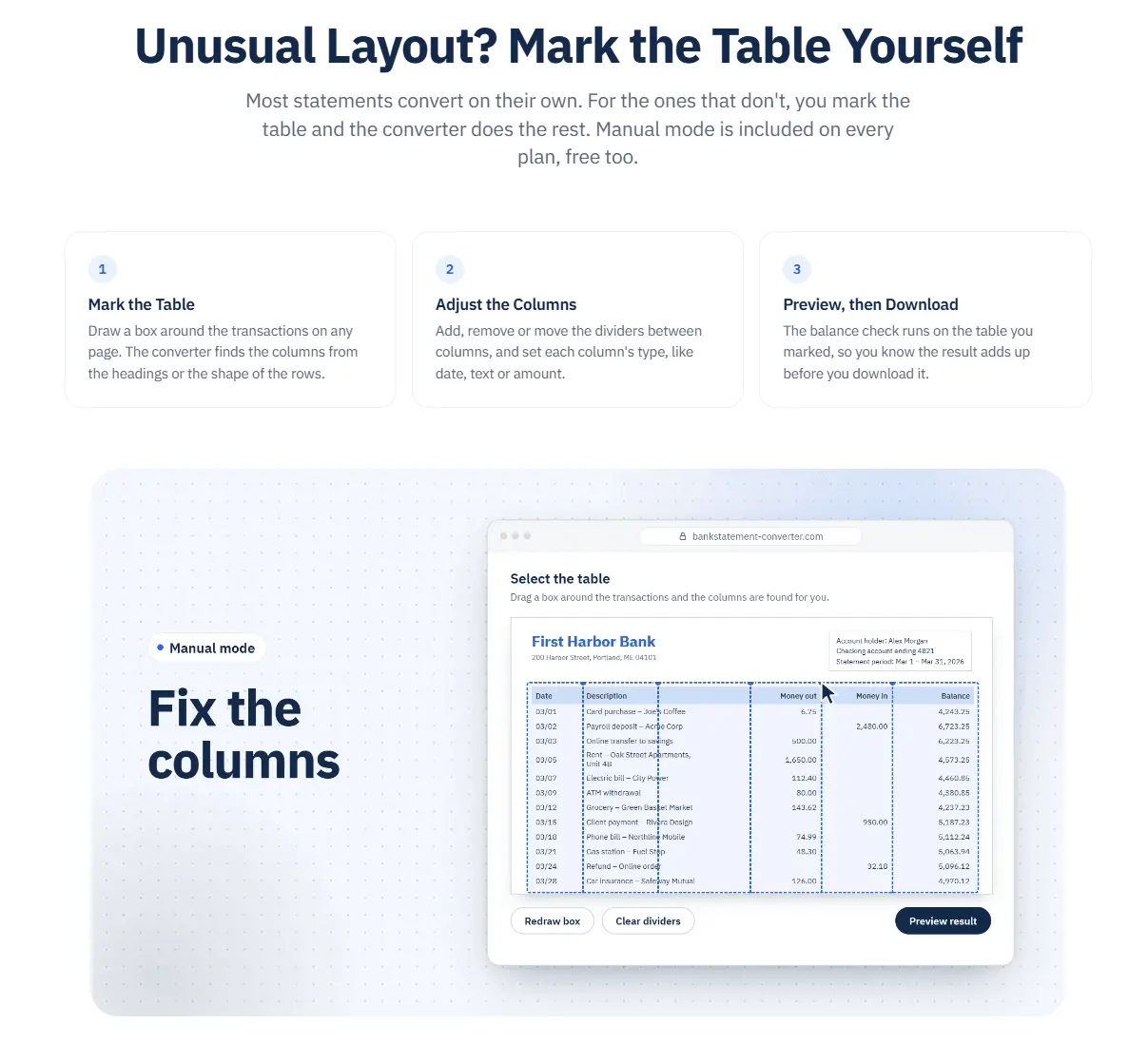
Banks send statements as PDFs, but bookkeeping happens in spreadsheets and accounting software. Copying transactions across by hand takes hours. Generic PDF converters are fast, but they often split one transaction across two rows, turn dates into text or lose a row at a page break. You usually find out later, when the numbers don't reconcile. How Bank Statement Converter - BSC works: 1. Upload a PDF bank statement (up to 50 MB). 2. The converter reads the statement's layout and builds a table with each transaction on its own row. Dates come out as real dates and amounts as numbers. 3. Check the preview. Where the statement prints a running balance, every row is checked against it, and you see how many rows add up before you download. 4. Download Excel (.xlsx) for Excel or Google Sheets, or CSV for QuickBooks, Xero and other accounting software. When a layout doesn't convert cleanly: Switch to manual mode. Draw a box around the transactions, then add, remove or move the column dividers and set each column as a date, text or amount. The balance check runs again on the table you marked. Re-running manual mode on the same file uses no extra pages, and manual mode is included on every plan. Scanned statements and higher volume: Pro and Team plans add OCR for scanned statements and batch conversion: drop several PDFs at once and download the results as a ZIP file. Who it's for: Bookkeepers, accountants and small business owners who work with statements from worldwide banks. Pricing: Free forever: 5 pages a day without an account, or 10 with a free account. Paid plans start from $5/mo, with no charge for extra pages. Privacy: Uploads are encrypted and processed in the EU (Frankfurt). Files are deleted about an hour after upload. They are never backed up, sold or used to train AI, and we never ask for your online banking login.
Product Video
Watch a video demo of Bank Statement Converter - BSC.
Screenshots
Reviews (0)
No reviews yet. Be the first to rate this product!
Comments (0)
No comments yet. Be the first to share your thoughts!