
BarBlock
Stop Doomscrolling using Barcodes


Details
- Use Cases
- Target Audience
- Platforms
Discovery signals
How AI and people discover BarBlock on PeerPush
About BarBlock
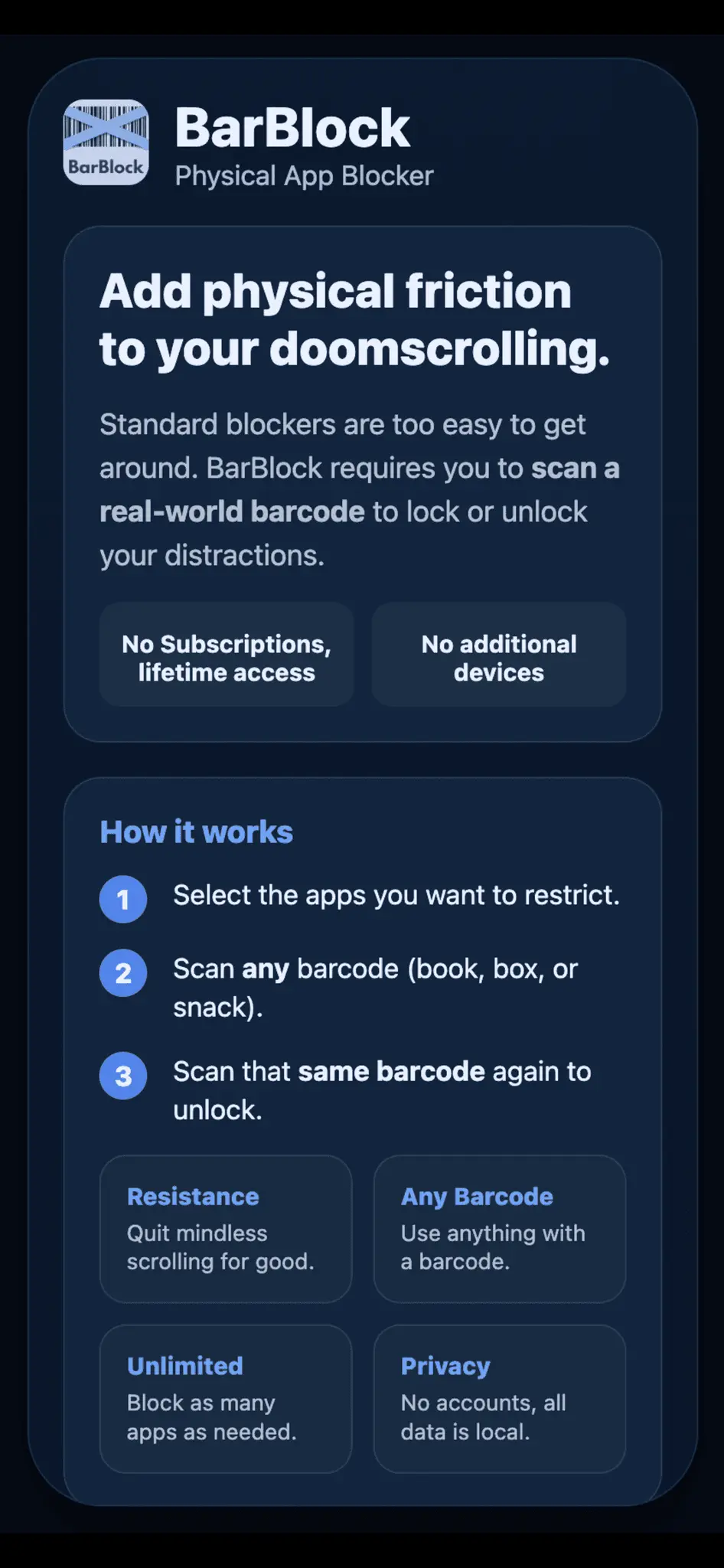
I kept bypassing iPhone screen-time blockers because they’re easy to turn off, and the ones that do add resistance usually require buying a separate physical device. I built BarBlock to fix that and make scrolling more inconvenient. BarBlock lets you block selected apps by scanning any barcode you already have (a book, cereal box, etc.). To unblock those apps, you have to scan the same barcode again. That small moment of inconvenience creates a pause before mindlessly opening distracting apps without needing extra hardware. The app has been super helpful for me, and I waste a lot less time now. Key differences: Uses physical resistance (barcode scanning), not just software limits No physical device to buy, unlike other physical blocker apps No subscriptions, no accounts Unlimited app blocking Works fully offline (all data stays on your phone) Happy to answer questions or get feedback, especially from people who’ve tried other blockers that didn’t stick.
Screenshots
Reviews (0)
No reviews yet. Be the first to rate this product!
Comments (0)
No comments yet. Be the first to share your thoughts!