
bulldo.gs
Plain English to working Google Apps Script.

Details
- Follow on
- Categories
- Target Audience
- Pricing
- Freemium
- Platforms
- Featured in
- Alternatives
 Make alternatives
Discovery signals
How AI and people discover bulldo.gs on PeerPush
By AI reads among Automation & Workflow tools
4,762 AI reads in the last 30 days, ranked against every Automation & Workflow tool listed.About bulldo.gs
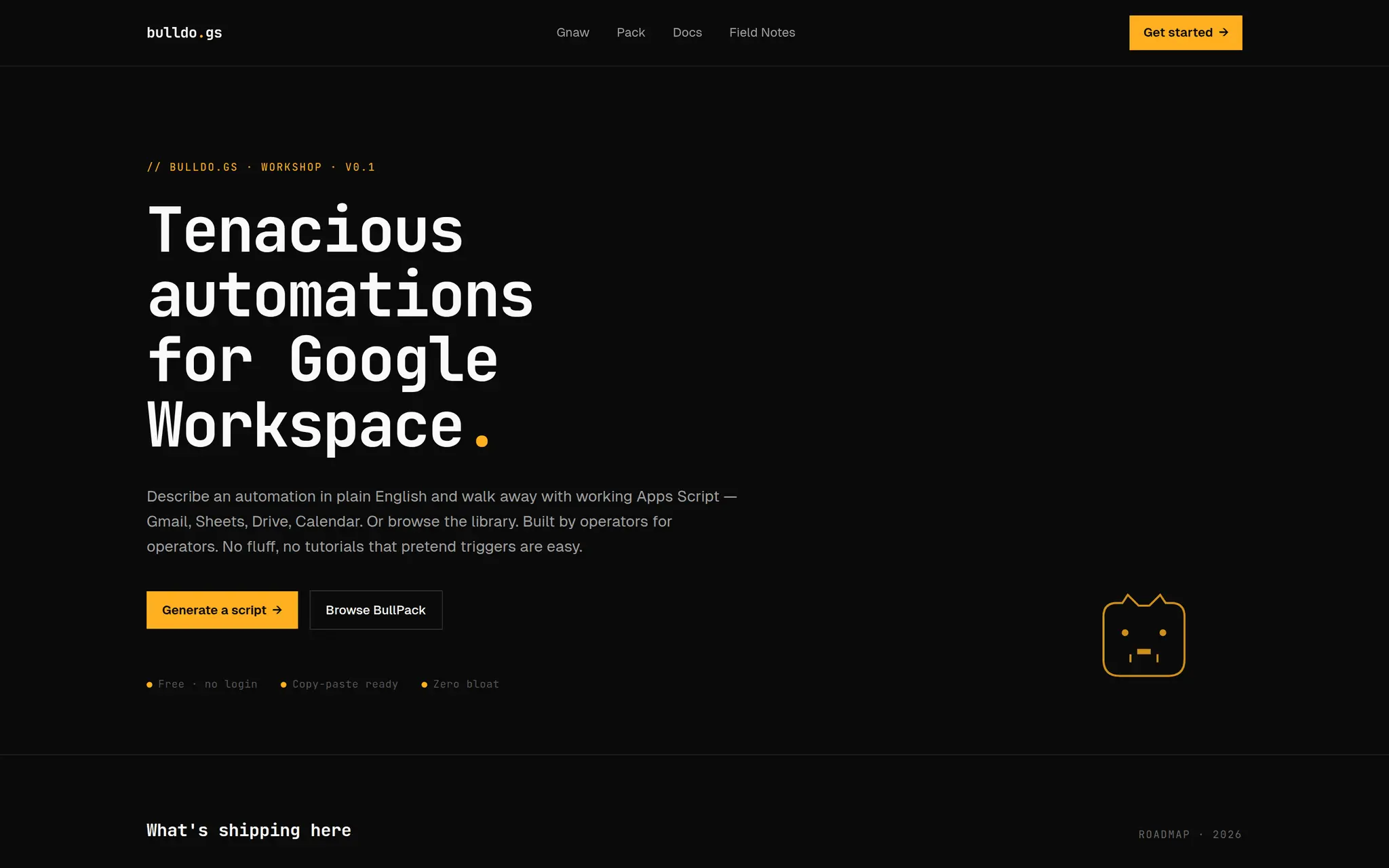
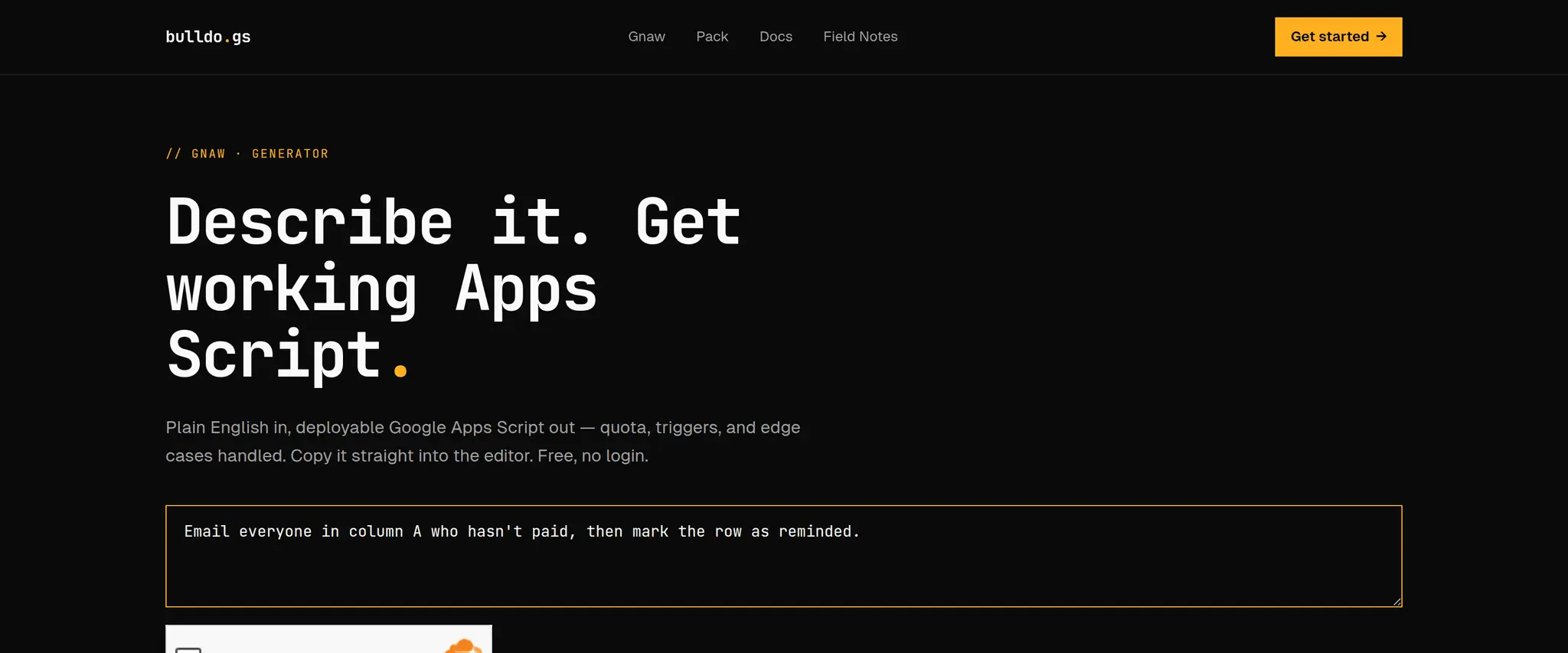
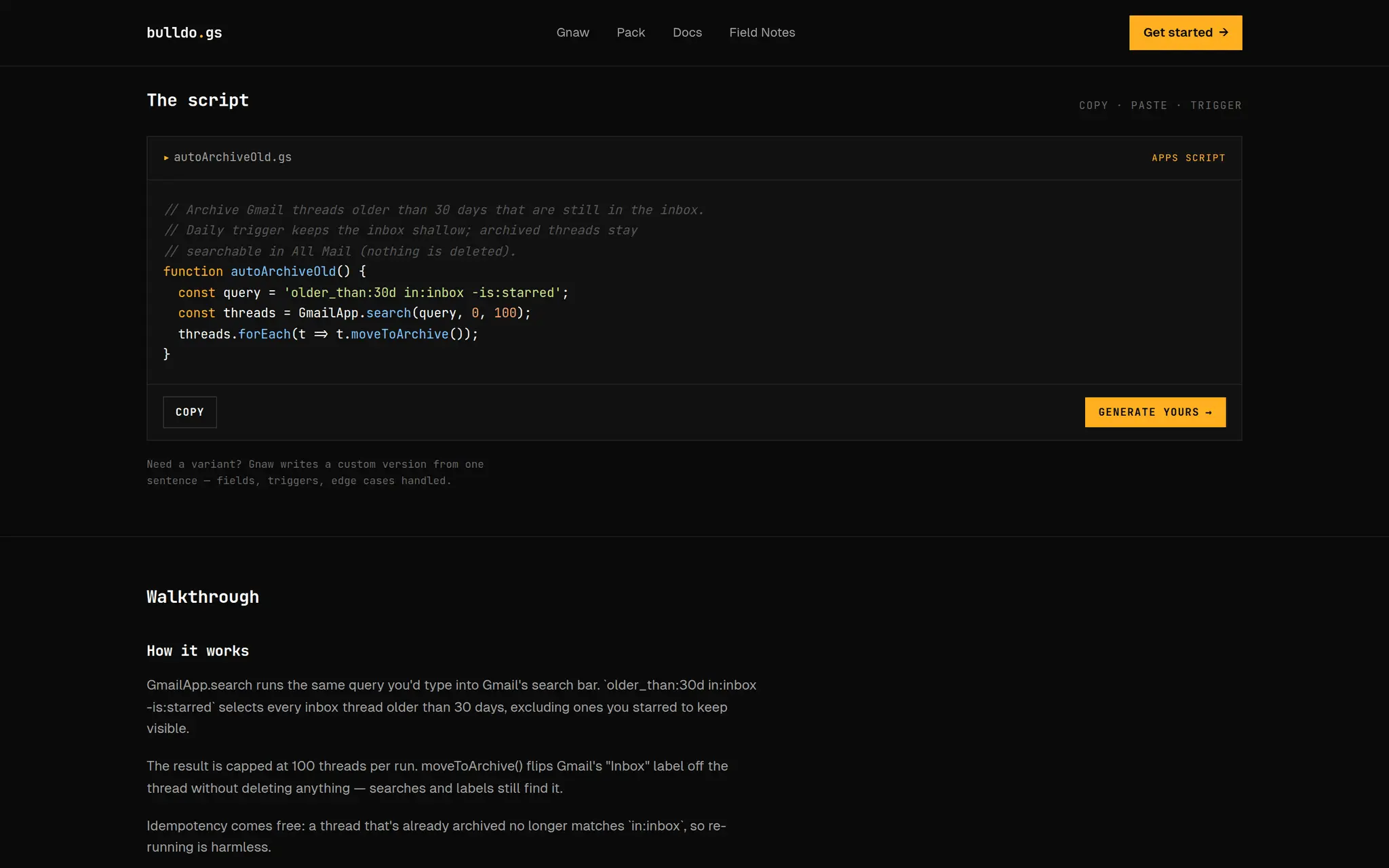
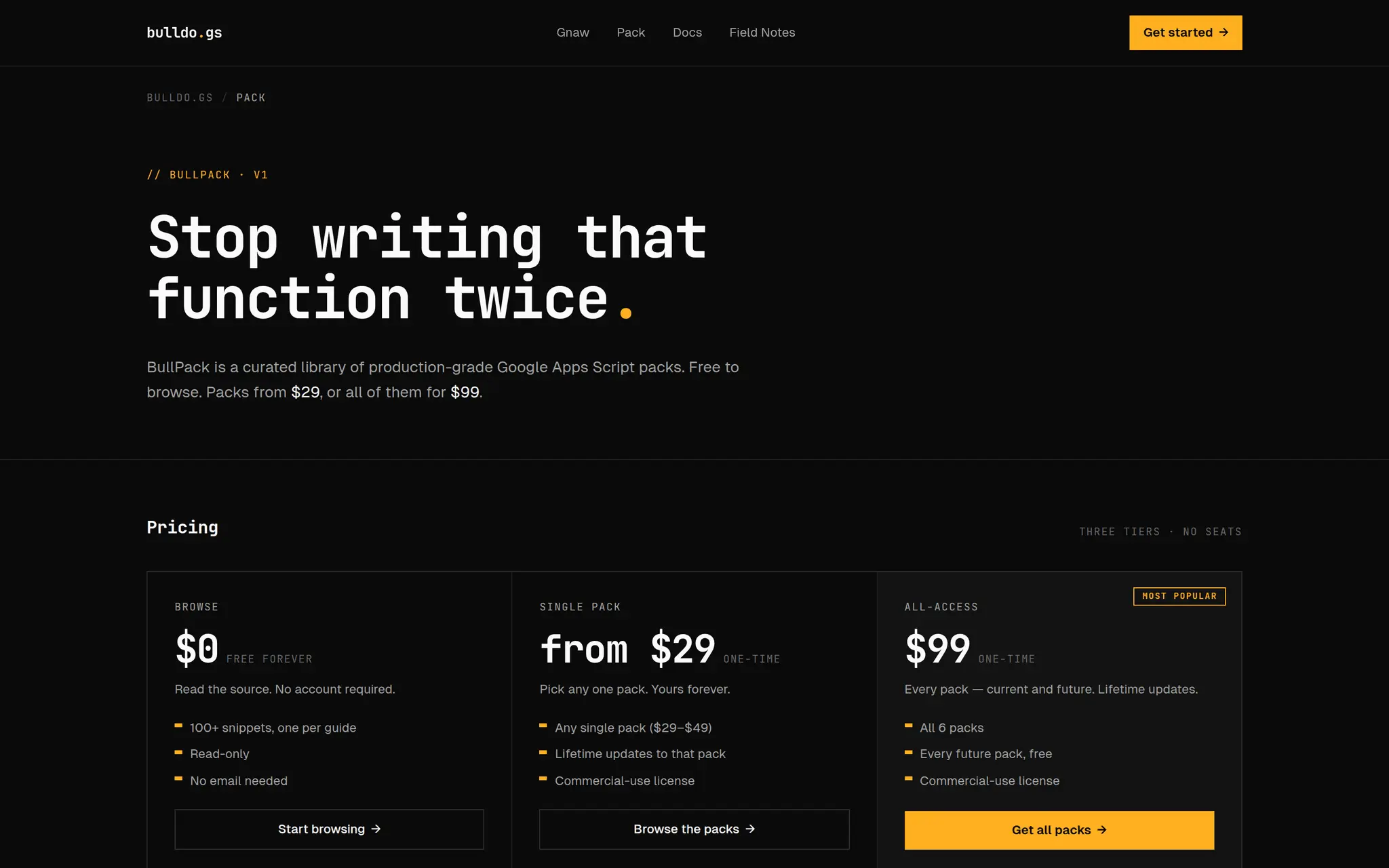
bulldo.gs turns a plain-English description of a Google Workspace automation into working Google Apps Script. You type what you want — "file Gmail attachments into Drive by month", "email me a digest of yesterday's form responses", "archive every thread older than a year unless it's starred" — and it hands back code you paste straight into the Apps Script editor and run. The point is that the code was never the hard part. Knowing that older_than: and -is:starred are real Gmail search operators, that onEdit doesn't fire on API writes, that a long job has to checkpoint around the 6-minute execution limit — that's what eats your afternoon. bulldo.gs handles the quota limits, triggers, and idempotency so the script works the first time. It covers Sheets, Gmail, Drive, Docs, Calendar, and Forms. Free, no login, no generation cap, and every result gets a shareable permalink. There's also a library of 140+ worked examples for the common cases, if you'd rather start from something close and tweak it. It's for people who live in Google Workspace and keep doing the same manual thing every week — and would automate it if writing the script weren't the bottleneck.
Product Video
Watch a video demo of bulldo.gs.
Screenshots
Reviews (0)
No reviews yet. Be the first to rate this product!
Comments (2)
bulldo.gs is brilliant for automating Google Workspace tasks without coding. The plain-language to Apps Script conversion is incredibly intuitive and saves hours on manual scripting. Perfect for managing Google Sheets or Docs workflows.
Thanks. If a generated script ever trips on a quota limit or a trigger edge case, post the prompt here. Those are exactly the ones I want to see.
Built this because I kept writing the same Apps Script glue by hand. Free, no login — describe the automation, get a script that handles the quota/trigger gotchas. Feedback welcome, especially on case