
ClickSay
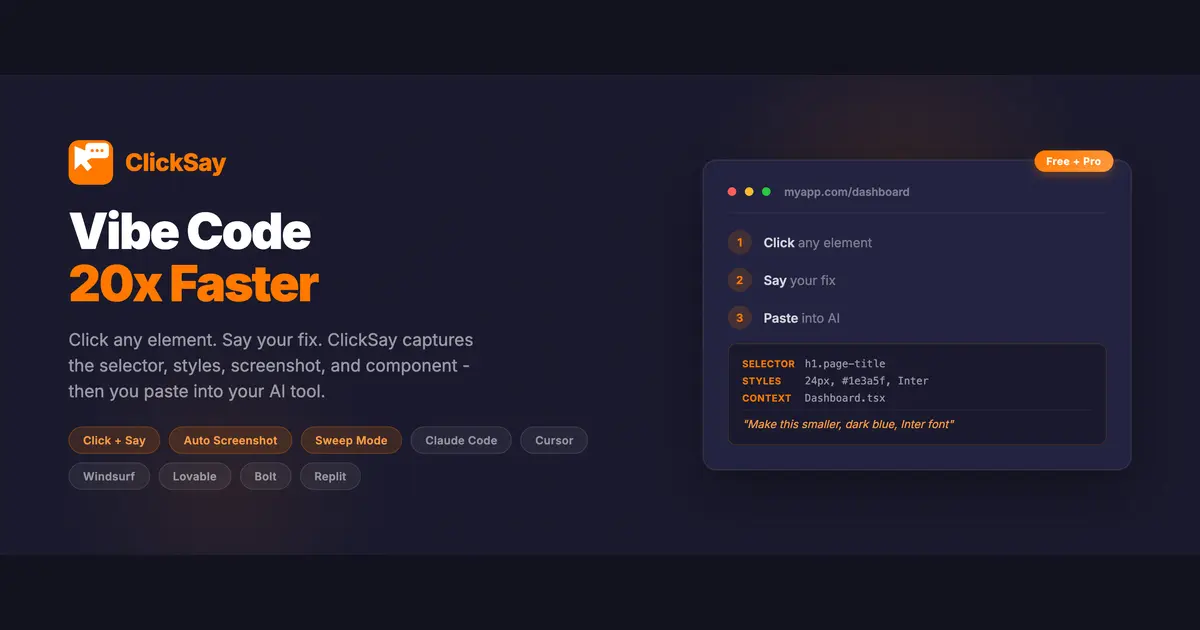
Click any element. Say your fix. Paste into AI.
F
@fred5029
Details
- Follow on
- Categories
- Target Audience
- Pricing
- Freemium
- Platforms
Discovery signals
How AI and people discover ClickSay on PeerPush
About ClickSay
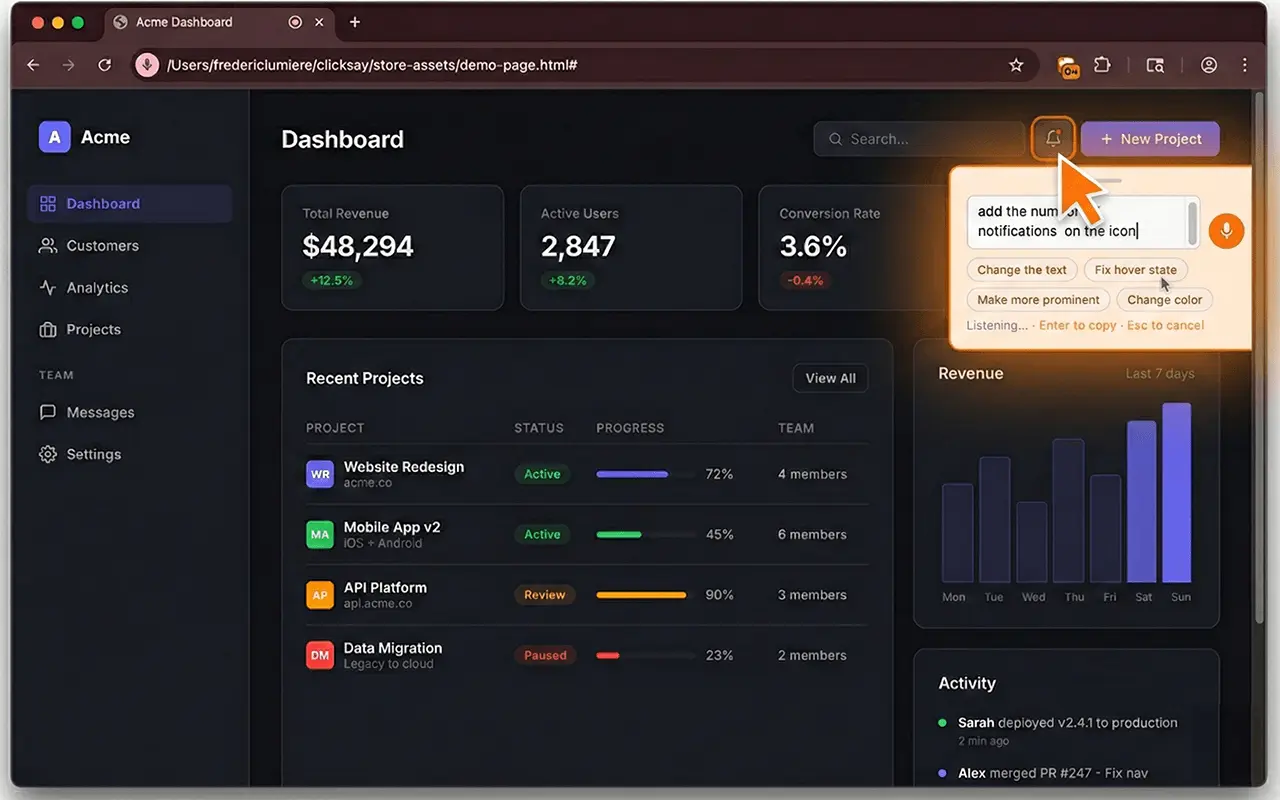
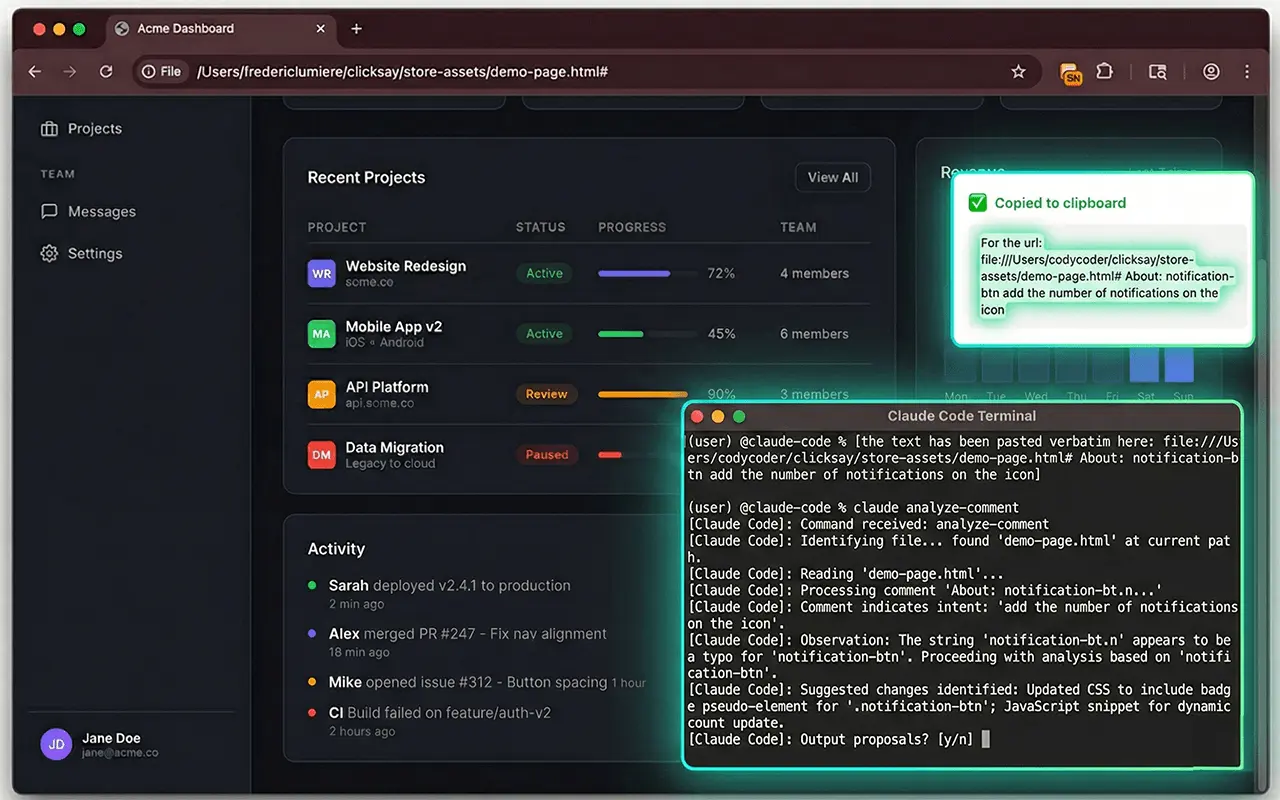
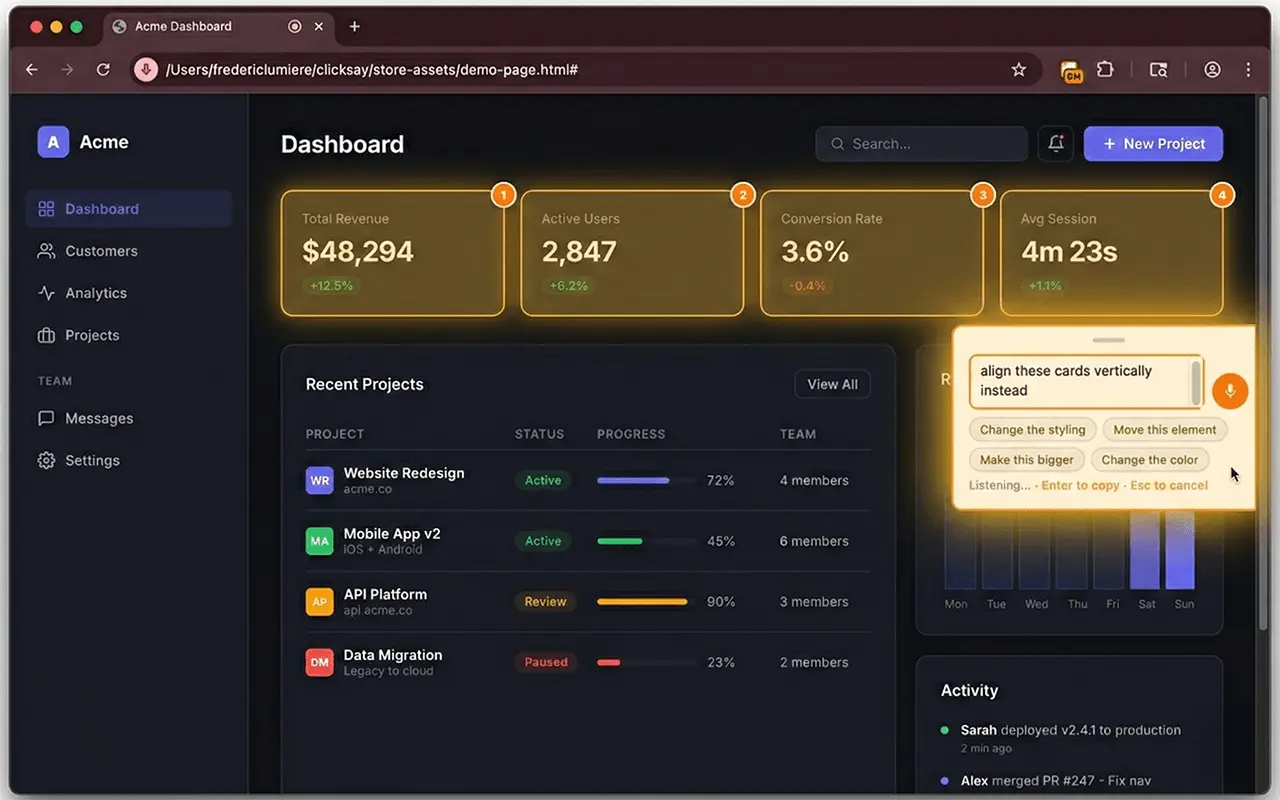
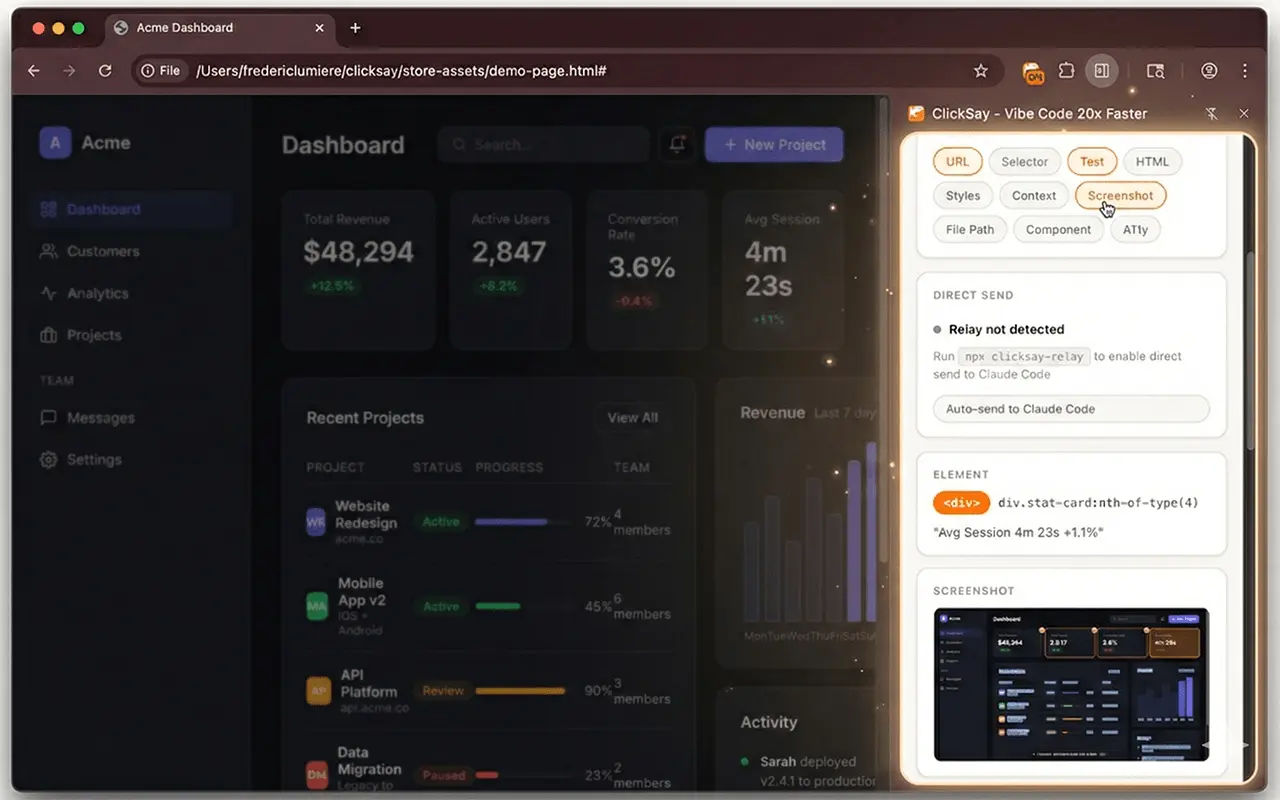
ClickSay is at the heart of the vibe coding workflow, acting as a bridge between your browser and AI code assistants. You can click any element on a webpage, speak your desired fix or adjustment, and the tool automatically captures the relevant CSS selector, computed styles, a screenshot, and the component name. You can then paste this context directly into tools like Claude Code, Cursor, or Lovable to streamline your development and debugging process.
Screenshots
Reviews (0)
No reviews yet. Be the first to rate this product!
Comments (3)
A click-to-speak bridge between the browser and AI code assistants is a clever workflow tool for vibe coders and frontend devs.
Good
How does this work