
Clipnote
Keep, view, and share what your AI makes — over MCP

https://mcp.clipnote.paritto.dev/mcpDetails
- Follow on
- Categories
- Target Audience
- Pricing
- Free
Discovery signals
How AI and people discover Clipnote on PeerPush
About Clipnote
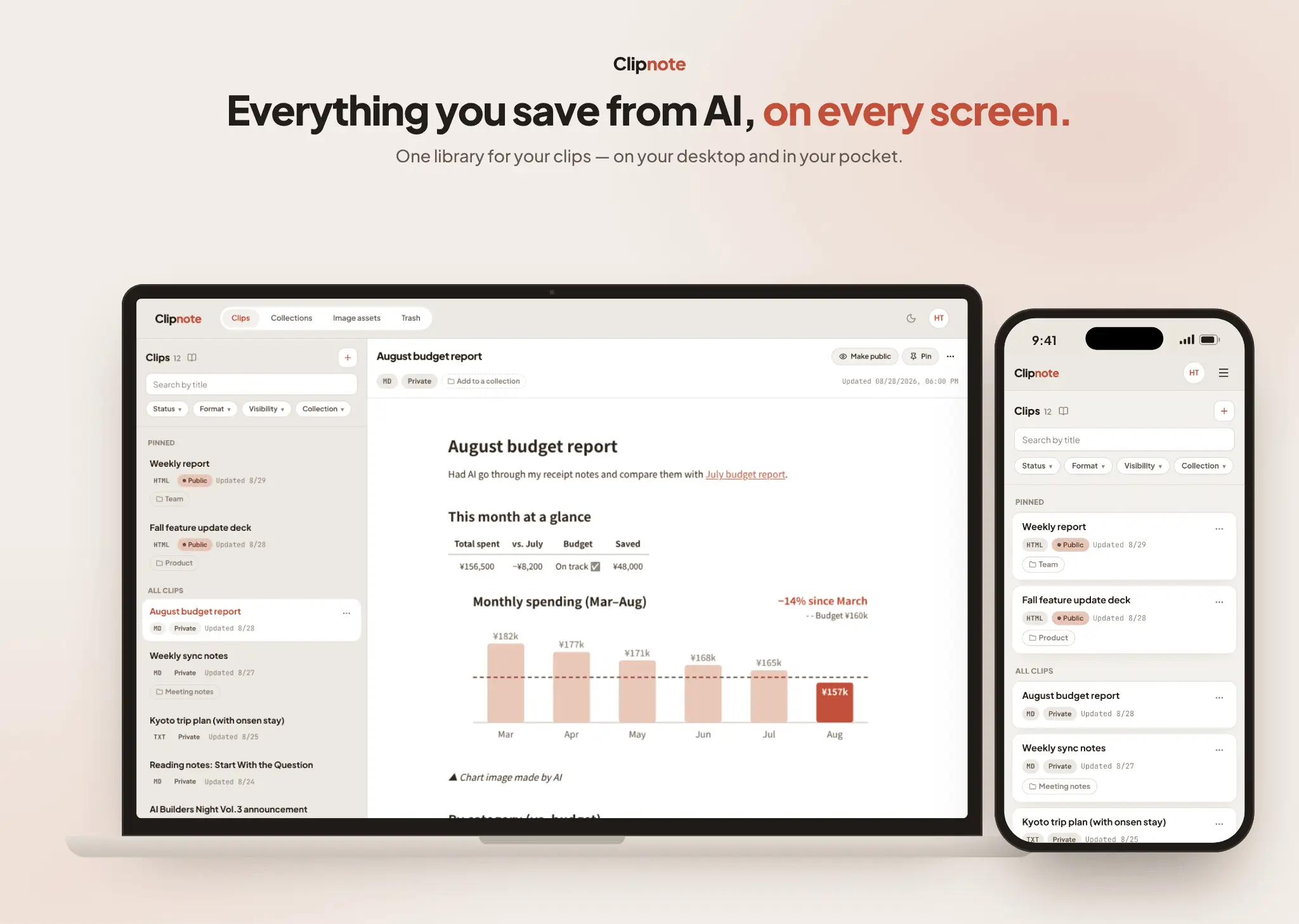
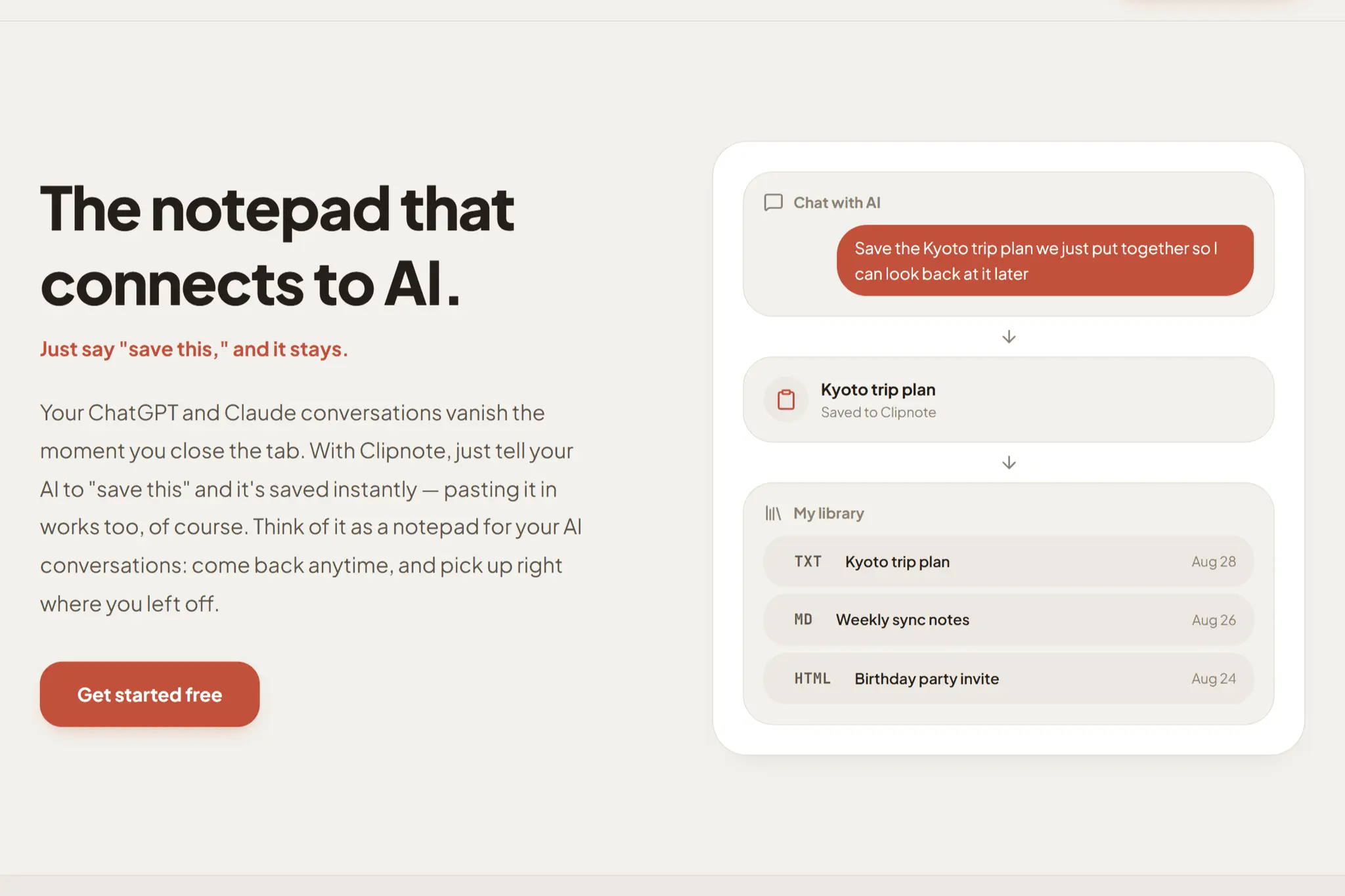
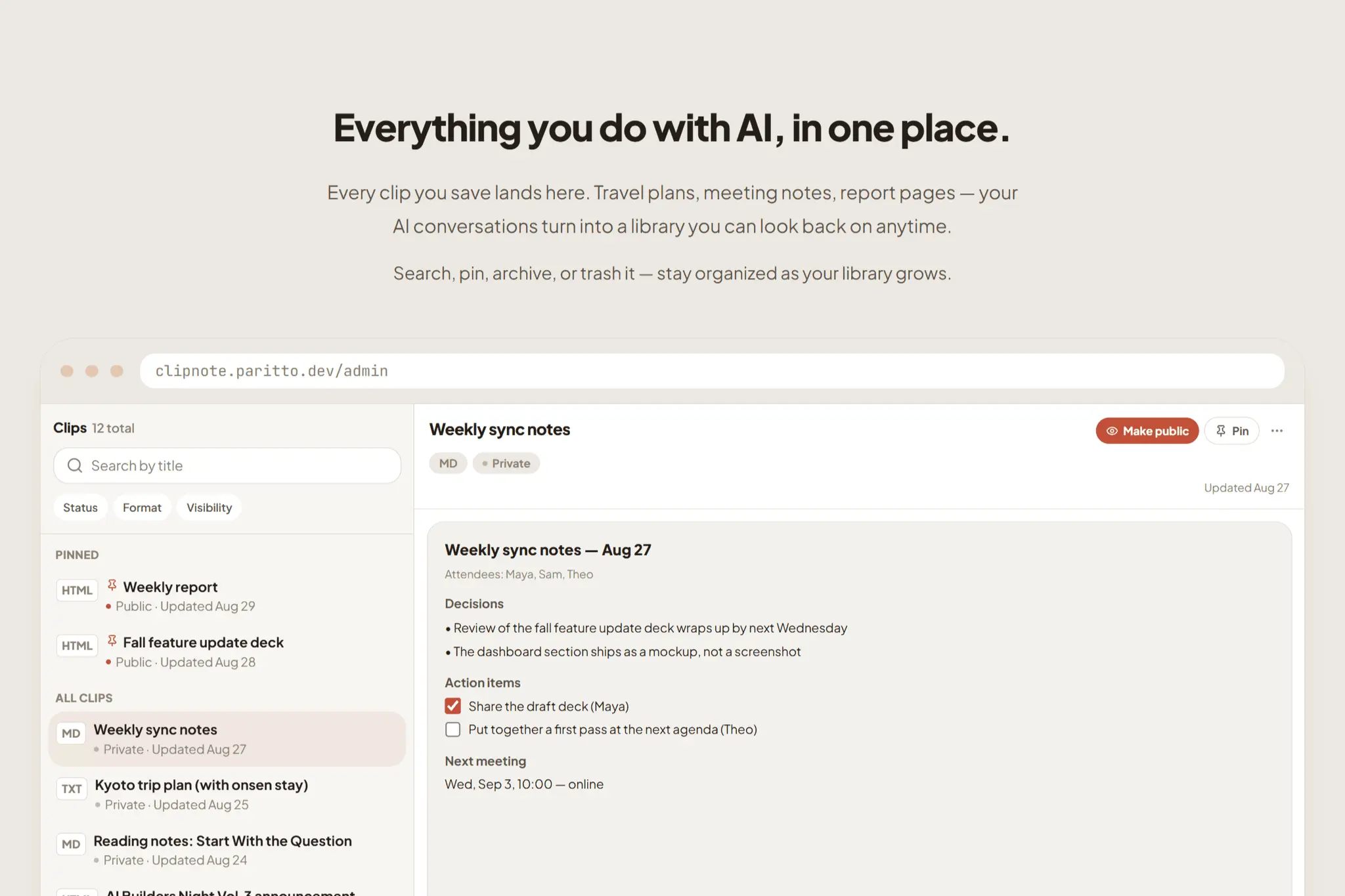
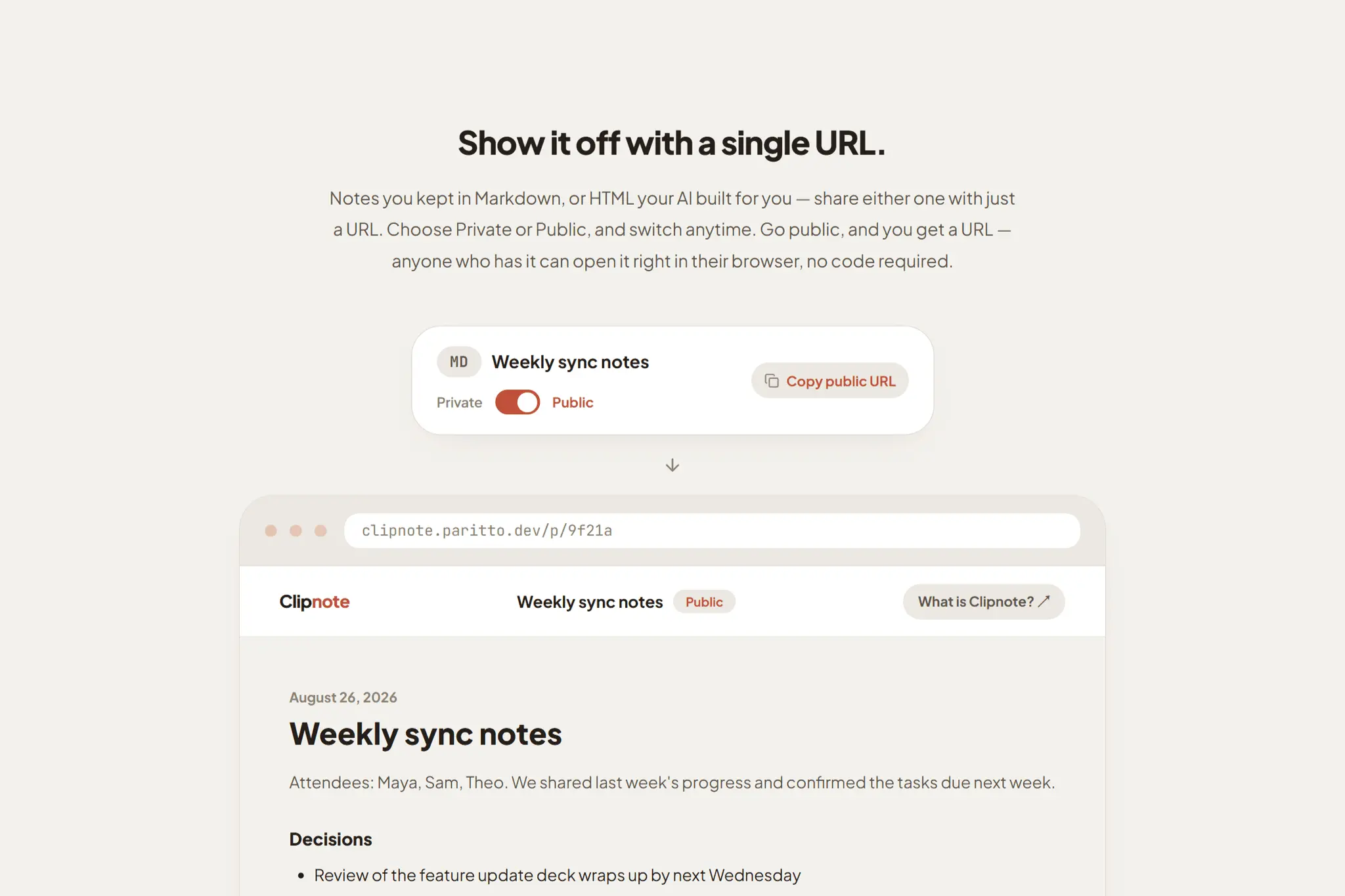
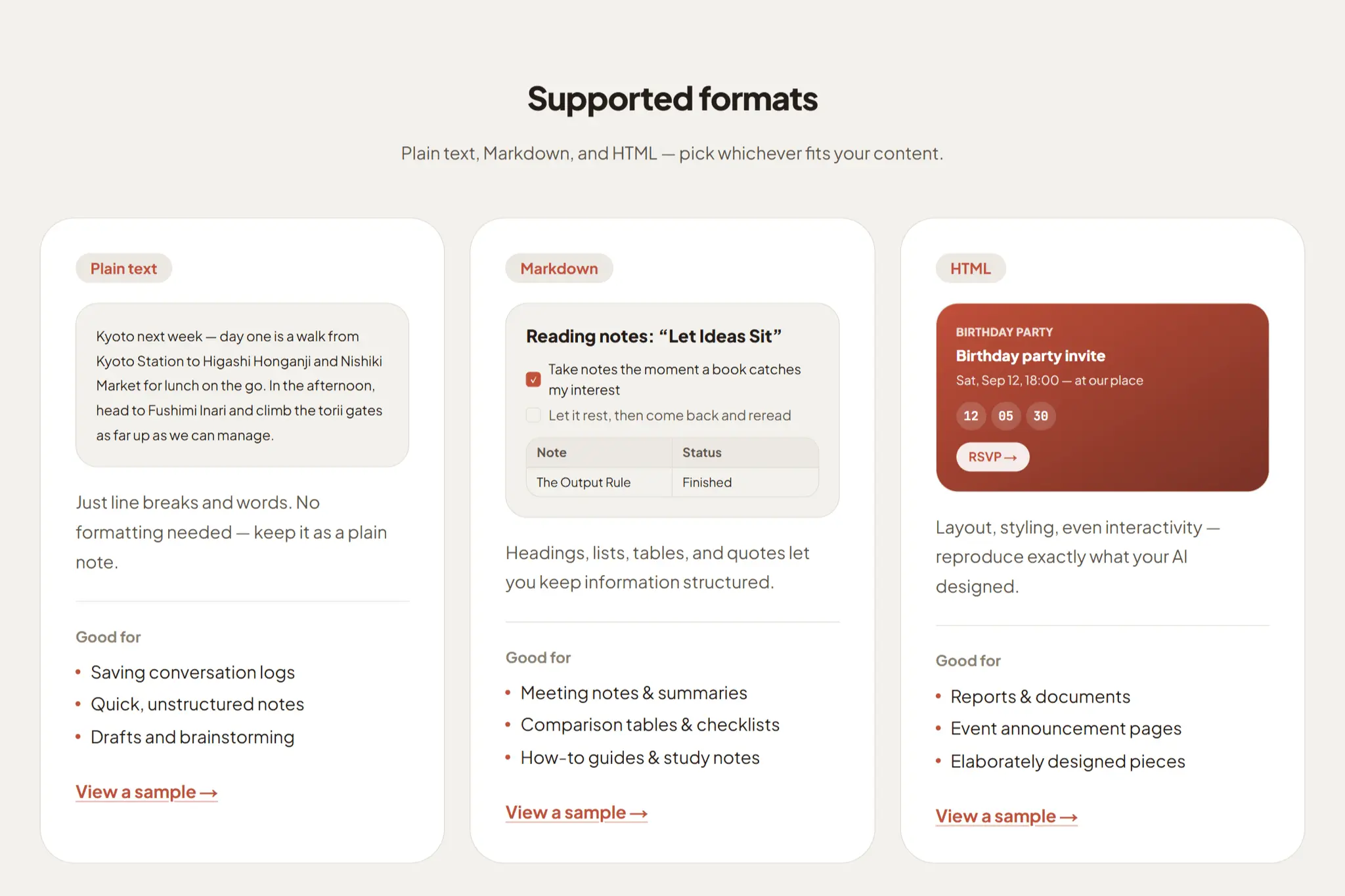
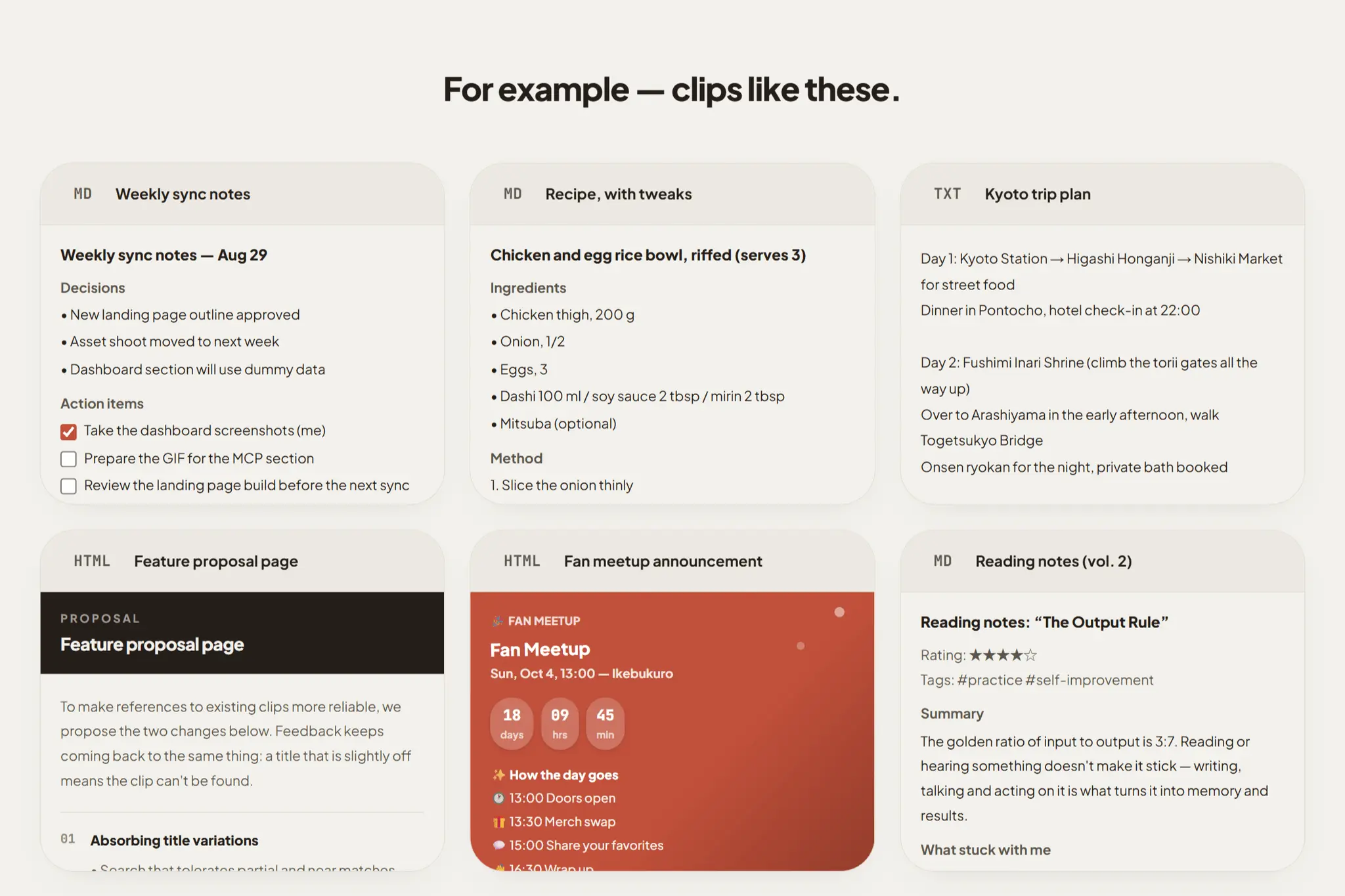
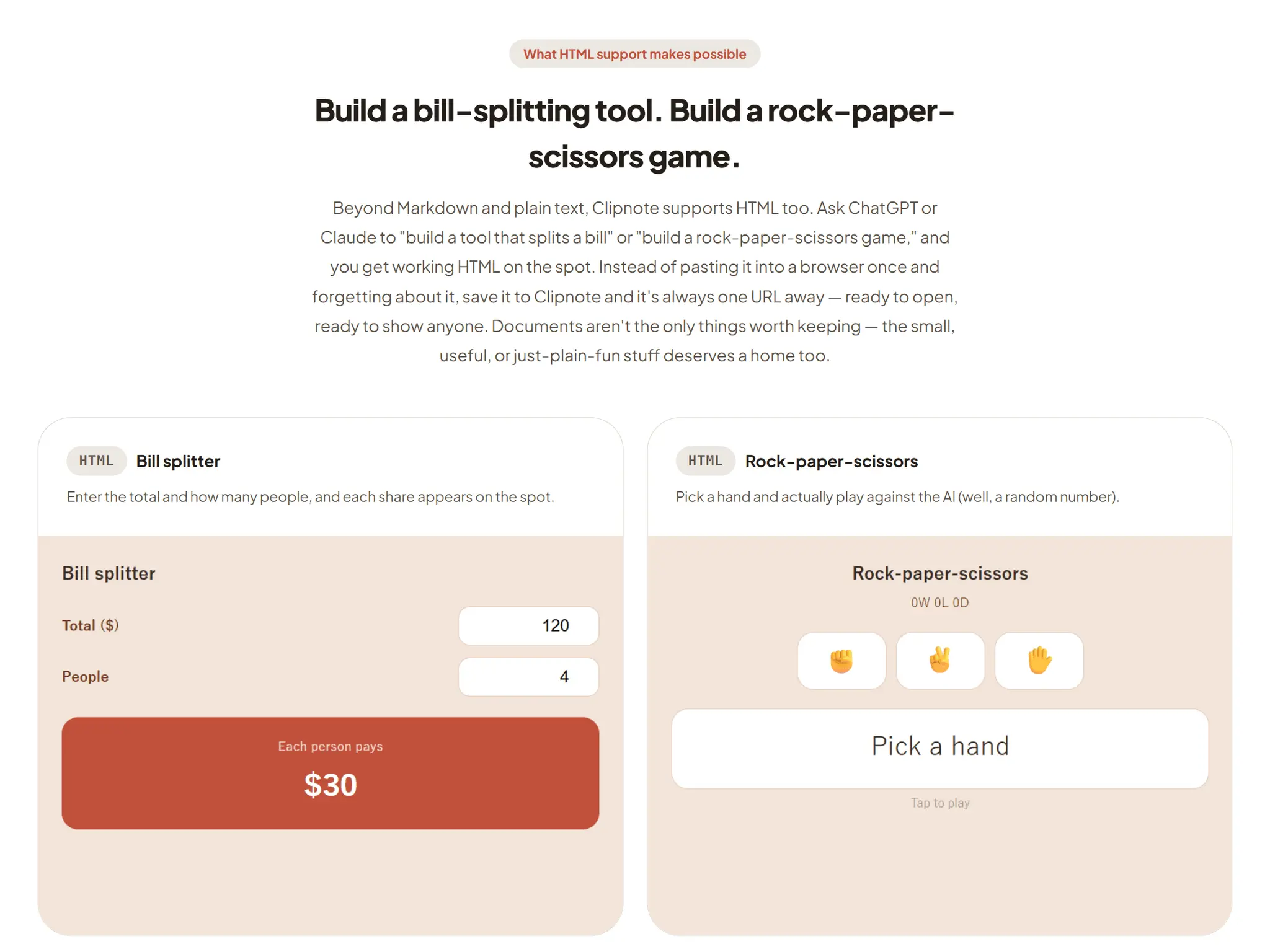
Clipnote is a place to keep the things you make with AI. Connect it to Claude or ChatGPT over MCP, and saving is a sentence away: say “save this to Clipnote” and the clip is created — no copying, no tab switching, no manual filing. (Pasting works too.) Plain text, Markdown, and HTML all render the way the AI built them — diagrams, tables, styled layouts, even charts and images embedded right in the clip. Everything is private by default. When you want to share, publish any clip at its own URL, or group related clips into a collection and share them as a single page. Your AI can read saved clips back, too — so the work you did last week is still there in the conversation you’re having today. Free. Works with every Claude plan, including Free — on desktop and mobile.
Screenshots
Reviews (0)
No reviews yet. Be the first to rate this product!
Comments (1)
Clipnote saves the things you make with AI. Connect it to Claude or ChatGPT over MCP and just say "save this to Clipnote" — no copying, no tab switching. Text, Markdown, and HTML are all supported, an