
ClipTrend
Create viral AI videos with trending effect templates

Details
- Categories
- AIVideo & Audio Tools
- Use Cases
- AI Video GenerationContent Creation
- Target Audience
- Content CreatorsSocial Media ManagersMarketers
- Pricing
- Subscription from $14.99
- Platforms
- Web
Discovery signals
How AI and people discover ClipTrend on PeerPush
By AI reads among AI tools
1,207 AI reads in the last 30 days, ranked against every AI tool listed.About ClipTrend
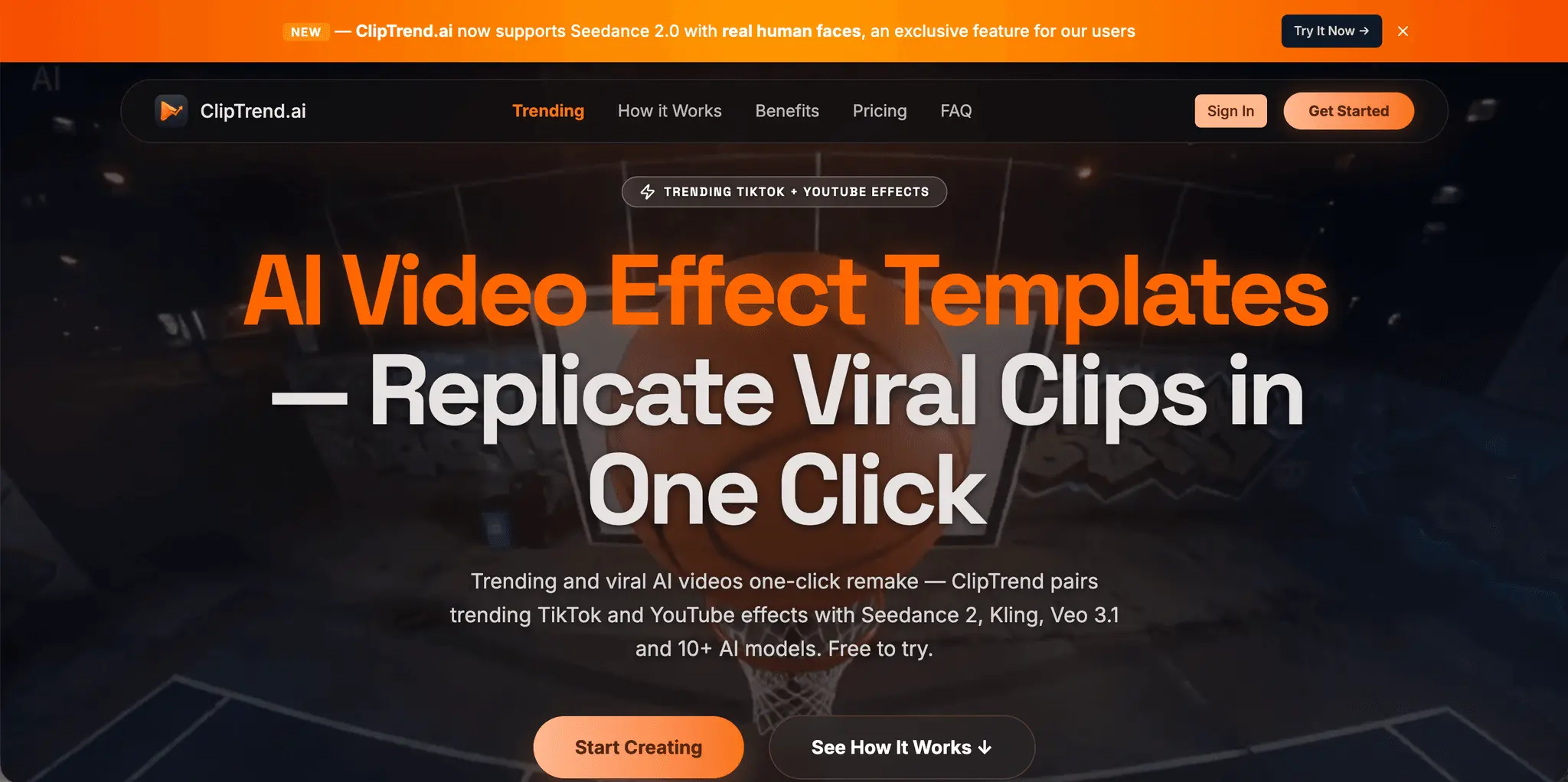
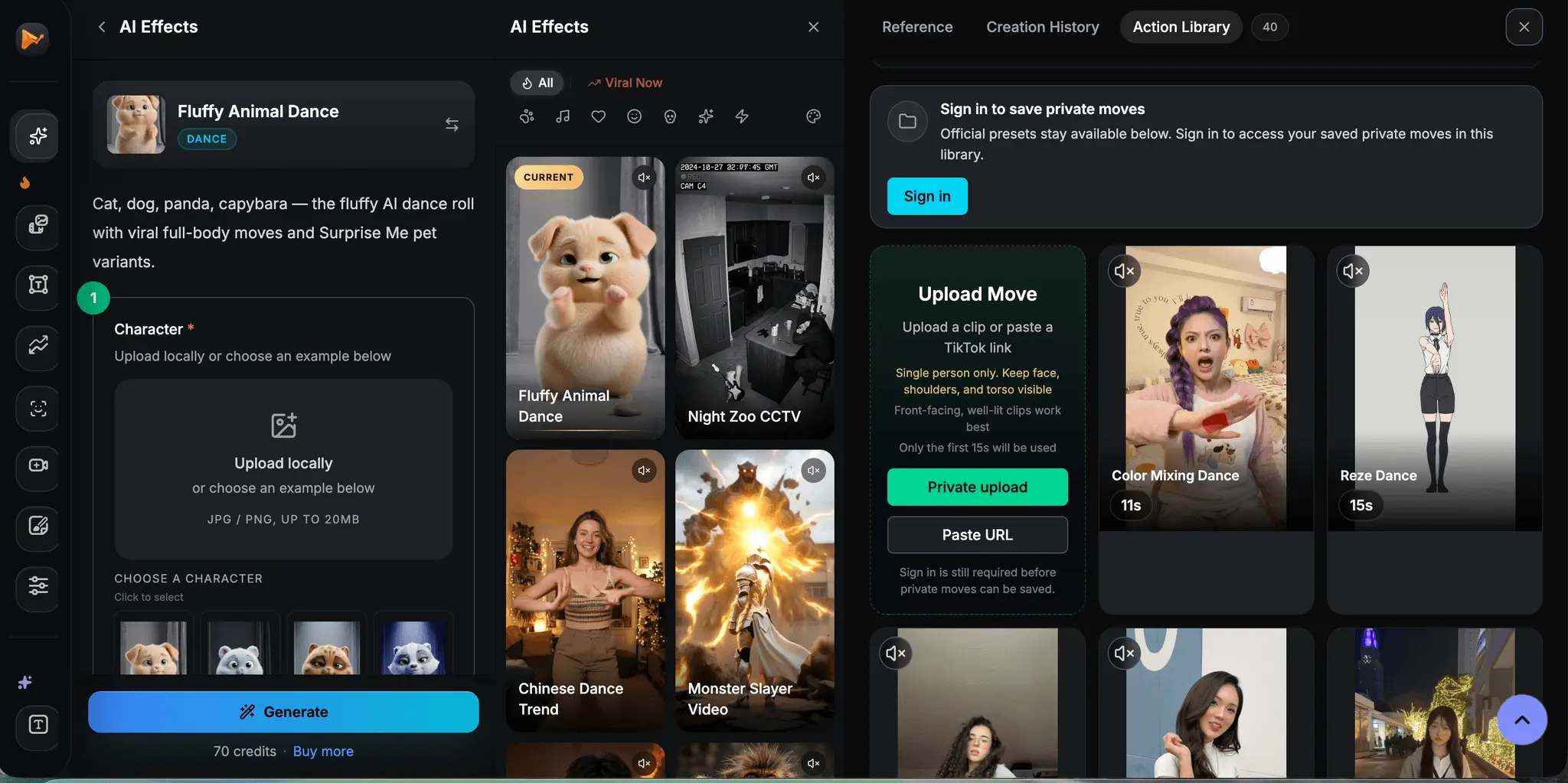
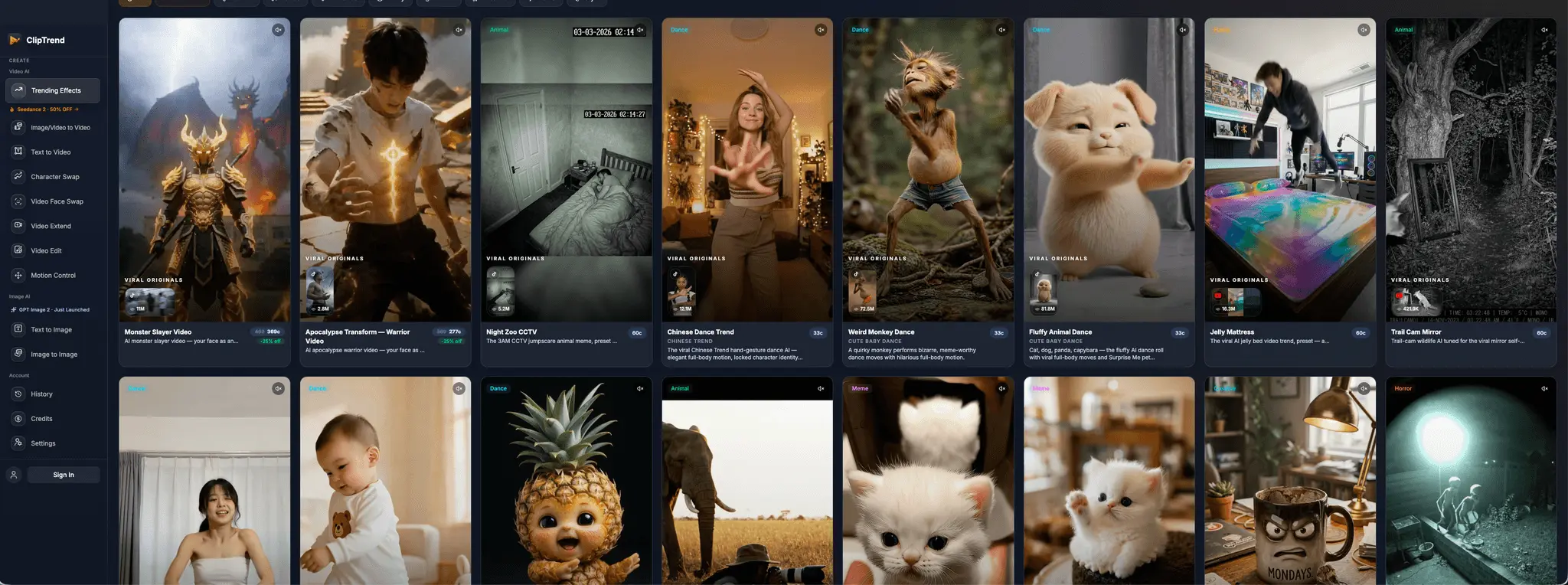
You scroll TikTok at lunch and see viral AI videos one after another — an Apocalypse Warrior mid-transformation made by Seedance 2 at 2.8M views, a cute fluffy animal dance at 81.8M. You think "I want to make one of those." So you open Runway or Pika, hit a blank prompt box, and close the tab. ClipTrend.ai skips that step. Every week we watch what's actually going viral on TikTok and YouTube, and turn each viral effect into a one-click template. The templates aren't stock thumbnails. Click into any card and you see three to five real TikTok and YouTube videos using the exact same format — all currently viral, all with their actual view counts attached. So before you spend a credit, you verify the format is genuinely trending across creators, not a one-off outlier. Apocalypse Warrior at 2.8M. Monster Slayer at 11M. Wildlife at 91.5M. Numbers on the cards, not vibes. You stay in control before you generate, too. ClipTrend.ai shows you a still image first — what the model is about to make — so you're not gambling fifty cents on a clip you might hate. A preset variant description is filled in for you, but you can rewrite it: "same energy but darker," "swap the dance for a slow walk-toward-camera," whatever specific deviation you want. The variant lands where you point it, not where the model guesses. 50+ templates live, 120M+ tracked trend views. Behind them sit 10+ top-tier AI models — Seedance 2, Kling 3, Veo 3.1, Wan 2.7, Nano Banana Pro, GPT Image 2 and others. You never pick. ClipTrend.ai routes your render to whichever fits best. A workflow nothing else does cleanly: paste a TikTok URL and ClipTrend.ai extracts the motion straight from that clip — dance, combat, camera moves — and replays it on your character. No download, no re-upload, no description of the move. URL in, motion out. Here's what most consumer tools won't tell you: the strongest model for real-face transformations is Seedance 2 — and almost every consumer-facing AI video tool refuses to let you use Seedance 2 with a real human face on it. Upload a selfie? Blocked or routed to a weaker model. Reference video with you in it? Same — blocked, or your face quietly swapped to a generic AI face. ClipTrend.ai doesn't. Seedance 2 real-face reference is on every plan, including the $14 entry tier. Your face stays your face. For trend formats where being recognizable is the entire point, that's the whole job. Pricing — this is where same-model tools usually take a bigger bite. From $14 first month. Same top-tier models (Seedance 2, Kling 3, Veo 3.1, Wan 2.7) but 20%+ more videos than Pollo AI / Higgsfield / OpenArt / Freepik on every plan. Up to 4× more for some models. Full price comparison on the homepage — verified 2026-04-22. $14 buys 26 Kling 3 videos here vs 6 / 21 / 23 / 22 elsewhere. Same model, same tier, more output. Who it fits — creators chasing trends, marketers shipping TikTok content weekly, founders who want viral-format product demos without an editor. Not the right tool for fully open-ended creative video (Runway), enterprise avatar workflows (Synthesia), or long narrative shorts (Sora). Sharper, narrower wedge: trend remakes. Free to try, no credit card. cliptrend.ai → pick a template → upload a selfie → done.
Product Video
Watch a video demo of ClipTrend.
Screenshots
Reviews (0)
No reviews yet. Be the first to rate this product!



Comments (3)
nice!
Great idea - would love to try!
This is interesting. Will love to try this out.