
CostTalk: Team Expense Tracker
The chat-based project ledger to track expenses


Details
- Categories
- Target Audience
- Pricing
- Free
- Platforms
Discovery signals
How AI and people discover CostTalk: Team Expense Tracker on PeerPush
About CostTalk: Team Expense Tracker
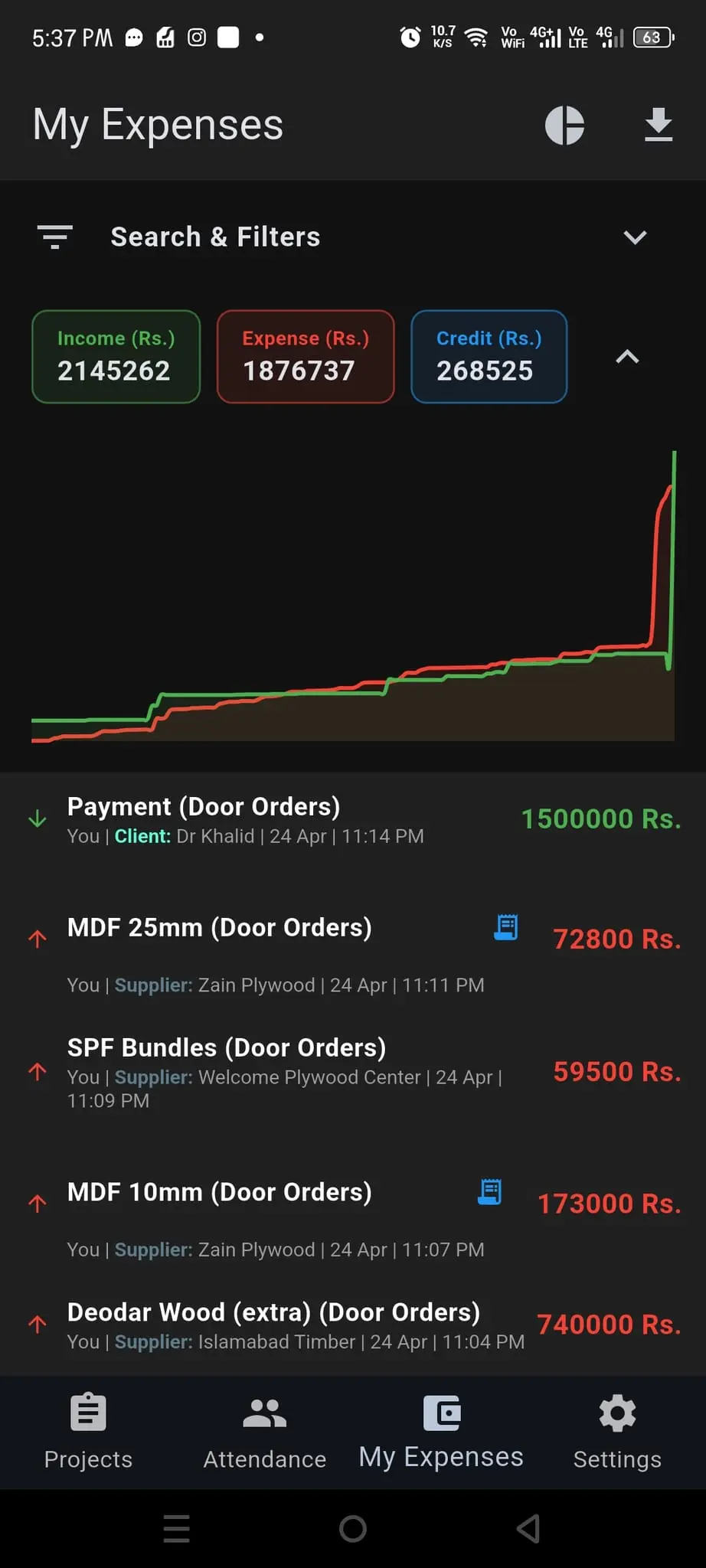
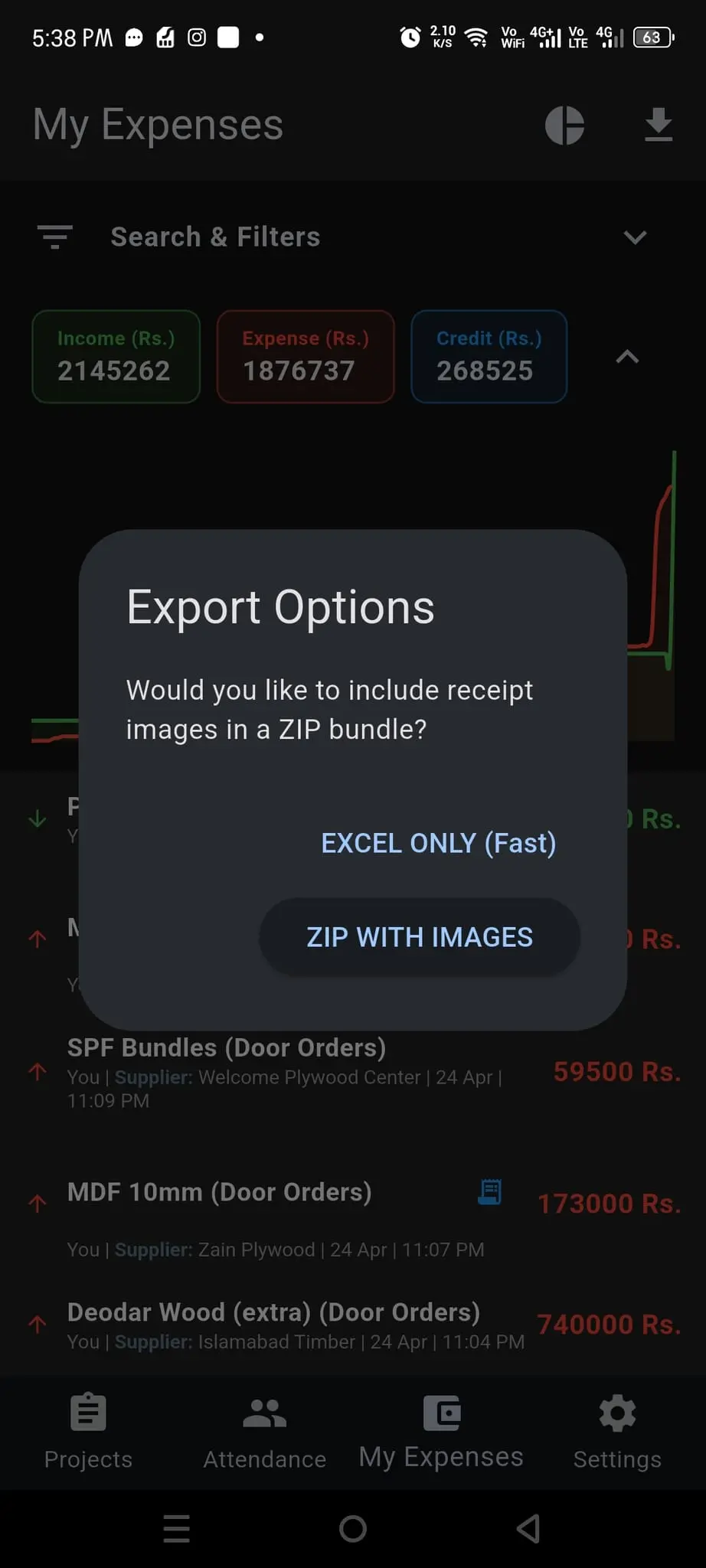
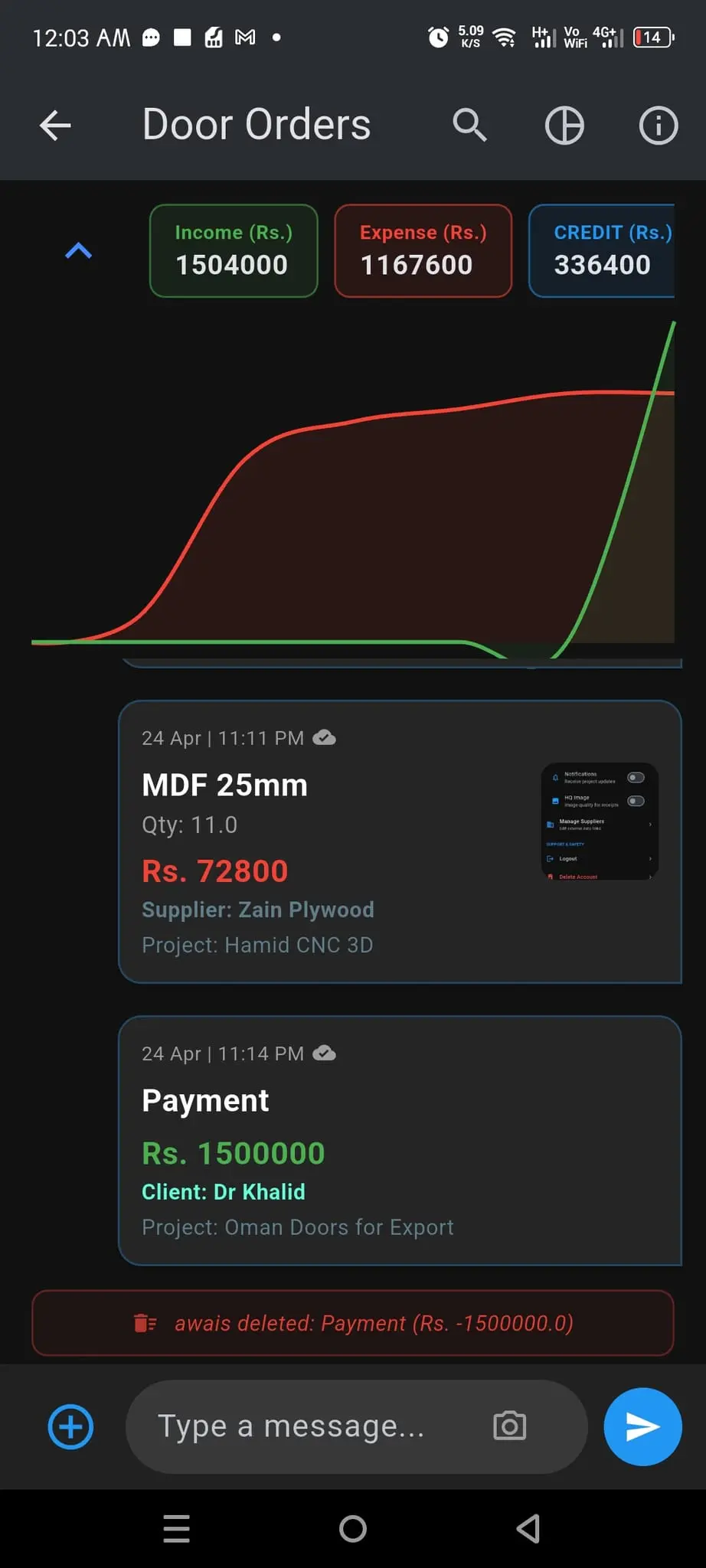
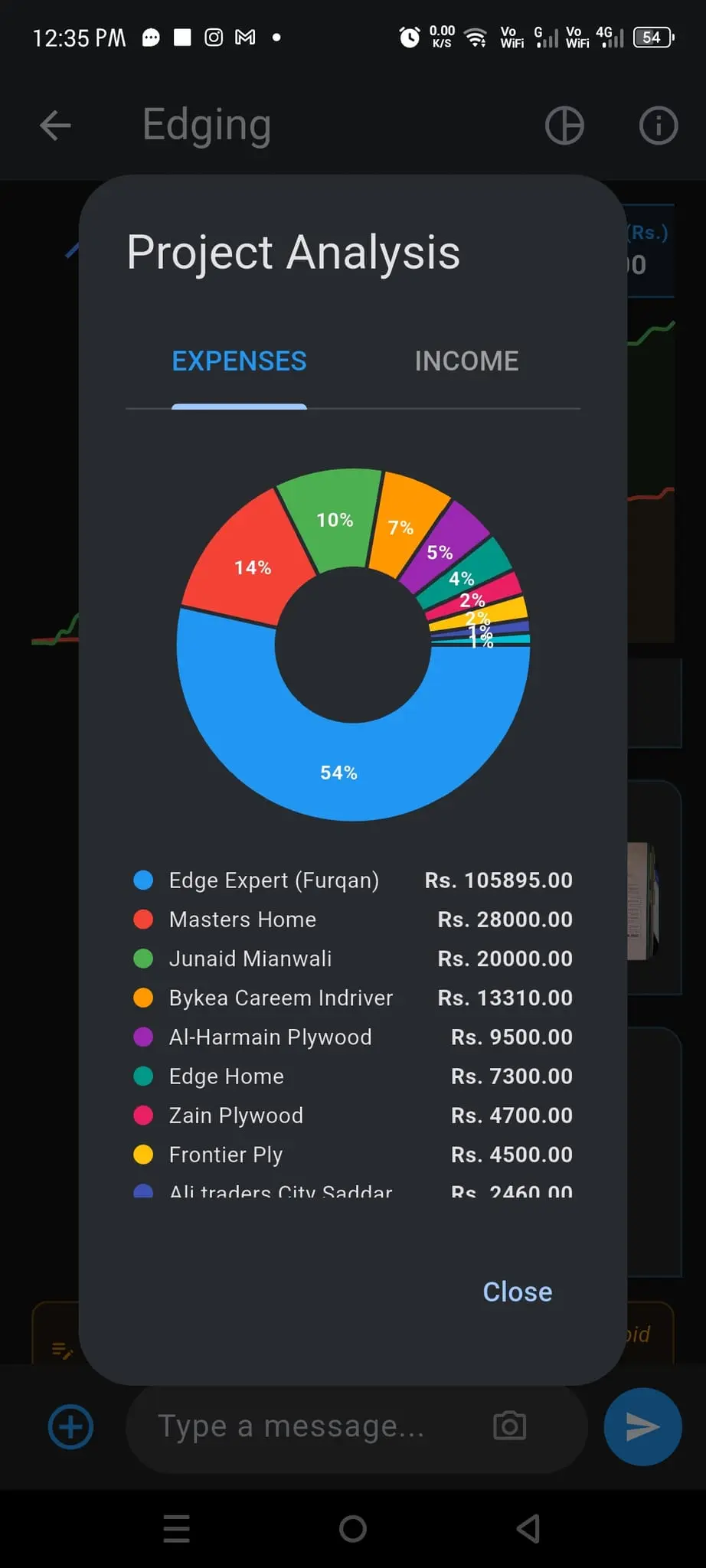
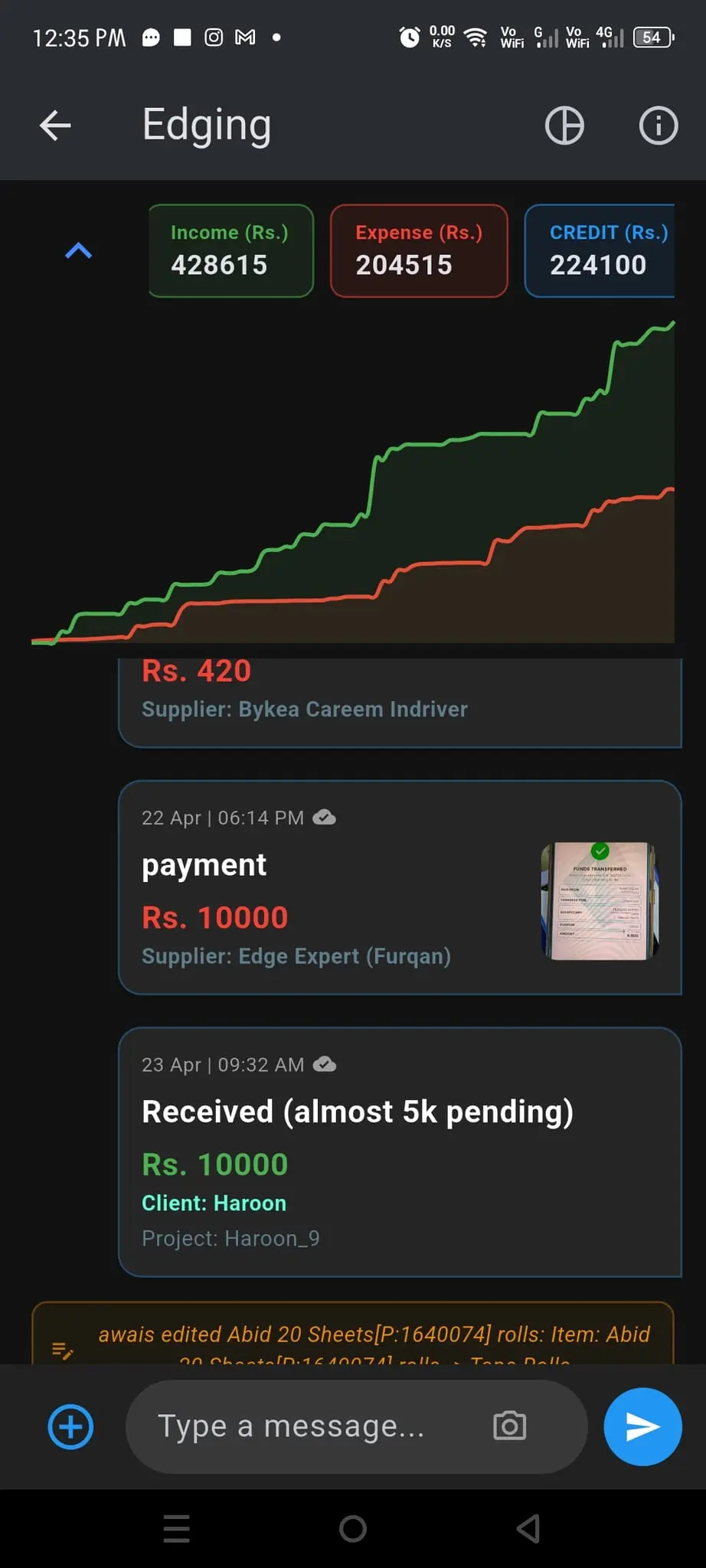
Just launched on play store. Very useful for businesses and managing home expenses. Its like whatsapp for managing expenses. Create "projects" (groups) and add members to it. Expense vs income graph in every group makes it very easy to understand whether it's profitable or not. You also get a number of filter options to filter results. If you have existing client/supplier/project and employee data just import it through google sheets and no need to enter it manually. Add receipt images to your expenses and export to excel.
Screenshots
Reviews (3)
Average 3.7 out of 5
Based on 3 reviews

Using the windows version i found on Microsoft store. Loved it. Just got to know that it's also available on Android and web.

Excellent app. Whether you're using it personally or in a team, it does the job! The best part - the edits and record deletions are all logged
1 star. We set it up for a 6-person crew to share project costs and it created more confusion than it solved. Entries from members showed up late or not at all, so everyone saw a different total. Admin permissions are too limited: we couldn't restrict who logs what, and a member deleted a supplier by mistake. No approval flow, no audit trail of who changed what. For team accounting, that's a dealbreaker. Back to a shared Google Sheet.
Comments (0)
No comments yet. Be the first to share your thoughts!