
CSS Guardrail
Stop bad CSS from wrecking your site

Details
- Use Cases
- Target Audience
- Pricing
- Subscription from $29
- Platforms
Discovery signals
How AI and people discover CSS Guardrail on PeerPush
By AI reads among Analytics & Monitoring tools
1,672 AI reads in the last 30 days, ranked against every Analytics & Monitoring tool listed.About CSS Guardrail
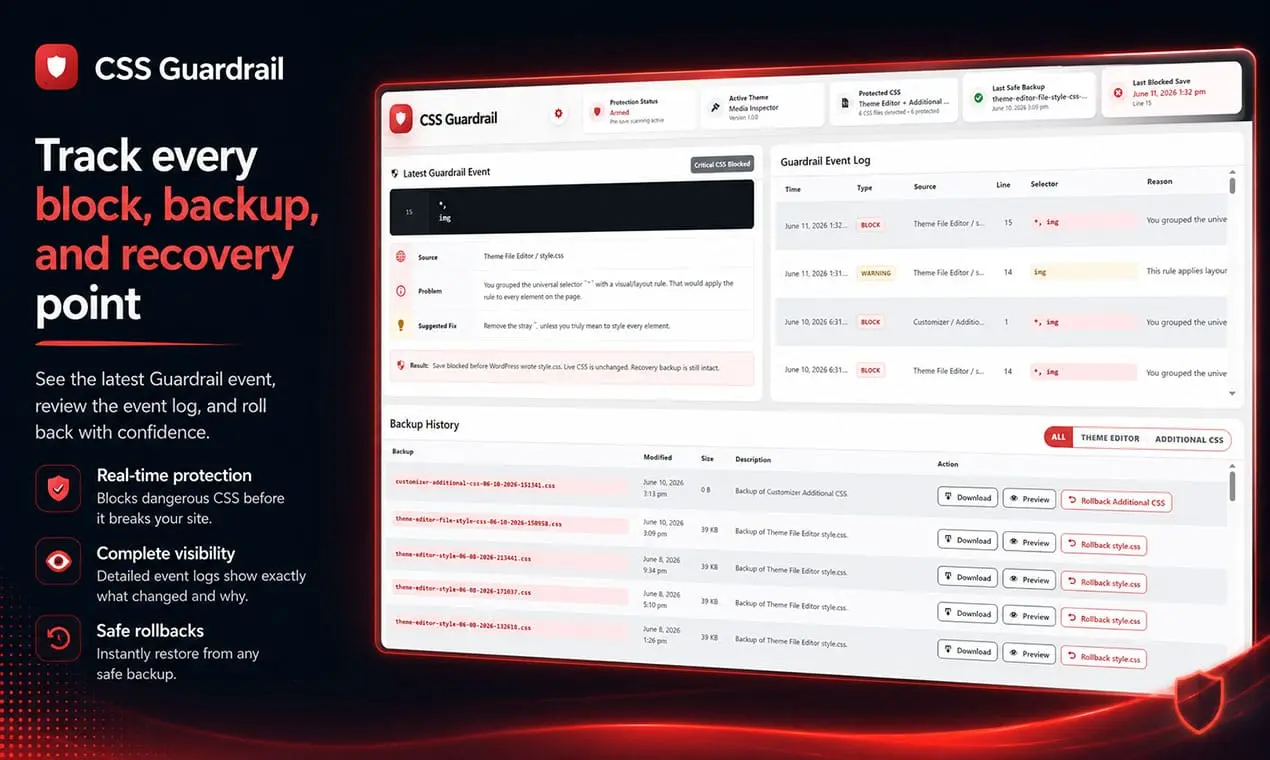
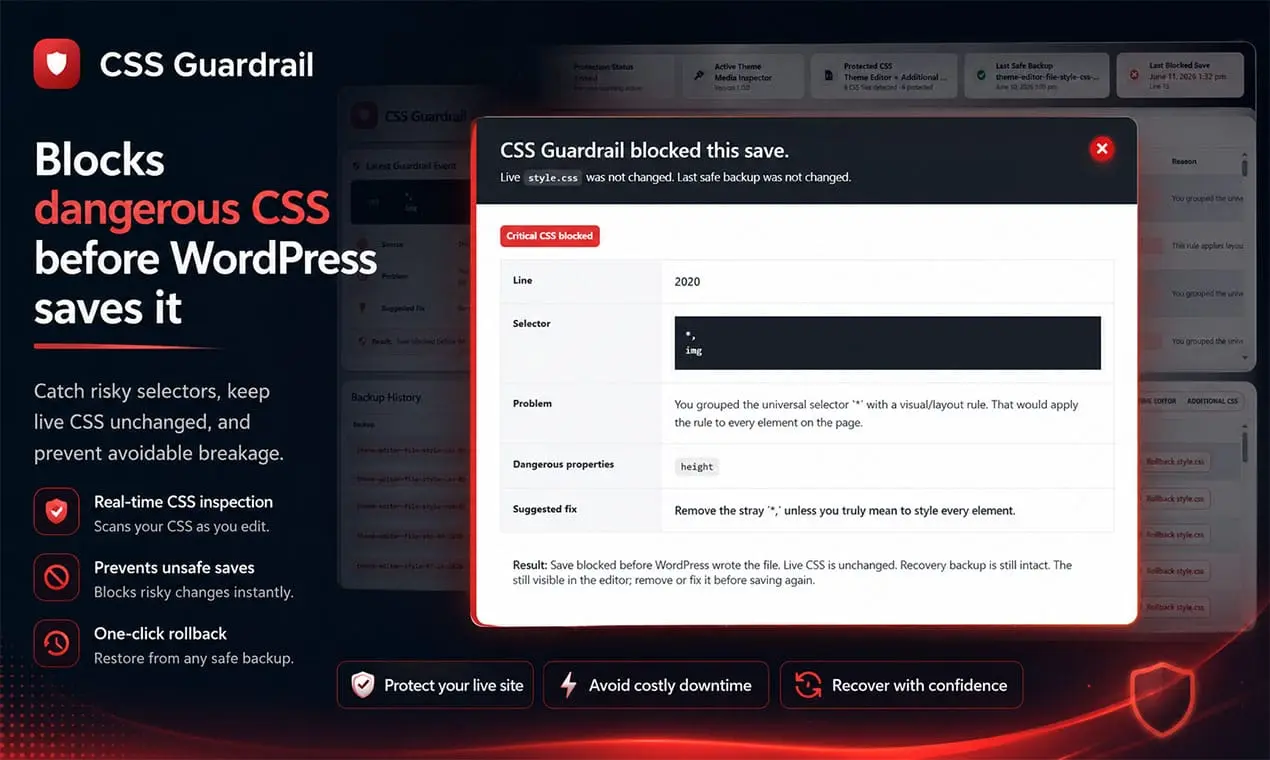
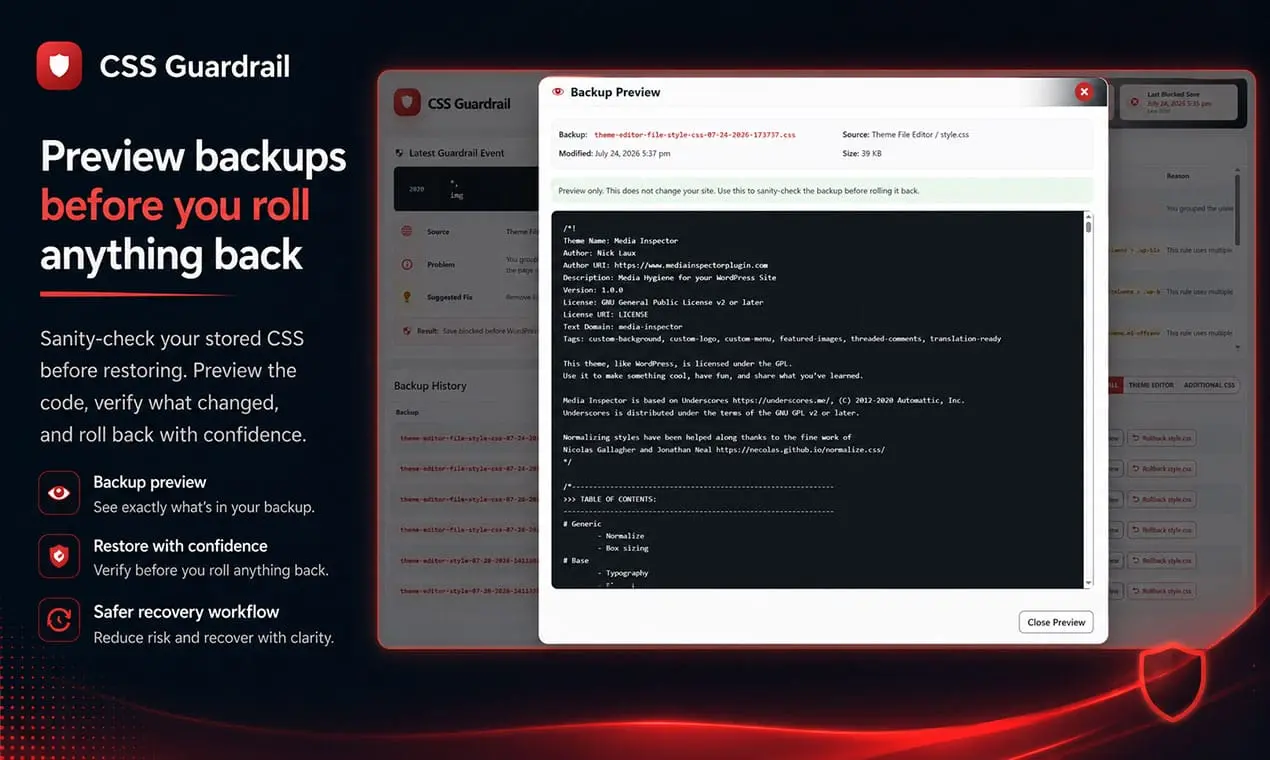
CSS Guardrail is a WordPress safety tool that helps prevent bad CSS from breaking your website. Before CSS changes are saved, the plugin scans the code for risky selectors, destructive declarations, and other rules that could damage your layout, hide important content, or make parts of the site unusable. Serious problems can be blocked before they go live, while less severe issues are clearly flagged for review. CSS Guardrail also keeps a history of your CSS changes, making it easier to review what happened, restore an earlier version, and recover quickly when something goes wrong. It is built for developers, designers, site owners, and anyone who edits CSS directly inside WordPress and wants an extra layer of protection between a simple code change and a broken website.
Screenshots
Reviews (1)
Average 5.0 out of 5
Based on 1 review

interesting
Comments (1)
I built CSS Guardrail after one tiny CSS mistake cost me hours of debugging. It adds a safety net to WordPress CSS editing—and I’d love honest feedback on where it helps or falls short.