
ctrl-f ULTRA
Enhanced browser search with regex and highlighting

Details
- Use Cases
- Keyword Research
- Target Audience
- DevelopersResearchersStudents
- Pricing
- Free
- Platforms
- Web
Discovery signals
How AI and people discover ctrl-f ULTRA on PeerPush
About ctrl-f ULTRA
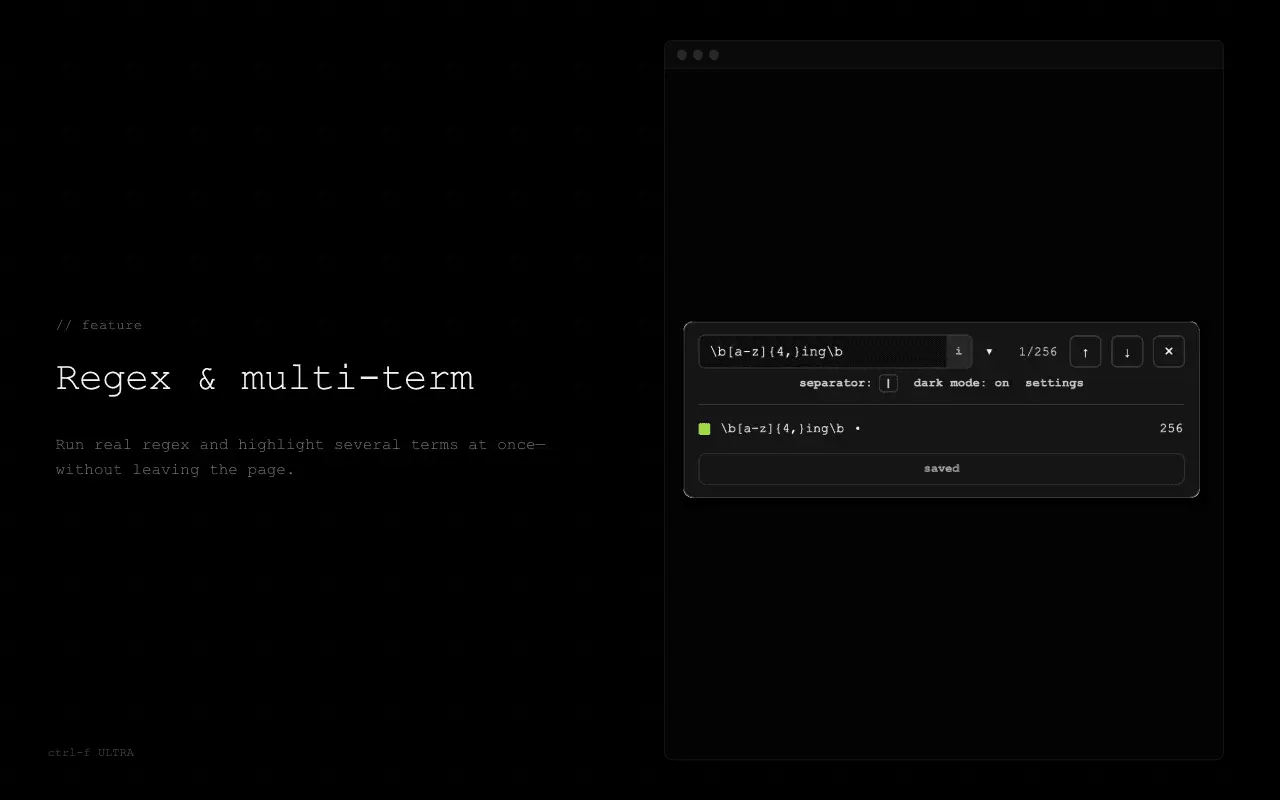
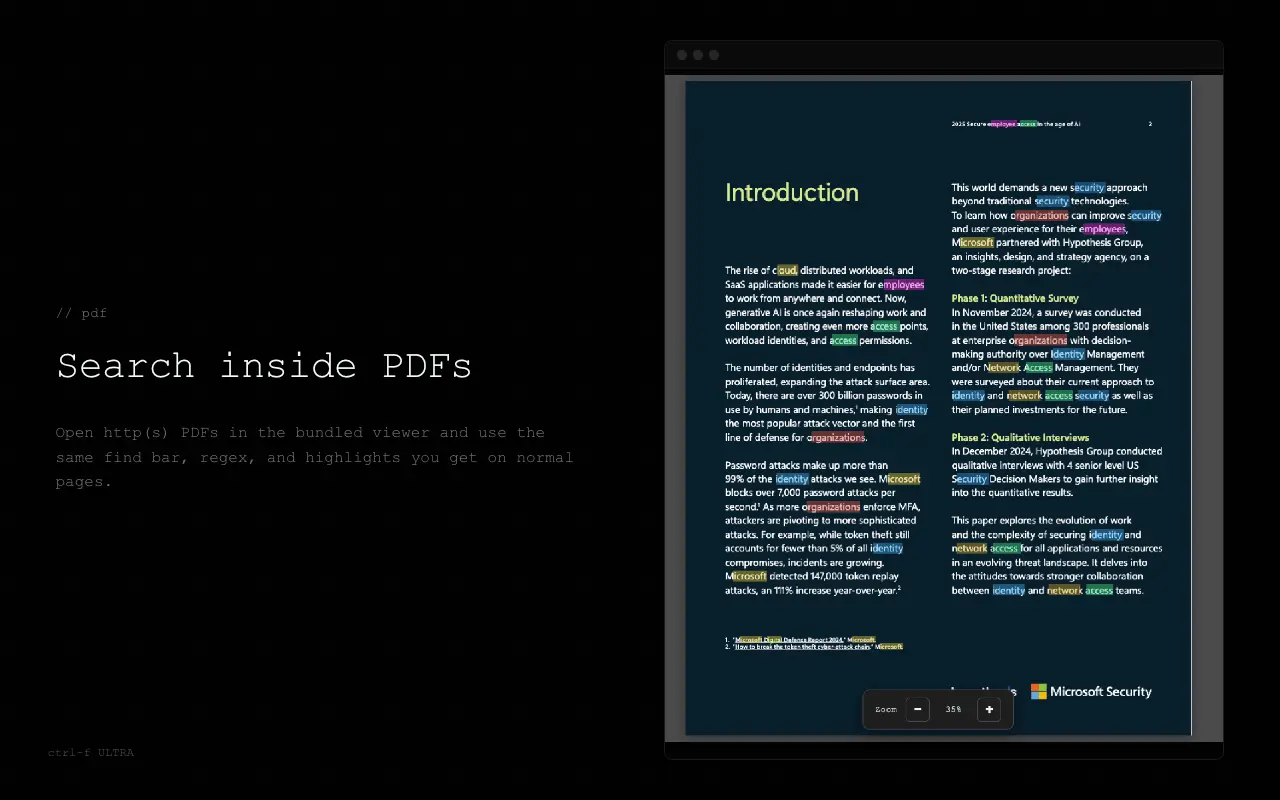
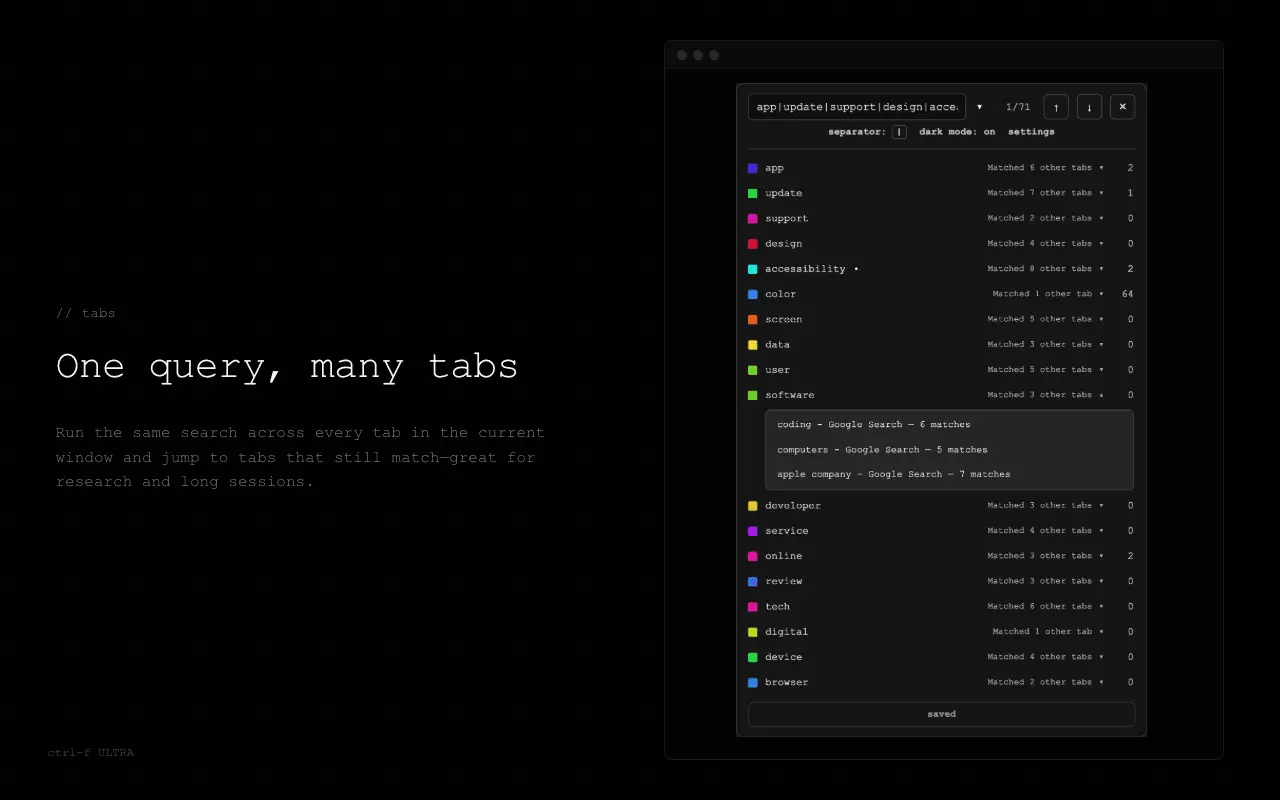
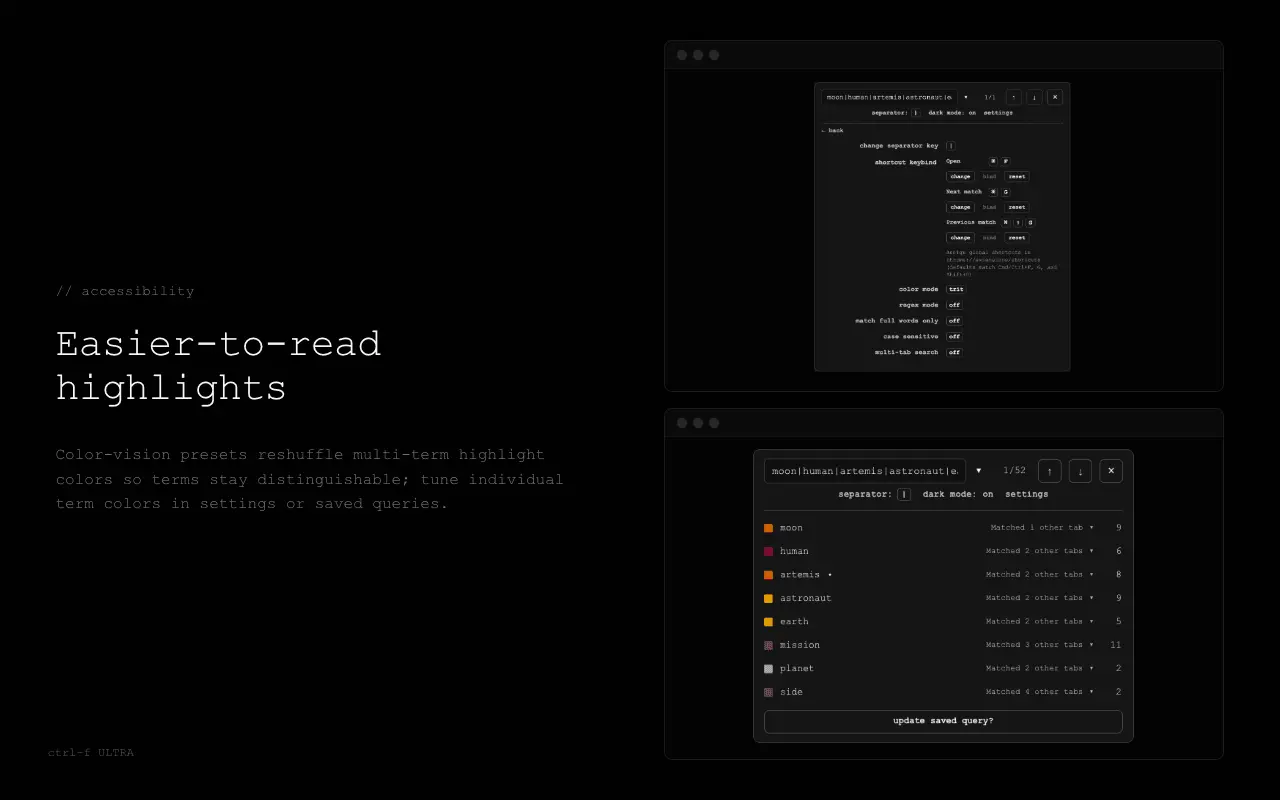
ctrl-f ULTRA upgrades the browser’s built-in find so you can search the way you actually work: several terms at once, real regex when you need it, and highlights you can read at a glance. Open the bar with your usual shortcut (for example Ctrl+F or Command+F), stay on the keyboard to move between matches, and keep your favorite queries handy. Matching runs locally in your browser; there is no account and no separate service to sign in to. What you get: - Multi-term highlights — Search multiple terms in one go; each term gets its own highlight color. You can set your own colors per term (and save those choices with a saved query when you want them back later). - Regex — Full regular-expression search when you turn regex mode on, for patterns like emails, IDs, or custom formats. - Plain-text options — Case-sensitive search and whole-word matching when you are not using regex, so you can tighten matches without writing a pattern. - PDFs — Open in-browser PDFs in the bundled viewer and use the same find bar, regex, and highlights as on normal pages. - Multi-tab search (optional) — Run one query across tabs in the current window when you need to scan a whole session. - Saved queries — Store searches you reuse often and recall them in one click. - Accessible colors — Color-vision presets (including deuteranopia, protanopia, and tritanopia) so generated highlight colors stay easier to tell apart; you can still override individual term colors anytime. - Keyboard-first — Cycle matches from the bar with Enter and Shift+Enter, and use the extension shortcuts for next and previous match while you read the page. Questions or feedback? Email [email protected]
Screenshots
Reviews (0)
No reviews yet. Be the first to rate this product!
Comments (1)
Built ctrl-f ULTRA because native Ctrl+F felt stuck in 2005 — no regex, no multi-term, can't search other tabs. Runs fully local, no account. Free on Chrome, Firefox, and Edge. Would love feedback!