Dino USB Player
Video player for Android TV and USB drives

Details
- Categories
- Use Cases
- Target Audience
Discovery signals
How AI and people discover Dino USB Player on PeerPush
About Dino USB Player
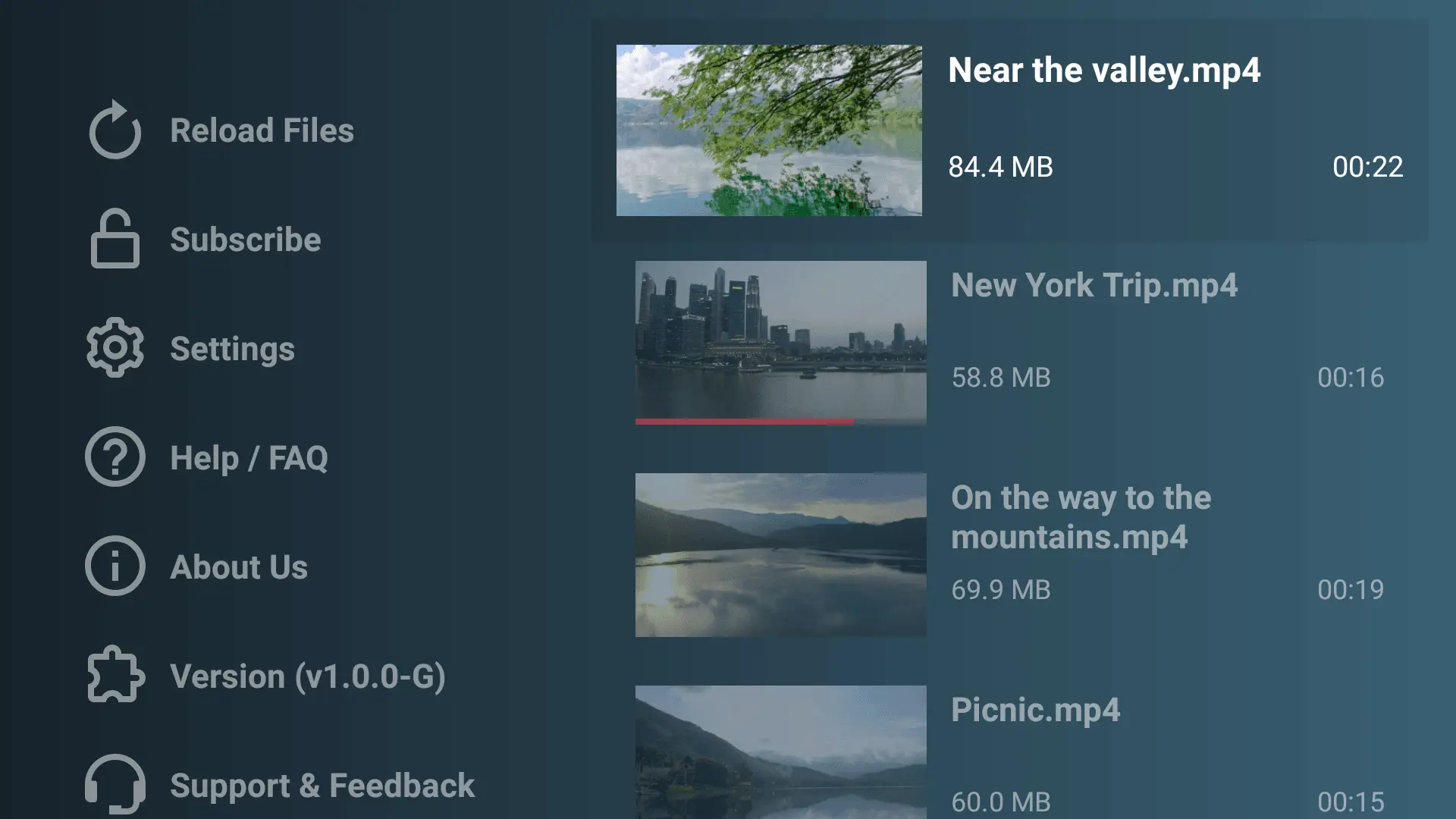
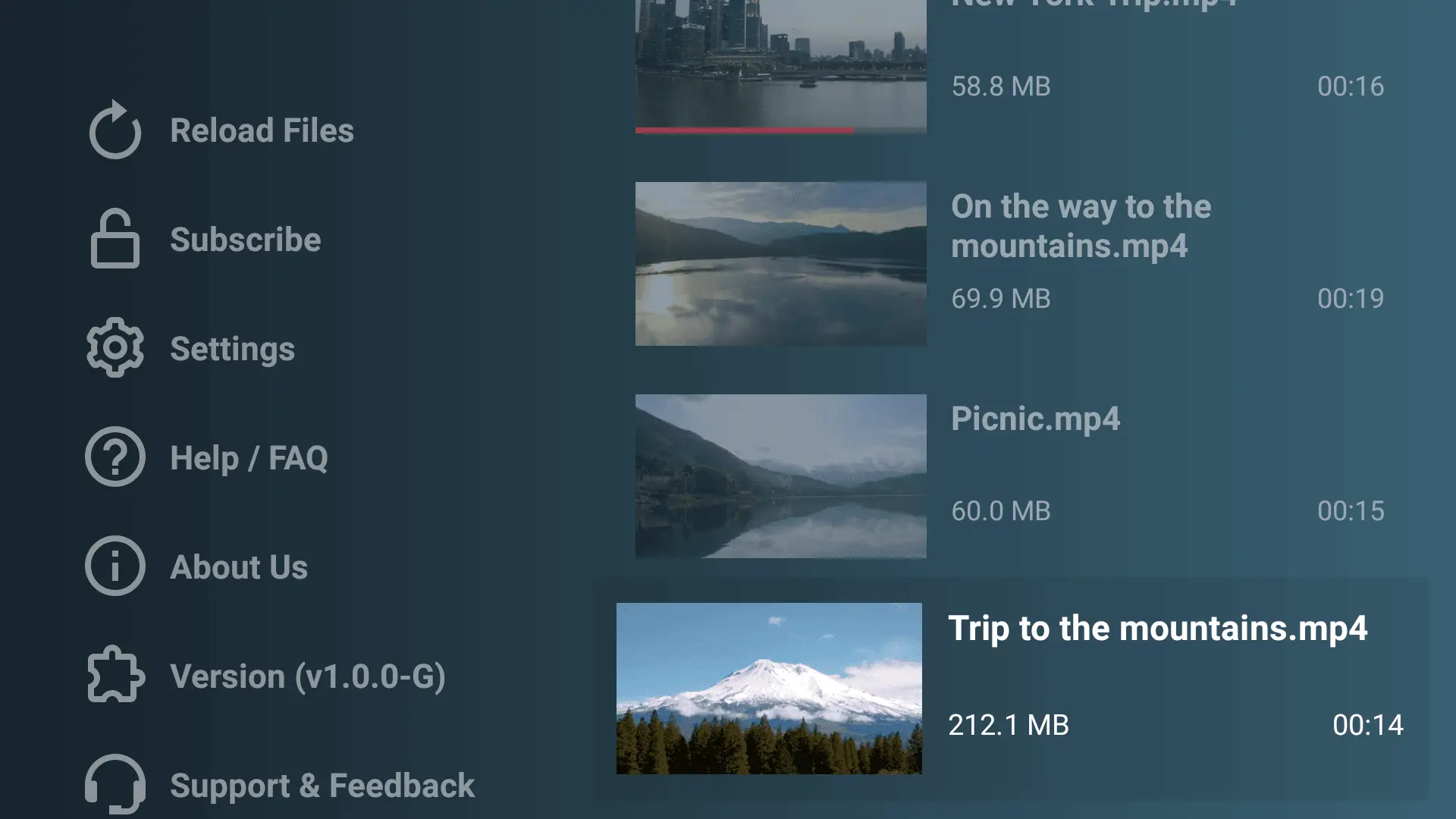
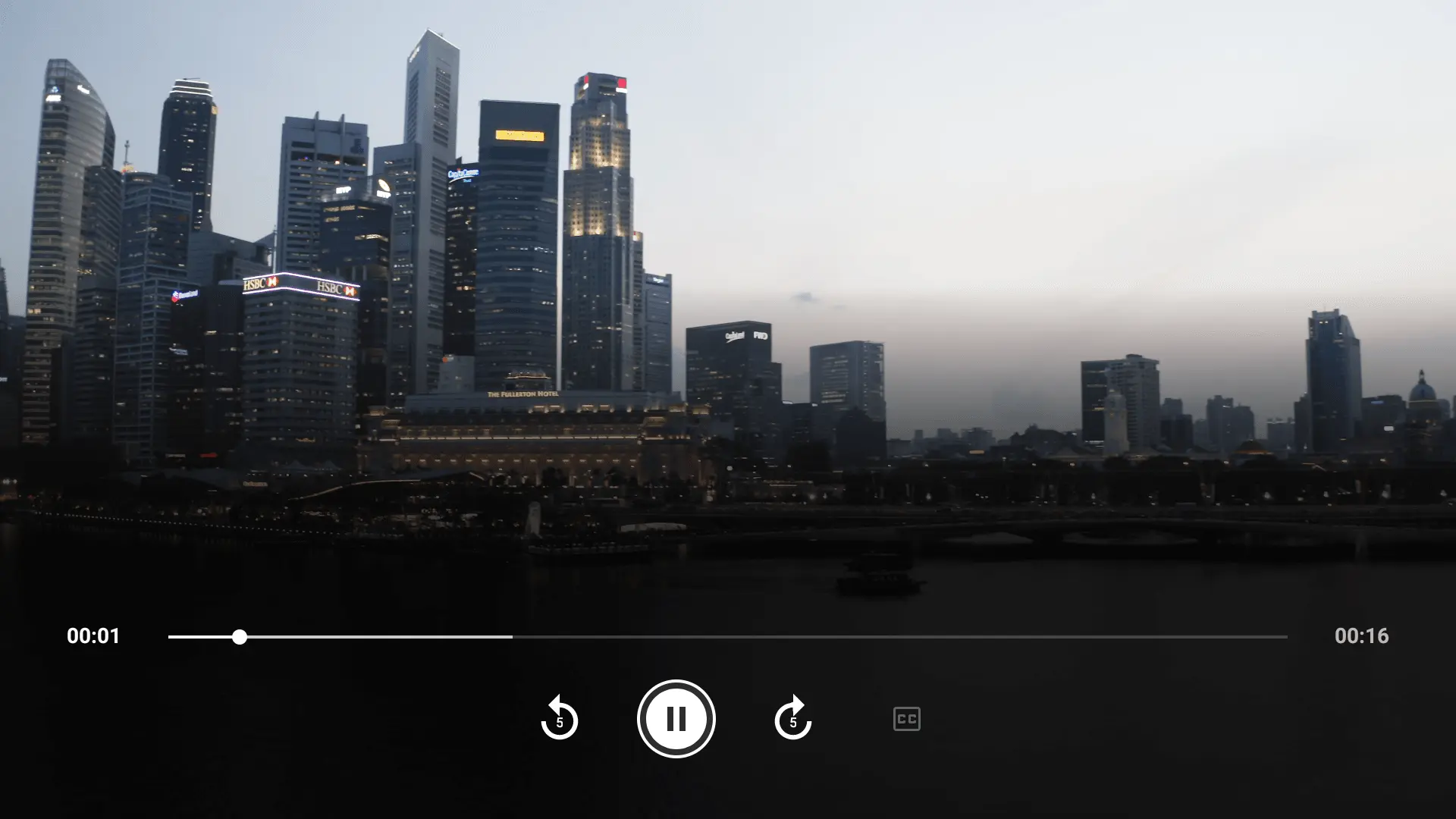
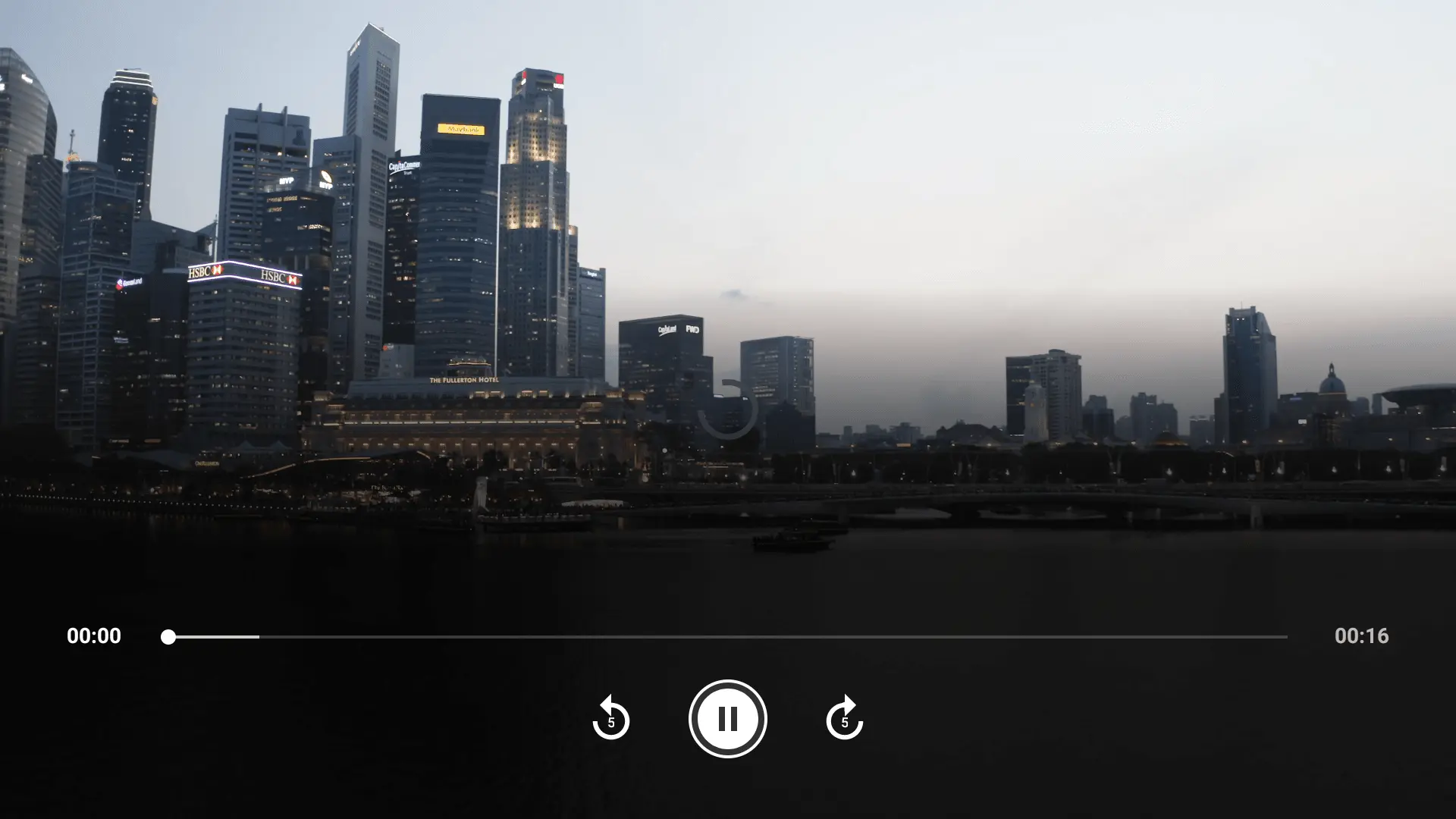
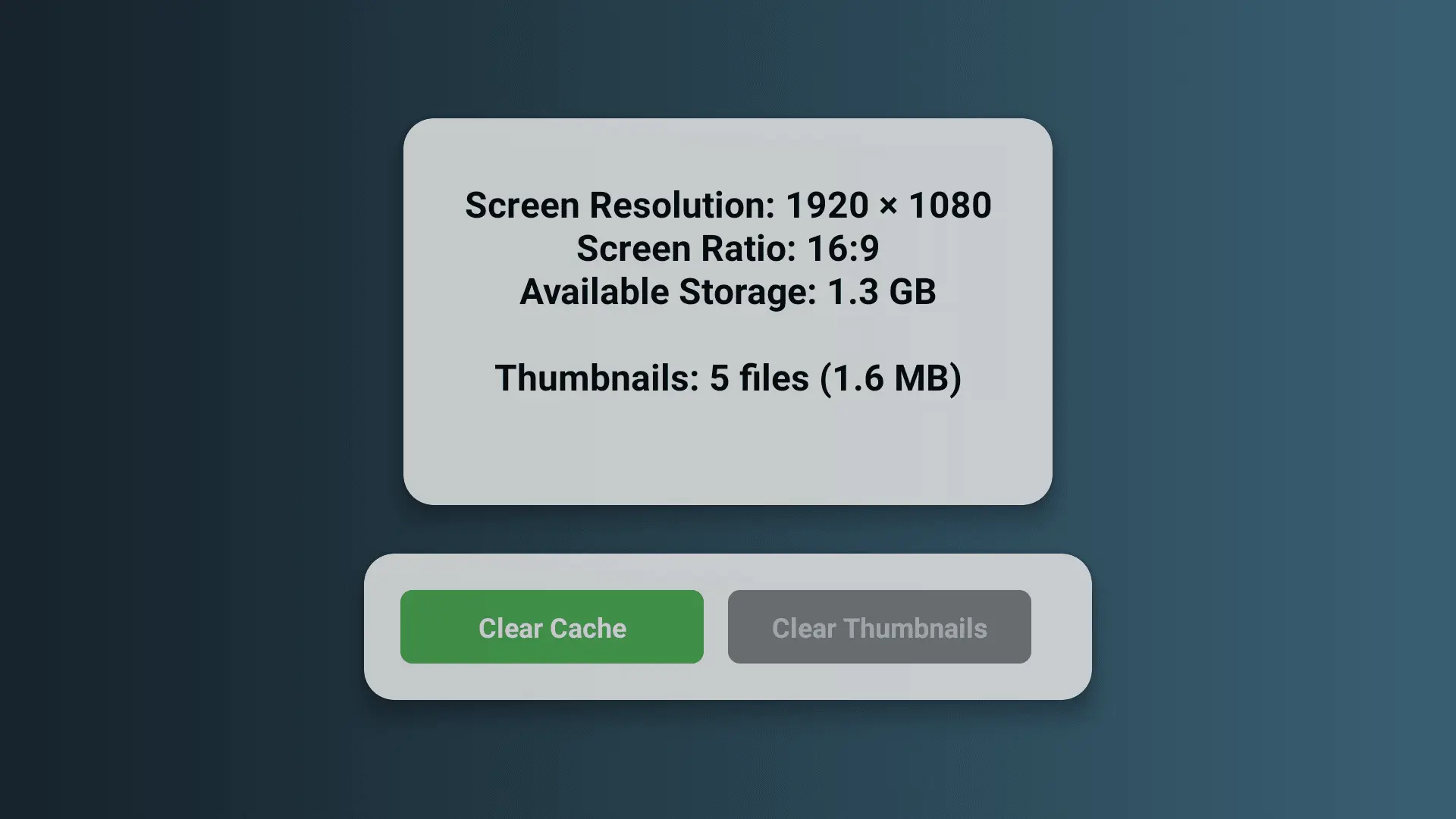
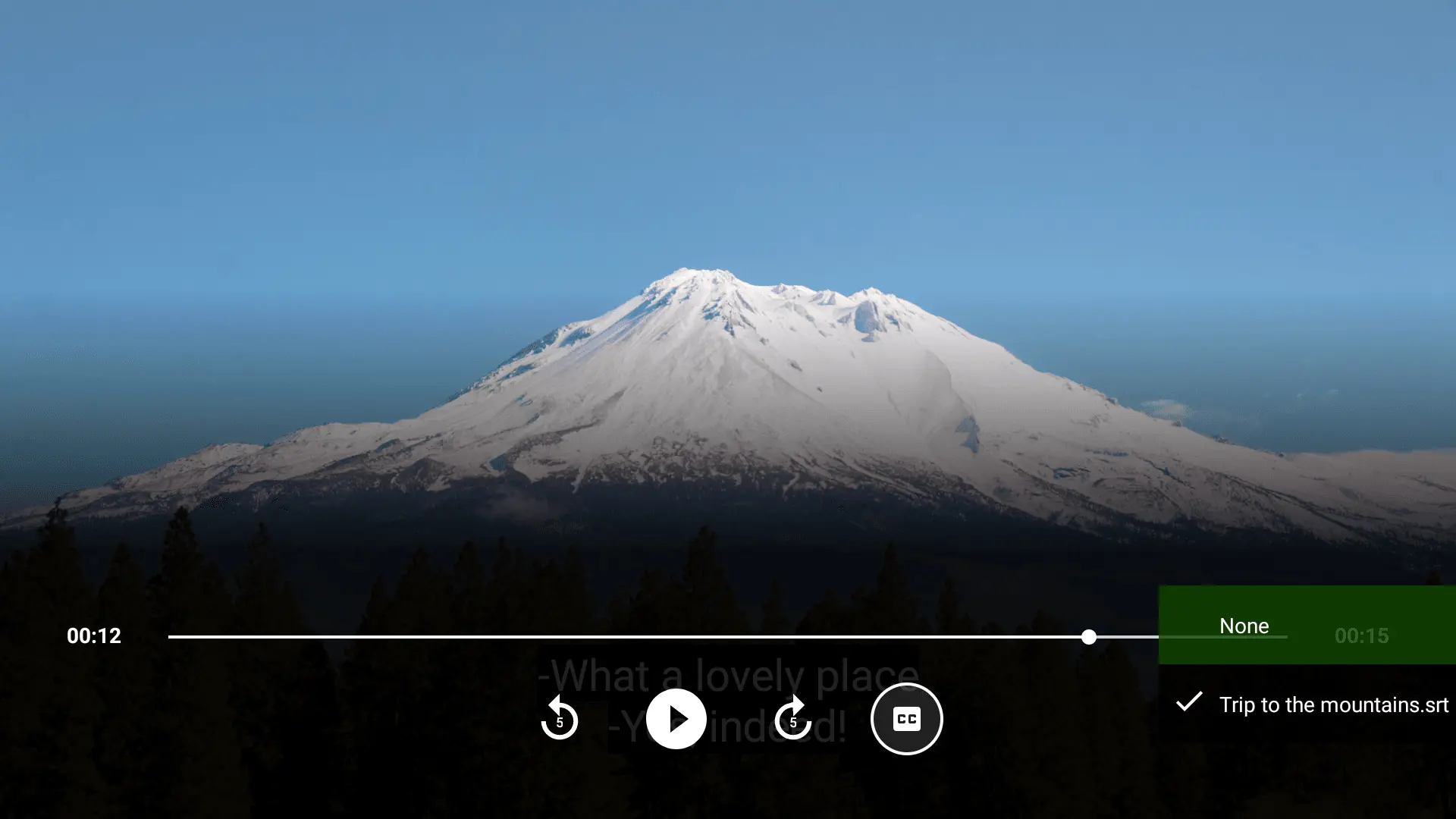
Dino USB Player transforms your Android TV into a complete video entertainment center by letting you play videos directly from USB drives and external storage devices. Designed specifically for TV remote navigation with an intuitive interface that follows Android TV development principles. Auto-Scan & Smart Organization Simply plug in your USB drive and Dino USB Player automatically scans and lists all your video files with rich information including thumbnails, file names, playback progress, total duration, and file size. No manual searching required – your entire video library is instantly accessible. Comprehensive Video Format Support Play virtually any video file format without conversion: MP4, AVI, MKV, MOV, FLV, WMV, WebM, M4V, 3GP, TS, MTS, M2TS, VOB, and OGV. Whether you're watching movies, TV shows, home videos, or any other content, Dino USB Player handles it all. Advanced Subtitle Support Enjoy videos in any language with support for multiple subtitle formats: SRT, VTT, ASS, SSA, TTML, DFXP, and XML. Select closed captions directly from the clean player controls for a perfect viewing experience. Powerful Video Player Controls Experience smooth, professional playback with intuitive controls designed for Android TV remotes: Quick rewind/forward buttons (5-second intervals) for precise navigation Closed caption subtitle selection Progress bar showing current time and total duration Smart resume playback - pick up exactly where you left off Start over option for previously watched videos Automatic progress saving when you close videos Resume Playback Intelligence Never lose your place in long videos. When you select a previously watched video, Dino USB Player prompts you with options to either start over or resume from where you stopped. Your viewing progress is automatically saved and displayed on the home screen. Essential Features for TV Viewing File Management: Reload/scan files menu to refresh content when USB drives are changed View thumbnails for quick visual identification Device Information: Check screen resolution and aspect ratio Monitor available storage space Track thumbnail cache usage and total size Clear thumbnails and progress data with one tap Complete User Support: Comprehensive Help/FAQ page with detailed answers to common questions Support and feedback page with QR codes linking to Facebook support and feedback forms Privacy policy and terms of use documentation About page with developer information Version info menu for easy app version checking Subscription Management Access basic playback features for free, or subscribe for unlimited access and premium features. The app includes dedicated pages for subscription purchase and subscription management instructions, making it easy to understand and control your subscription status. Designed for Android TV Built from the ground up following Android TV development best practices, Dino USB Player provides a seamless TV viewing experience. The interface is optimized for D-pad remote navigation, ensuring effortless browsing and playback control from your couch. Perfect For: Movie collections stored on external drives TV series marathons without streaming limits Home videos and family recordings Educational and training videos Any video content on USB storage devices Privacy Focused Your videos remain completely private on your USB drive. Dino USB Player only accesses files you choose to play, with no uploading or cloud storage required. Get Started Instantly Download Dino USB Player, connect your USB drive to your Android TV, and start watching. It's that simple. Transform your USB video library into a premium viewing experience with the player designed specifically for Android TV. Perfect for Android TV devices, smart TVs, streaming boxes, and TV sticks.
Screenshots

Reviews (0)
No reviews yet. Be the first to rate this product!
Comments (0)
No comments yet. Be the first to share your thoughts!