Ditto Scan
Scan Documents and Export PDFs on Android

Details
- Target Audience
- Platforms
Discovery signals
How AI and people discover Ditto Scan on PeerPush
- Perplexity
- Claude
- +4 other AI crawlers
Reads by these AI engines
Crawlers behind these engines read this listing on PeerPush.About Ditto Scan
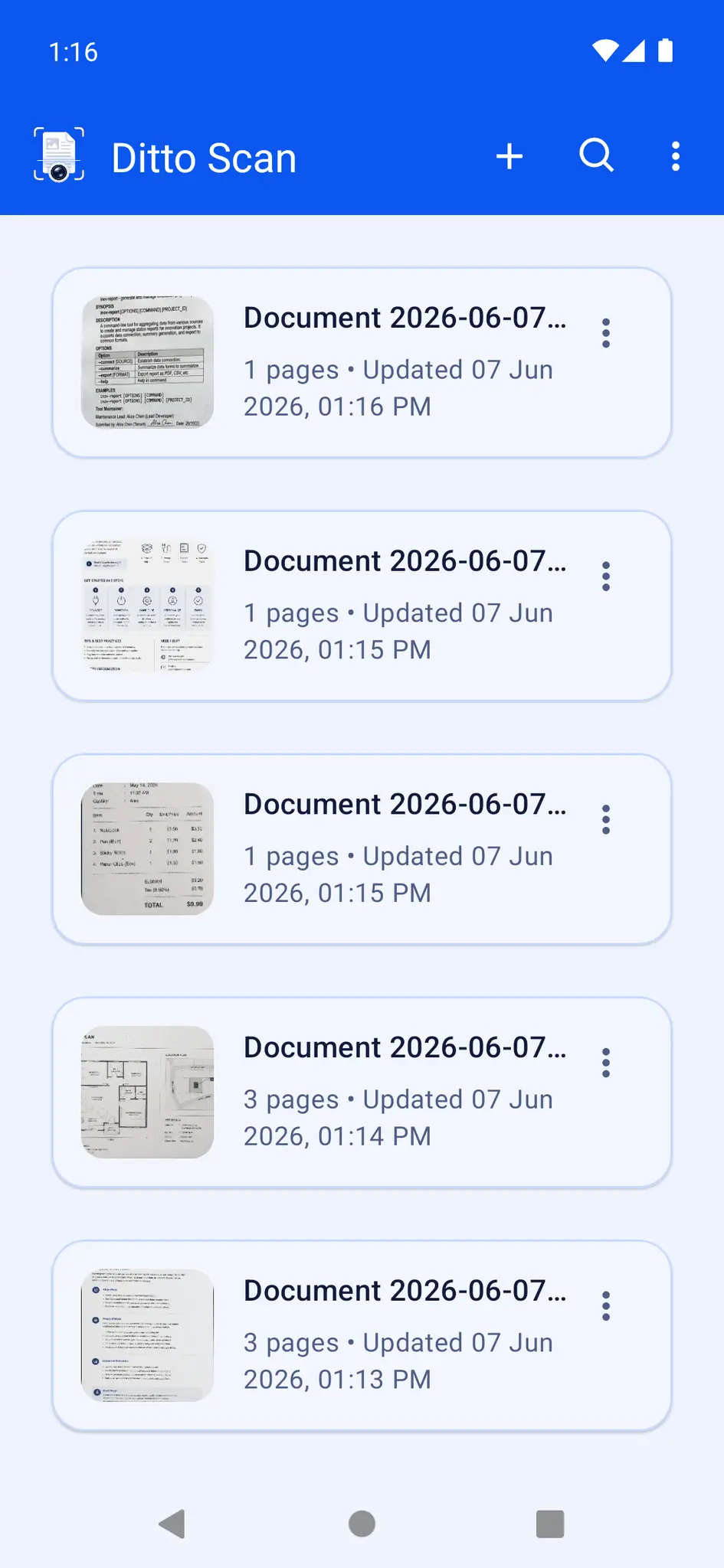
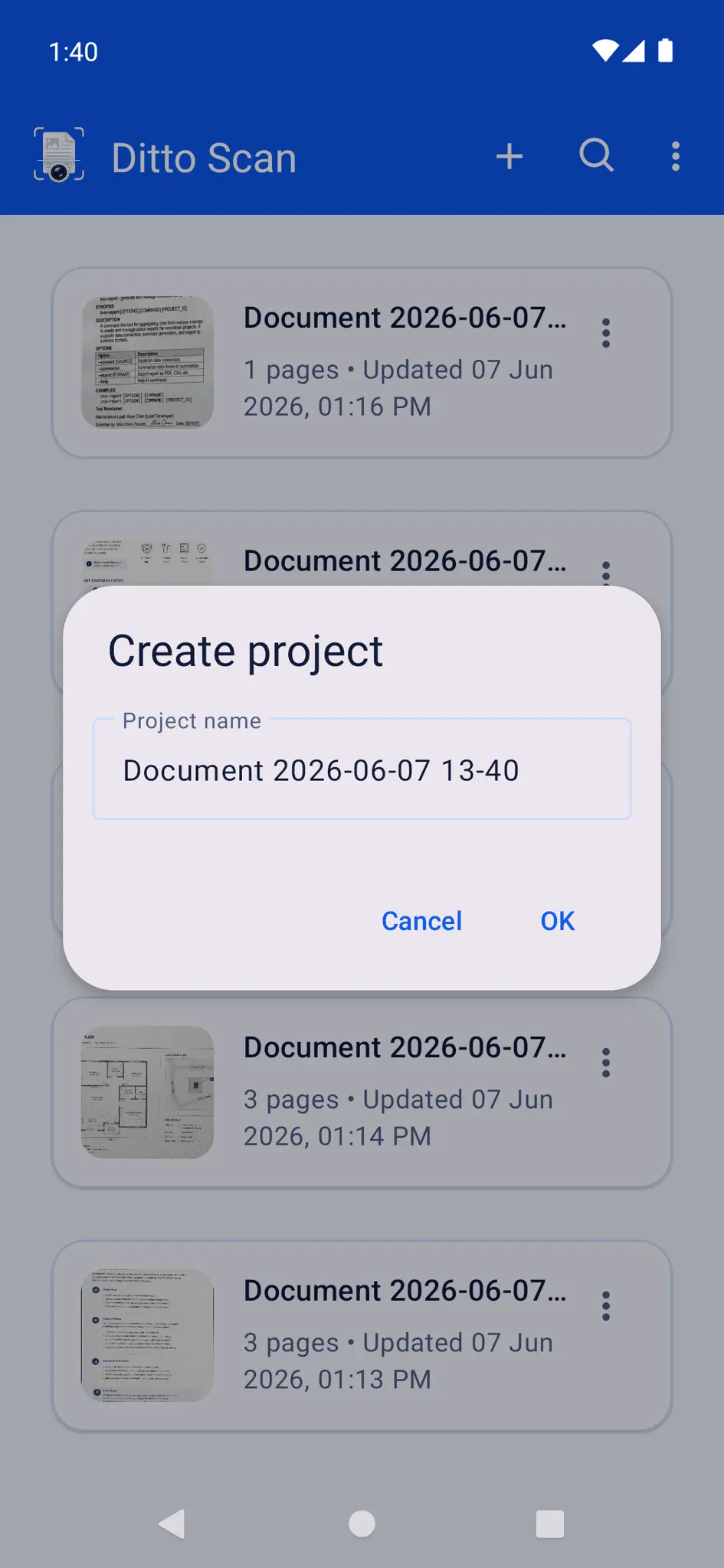
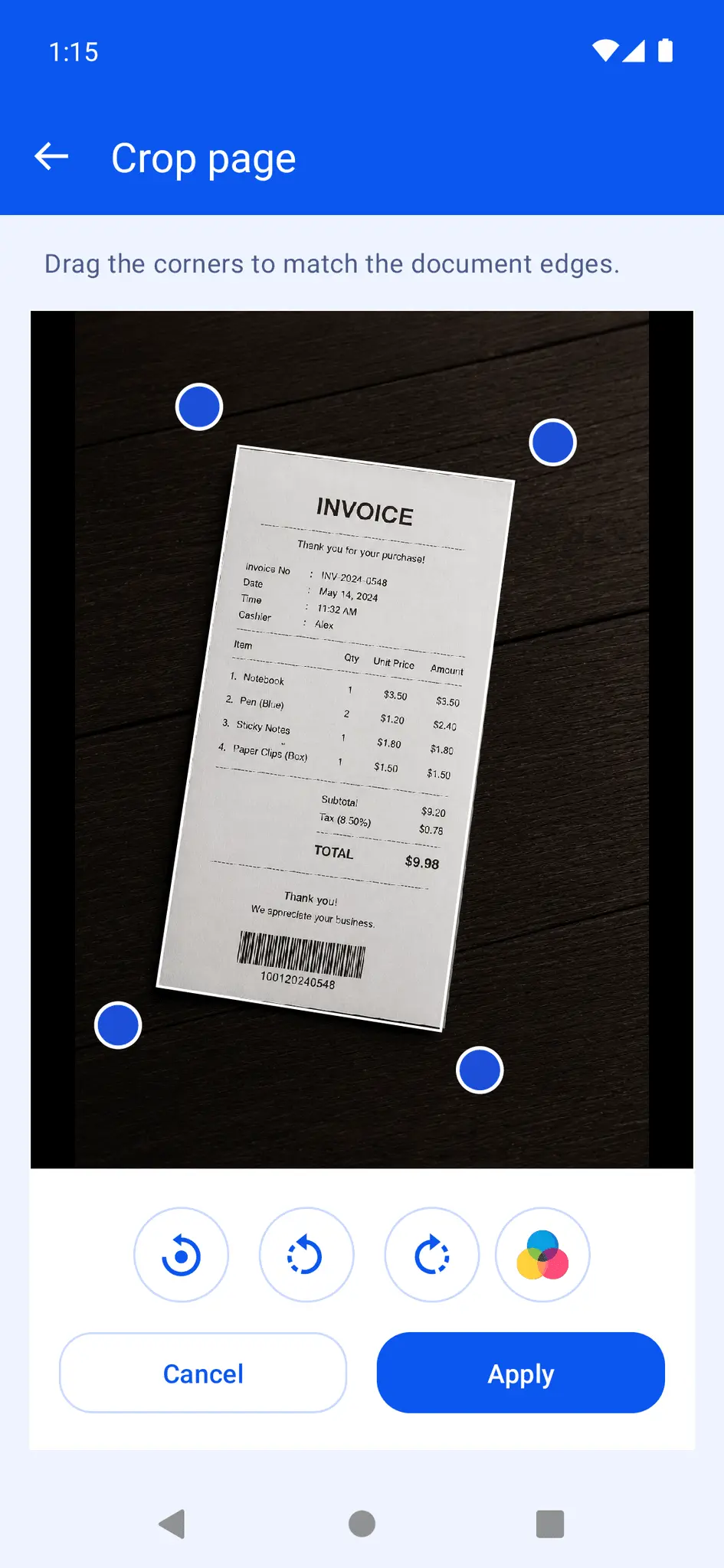
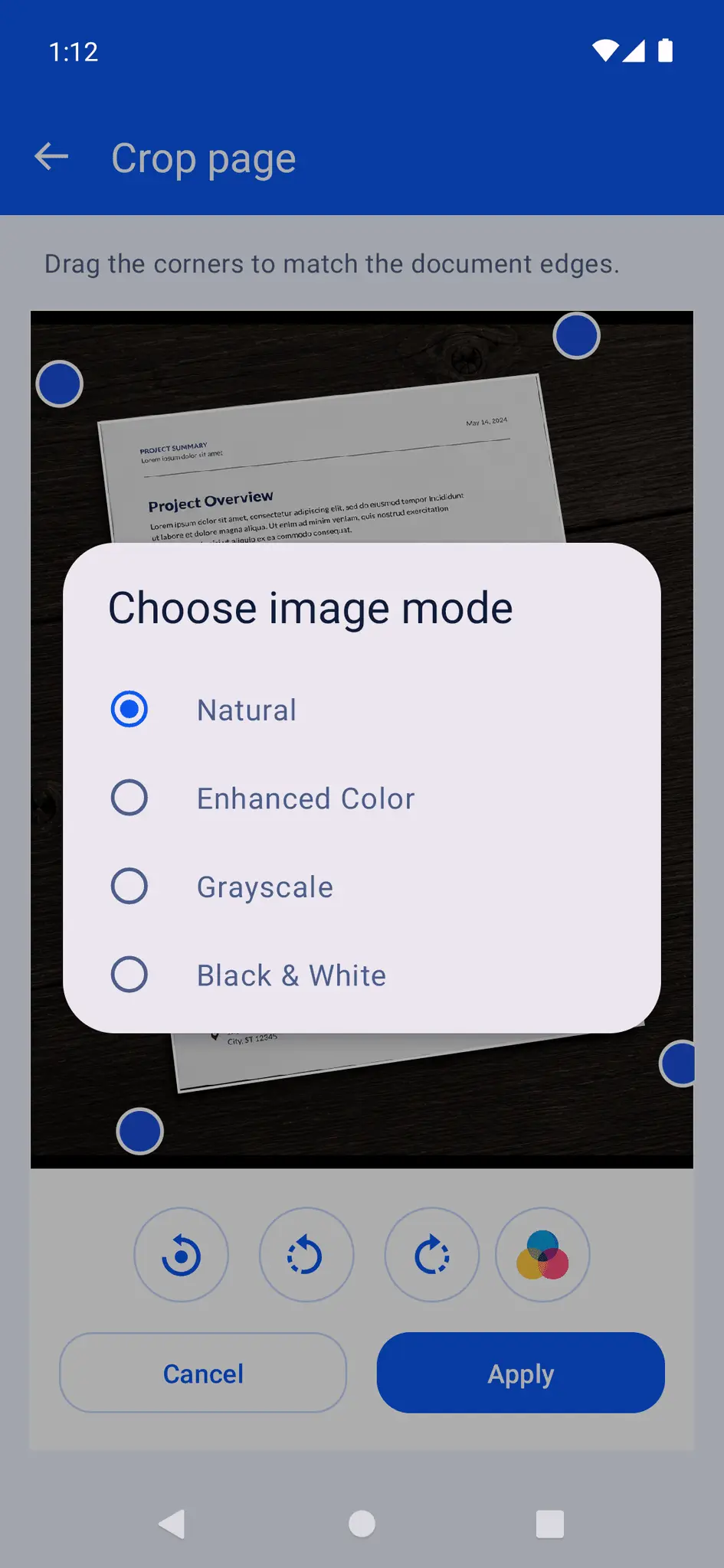
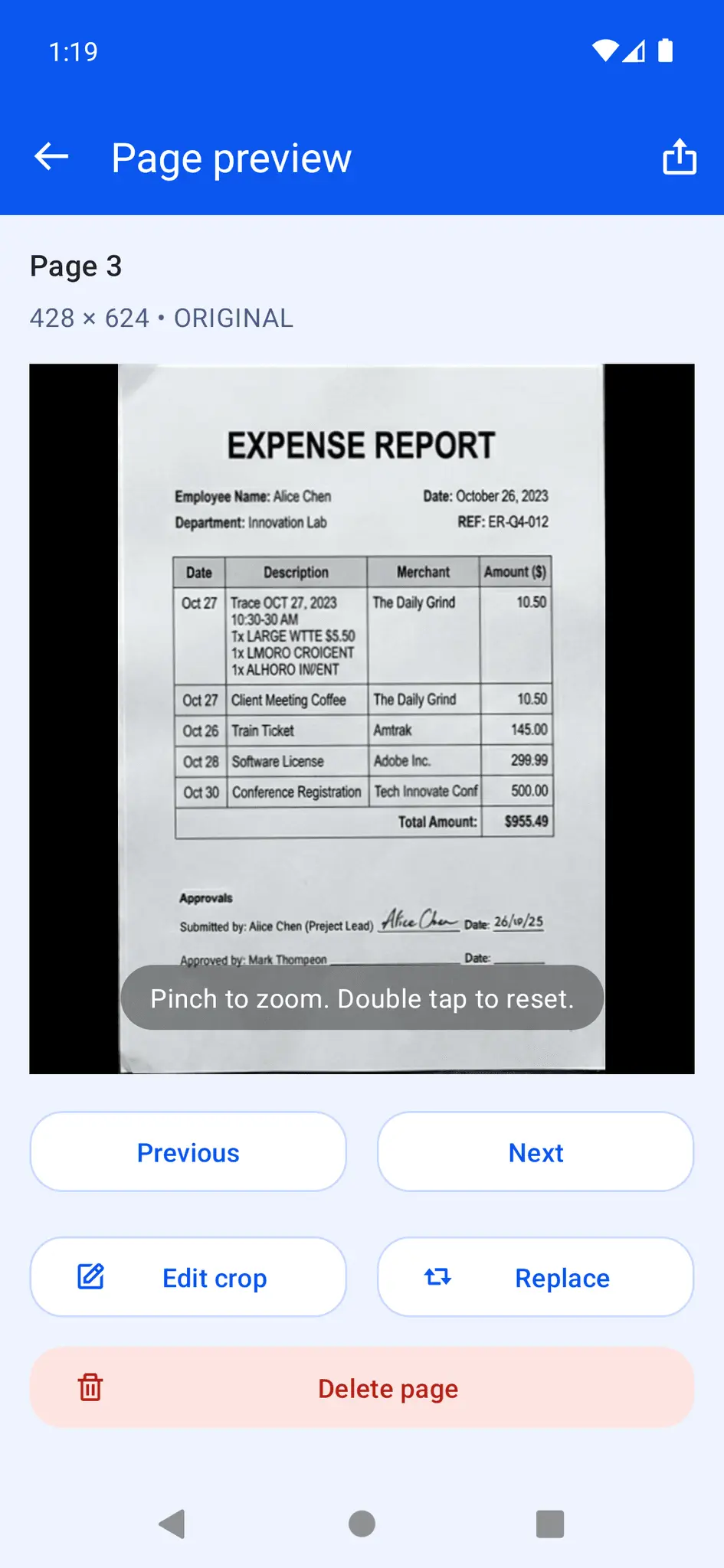
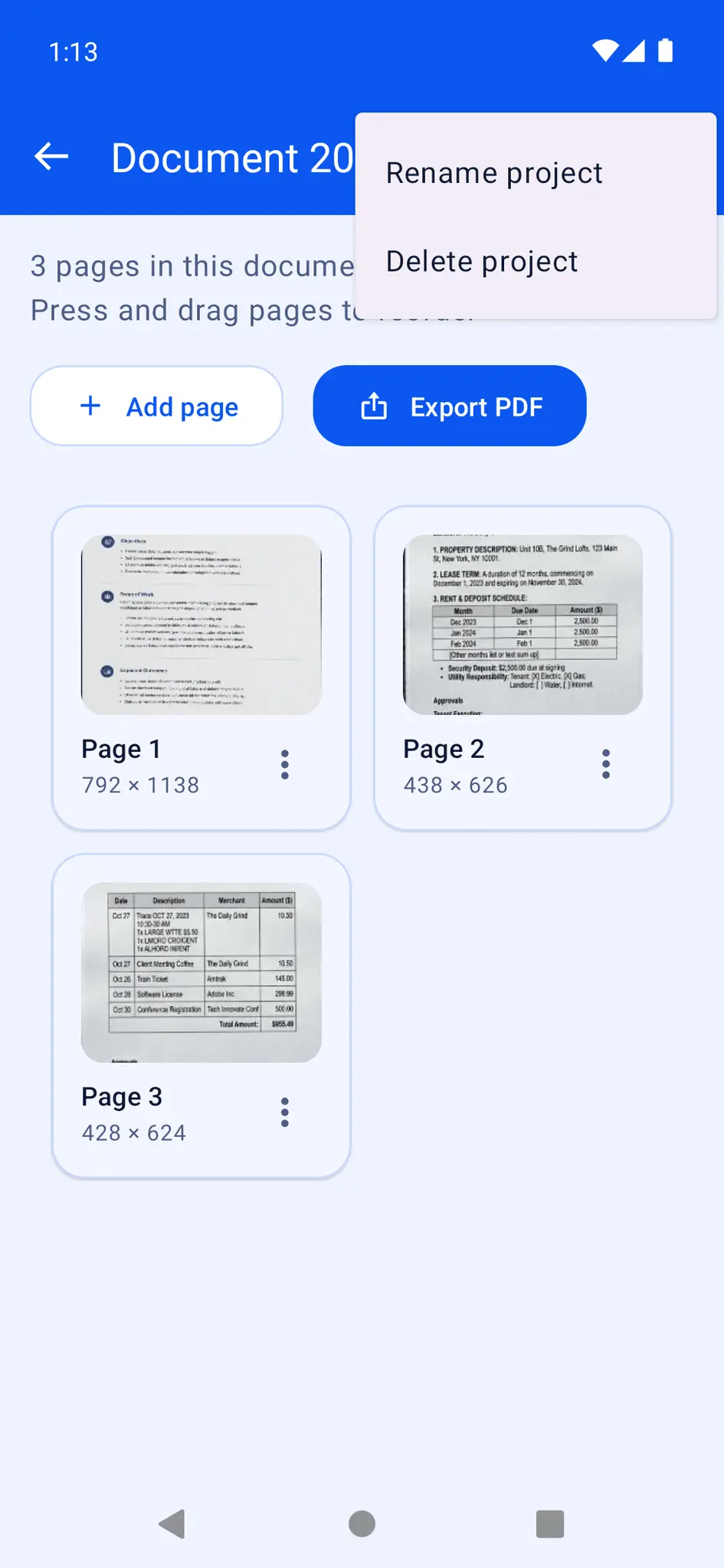
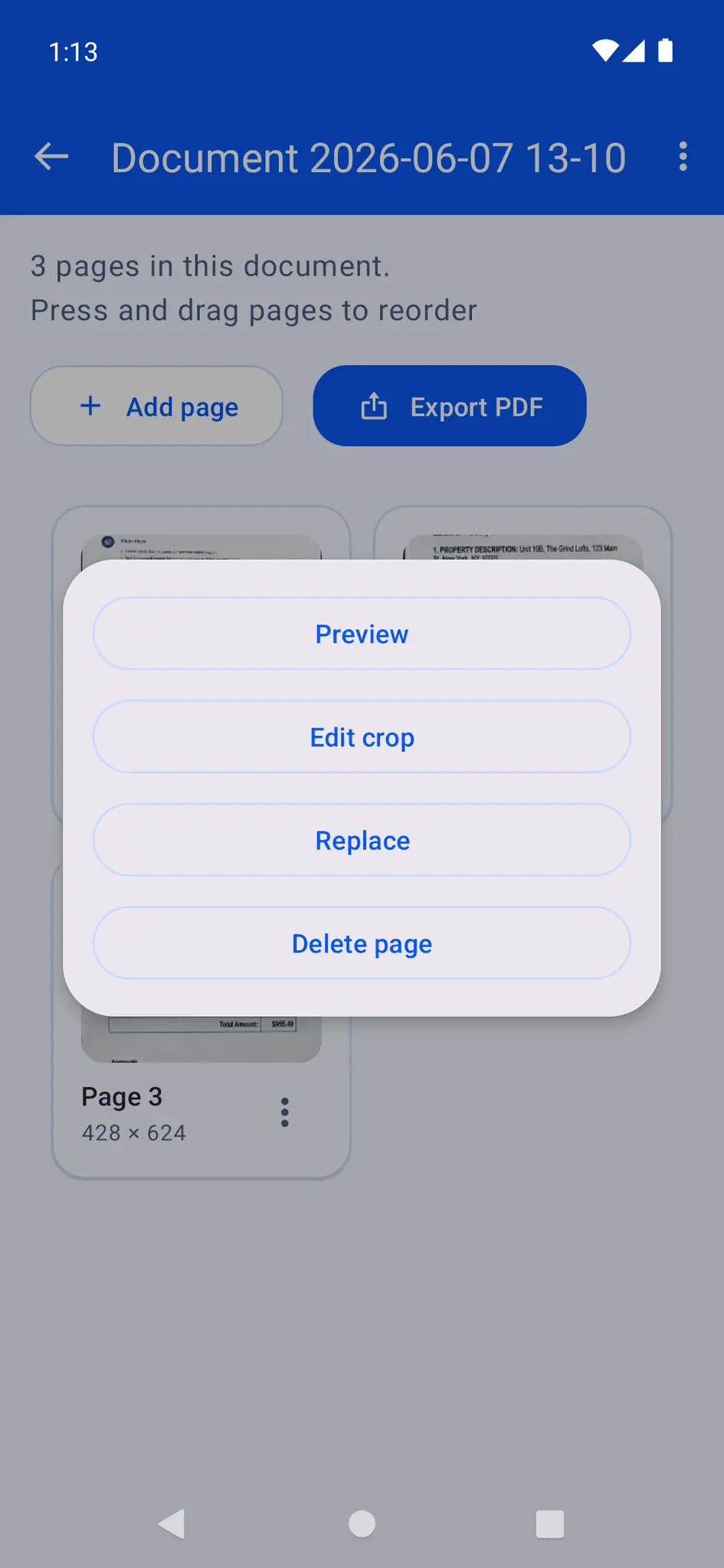
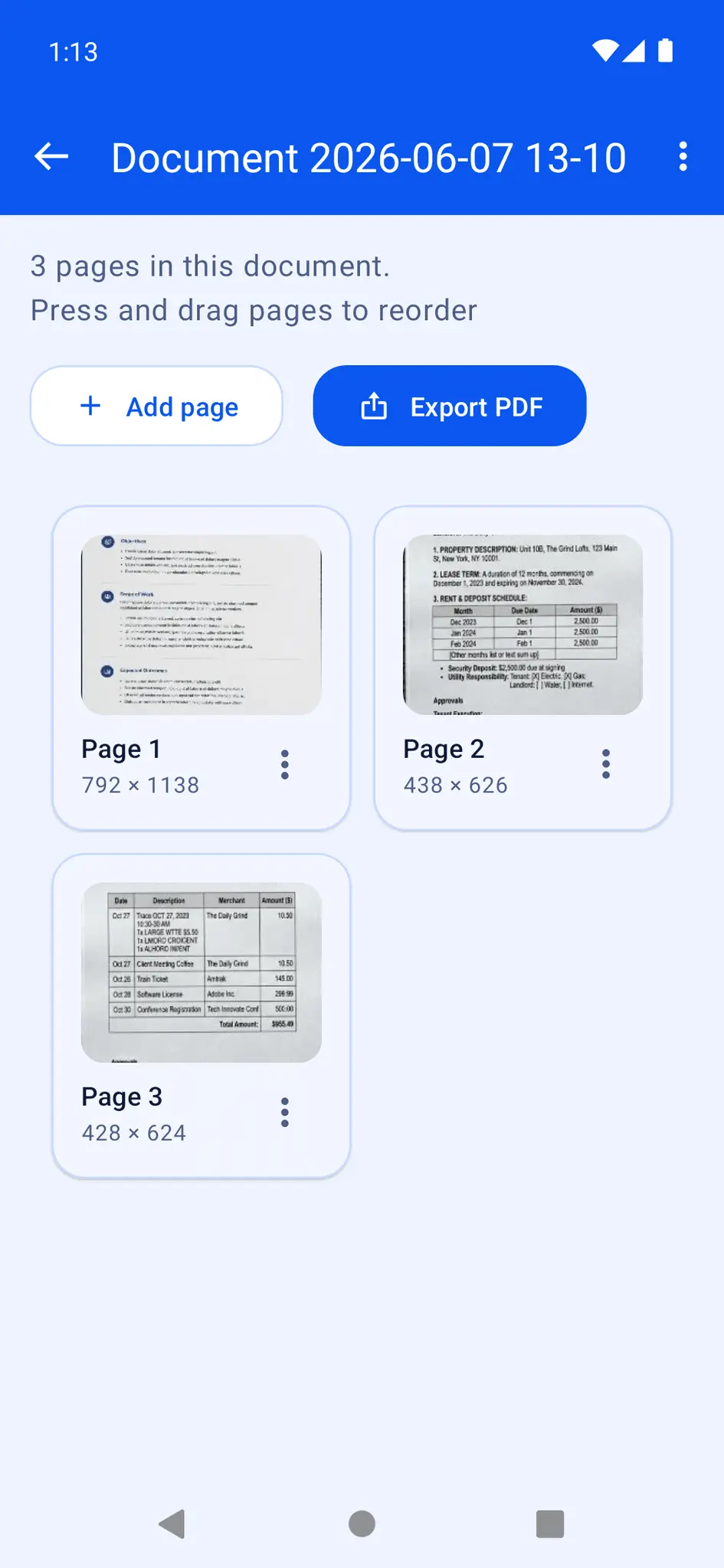
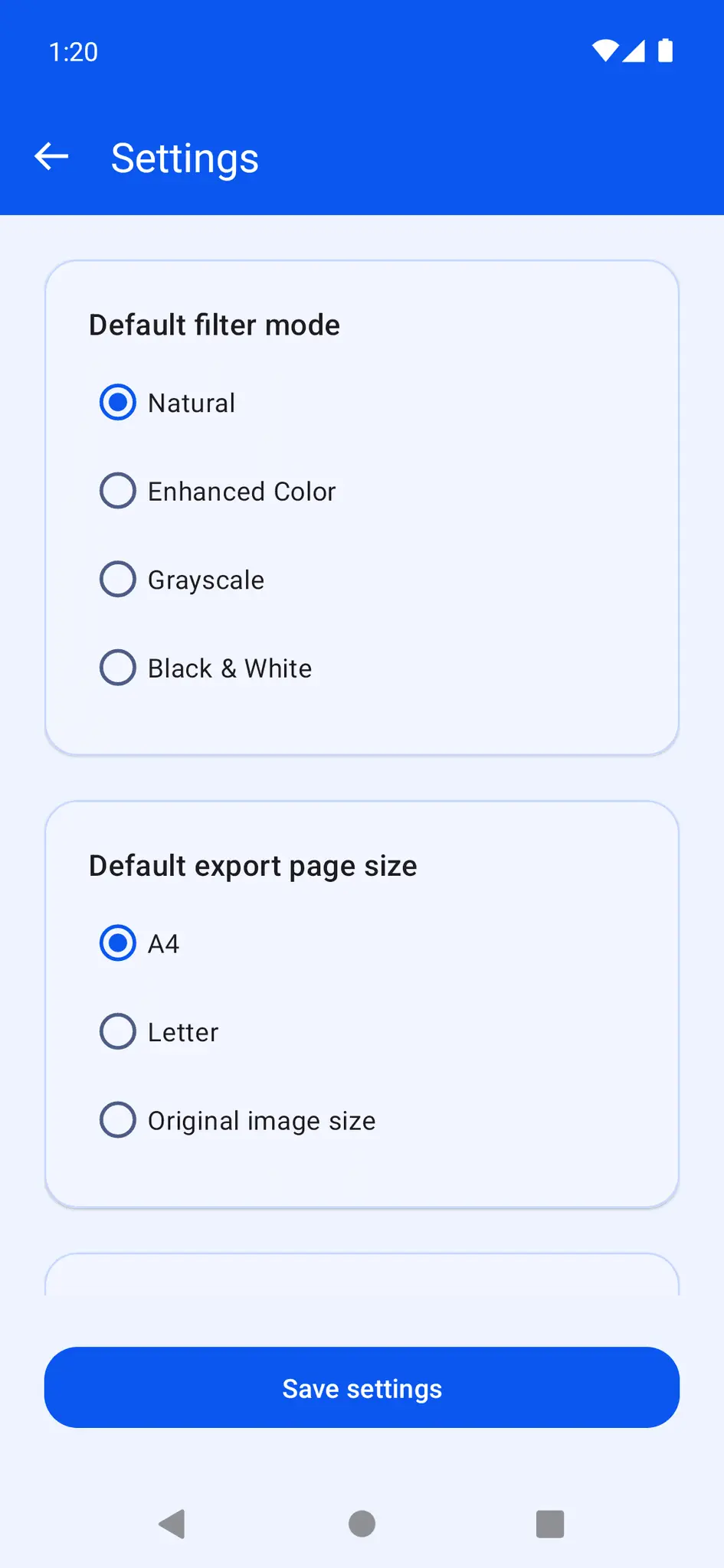
Ditto Scan is a fast, simple, and reliable document scanner app that helps you scan documents, organize pages, enhance image quality, and share files directly from your phone. Whether you need to scan receipts, notes, invoices, letters, study materials, or business documents, Ditto Scan gives you the tools to create clean digital copies in just a few steps. Use your phone camera to capture document pages or import existing images from your gallery. After capture, you can manually adjust the document corners, crop the page, correct perspective, and rotate the image to get a neat scanned result. Ditto Scan also includes multiple image enhancement modes, including Natural, Enhanced Color, Grayscale, and Black & White, so you can choose the best look for every document. Create multi-page document projects and keep everything organized in one place. You can name your projects, add more pages later, replace existing pages, reorder pages with drag and drop, and delete pages you no longer need. Project thumbnails, page counts, and updated information make it easy to manage your scanned files quickly. Need to review a page more closely? Ditto Scan includes a full page preview with pinch to zoom, pan, and double tap to reset, making it easier to inspect small text, document edges, and scan quality before exporting or sharing. You can also jump between pages, edit the crop again, or share an individual page as a JPEG image. When you are ready to export, Ditto Scan lets you create multi-page PDF files from your scanned projects. Choose the page size that fits your needs, including A4, Letter, or Original image size. You can also select export quality levels such as Low, Medium, or High to balance file size and clarity. Finished PDFs can be shared easily using the Android share sheet. Ditto Scan is designed to be practical for everyday scanning: - Scan documents with your camera - Import images from your gallery - Crop, deskew, and rotate pages - Enhance scans with multiple filter modes - Organize pages inside document projects - Reorder, replace, and delete pages - Preview pages with zoom support - Share single pages as JPEG - Export multi-page PDFs - Choose default filter, page size, and export quality settings The app also keeps your document data stored locally in app-private storage, helping you manage your scans directly on your device. If you want a document scanner app that is clean, easy to use, and built for fast PDF creation and document organization, Ditto Scan is a great choice for personal, study, and everyday office use.
Screenshots
Reviews (0)
No reviews yet. Be the first to rate this product!
Comments (0)
No comments yet. Be the first to share your thoughts!