
EML File Viewer & Attachment Extractor
Open EML files & extract attachments locally in your browser

Details
- Categories
- Target Audience
- Pricing
- Free
- Platforms
Discovery signals
How AI and people discover EML File Viewer & Attachment Extractor on PeerPush
About EML File Viewer & Attachment Extractor
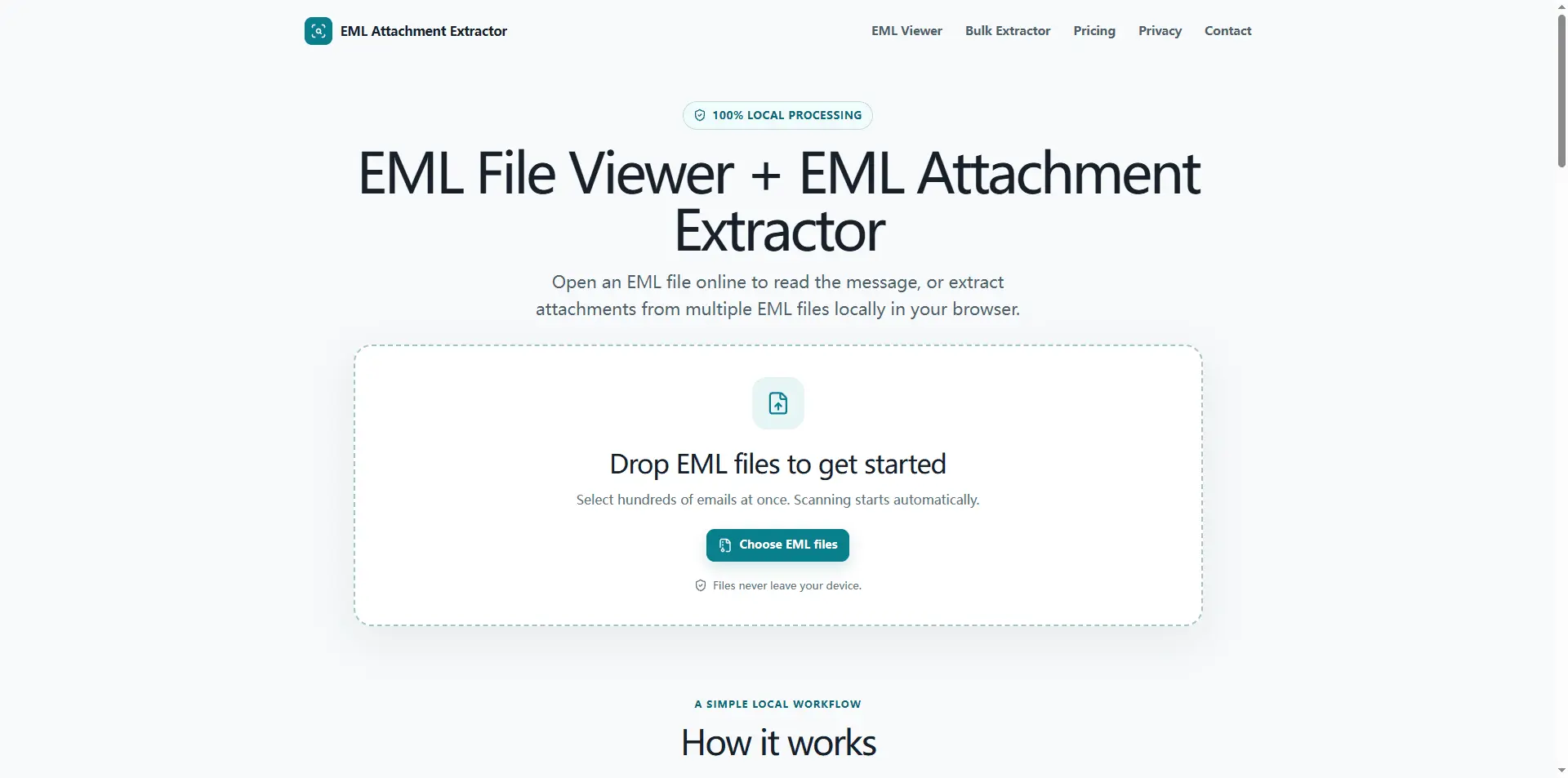
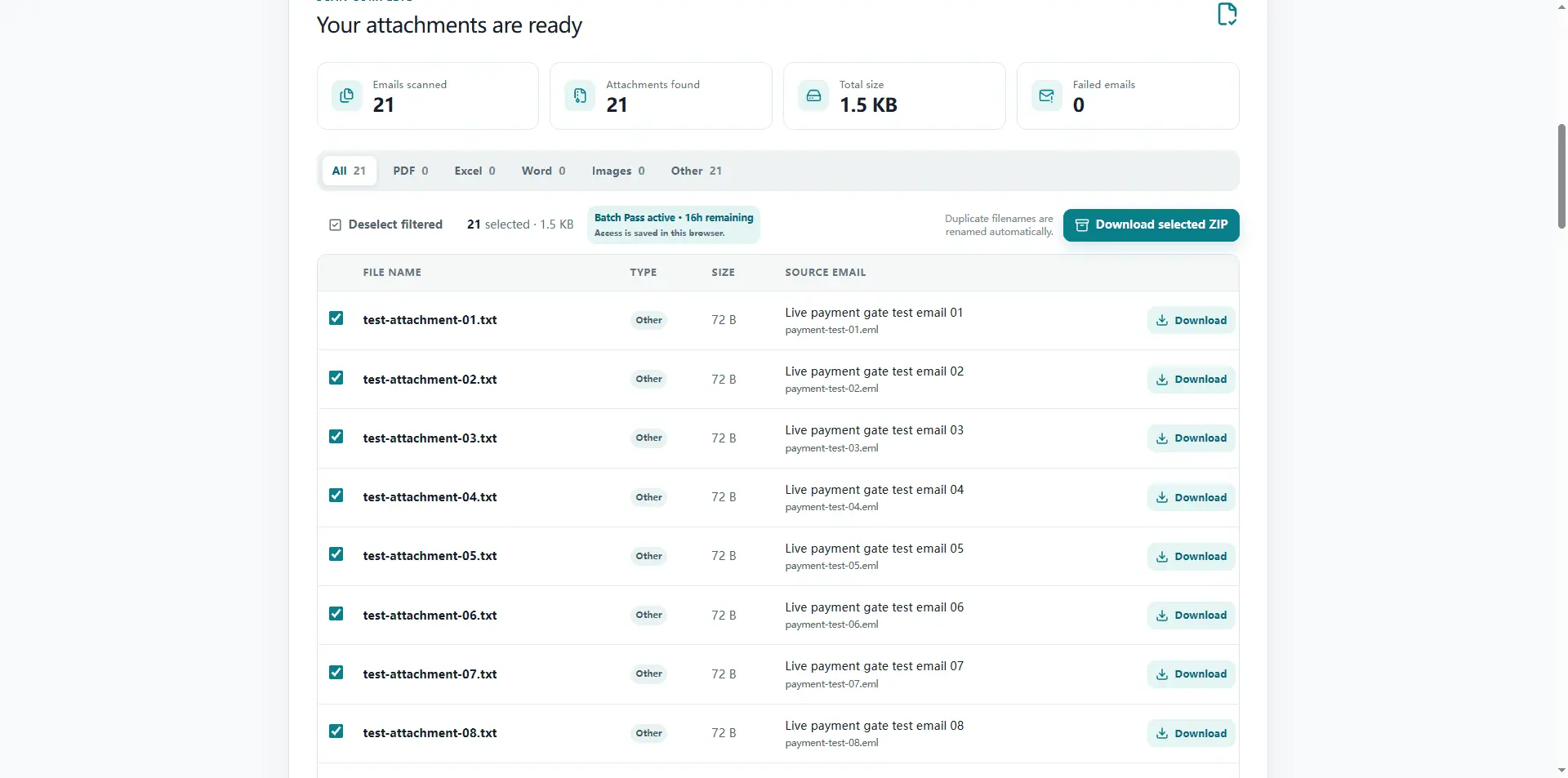
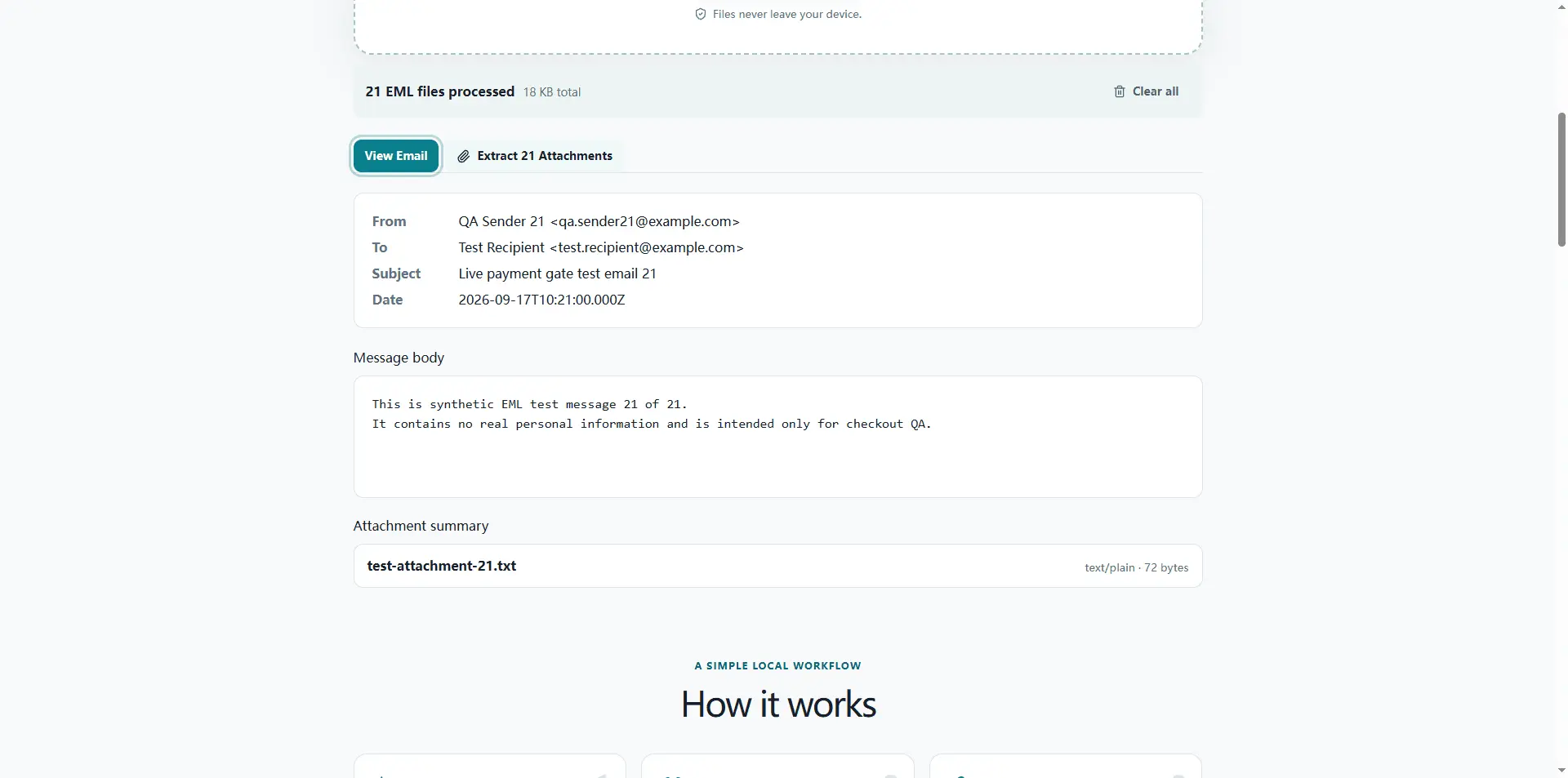
EML File Viewer & Attachment Extractor is a browser-based tool for opening .eml files and extracting email attachments without uploading your emails to a server. Import one or many EML files, preview message details, scan attachments, and quickly find PDFs, Excel files, Word documents, images, and other files. For larger email archives, the tool supports bulk EML processing and lets you download attachments individually or package them into a ZIP. Everything is processed locally in your browser, making it useful for private email archives, backups, exported mailboxes, and anyone who needs a faster way to work with collections of EML files.
Screenshots
Reviews (0)
No reviews yet. Be the first to rate this product!
Comments (1)
Built for anyone working with EML archives: open emails, preview messages, and extract attachments in bulk — all processed locally in your browser.