
Eofent Capture
FullPage Screenshot & Video Recorder & PDF Editor, AI Notes

Details
- Target Audience
- Pricing
- Freemium from $1.5
- Platforms
- Alternatives
 Cleanshot X alternatives
 Loom alternatives
About Eofent Capture
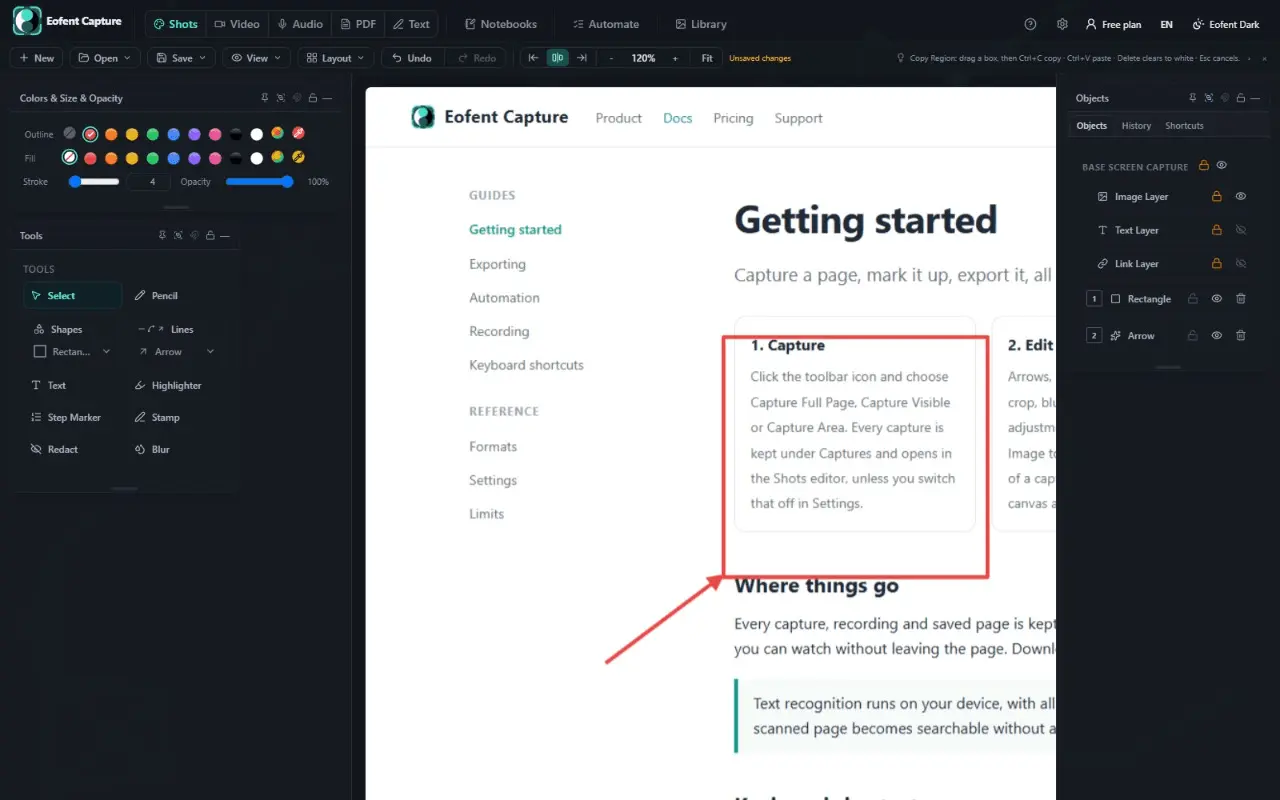
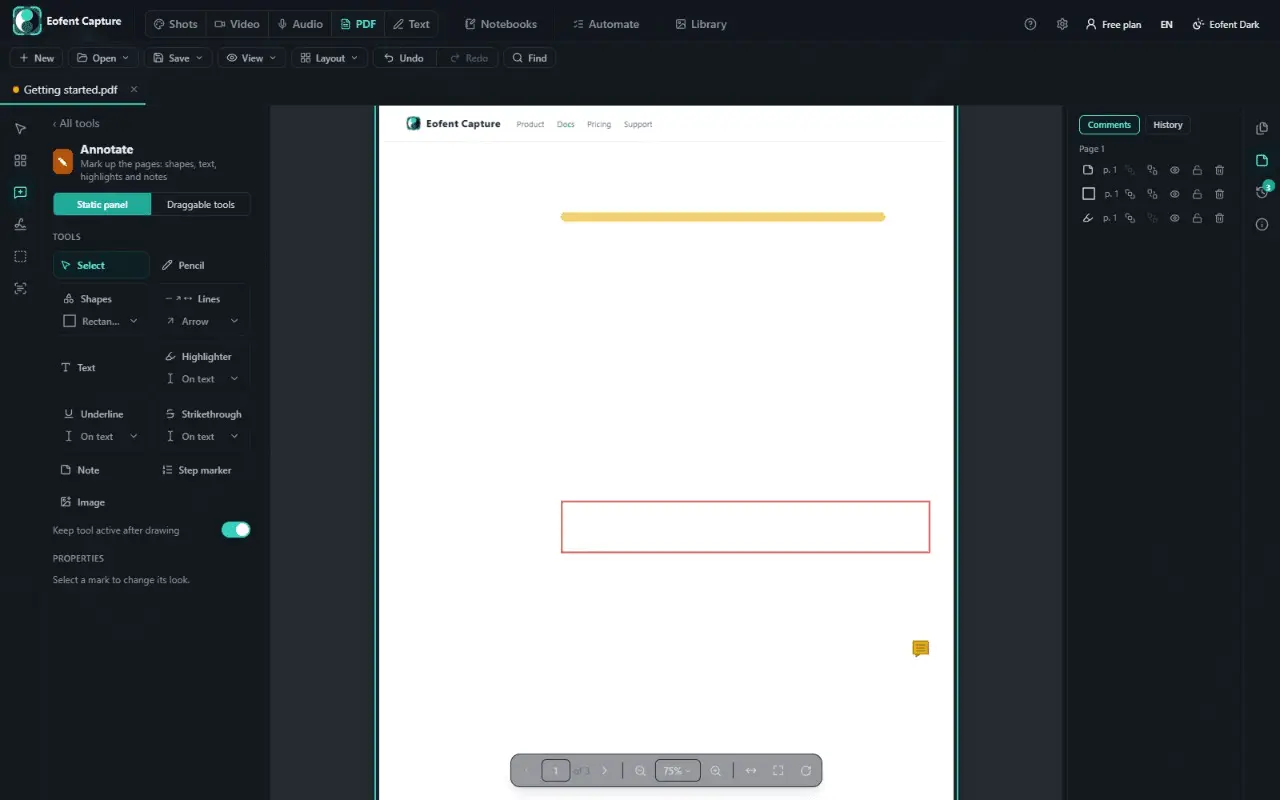
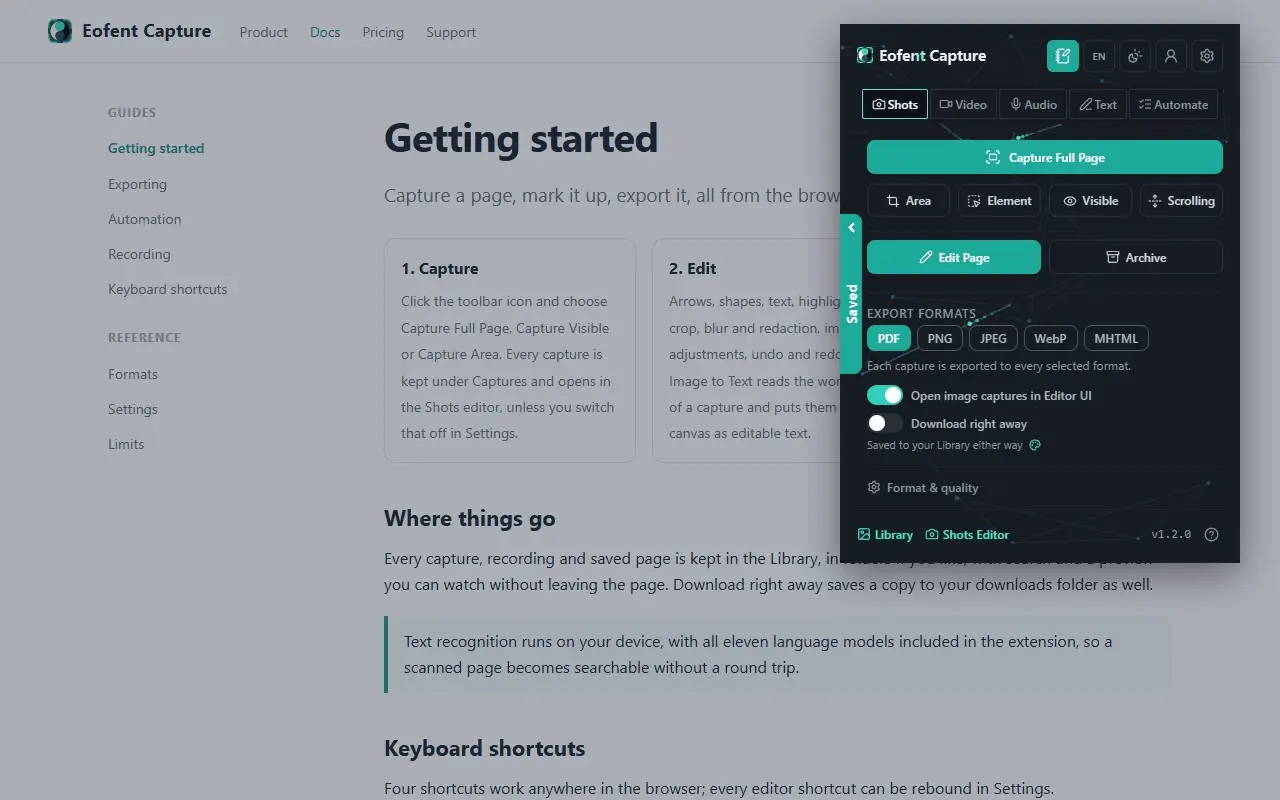
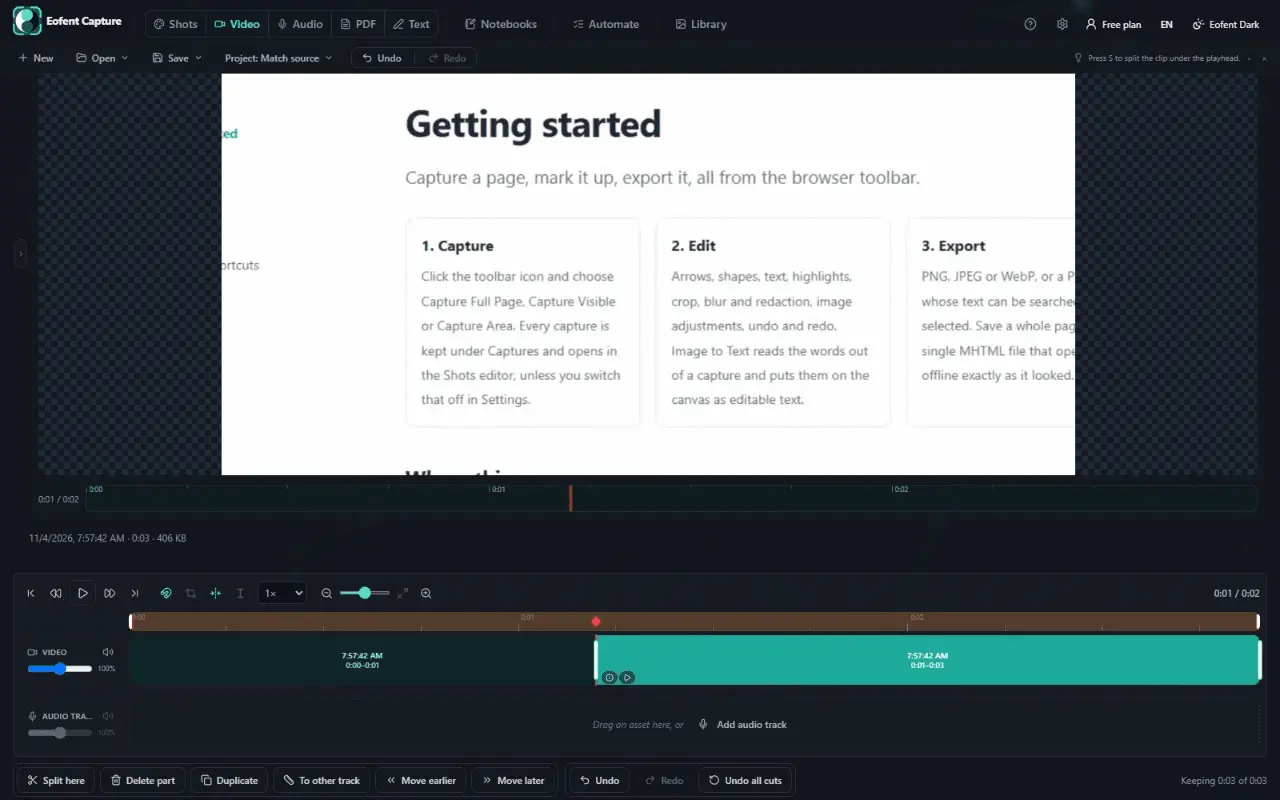
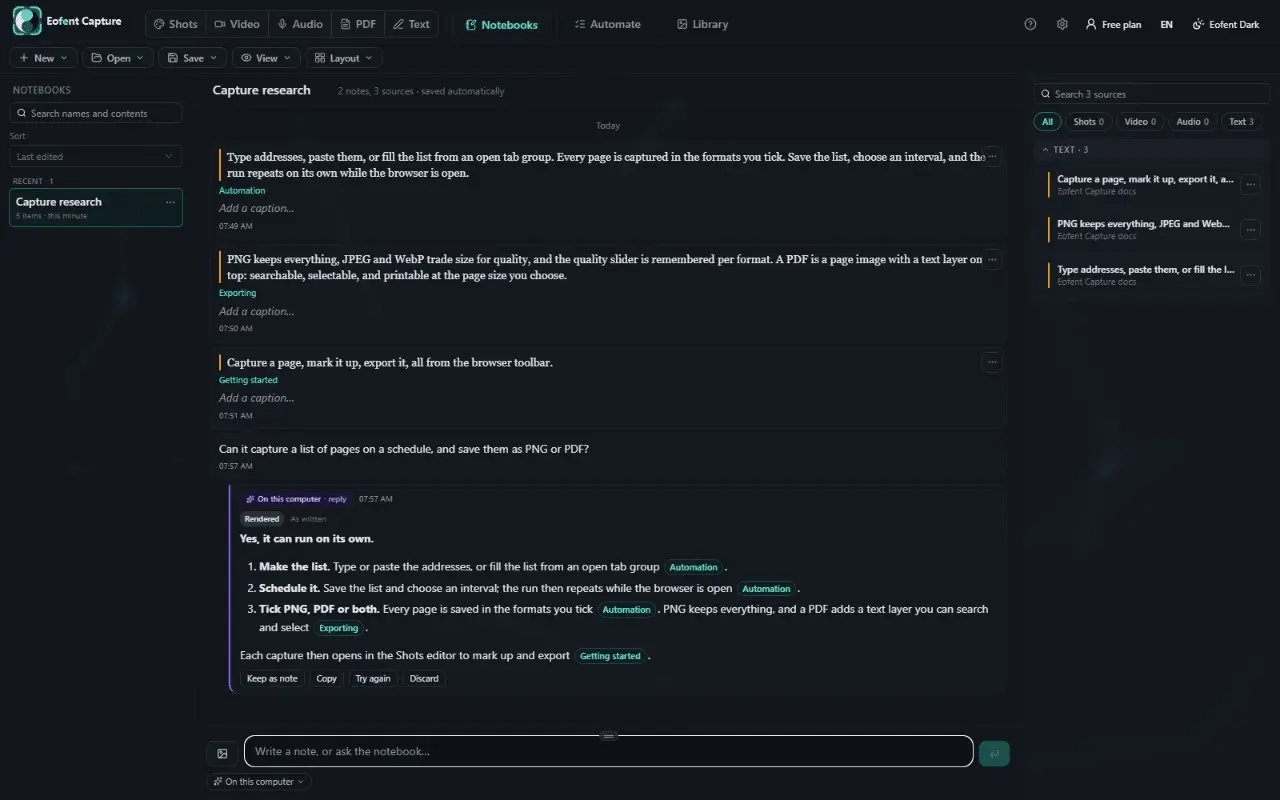
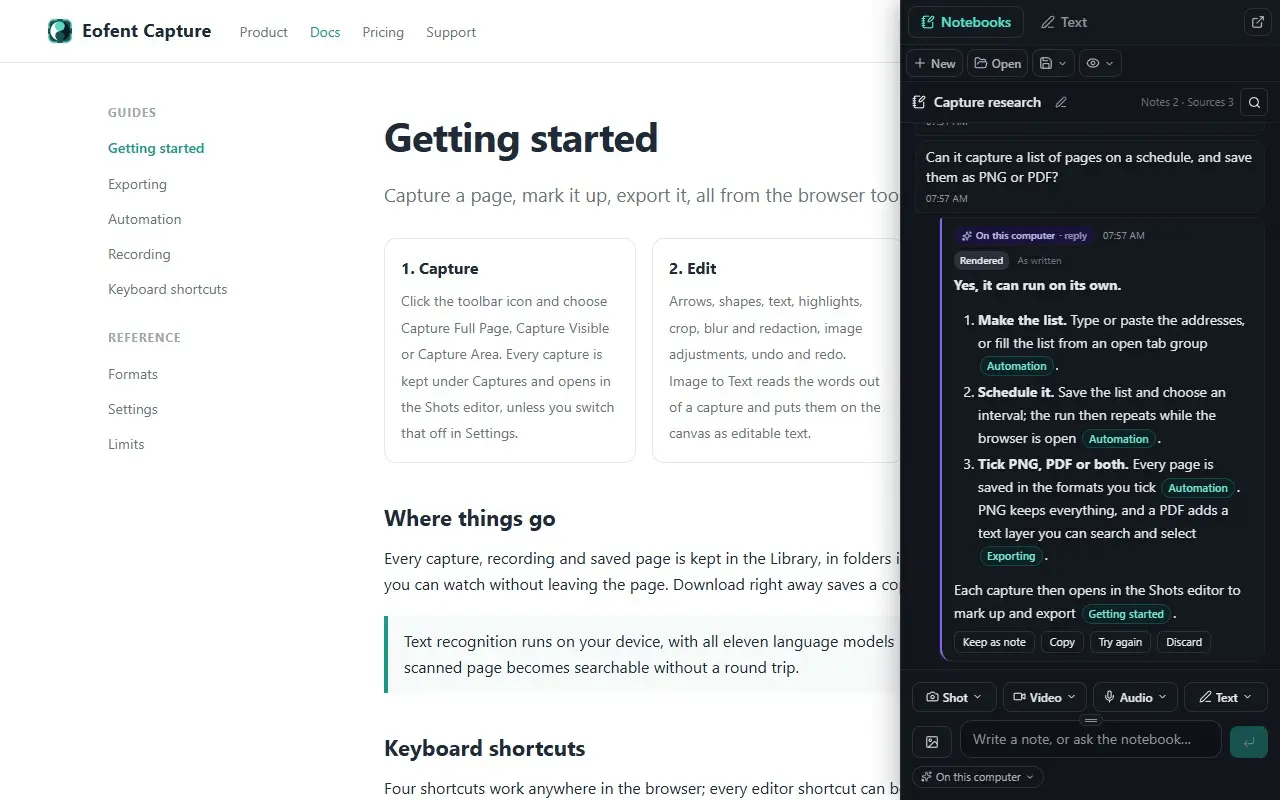
Screenshot, screen recorder, PDF editor and AI notebook in one. Capture as image, video, audio or text; edit; automate many sites. Eofent Capture takes what is on your screen and lets you work with it. Capture a whole page, record a tab, collect what you read into a notebook, ask questions about it with AI, and finish the job in built-in PDF, text, image and video editors. Everything you capture is created and kept on your own computer. CAPTURE • Full page (scrolls and stitches however long the page is, keeping sticky headers once), visible area, custom region, single element, or inner scrolling panel (chats, feeds, dashboards). • Save as PNG, JPEG, WebP, a PDF with selectable text, or an offline MHTML archive. • Record the current tab with tab audio, a region, a window, or the screen (plus mic or audio-only). • Edit the live page before capturing: delete banners, highlight text, or add pictures. • Keyboard shortcuts and a right-click menu for common captures. EDIT • Shots & OCR: Arrows, shapes, text, step markers, blur and redact. Built-in 11-language offline Image-to-Text (OCR). • Video & Audio Editors: Timeline with split, trim, ripple, second track and crop. Export WebM, MP4, MKV, animated GIF, WAV or MP3. • Text Editor: Open and export Word, Markdown, HTML, CSV and PDF with side-by-side preview. • Local PDF Editor: Organize, merge, split, compress, crop, rotate, sign, burned-in redact, compare two PDFs, add Bates/page numbers, and make scanned PDFs searchable offline. AUTOMATE • Batch-capture a list of URLs, open tabs, tab groups, or page links in one run, with optional pre-capture steps or schedules (Premium). NOTEBOOK AND AI • Collect shots, recordings, clipped passages (with title, URL and date saved automatically) and notes beside any page. • Ask questions with cited sources, summarize, translate or rewrite. AI stays off until you choose your browser's built-in AI, a local model server (like Ollama), or your own API key. • Export as Markdown, PDF, Word, web page, ZIP. PRIVACY & PLANS • Captures, recordings, PDFs and notebooks stay on your computer. Optional Save to Google Drive and QR Send to phone upload only when pressed. • Available on Chrome, Firefox and Edge (11 interface languages, light/dark themes). • Free to start with daily allowances on heavy actions; Premium removes limits. • Pricing & Privacy: https://eofent.com/products/capture/pricing
Discount Codes
2 Months Free Premium (No Card)(-100% OFF)
Valid until Dec 15, 2026
Screenshots
Reviews (0)
No reviews yet. Be the first to rate this product!
Comments (0)
No comments yet. Be the first to share your thoughts!