
Fervio
Your GitHub issues become a user story map.
Details
- Follow on
- @hironavalo
- Categories
- Developer ToolsProductivity & Notes
- Use Cases
- Project ManagementRoadmap Generation
- Target Audience
- Software DevelopersProject ManagersEngineering Managers
- Pricing
- Freemium from $12
- Platforms
- Web
Discovery signals
How AI and people discover Fervio on PeerPush
About Fervio
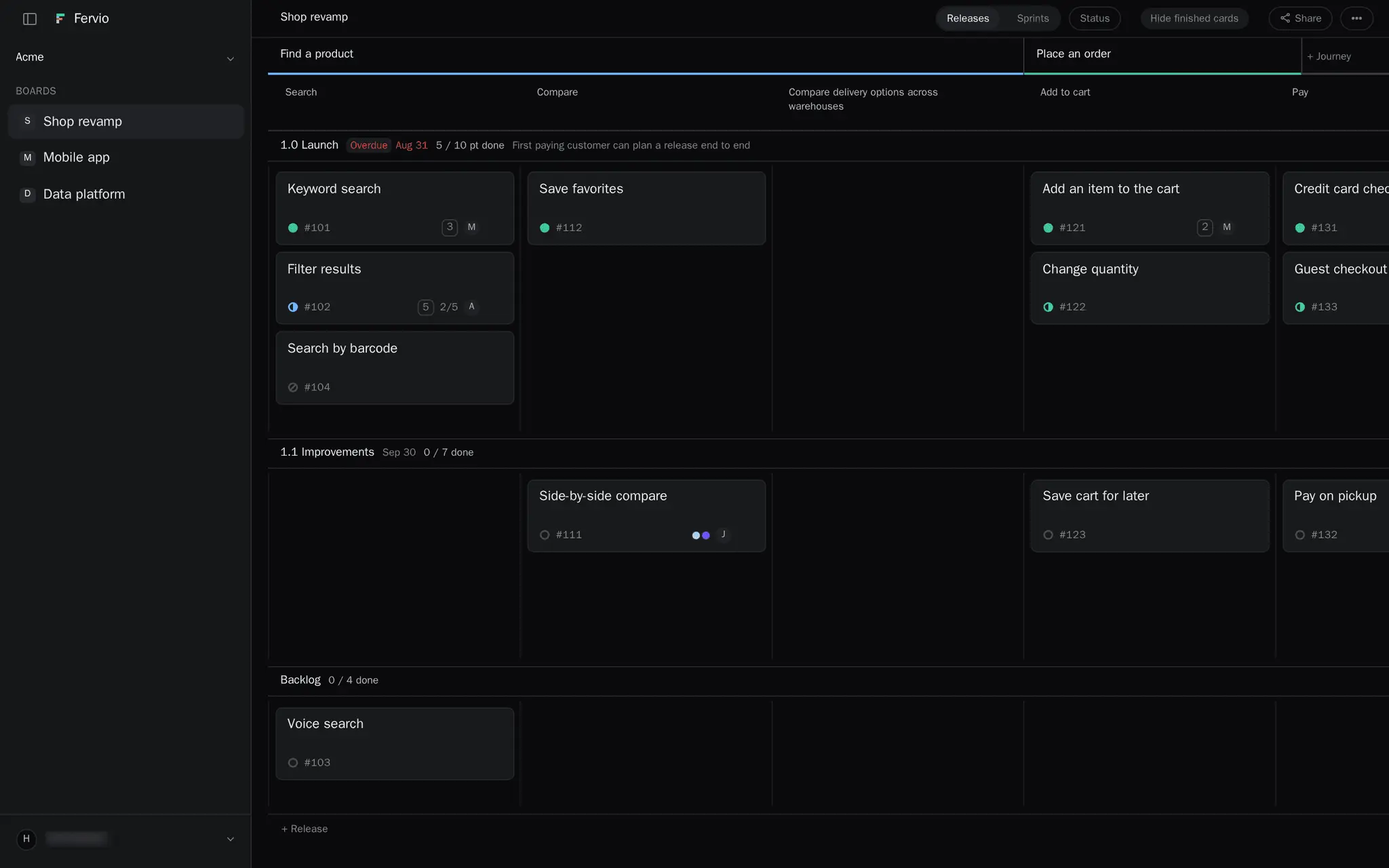
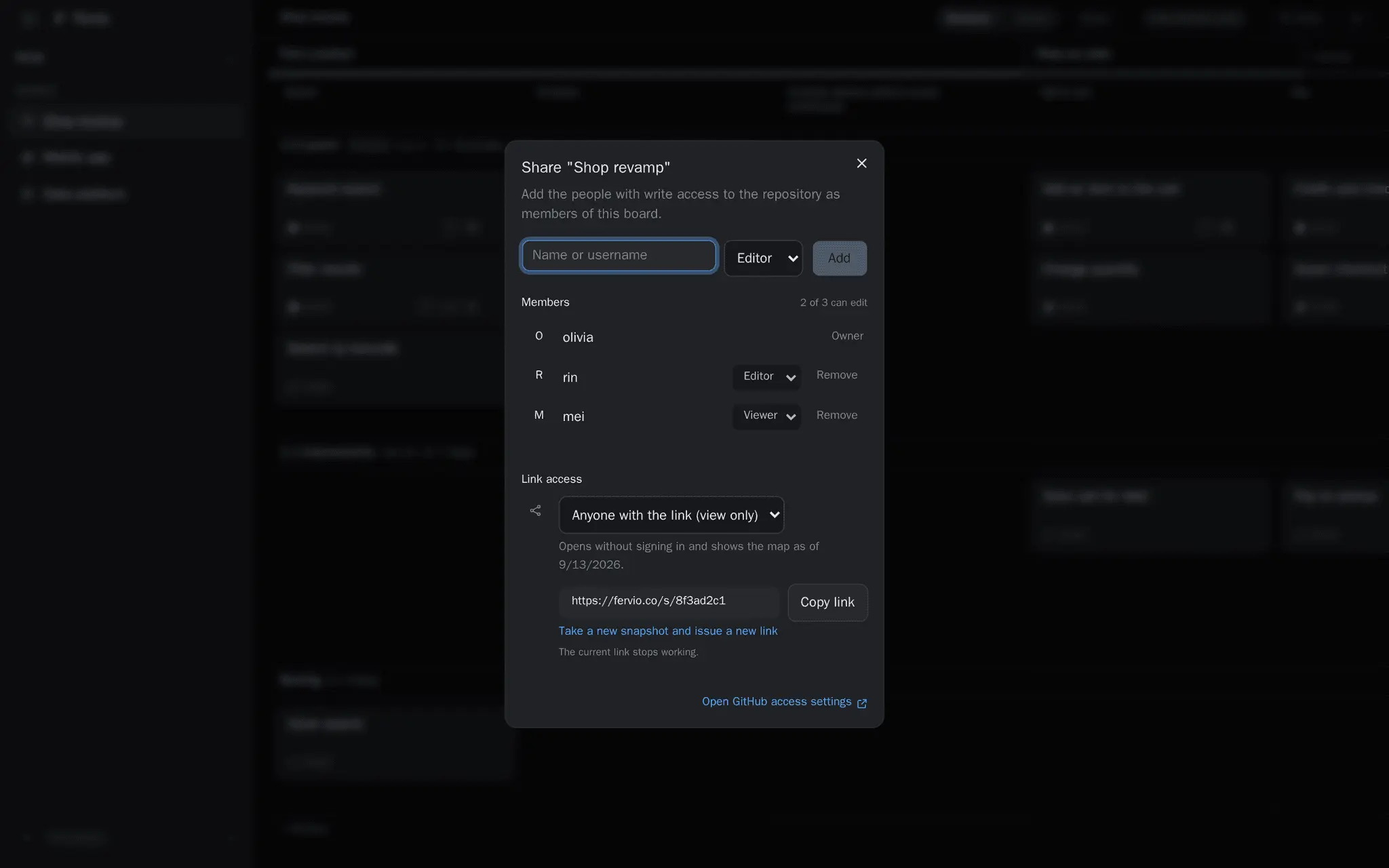
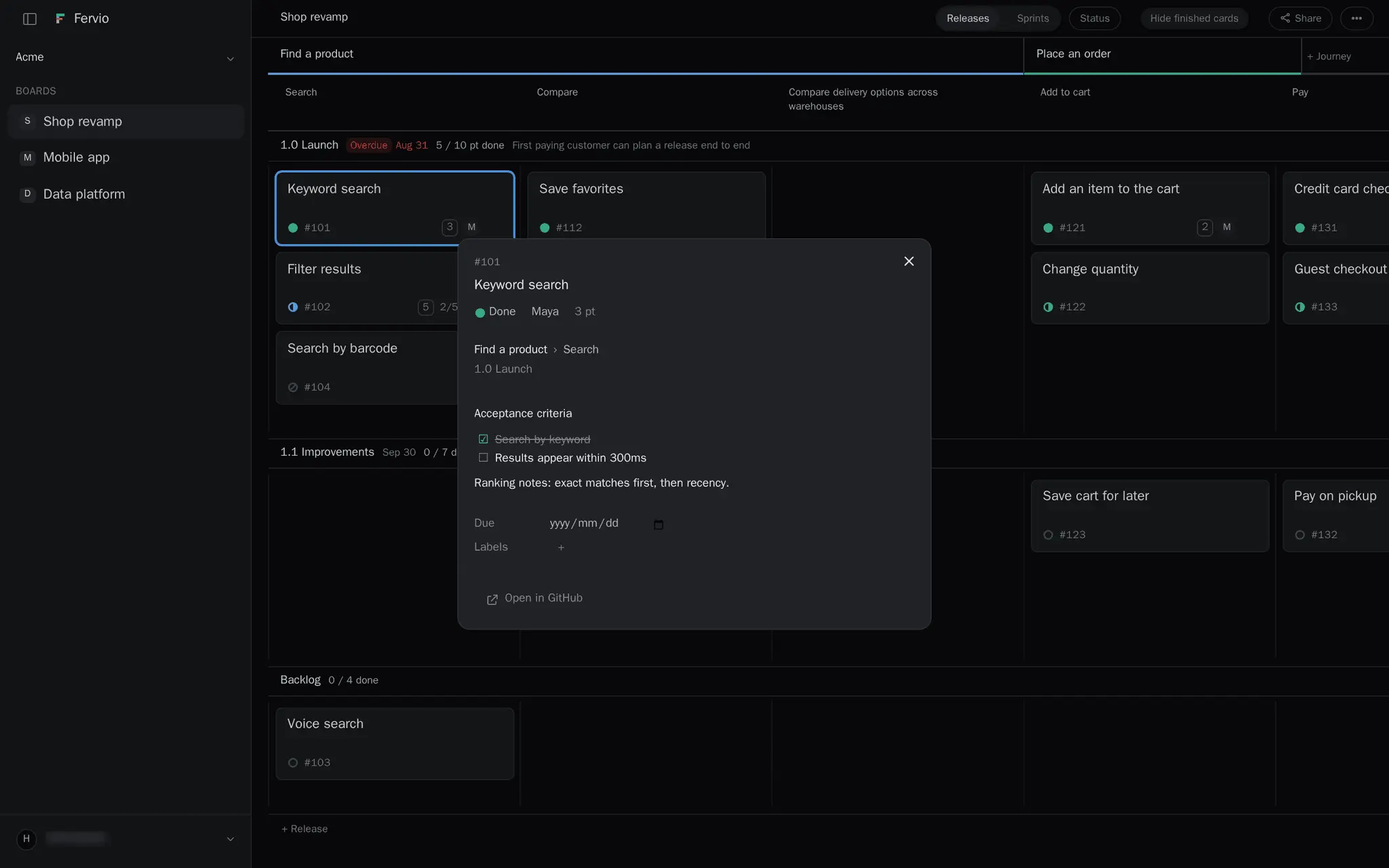
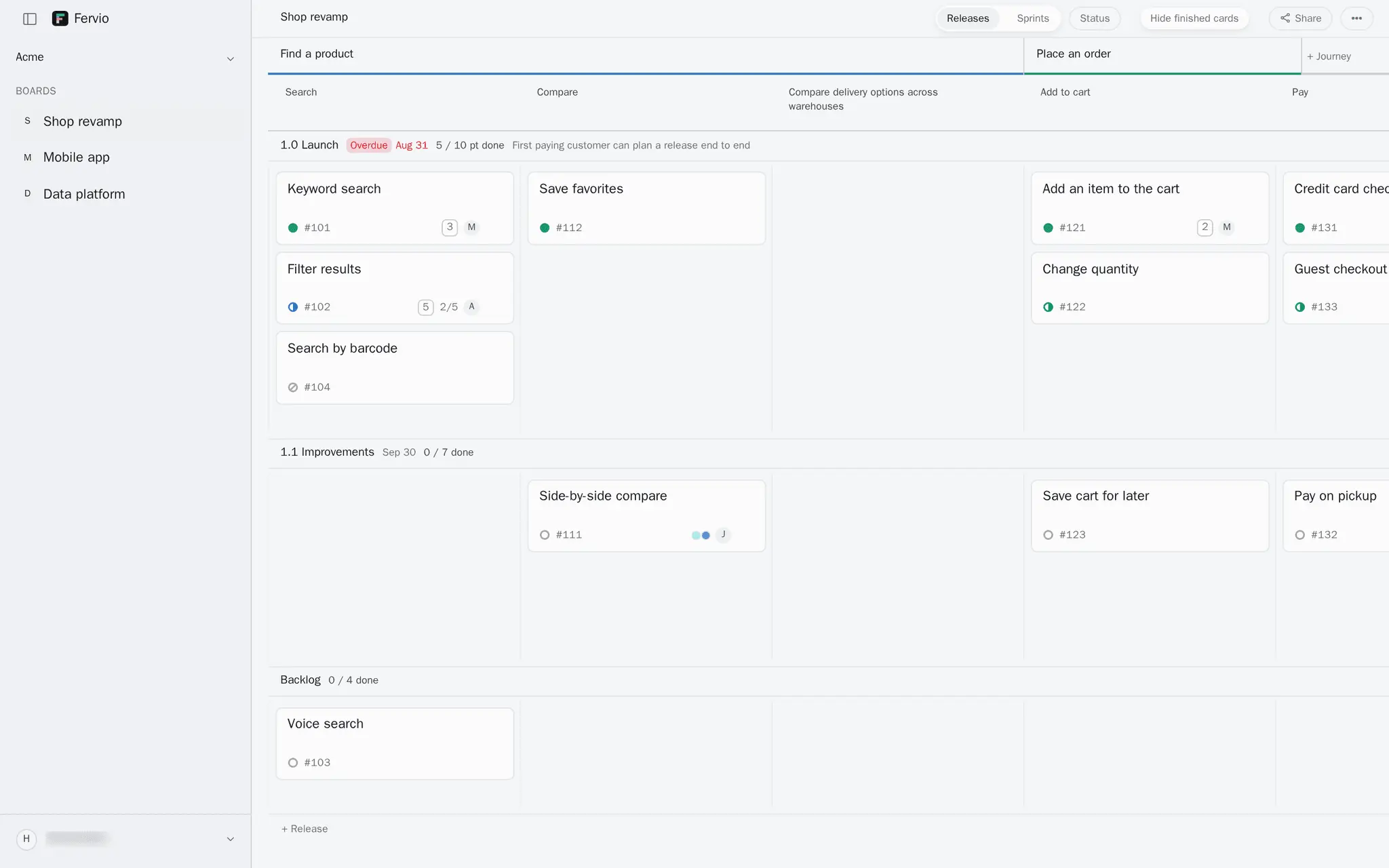
A list of GitHub issues tells you what is open. It does not tell you what to build next, or where each one sits on the path your users take. Fervio opens the same issues as a story map. Journeys run across the top, the steps under each journey become the columns, and your GitHub milestones become the release rows. Nothing is imported and nothing is copied — Fervio reads GitHub every time you open a map. Move a card and the issue changes with it. Drag it to another column and its labels change; drag it to another release row and its milestone changes. There is nothing to sync. - Labels hold the map. Journeys and steps live as labels on the issues themselves, so they show up in GitHub and stay there if you stop using Fervio. - Share without a sign-in. Publish a read-only snapshot and send the link to anyone. It opens without an account of any kind. - Fervio cannot read your code. It is a GitHub App that asks for four permissions — issues, repository names, organization membership and email address — and no access to file contents. - No analytics scripts, no ad pixels, no trackers. Free: one board you can edit, three people who can edit it (you included), unlimited viewers and share links. No credit card.
Screenshots
Reviews (0)
No reviews yet. Be the first to rate this product!
Comments (1)
Maker here. I had 80 issues in GitHub and no idea what to build next, so I made the map out of the issues themselves. Move a card, the real issue moves. Free while in beta — tell me what's missing.