File2File
Convert, compress and edit files right in your browser

Details
- Categories
- Pricing
- Free
- Platforms
- Alternatives
 Convertio alternatives
 CloudConvert alternatives
Discovery signals
How AI and people discover File2File on PeerPush
About File2File
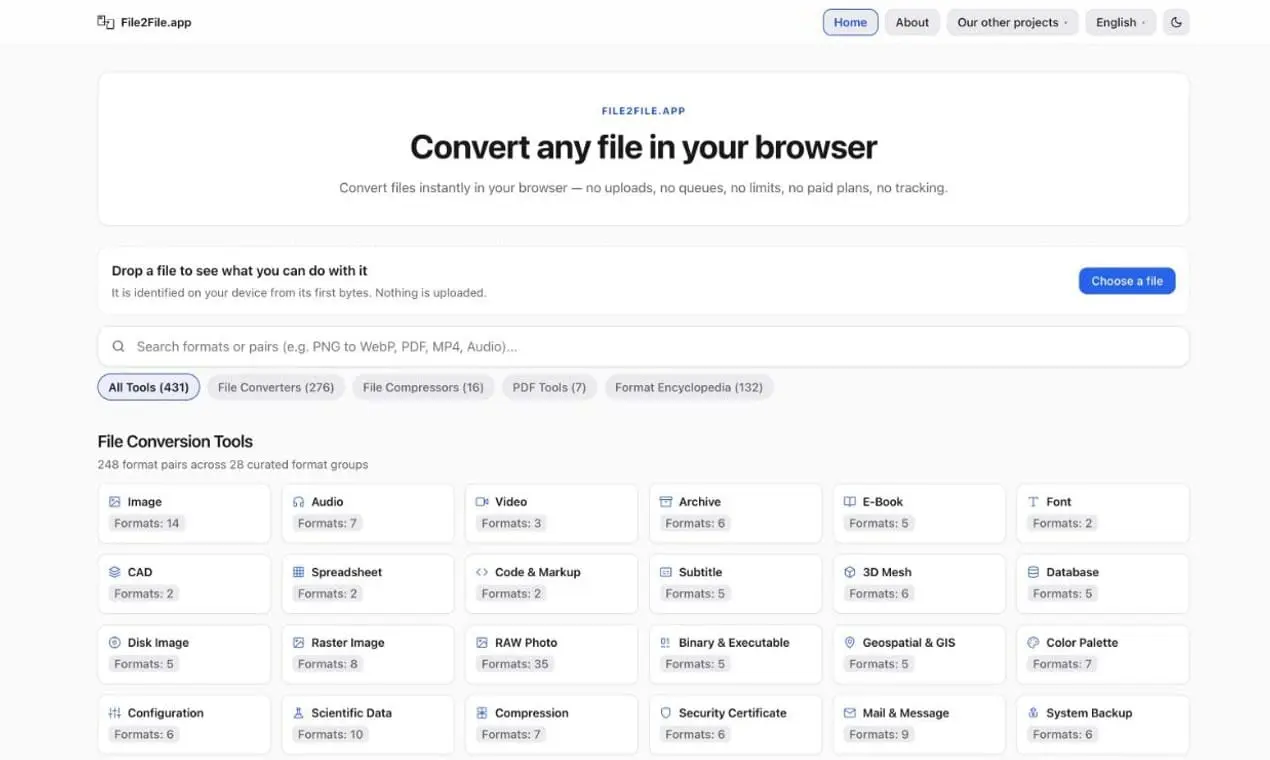
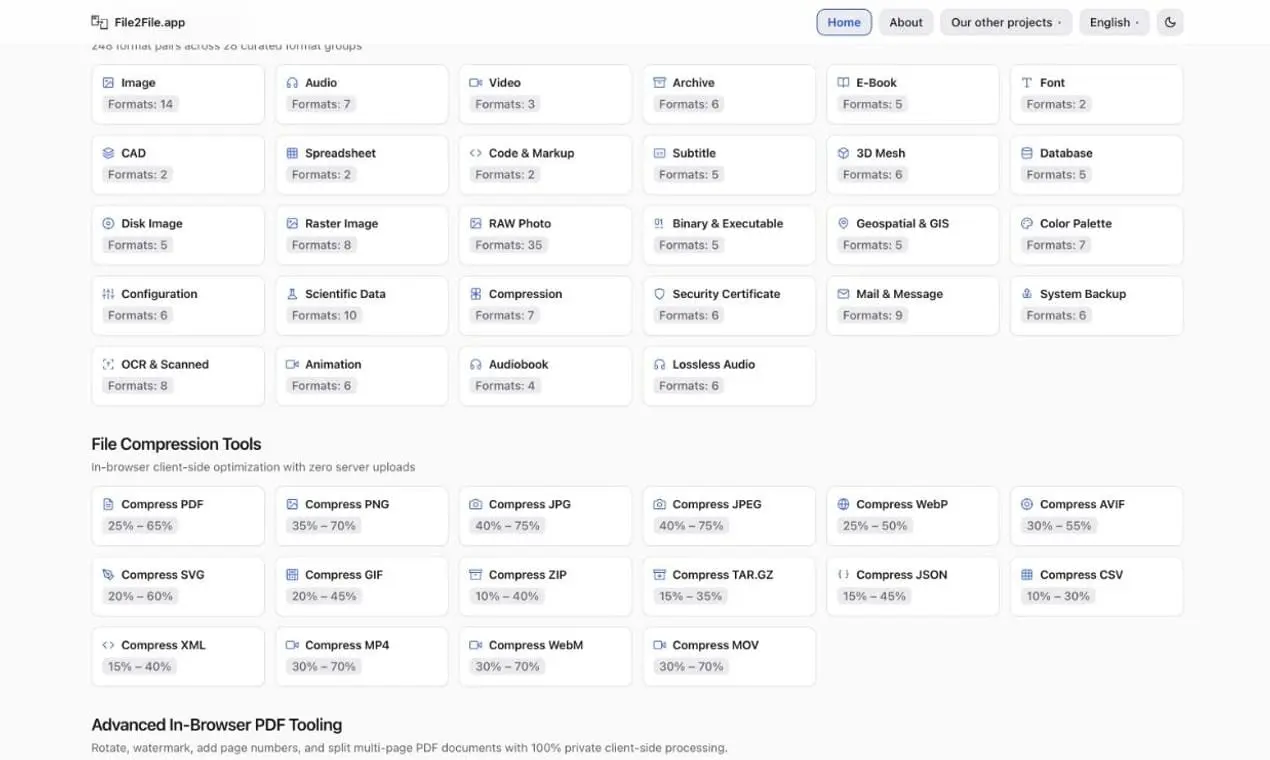
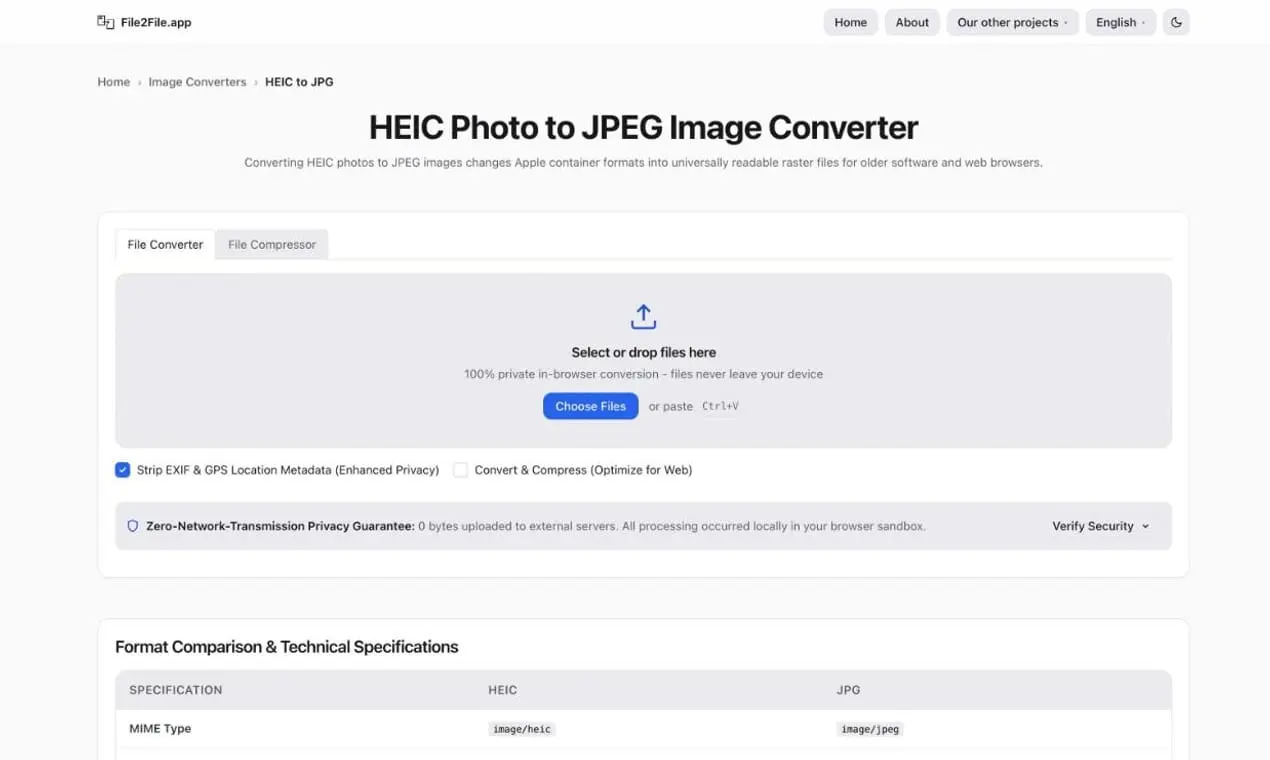
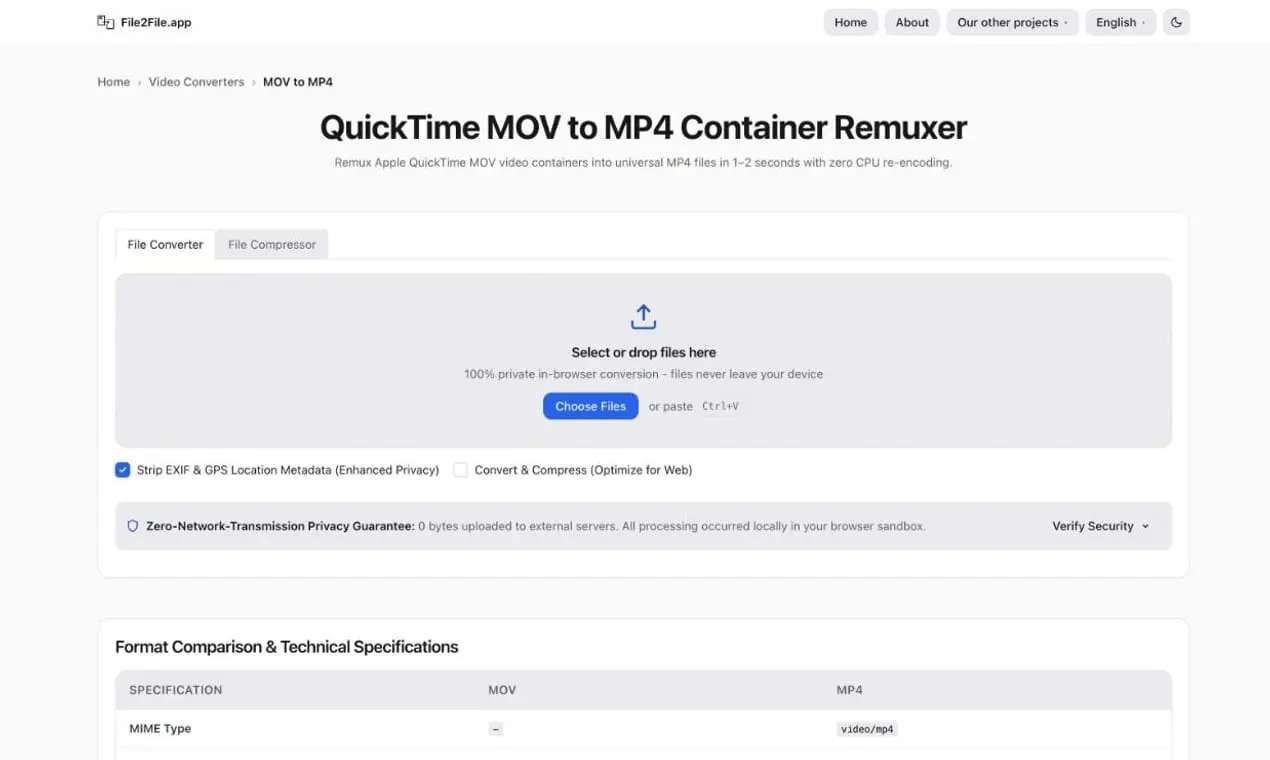
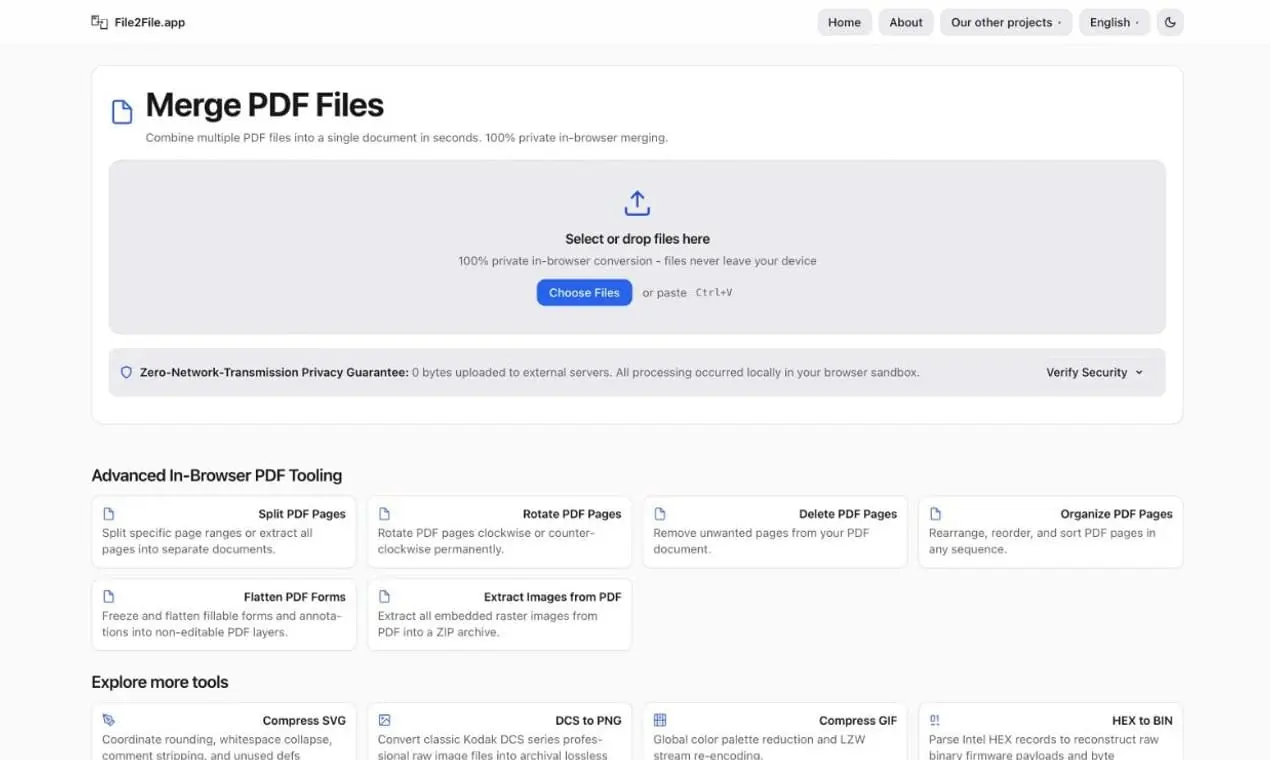
File2File converts, compresses and edits files in your browser, using WebAssembly and browser APIs, so your files are not uploaded. Drop any file on the home page and it is identified from its first bytes, then the matching tools are shown. It covers 248 conversion pairs across 132 formats in 28 groups: images, HEIC and RAW photos, audio and lossless audio, video, animation, e-books and audiobooks, fonts, archives, disk images, spreadsheets, code and config files, subtitles, 3D meshes, CAD, GIS, scientific data, certificates, mail and backups. There are 16 compressors (PDF, PNG, JPG, WebP, AVIF, SVG, GIF, ZIP, TAR.GZ, JSON, CSV, XML, MP4, WebM and MOV) with presets, PDF tools to merge, split, rotate, delete and reorder pages, flatten forms and extract images, an audio trimmer and English OCR. A format encyclopedia explains 132 file formats. Add files by drag and drop, the file picker or paste, convert many at once and download them as a ZIP, set the quality, compare before and after, and strip EXIF and GPS data from photos. Free, no sign-up, 37 languages.
Screenshots
Reviews (0)
No reviews yet. Be the first to rate this product!
Comments (1)
Hi all, I built this so converting one file does not mean uploading it to a server. Which format should I add next?