Filepeek
View any file in your browser
Details
- Target Audience
- Pricing
- Free
- Platforms
- Featured in
About Filepeek
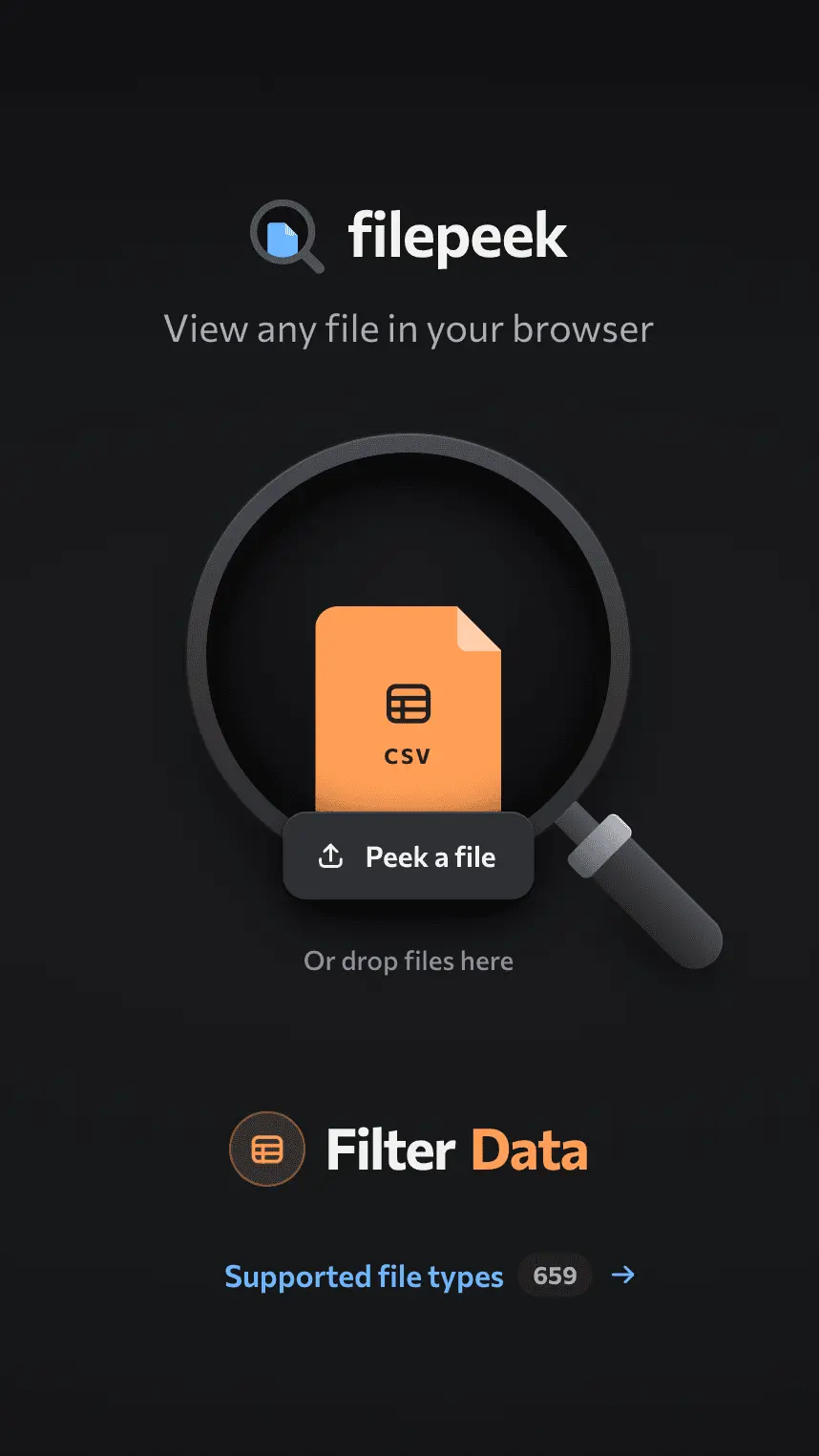
Filepeek is a free web app that opens over 900 file types in your browser. It’s for the file your device can’t show, play or open: an iPhone photo on a Windows PC, a Photoshop file without Photoshop, an AutoCAD drawing, a winmail.dat attachment, a RAR archive or an old WordPerfect document. Without Filepeek, the usual ways out are installing software you’ll use once, or uploading the file to a converter site, which means handing a private file to someone else’s server, often on a page filled with ads. With Filepeek, you drop a file on filepeek.io, or pick one, and it opens: photos and camera raws, videos and songs, PDFs, Word, Excel and PowerPoint files, Pages and Keynote, e-books and comics, archives and disc images, 3D models and CAD parts, AutoCAD drawings, Photoshop, Figma and Sketch files, fonts, databases and datasets, emails and Outlook mailboxes, chat exports, apps and installers, medical images and game files. There’s nothing to install and no account to make. Filepeek reads each file on your own device. The page carries its own decoders, many of them compiled to WebAssembly, for the formats browsers can’t show or play, so the work happens in your browser instead of on a server. Files aren’t uploaded, and Filepeek never sees their names or contents. A file only leaves your device if you choose to pass it on with Send, which hands it to Fileport to share as a link. Big files open too: Filepeek reads them in slices and draws only what’s on screen, so a huge log, table or archive opens without filling memory. Each viewer is built for its kind of file. Pictures zoom and show their camera details, videos and songs play, documents keep their layout, archives open as folders, 3D models can be turned and measured, and databases open each of their tables. Filepeek also saves what it opens in easier formats, such as a HEIC photo as JPEG, a video as MP4 or GIF, or a song as MP3. It can crop and mark up pictures, sign and annotate PDFs, edit JSON, YAML and XML, and show any file’s bytes in a hex editor. Saved files carry no watermarks. There are no ads, no pop-ups, no cookies and no tracking tools, and Filepeek never sells or rents anything about you. A PDF’s or a web page’s scripts never run, nor do Office macros, and a link inside a file opens only after Filepeek asks you. Each format it opens has its own page, such as filepeek.io/psd, saying what the file is, which apps open it and what Filepeek shows of it. On a computer, Chrome and Edge can install Filepeek as an app that opens files with a double-click and starts without a network. Websites can also link straight to a file they host, so visitors see it in their browser without installing anything. Filepeek is developed by Fileport Inc. and found only at filepeek.io.
Product Video
Watch a video demo of Filepeek.
Screenshots
Reviews (1)
Average 5.0 out of 5
Based on 1 review

Comments (0)
No comments yet. Be the first to share your thoughts!