
Flow AI Video
Create cinematic AI videos from text and images

Details
- Categories
- Use Cases
- Target Audience
- Platforms
Discovery signals
How AI and people discover Flow AI Video on PeerPush
By AI reads among AI tools
7,601 AI reads since launch, ranked against every AI tool listed.About Flow AI Video
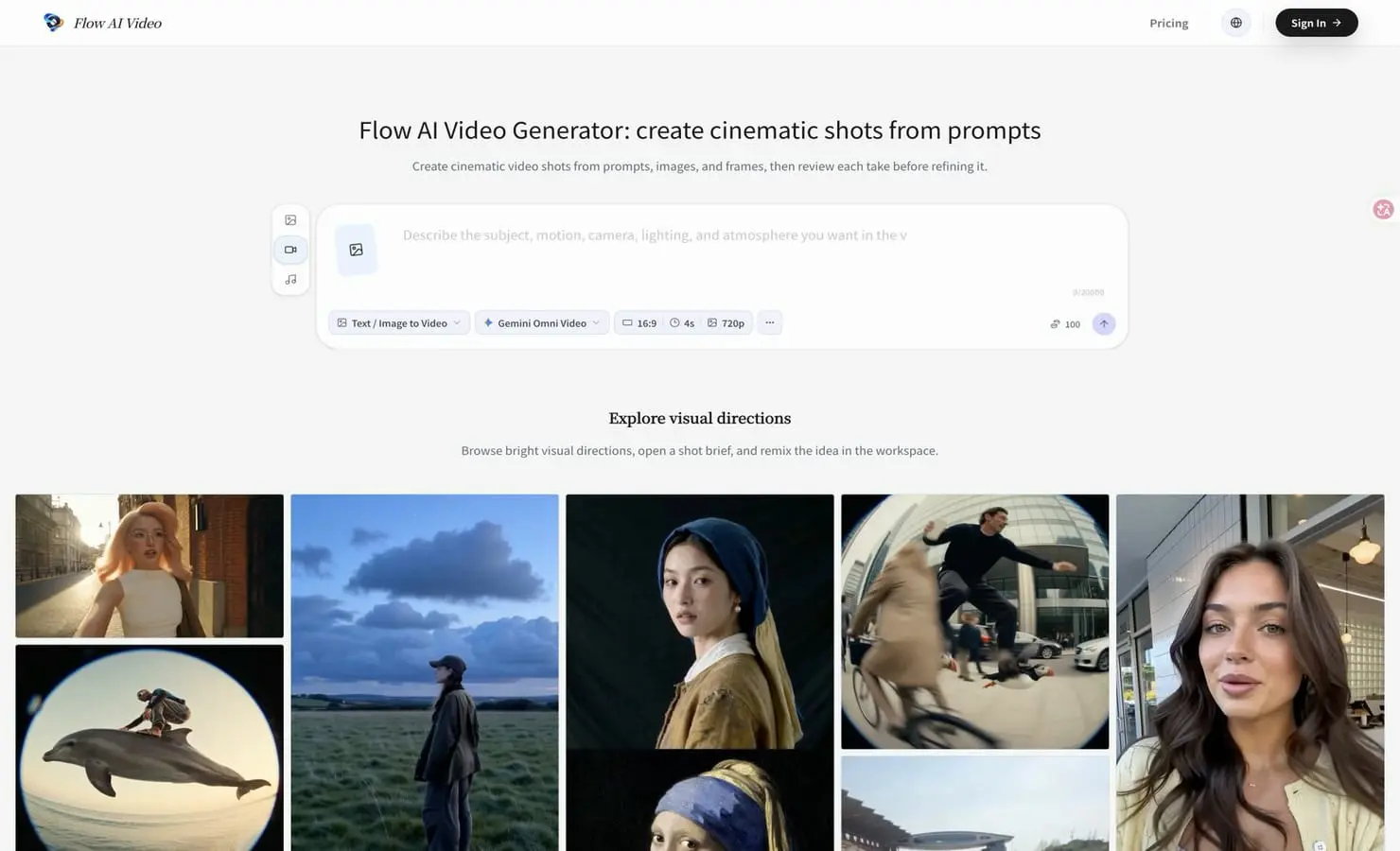
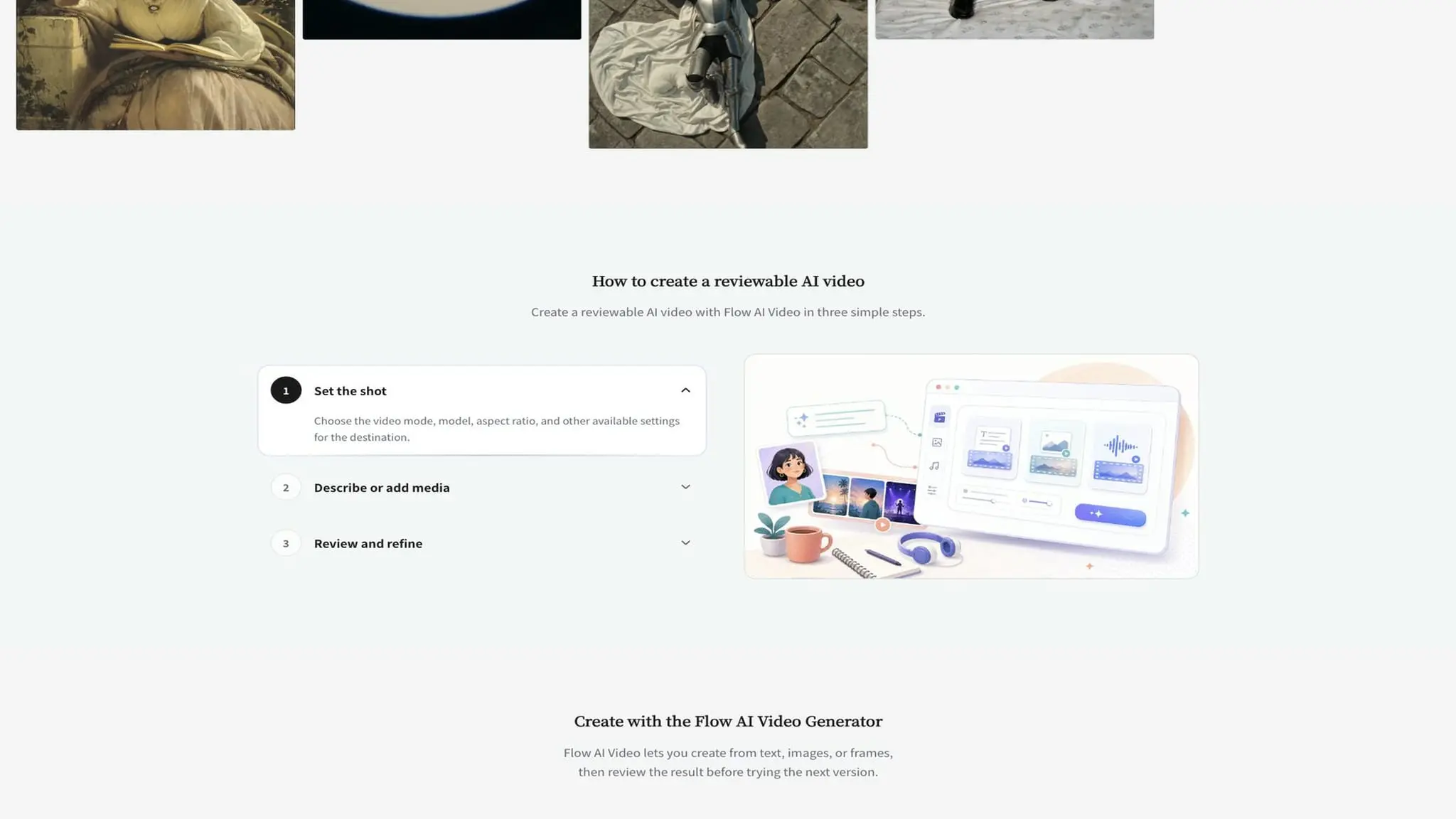
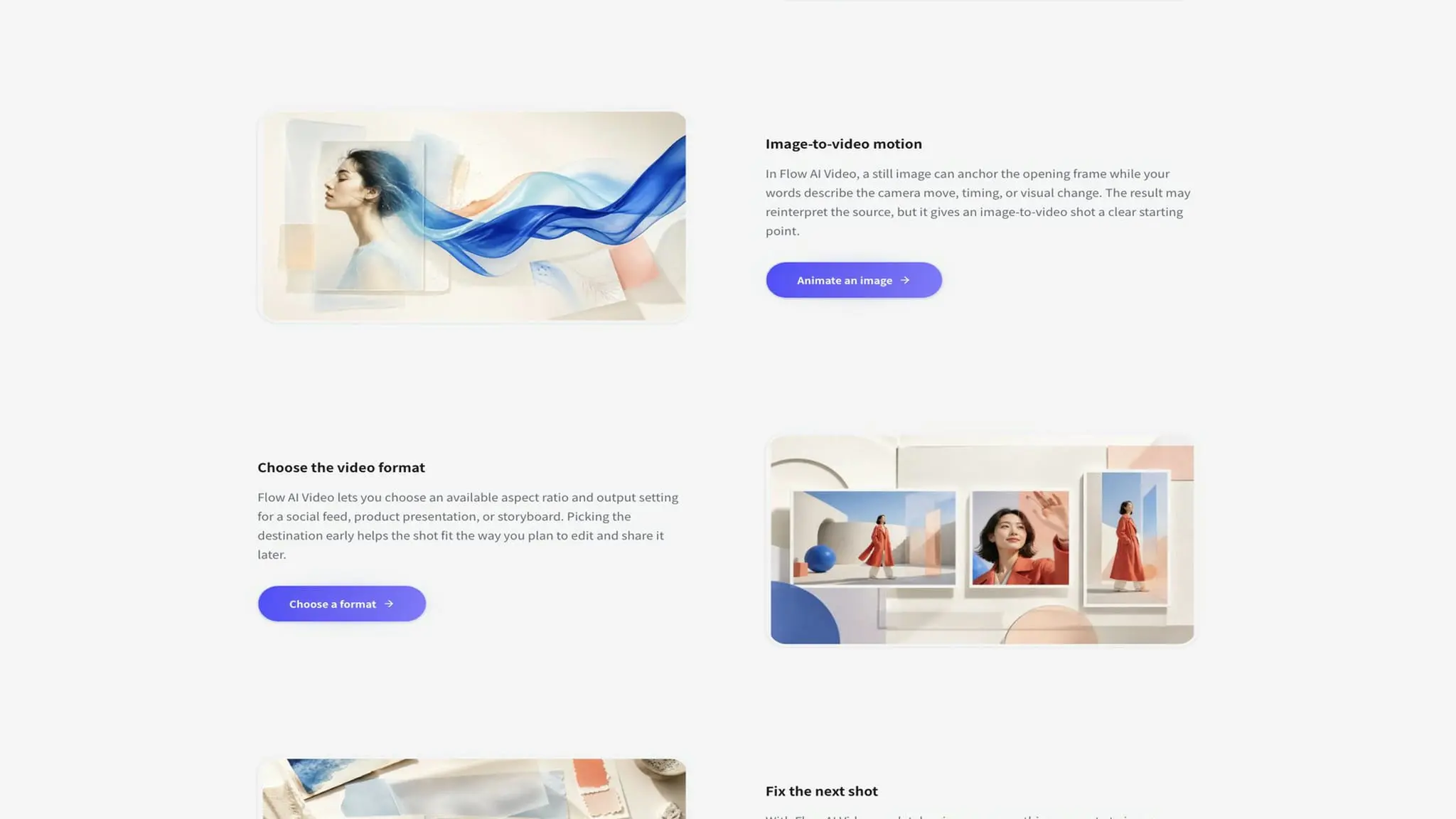
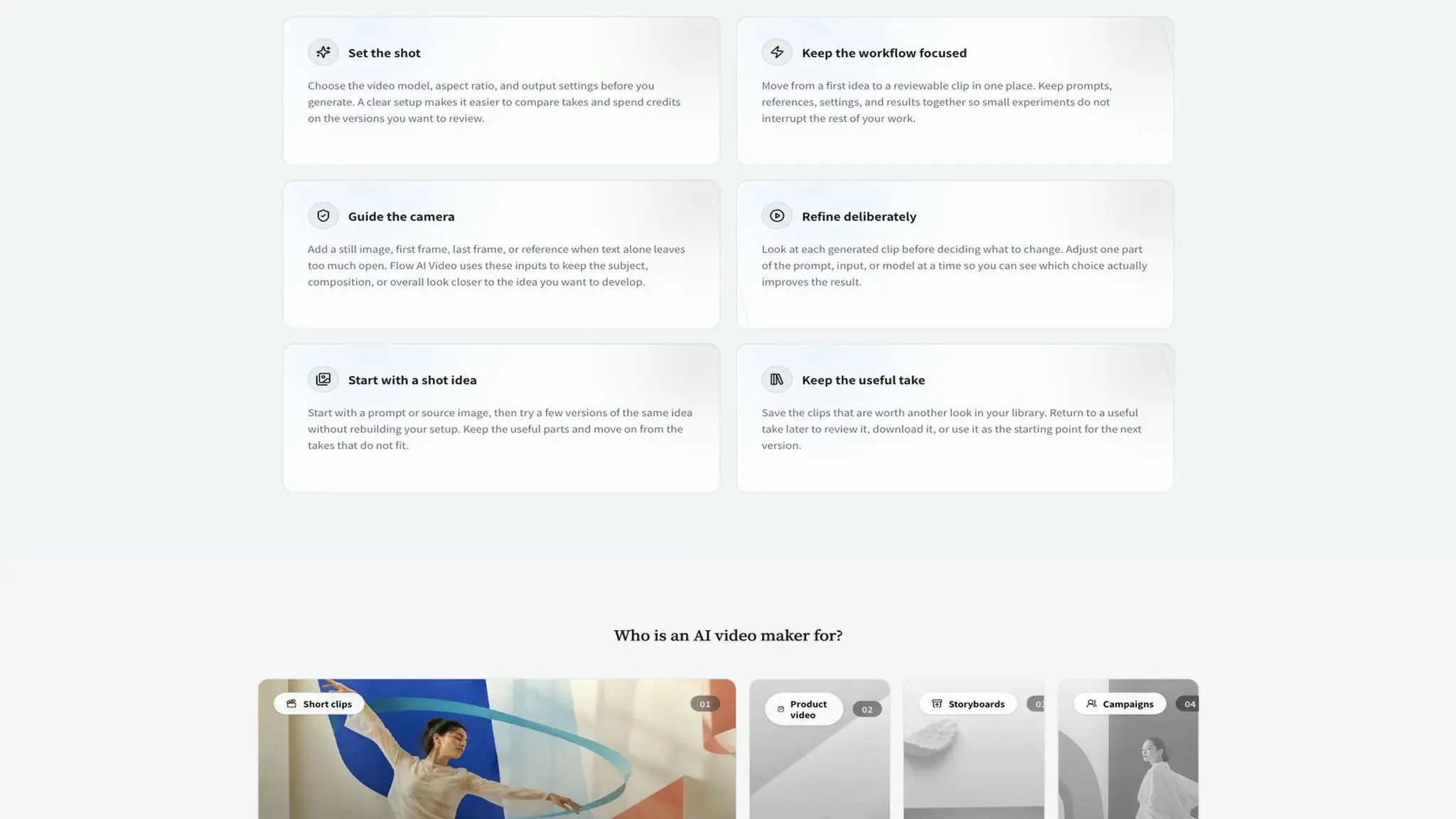
Flow AI Video is a browser-based AI video generator for turning ideas, images, frames, and reference media into short cinematic video drafts. It gives creators a focused workspace for moving from a shot brief to a reviewable take without assembling a production pipeline first. Describe what should happen, choose an available video model and output setting, generate a take, then inspect the result before deciding what to change next. The workflow supports text-led scene generation for ideas that are still open, as well as image-to-video creation when a visual starting point already exists. Begin with a prompt describing the subject, action, setting, camera movement, framing, lighting, mood, and timing. Add a still image when the composition, product, character, location, or visual identity needs a clear anchor. Depending on the selected mode and model, users can also work with first frames, last frames, and other supported reference media to guide a transformation, continuation, or relationship between shots. Flow AI Video is built around an iterative generate, review, refine, and regenerate loop. The first result is treated as a take to evaluate, not a final answer that must match a prompt perfectly. Watch the camera movement and subject action. Check composition, identity details, object shape, scene continuity, lighting, pacing, and the way the result opens and closes. Then change the most important mismatch in the next prompt or input. Each generation can have a clear purpose, making it easier to compare variations and understand why a result improved or failed. The workspace brings creative direction and technical choices together. Users can select models available to their account and mode, choose supported output settings, and create a format-aware result for the intended use. Portrait framing can support short-form feeds, while wider compositions can support presentations, campaign concepts, or landscape edits when those options are available. Models, aspect ratios, resolutions, duration, generation access, and other controls may vary with the current configuration, account, plan, and provider. For content creators, Flow AI Video can help explore social openings, vertical concepts, visual hooks, character moments, music-video ideas, and short narrative beats. Marketing teams can turn a product thought into a motion concept, campaign scene, advertisement draft, or visual treatment before a larger production begins. Filmmakers, directors, and storyboard artists can test camera language, blocking, movement, atmosphere, and continuity. Designers and product teams can animate a still concept or study how a product or environment might move. Agencies and small teams can use reviewable takes to discuss direction with something more concrete than a written description. The product supports previsualization, mood exploration, product storytelling, campaign development, social media production, motion design, concept development, and rapid creative testing. A creator can establish the main subject with text, an image, or a frame, describe one visible action, select a suitable model, and generate a short draft. If the subject drifts or the camera feels wrong, the next iteration can focus on that single issue. If a take works, it becomes evidence for the next creative decision. The emphasis is on controlled variations and informed creative judgment, not on adding every possible instruction at once. Good prompts prioritize the subject, visible action, camera movement, and intended framing. Add the environment, lighting, color, texture, and sound intent after the primary action is clear. When identity or composition matters, use a suitable reference image or frame, while remembering that generative video may reinterpret the source instead of preserving every pixel. Flow AI Video uses a credit-based generation workflow in which cost can depend on the selected model and settings. Check the estimate before submitting and review the current pricing page for available plans or additional capacity. Generation time can vary with the model, input, output settings, queue, and demand. Before uploading source media, confirm that you own it or have permission to process it, especially when it contains recognizable people, private footage, client materials, logos, music, voices, characters, or copyrighted work. Before publishing, review the rights and terms that apply to the source material, selected model, account plan, and intended platform. The service helps create and refine drafts, but it does not automatically clear third-party rights. For anyone who wants a practical place to explore cinematic AI video, Flow AI Video offers a direct path from brief to take. Start with text, an image, a first frame, a last frame, or another supported reference. Choose the available model and output settings, generate a shot, review the result, adjust the largest mismatch, and create the next variation with intention.
Screenshots
Reviews (0)
No reviews yet. Be the first to rate this product!
Comments (0)
No comments yet. Be the first to share your thoughts!