
Flowblock
Turn AI flowcharts into editable diagrams in Notion
Details
- Categories
- Target Audience
- Pricing
- Freemium from $3.75
- Platforms
Discovery signals
How AI and people discover Flowblock on PeerPush
- ChatGPT
- Perplexity
- Claude
- +4 other AI crawlers
Reads by these AI engines
Crawlers behind these engines read this listing on PeerPush.About Flowblock
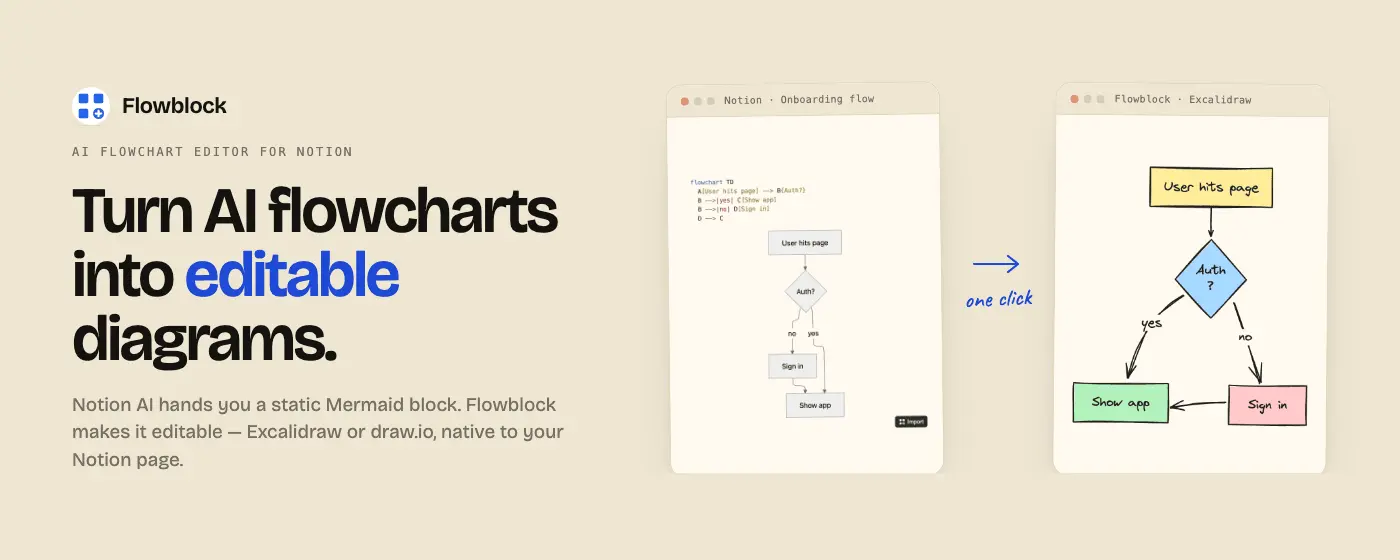
Flowblock adds editable diagrams to Notion: click a floating button on any Notion page to open a blank Excalidraw or draw.io canvas, draw, save, and the diagram lives in the Notion page as an editable image block. Flowblock also imports Mermaid blocks. When Notion AI generates a flowchart, Flowblock turns it from a read-only block into an editable diagram you can restyle, relabel, and re-save without leaving the page. Saved diagrams are stored in your Notion workspace, not on a Flowblock server. They stay yours forever, even if Flowblock disappears. Free covers 5 diagrams per month including Mermaid imports. Pro removes the cap and adds version history plus multiple Notion workspaces.
Screenshots
Reviews (0)
No reviews yet. Be the first to rate this product!
Comments (1)
Pumped to share Flowblock today. I built it because I wanted a way to draw in Notion and import Merma. Launching on Product Hunt June 23, Peerpush feedback would mean a lot!