
FocusFlow
The reading toolkit that meets the page where your eyes are.

Details
- Follow on
- Categories
- Target Audience
- Pricing
- Subscription from $2.99
- Platforms
Discovery signals
How AI and people discover FocusFlow on PeerPush
- ChatGPT
- Perplexity
- Claude
- +3 other AI crawlers
Reads by these AI engines
Crawlers behind these engines read this listing on PeerPush.About FocusFlow
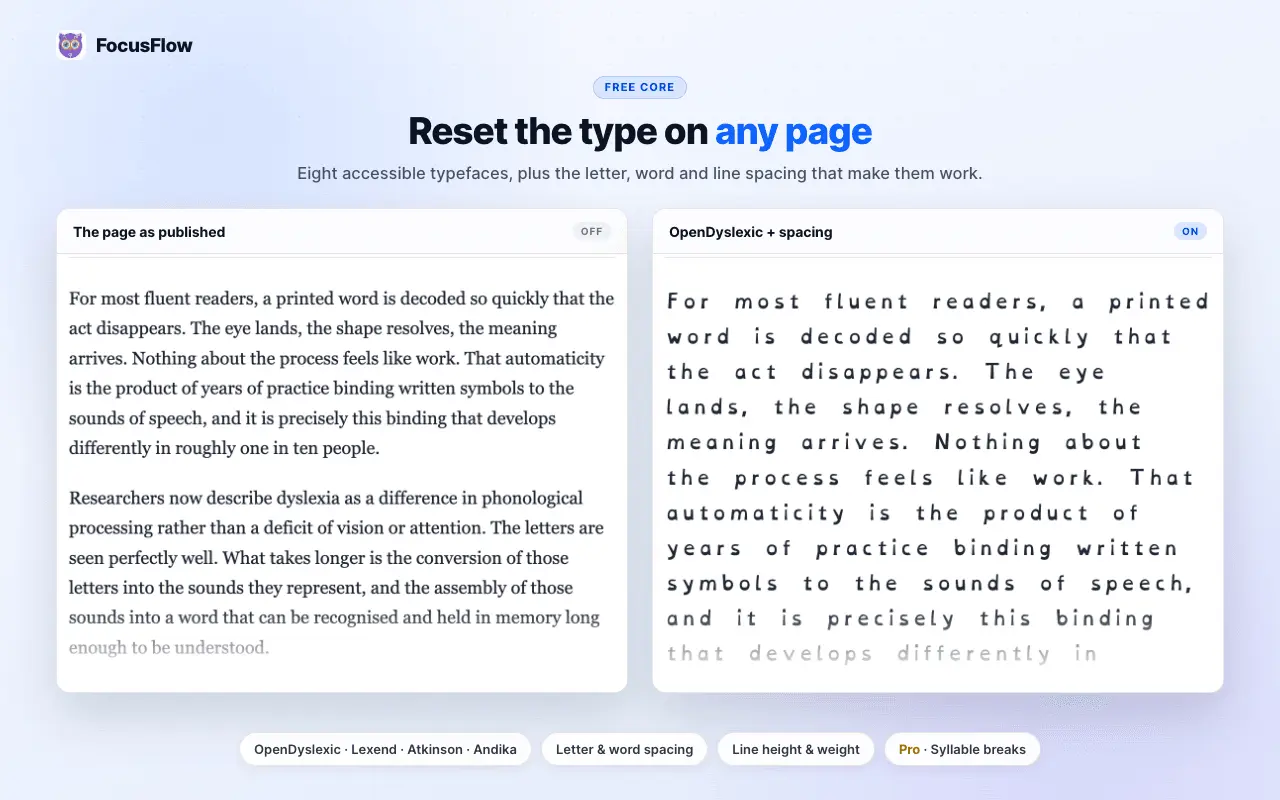
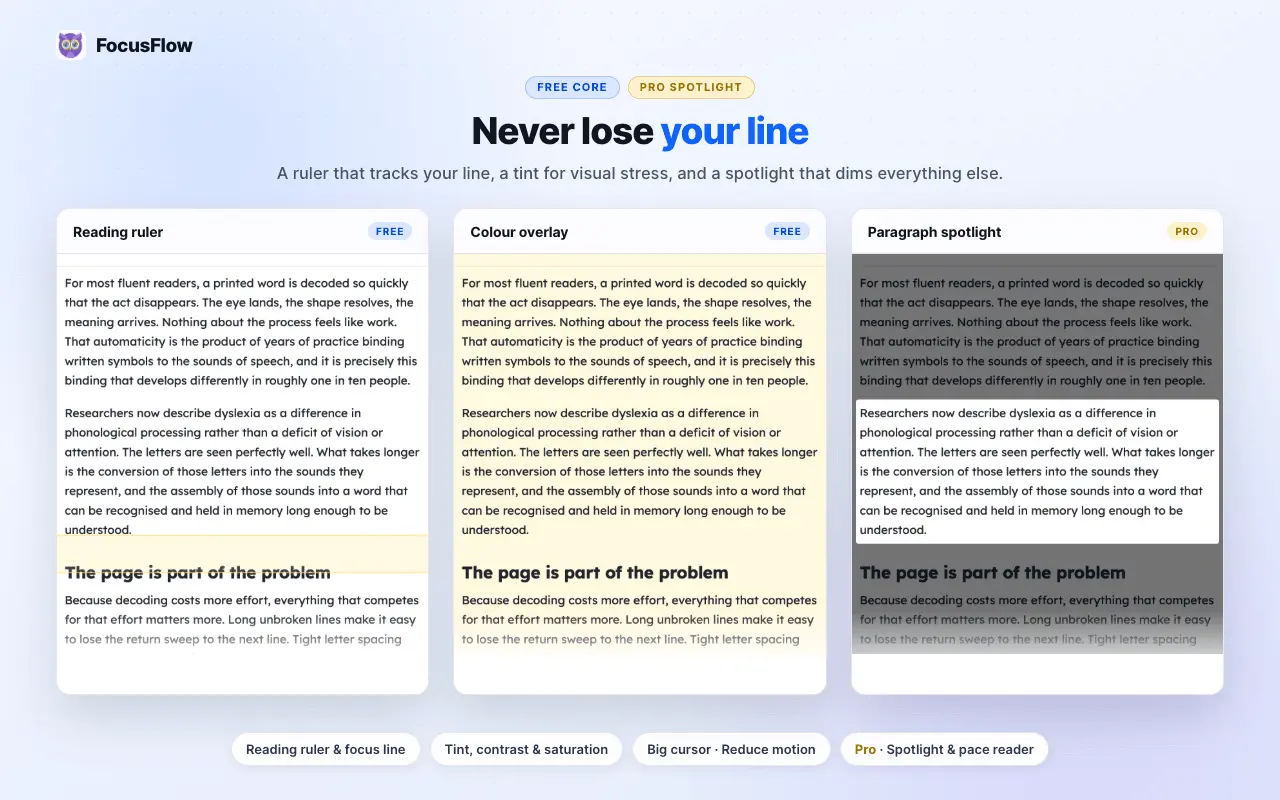
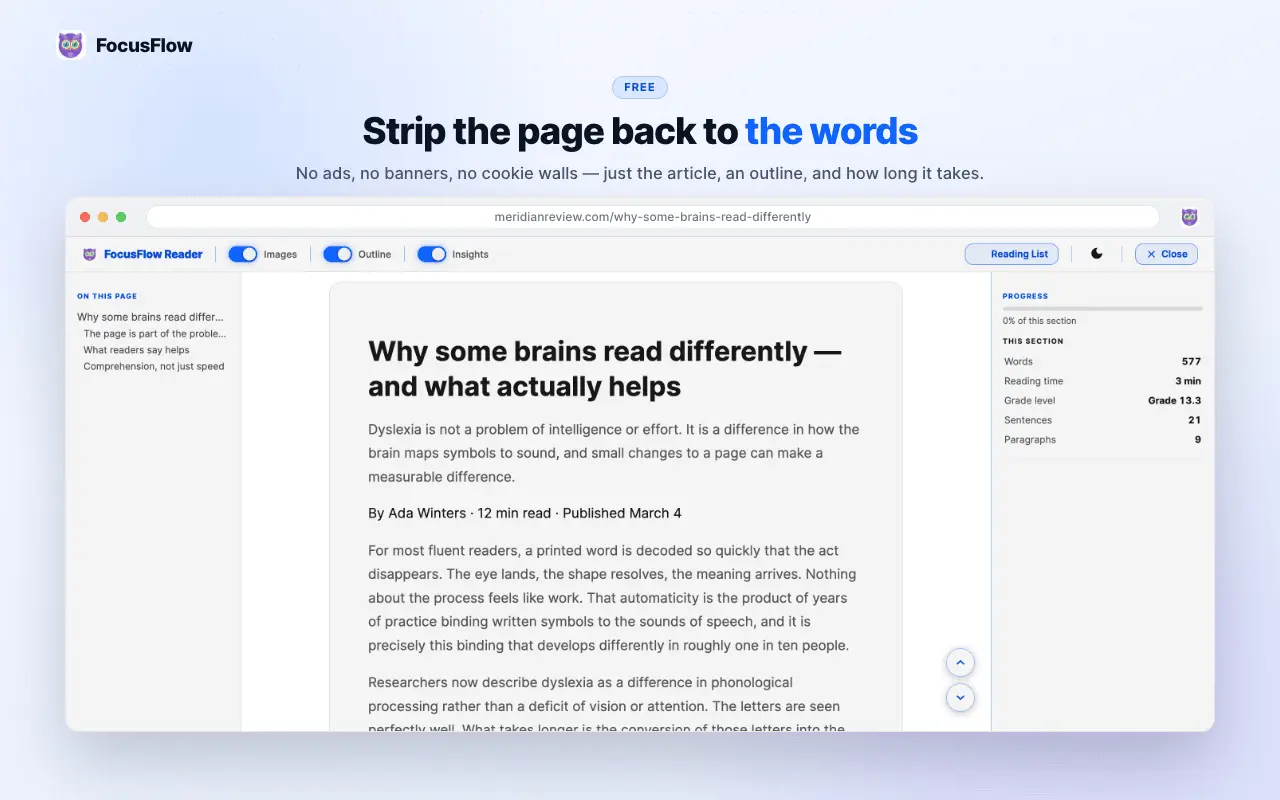
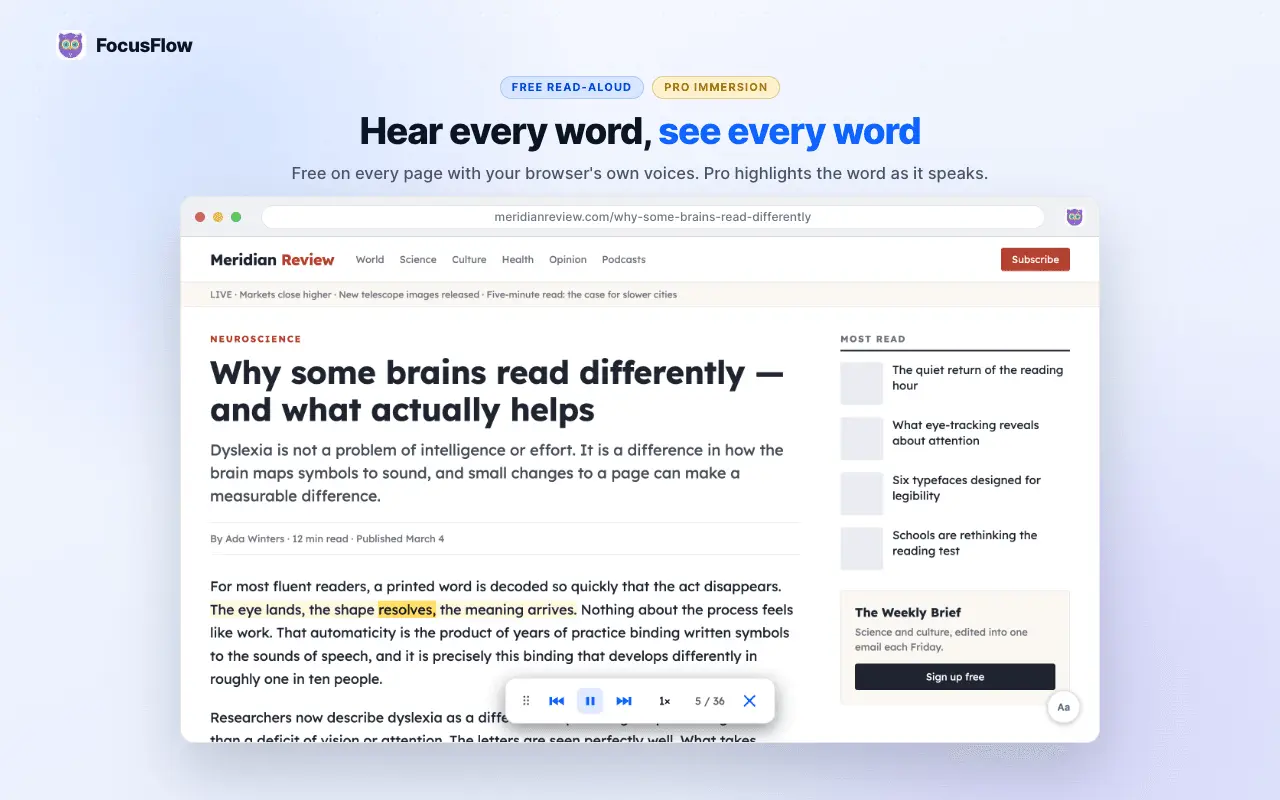
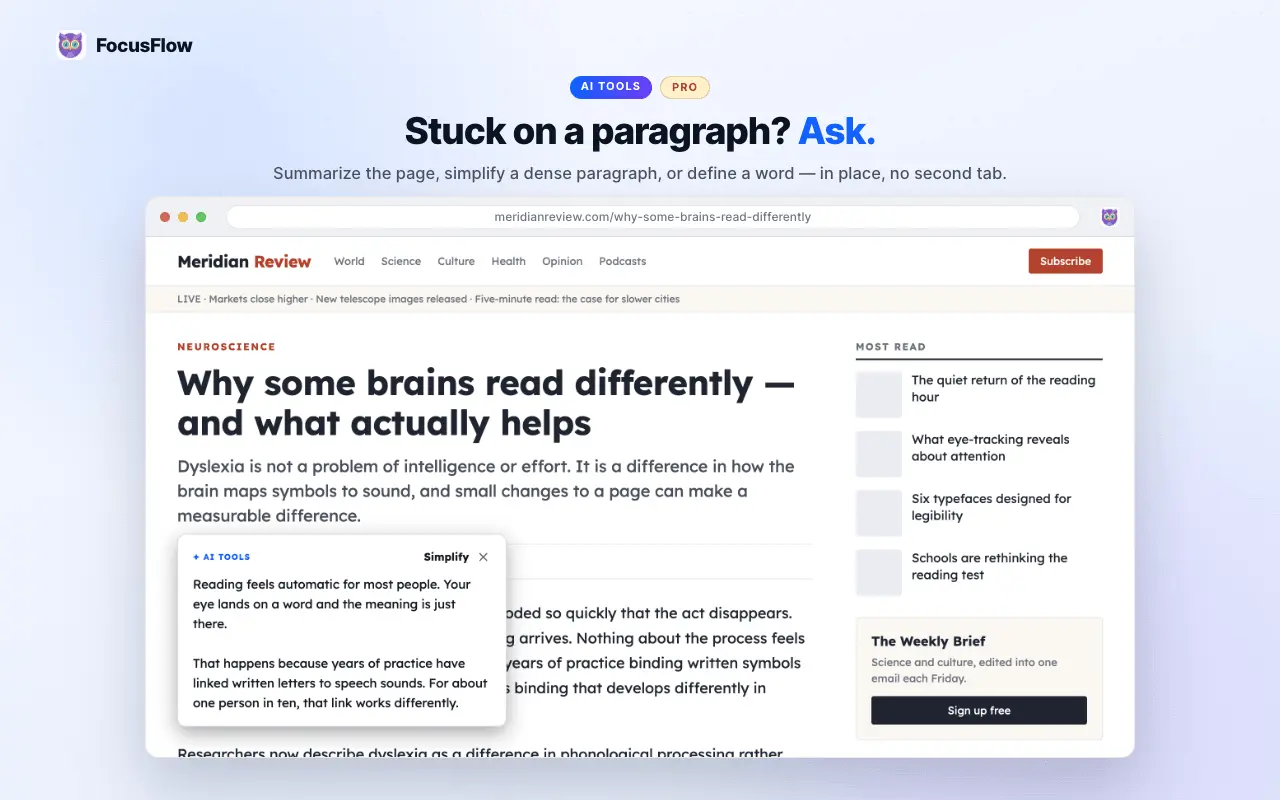
FocusFlow: Smart Reader & Accessibility Toolkit Web pages are typeset for aesthetics, not for decoding. FocusFlow rebuilds any page around how you actually read — without leaving the page you're on. Built for readers with dyslexia, ADHD, low vision, or visual stress — and anyone who reads a lot on screen. 🆕 New in 2.10.0 - AI reading tools (Pro) — Summarize a whole page or section, Simplify a dense paragraph into plain language, or Define a word in context. One click from the toolbar, side panel, or right-click menu; results appear right over the text. - Reader insights — word count, reading time, and a readability grade for whatever you're reading, plus a personal reading-stats dashboard. - Reading List & To-Dos — save articles for later and keep reading tasks alongside them. - Opt-in cross-device sync (Pro) — sign in and your settings, Reading List, and stats follow you across devices. Off by default. - Bionic Reading & new themes — bolded word-anchors for fixation, plus fresh palettes. The free core toolkit (not time-limited) - 8 accessible fonts — OpenDyslexic, Lexend, Atkinson Hyperlegible, and more — all bundled, no font CDN - Full typography controls: spacing, line height, size, weight, alignment - Reading ruler, focus line, color overlays, visual filters, big cursor, reduce motion - One-keystroke Reader Mode: no ads, no banners, no cookie walls - On-device text-to-speech — nothing you read is sent anywhere to be spoken - Per-site settings, profiles, and 9 languages Privacy by design Reading tools run entirely on your device and work offline. No browsing history, no cross-site tracking, no cookies, no analytics, no remote code. Only three things ever leave your browser — AI text you select, licence activation, and opt-in sync — each user-initiated. Pro unlocks AI tools, immersion read-aloud with word highlighting, syllable segmentation, paragraph spotlight, and more.
Screenshots

Product Updates (1)
FocusFlow v2.7: Font Only Mode, Cleaner Controls & Arc Browser Support
Font Only Mode (Default Setting): The most significant change is the introduction of a new default setting that simply swaps the webpage's font to a preferred dyslexia-friendly option (like OpenDyslexic or Lexend). It preserves the page's original layout—keeping line height, font size, and word spacing intact—catering to users who just want an easier-to-read font without visual surprises. Cleaner Settings Interface: To make the extension less overwhelming for first-time users, advanced typographic controls (font size, line height, letter spacing, and word spacing) have been tucked away. They are now grouped under an "Advanced" section within the Typography tab, keeping the font picker front and center while still offering full control for power users. Arc Browser Support: FocusFlow now fully supports the Arc browser. Since Arc doesn't support Chrome's Side Panel API, the extension automatically opens its full settings sidebar in a dedicated browser tab instead, ensuring all features are accessible.
Comments (0)
No comments yet. Be the first to share your thoughts!
Reviews (0)
No reviews yet. Be the first to rate this product!
Comments (2)
Accessibility and focus tools for web reading are often overlooked. Great to see a dedicated product here.
The product is really interesting. Congrats on the launch!