
VidBar
Speed, screenshots, notes, and focus for any video

Details
- Categories
- Video & Audio ToolsProductivity & Notes
- Use Cases
- Video EditingAudio Editing
- Target Audience
- Content CreatorsStudentsDigital Marketers
- Pricing
- Freemium
- Platforms
- Web
Discovery signals
How AI and people discover VidBar on PeerPush
About VidBar
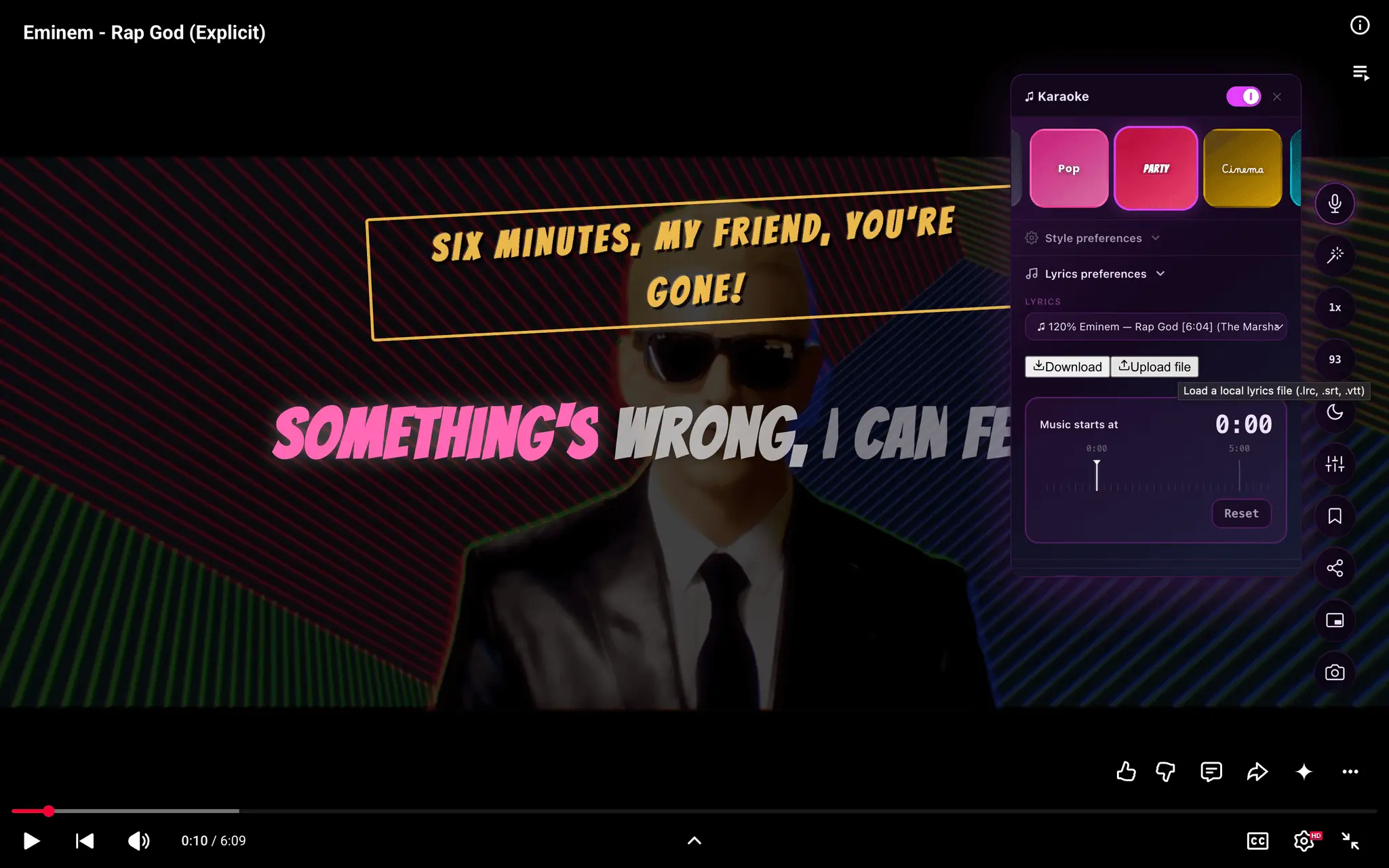
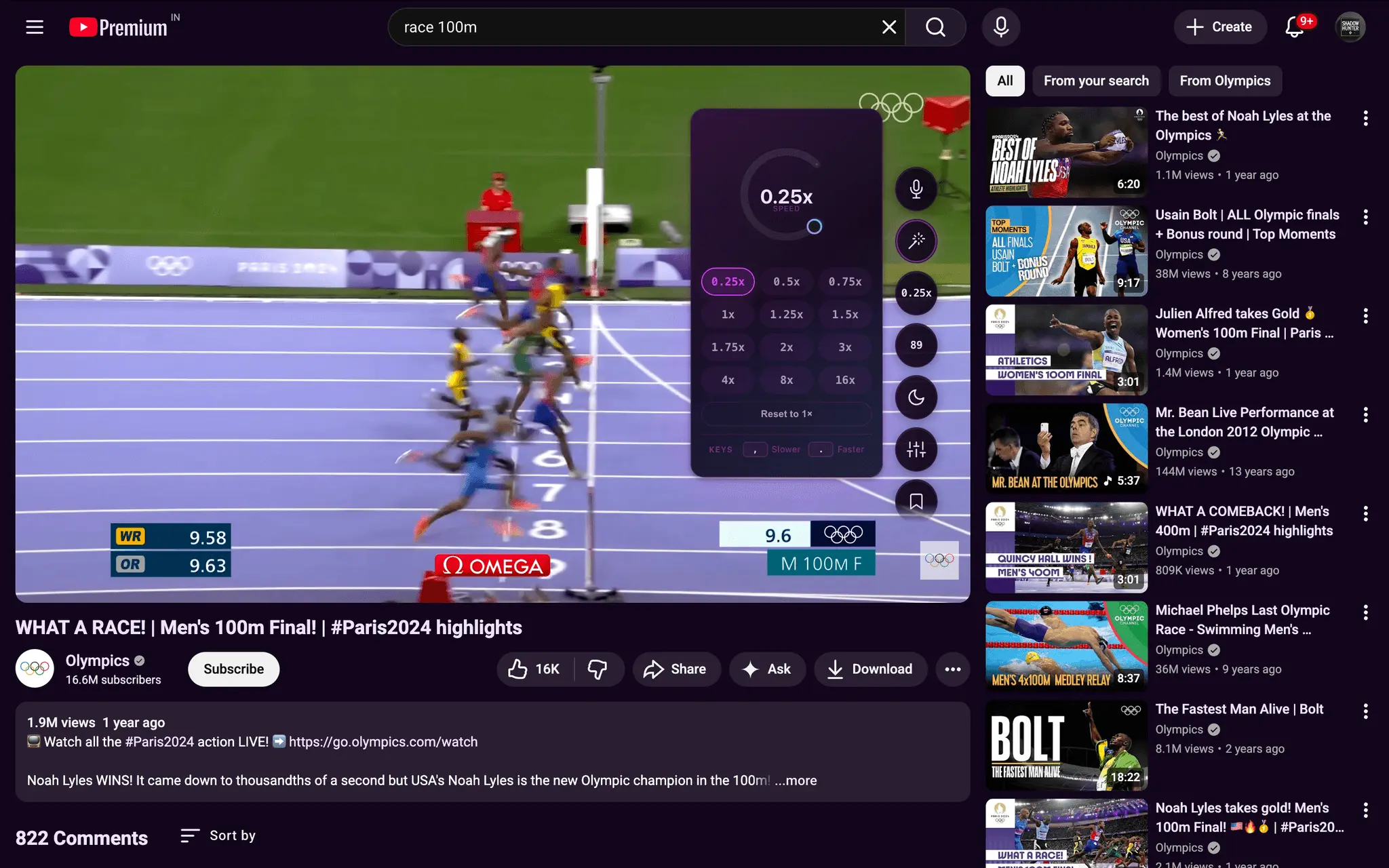
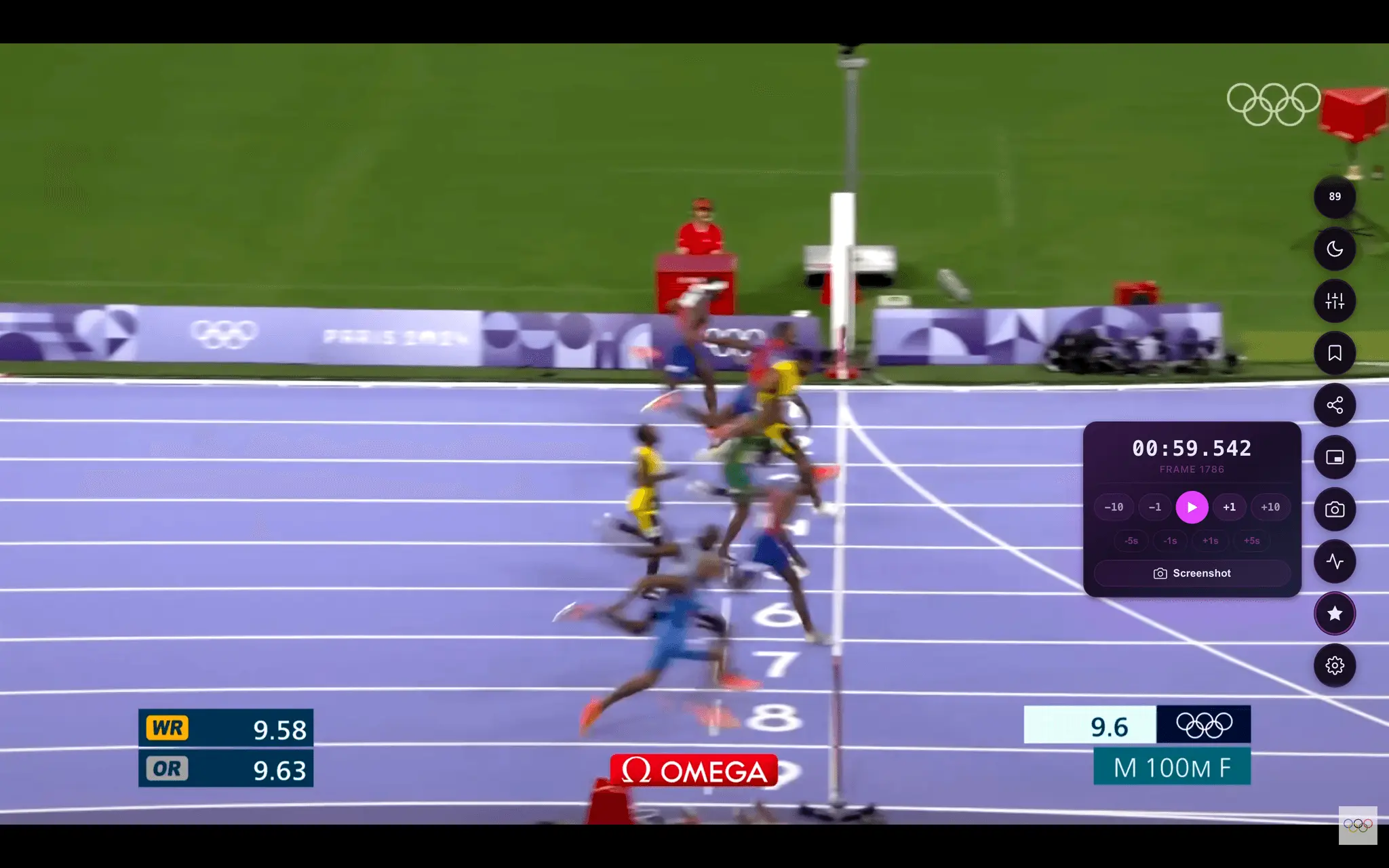
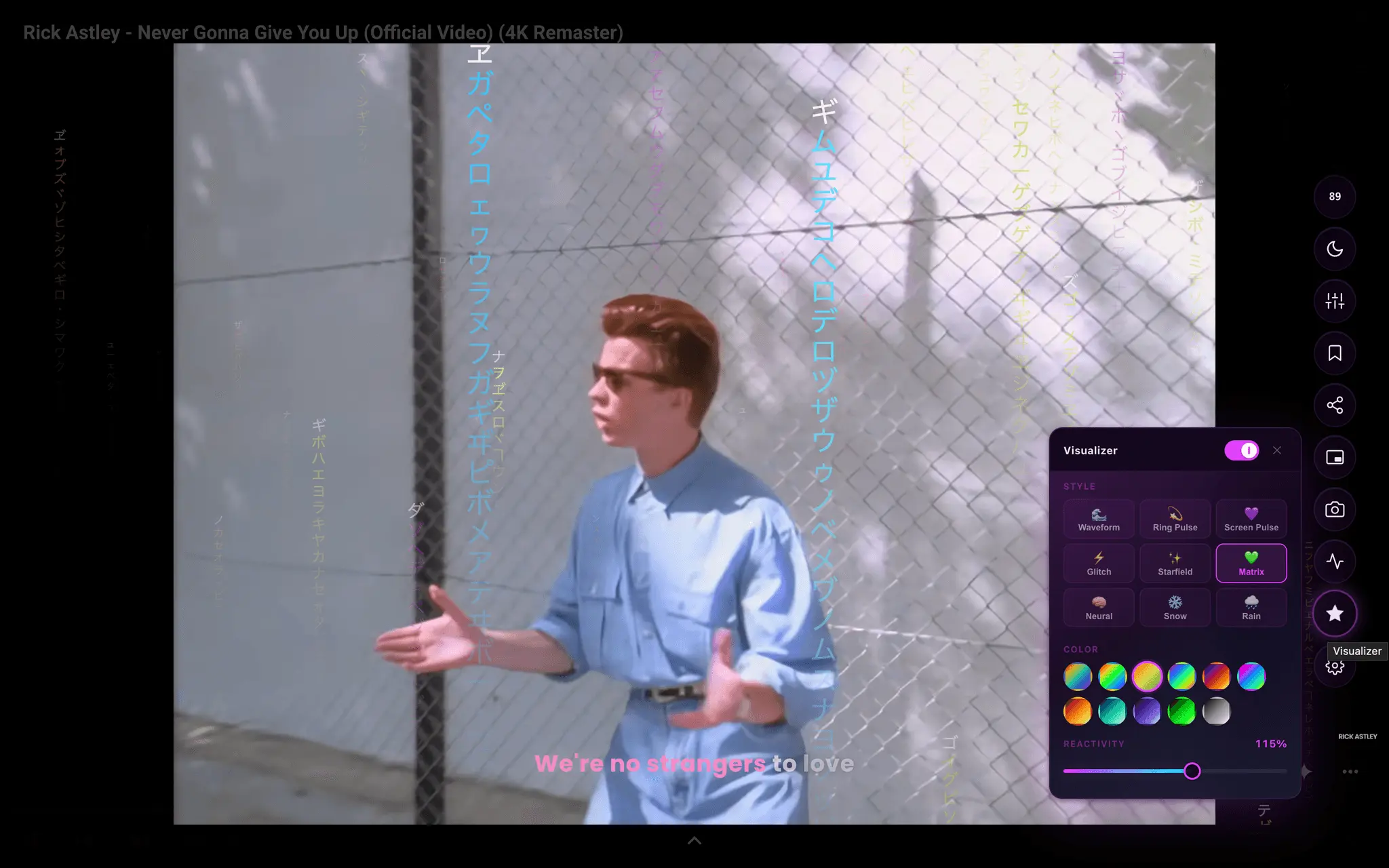
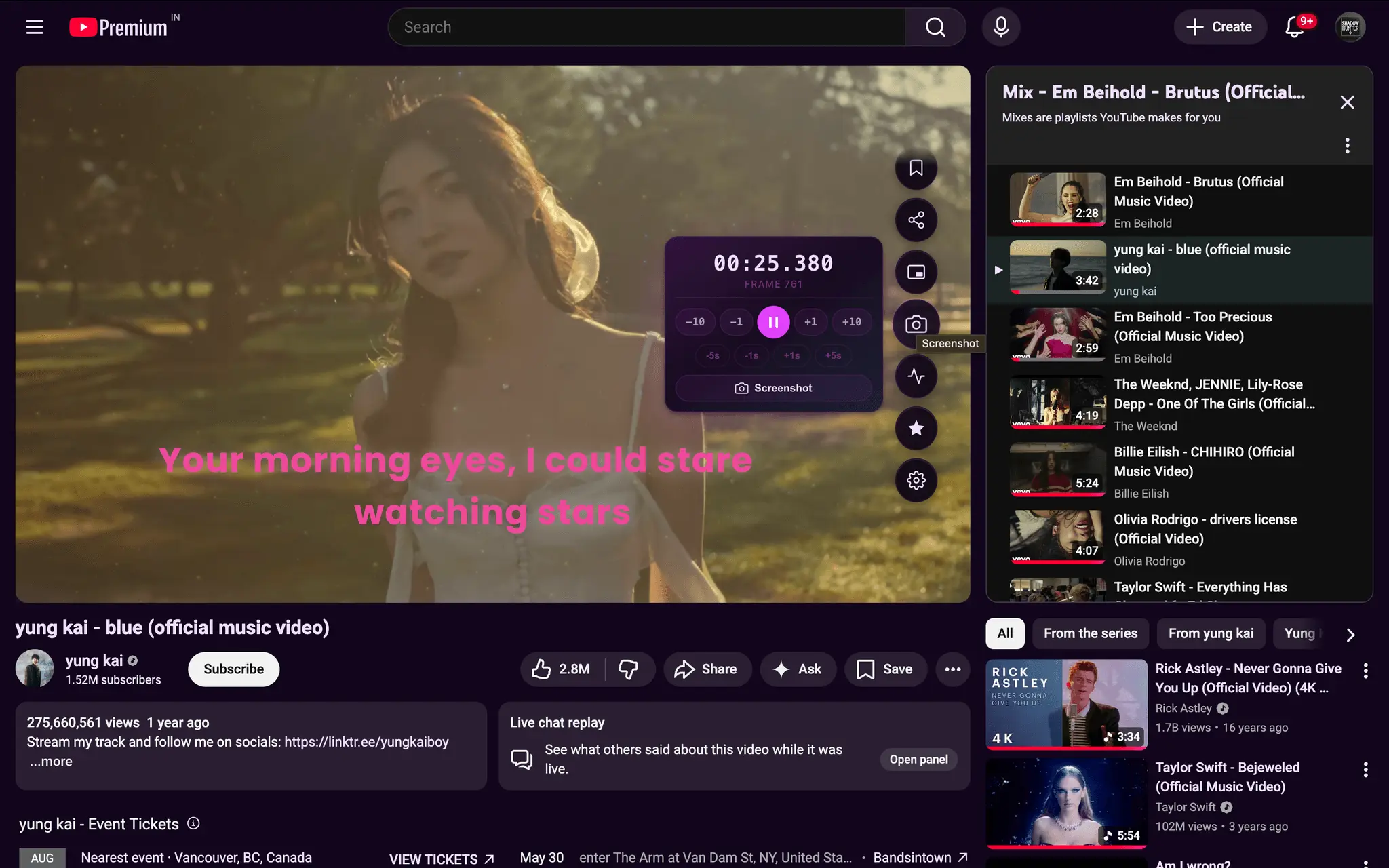
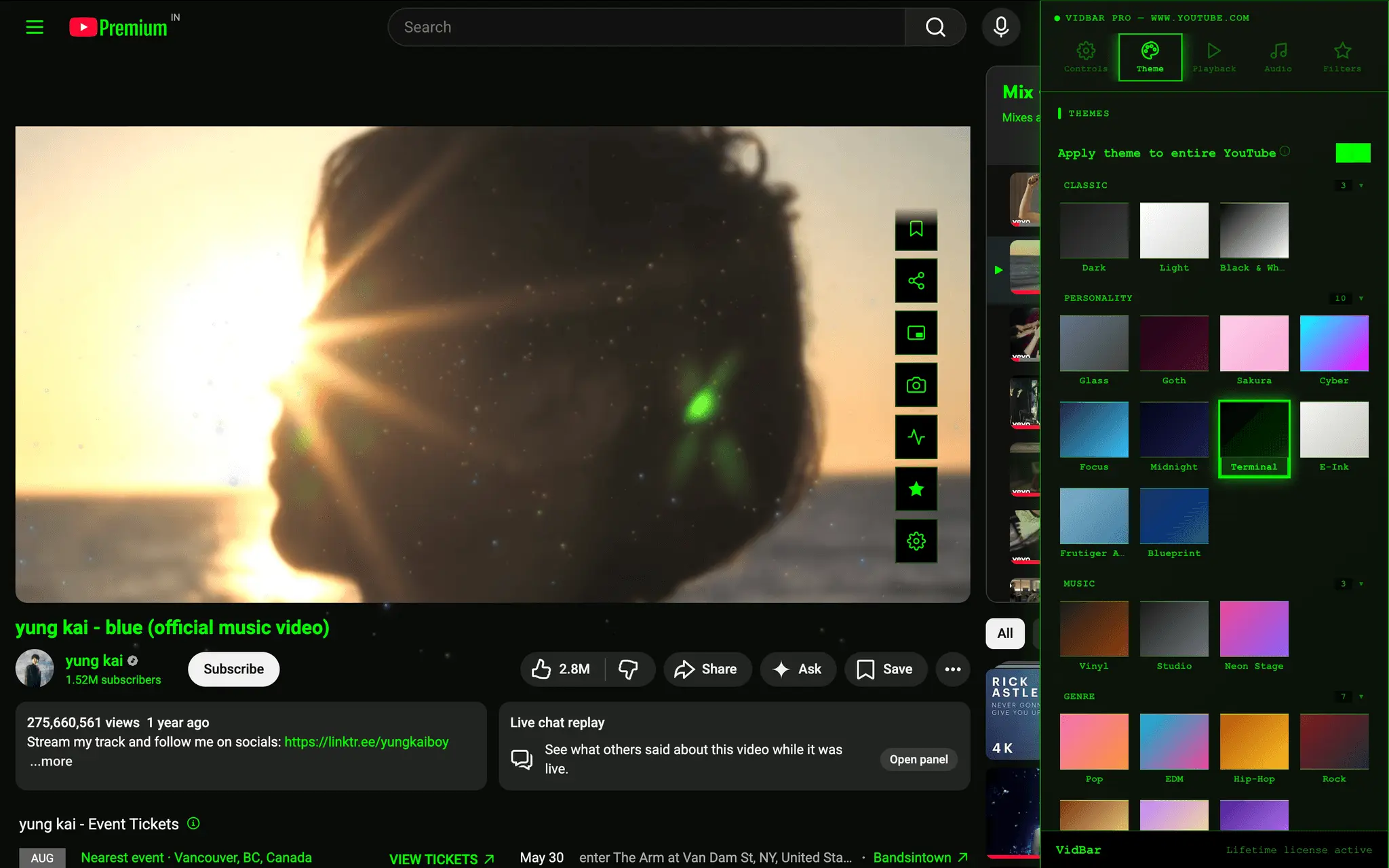
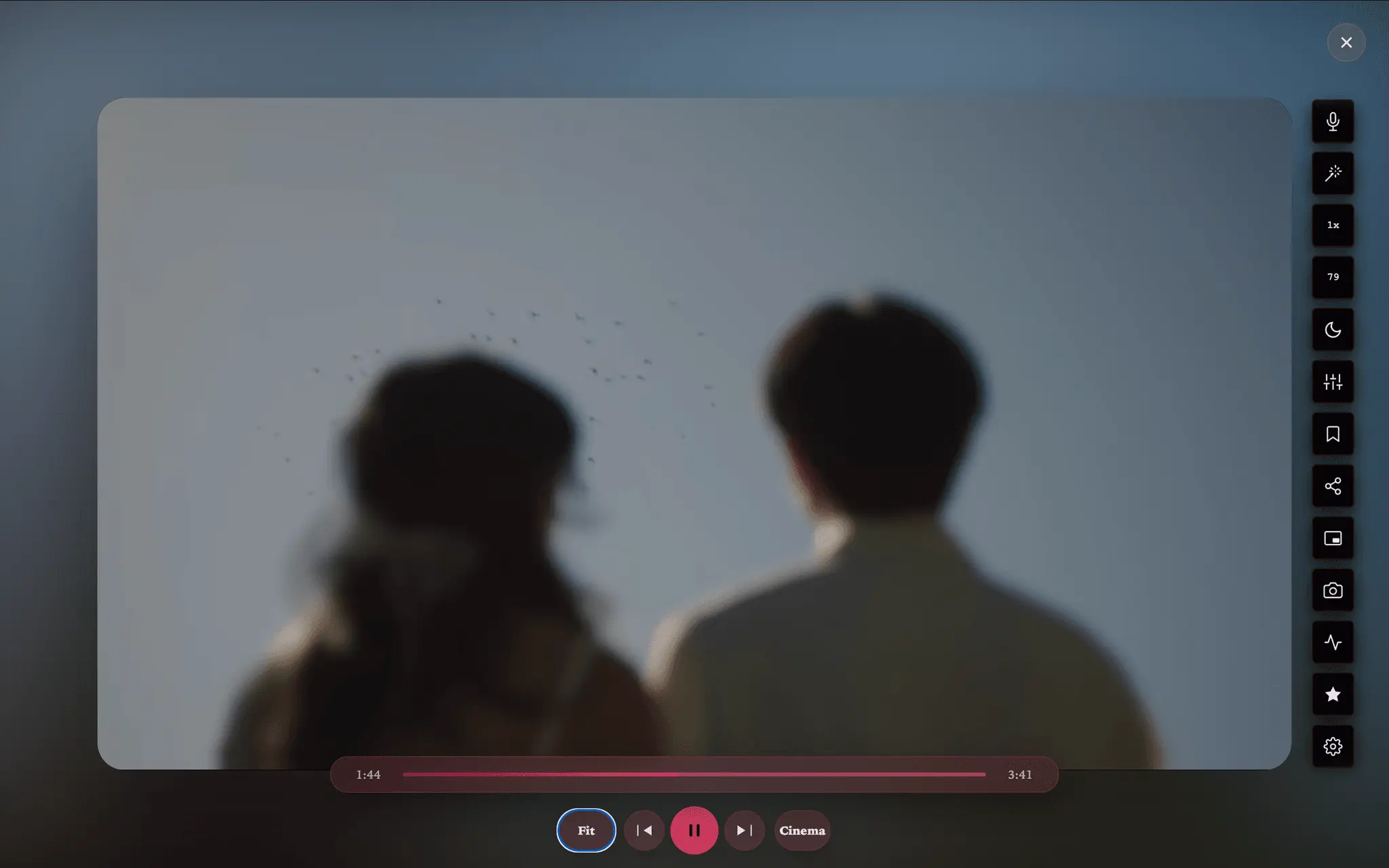
Browser video players are frustratingly limited. You can't control speed across sites, captions are often unreadable, and there's no way to take notes or grab a screenshot without leaving the video. VidBar fixes this by adding a lightweight floating toolbar on top of any video — YouTube, Netflix, Twitch, Udemy, Coursera, and any HTML5 player. No player replacement, no site breakage. Key features: • Speed control with fine increments (0.1x steps) • Volume boost beyond 100% • Frame-accurate screenshot capture • Timestamped notes synced to the video • Section looping for practice or review • Caption restyling and karaoke mode • Focus mode: strips distractions from the page • Ambient/cinema mode for immersive viewing Built for learners, creators, and anyone who watches video seriously. Works on 500+ sites out of the box.
Screenshots

Reviews (0)
No reviews yet. Be the first to rate this product!
Comments (0)
No comments yet. Be the first to share your thoughts!