
Hillchart
See where your projects really stand, not fake percentages
Details
- Categories
- Use Cases
- Target Audience
- Pricing
- Freemium from $10
- Platforms
Discovery signals
How AI and people discover Hillchart on PeerPush
- Perplexity
- ChatGPT
- Claude
- +2 other AI crawlers
Reads by these AI engines
Crawlers behind these engines read this listing on PeerPush.About Hillchart
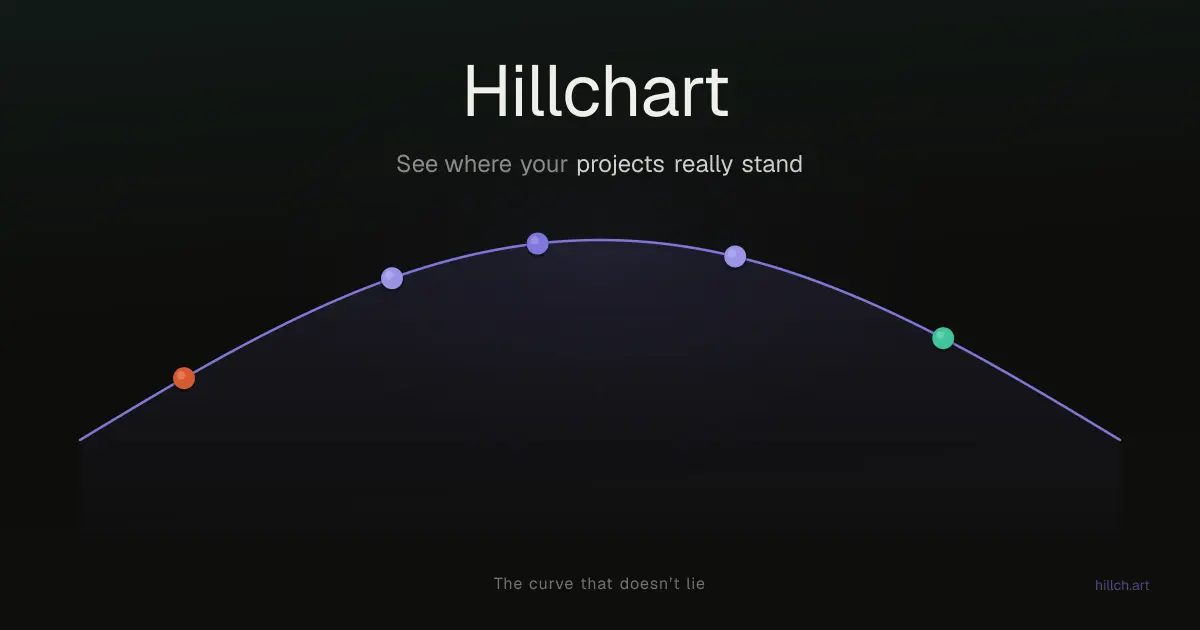
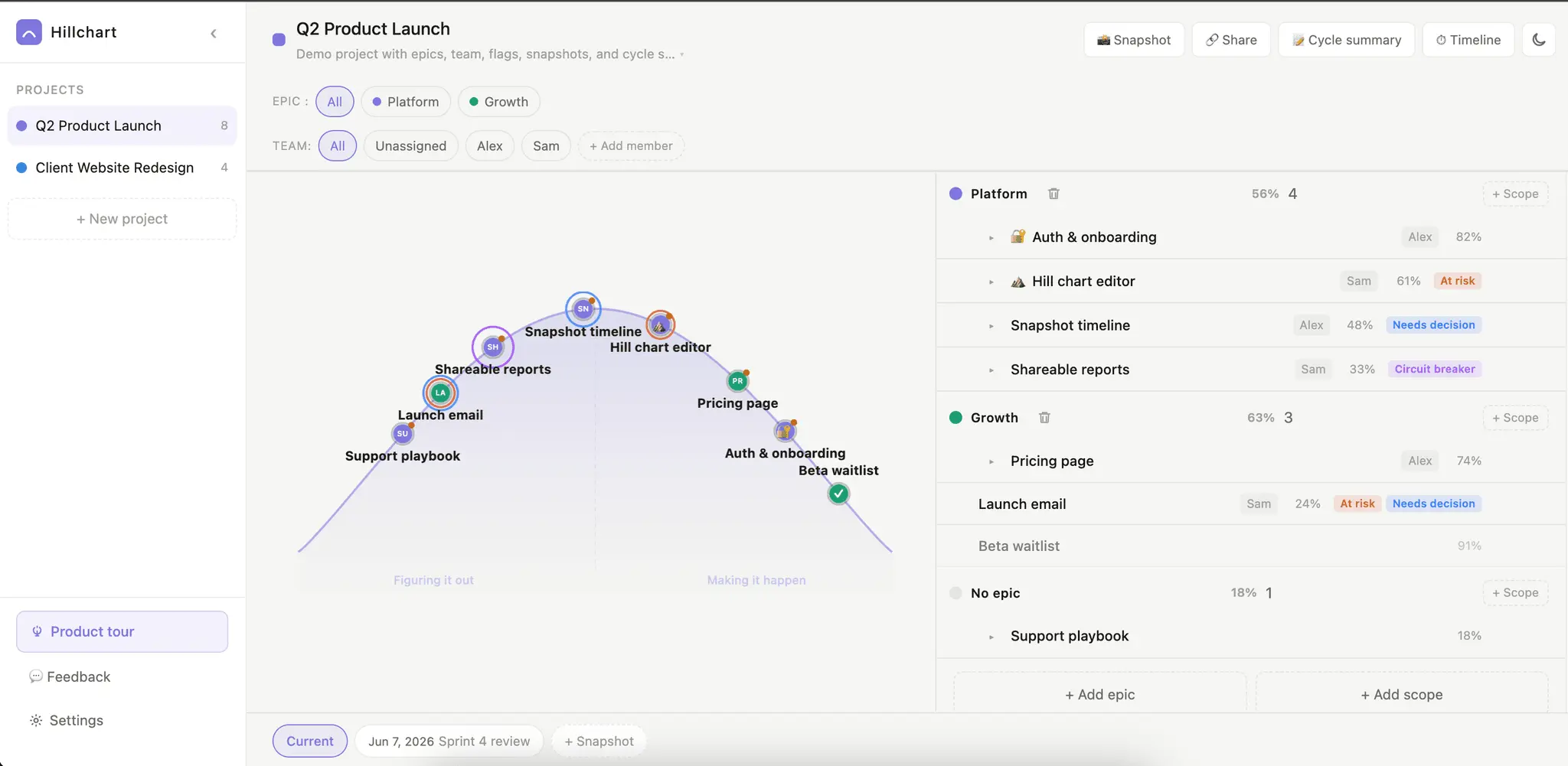
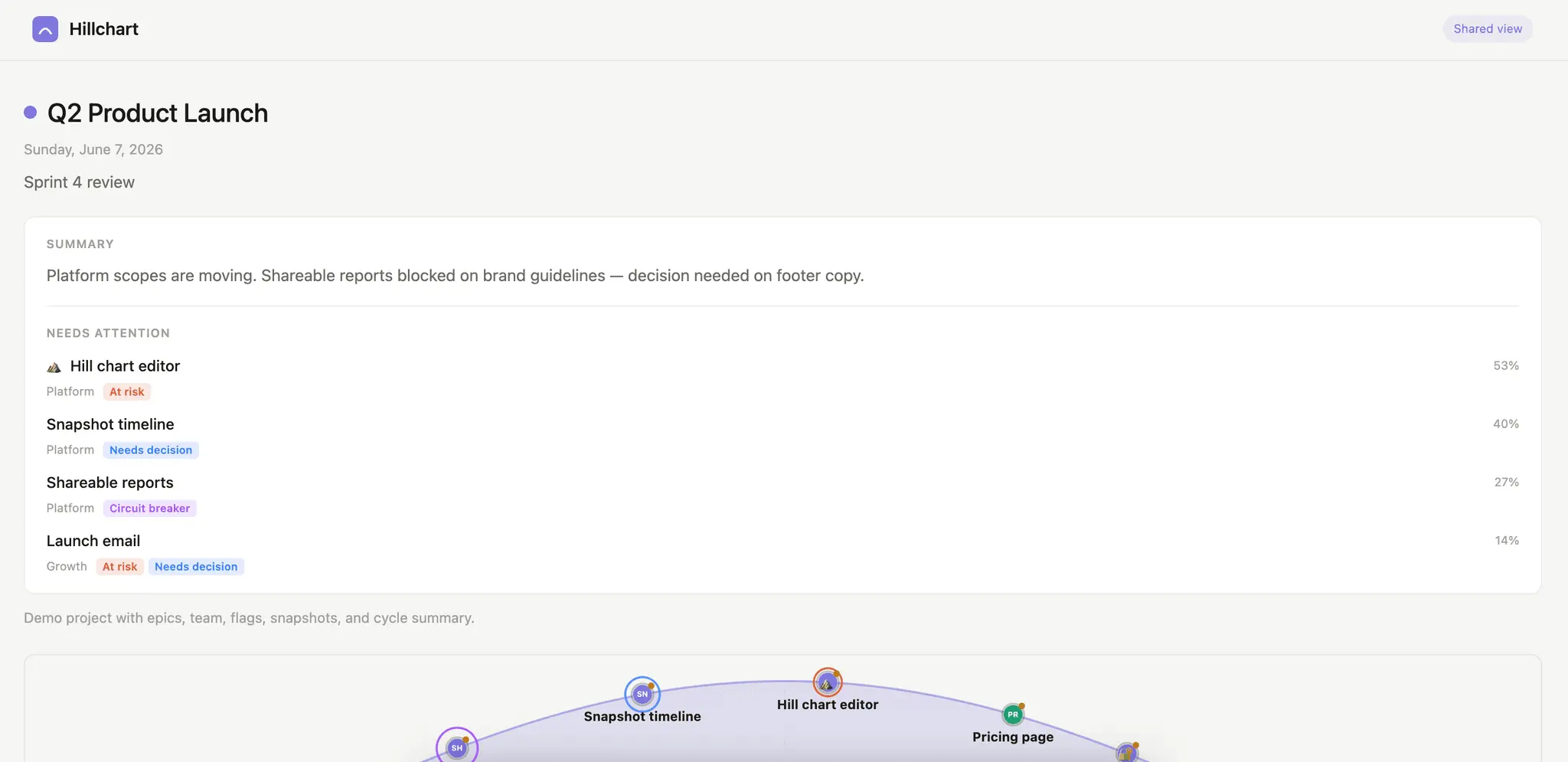
Hillch.art borrows the hill chart idea from Shape Up, but you don't need to adopt the whole methodology to use it. You put each piece of work on a hill: uphill means you're still figuring out the approach, downhill means you understand it and you're just executing. A dot that stops moving is a silent raised hand, the bottleneck shows itself before it derails a standup. That fixed two things for me: → Standups stopped being status theater. You glance at the hill; whatever hasn't moved is the conversation. A stuck detector surfaces those automatically. → Stakeholders stopped getting made-up numbers. Send a read-only link or a dated snapshot and they see the real shape of the work, uncertainty included. The newest part, and the one I'd love your feedback on, is the MCP server. You can connect Claude, Cursor, or any LLM tool to a project and have the agent read what's stuck, create scopes, move them on the hill, or take a snapshot. As agents do more of the building, I wanted their progress landing in the same view humans look at, not buried in a chat log.
Product Video
Watch a video demo of Hillchart.
Screenshots
Reviews (0)
No reviews yet. Be the first to rate this product!
Comments (0)
No comments yet. Be the first to share your thoughts!