
How Are You?!
Site offlineProtect parents with AI that learns routines and alerts you

Details
- Categories
- Use Cases
- Target Audience
- Pricing
- Subscription from $49
- Platforms
Discovery signals
How AI and people discover How Are You?! on PeerPush
About How Are You?!
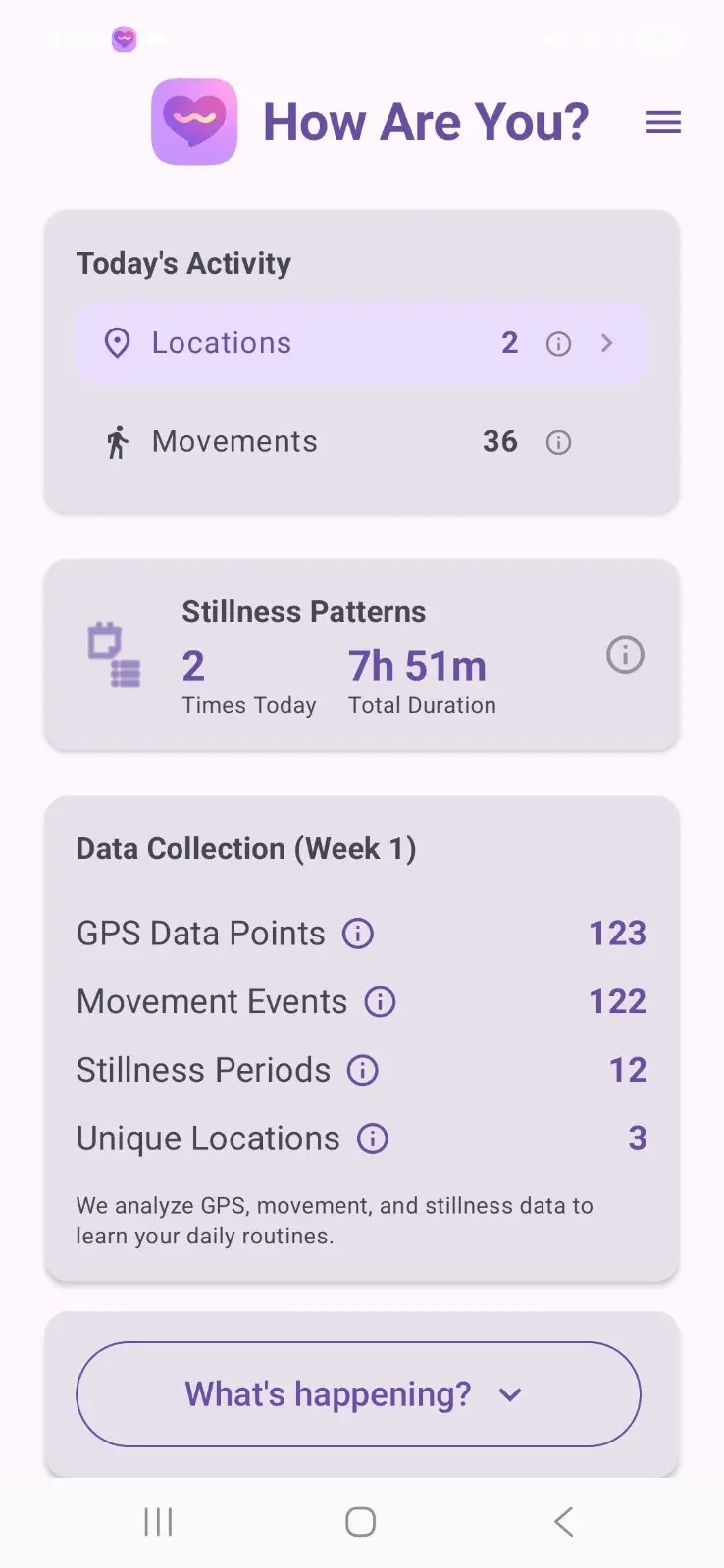
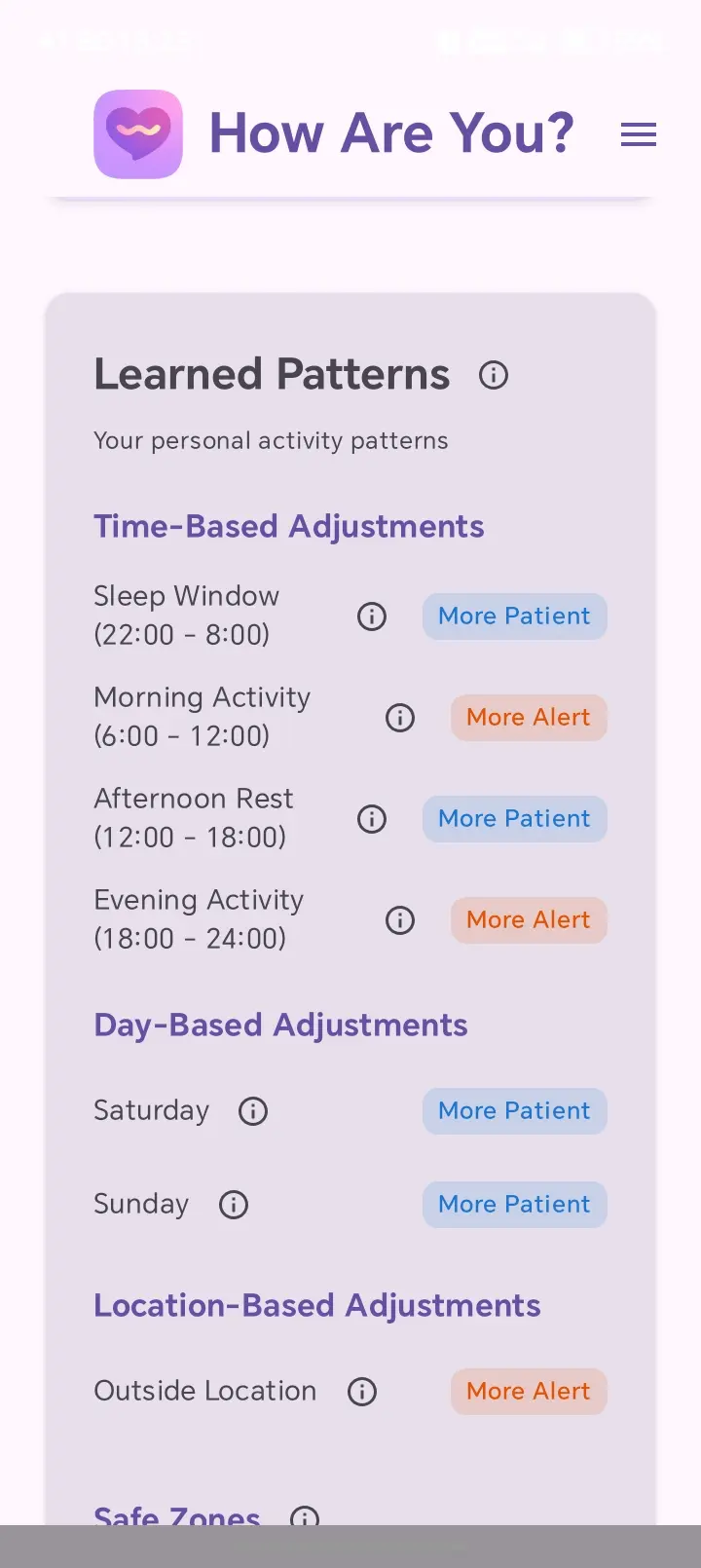
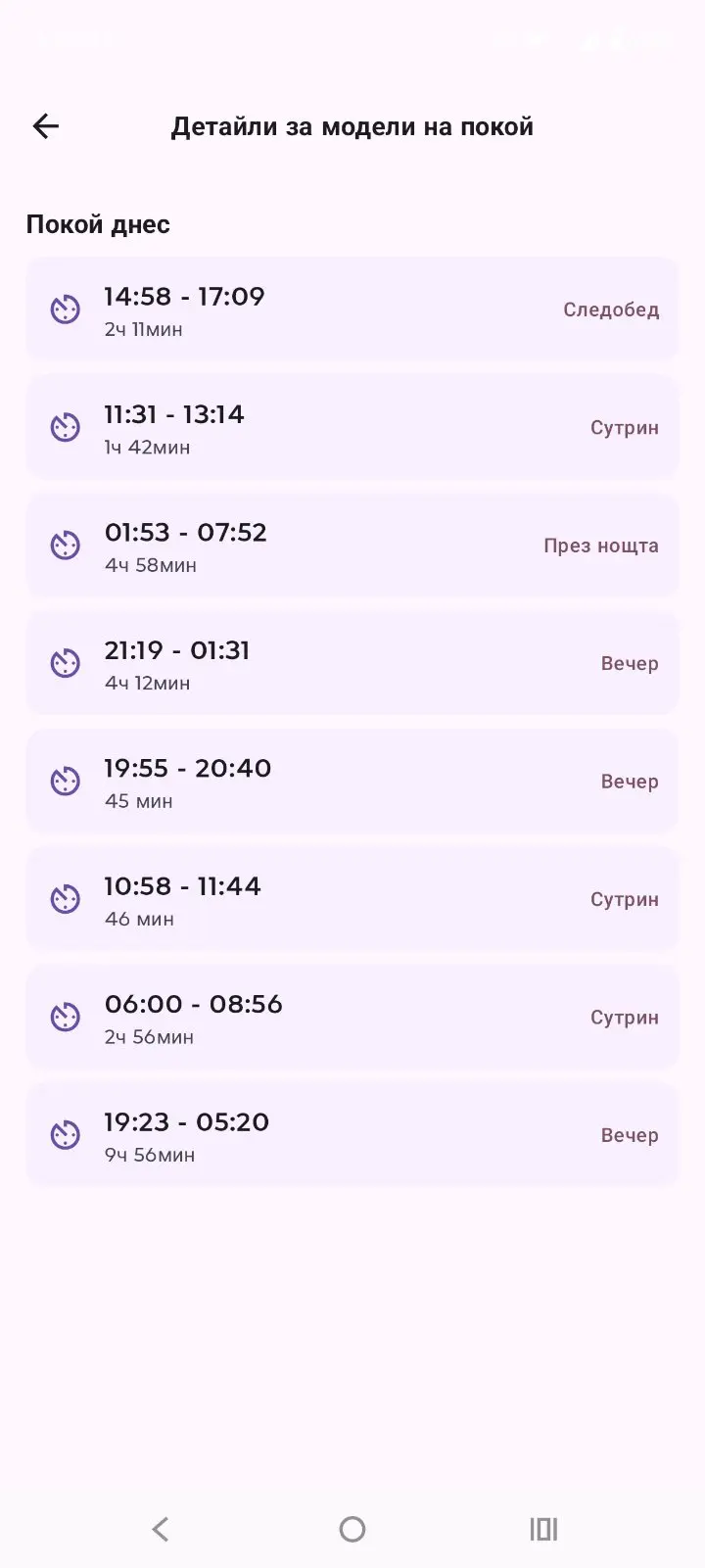
My wife's grandfather had cancer and was in bad health. Her mother was his caregiver — sleeping next to him every night, constantly afraid she wouldn't notice in time if something happened. My wife said: there should be an app that watches quietly and alerts the family when something seems wrong. And I know about a lot of such cases, where old people live alone, and their children are constantly worrying about, if they are OK. I looked at existing solutions. Medical alert pendants need a button press — useless if someone is unconscious. Life360 tracks location but doesn't understand routine. Subscription services charge $30-50/month. Many of those solutions are annoying and intrusive for our parents. Sometimes they feel spied, that we don't trust them. Sometimes they want to feel and be treated as young human beings. I thought about it for a long time. It was not easy to think for algorithm that traces daily behavior. Static algorithms are just too stiff, and can become really complex. Complexity means error-prone code, false positive alerts, it means difficult support and a lot of different problems from the same aspect. Modern technologies came the last few months, so I built it. 125+ versions, ~126,000 lines of Kotlin. Actually, what I discovered with this journey is that the hardest part wasn't the algorithm — it was keeping the app alive. Samsung, Xiaomi, Honor, and OPPO aggressively kill background apps. I built an 11-layer service recovery system to survive every battery killer I could find, while keeping battery impact under 1% per day. How it works: - Install on your parent's Android phone - 7 days of learning their routine (wake times, movement, locations) - Then 24/7 monitoring — if something deviates, your family gets an email with GPS coordinates and recommended actions No wearable. No button. No check-ins. The app follows the 'install and forget' principle. It is there, but it is implemented in such way that it doesn't bother with its existence. Yes, the parents can open it and see interesting statistics, but this is optional. We don't want anything from them. Just be safe and happy. :) Emails are sent to a list of participants, in case of detected alert, and weekly, to show the applied behavioral adjustments. Free 21-day trial, then $49 first year, $5/year after. Why so affordable? It must be affordable, so that many people in need can use it. The amount is needed to cover the expenses for support, and nothing else. I don't expect to become rich out of this
Screenshots
Reviews (2)
Average 5.0 out of 5
Based on 2 reviews
Comments (3)
AI that learns routines and alerts when parents deviate. Thoughtful safety tool.
@chaudharyarun5797 Thank you. Any feedback will be highly appreciated. I want to make it good, and to be as less intrusive for our parents as possible.
Wow just read your comment is there a free trial
@evelyneyyapan yes. 21 days. Afterwards, it will still work, but without re calibrating the detected changes.. In most cases, this should be enough. I have some expenses to cover. $49 first year, $5 each next. I don't do it for the money
How does this work
@sunilah I watch the sensors GPS and detect when the elderly person moves, take rests and sleeps. And I search for big changes. Example. my father walks every morning from 8AM to 10AM. If one morning he is not active, I get notificati