
InboxToAudio
Turn newsletters, PDFs, and emails into private audio


Details
- Follow on
- Target Audience
- Pricing
- Subscription from $9
- Featured in
- Alternatives
 Speechify alternatives
Discovery signals
How AI and people discover InboxToAudio on PeerPush
By AI reads among Automation & Workflow tools
114,474 AI reads in the last 30 days, ranked against every Automation & Workflow tool listed.About InboxToAudio
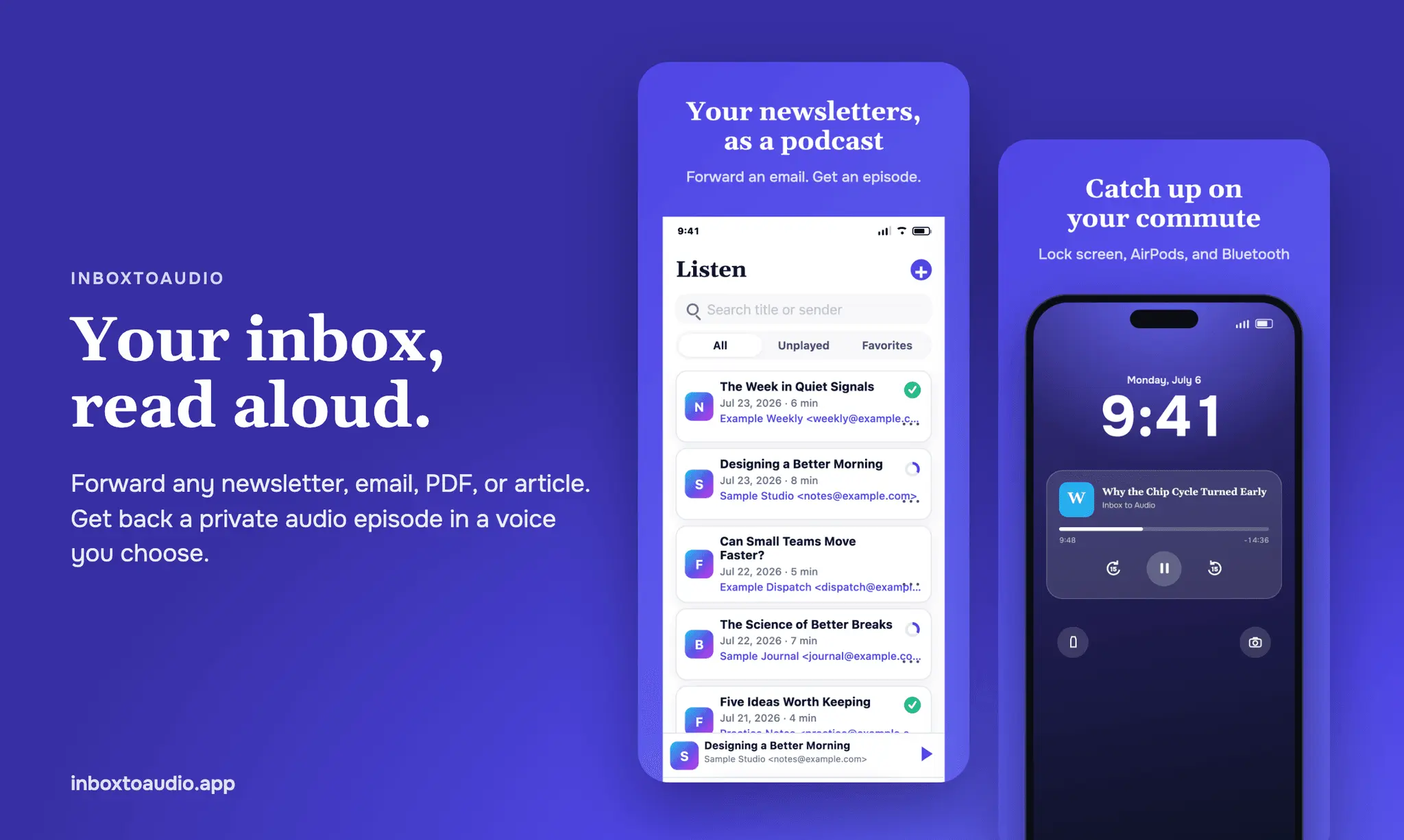
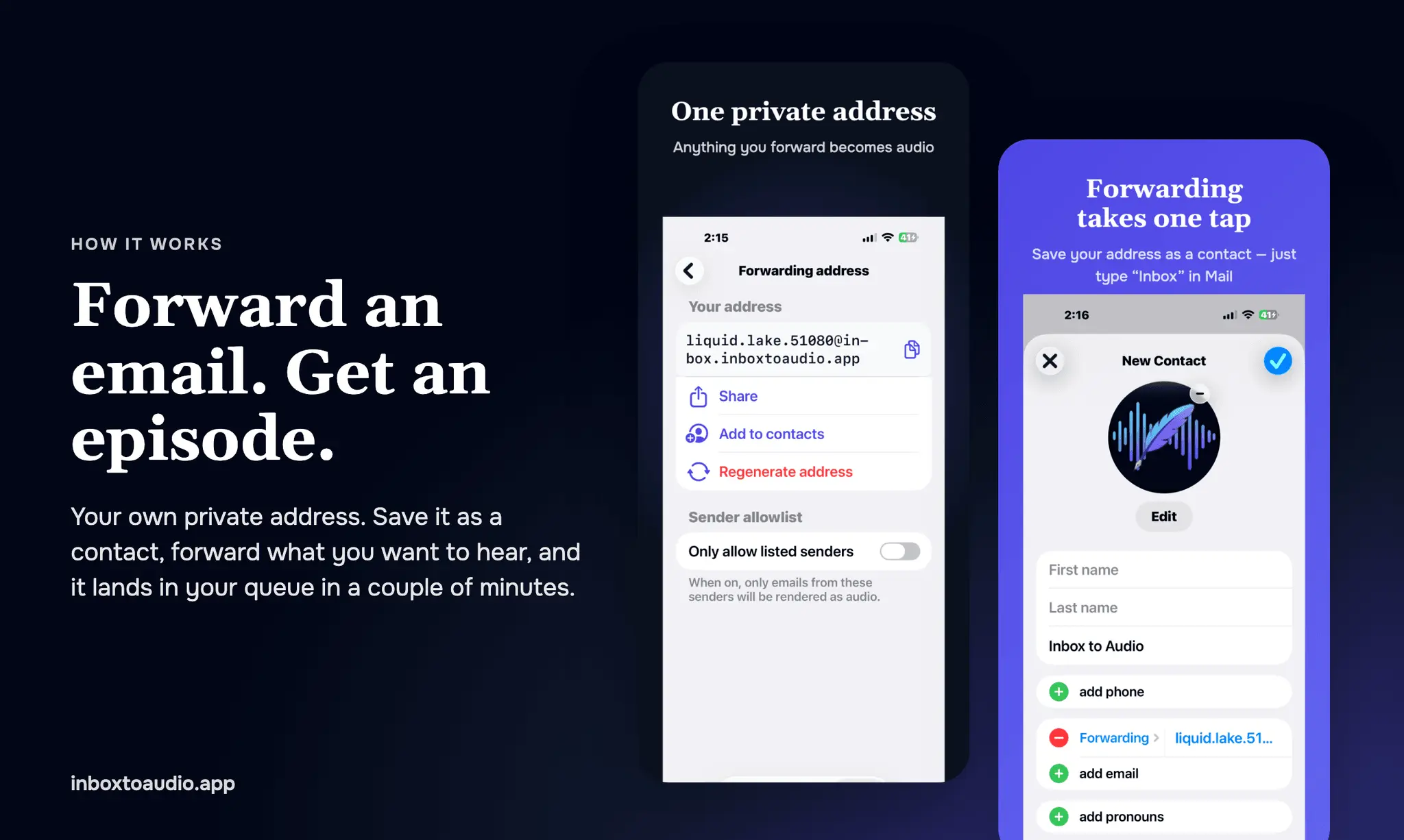
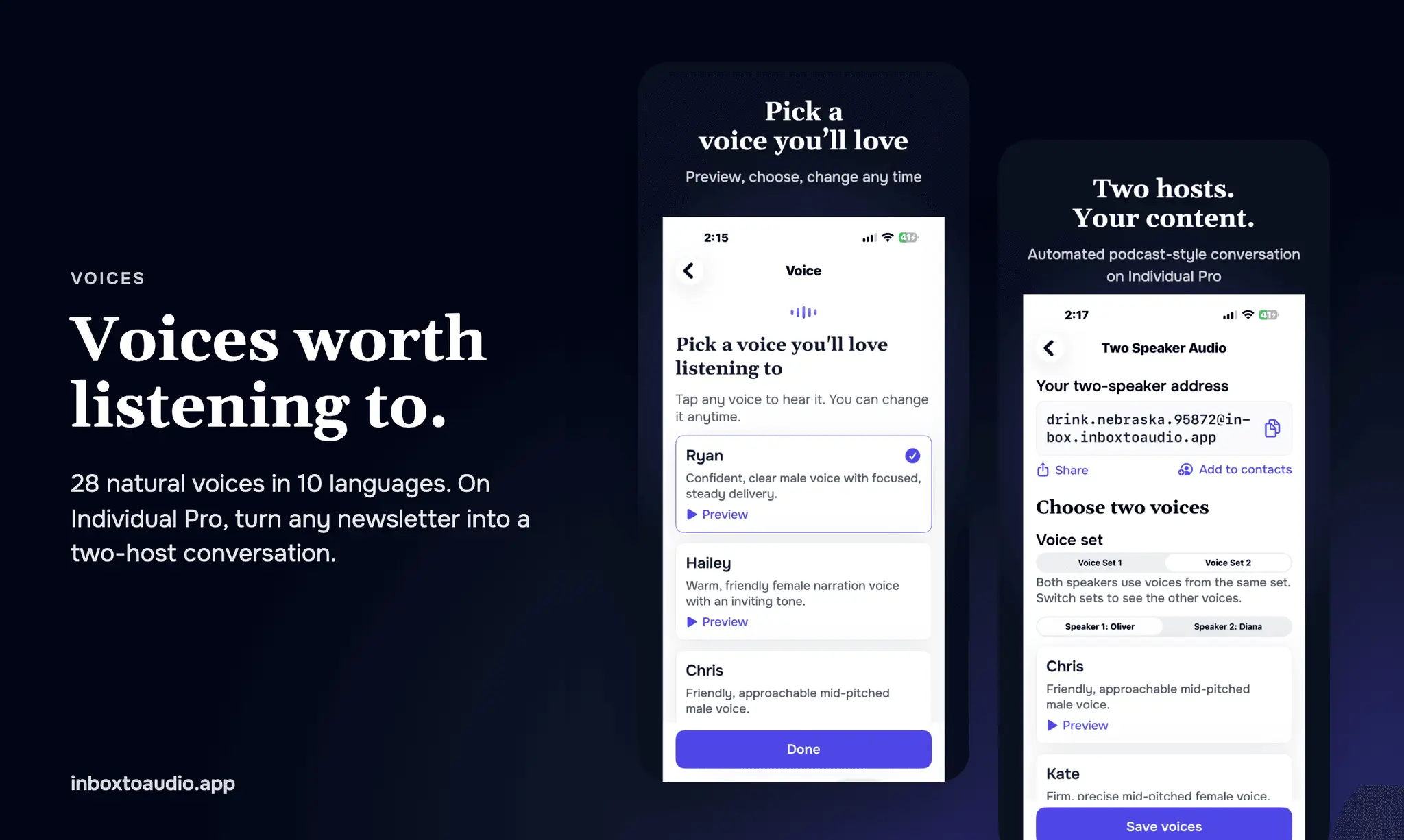
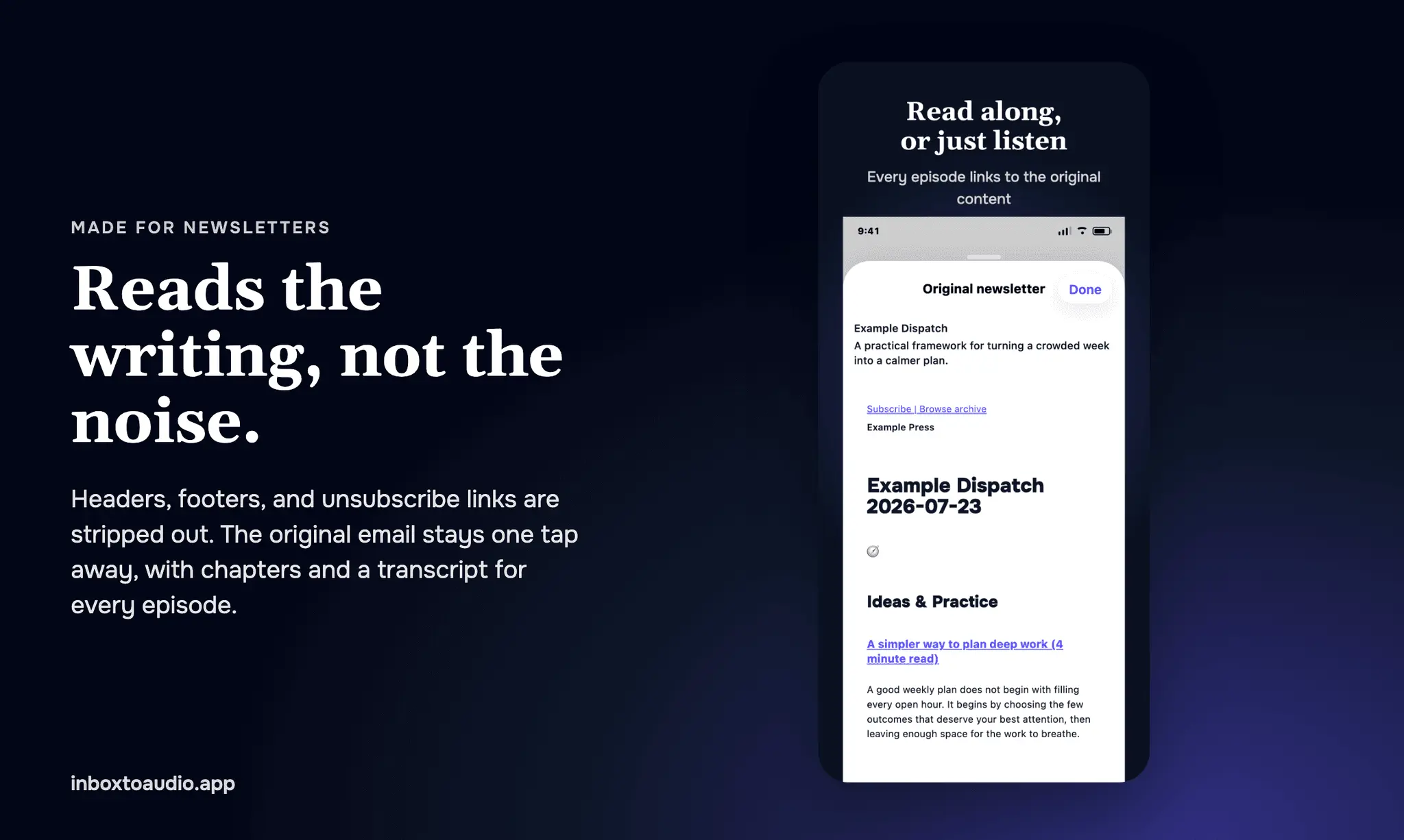
Your inbox is full of good writing you never get to. Newsletters you signed up for on purpose, long reports from work, the article a friend sent last week. InboxToAudio turns all of it into private audio you can listen to on a walk, on your commute, or while you cook. How it works You get a private listening address, something like [email protected]. Forward any email to it from Gmail, Outlook, Apple Mail, or your phone. A couple of minutes later it shows up in your queue as narrated audio. You don't enter a password, grant OAuth access, or connect your mailbox. We only see the emails you choose to forward. On iPhone, save the address as a contact with one tap. After that, forwarding is as easy as typing "Inbox" in the To field. More than email Documents: attach a PDF, DOC, or DOCX up to 15 MB and it gets narrated along with the message. Scanned and photographed PDF pages work too. Articles: share a web page from Safari to the iPhone app, or paste text into your queue on the web. Automatic newsletters: subscribe your listening address to a publication directly, and every new issue arrives already narrated. It reads the writing, not the noise Headers, footers, tracking links, and unsubscribe blocks are stripped out before narration. Longer pieces are split into chapters automatically, so you can skip to the section you care about. Every episode has a transcript, and the original email is one tap away. A real podcast player Background playback with lock screen and AirPods controls AirPlay and Bluetooth for speakers and your car stereo Chapters, adjustable speed, and a default speed for your whole queue Resume where you left off Favorites, search, and archive Voices worth listening to Pick from 28 natural narration voices and preview any of them before you choose. Your voice can narrate in 10 languages: English, Spanish, French, German, Italian, Portuguese, Russian, Korean, Mandarin, and Japanese. Some voices also offer British and Indian English accents. On Individual Pro, Two Speaker Audio turns a newsletter into a back-and-forth, podcast-style conversation between two hosts. Private by default Your queue is yours alone, never a public podcast. You can limit your address to approved senders, so only mail you trust becomes audio. You can regenerate the address at any time, and the old one stops working immediately. If you want to share an episode, copy its link. Revoke sharing or delete the episode and every link stops working. Where it works On the web at inboxtoaudio.app, and in the iPhone and iPad app on the App Store. Pricing Try it free: forward one email of up to 2,000 words, no card required. Only new audio counts against your minutes. Replaying anything in your queue is free. If your plan lapses, everything you already made stays playable. Stop letting good writing pile up unread. Put it in your ears instead.
Product Video
Watch a video demo of InboxToAudio.
Screenshots
Reviews (2)
Average 4.5 out of 5
Based on 2 reviews

Turning an inbox into audio is a specific workflow for people who listen more than they read. I would want the sender and subject kept in the intro.

Comments (6)
Listening to newsletters on a commute instead of letting them pile up is a great idea. Voice quality will make or break it.
Turning an inbox into audio is a specific workflow for people who listen more than they read. I would want the sender and subject kept in the intro.
Forwarding selected emails instead of granting full mailbox access is a useful design choice. For private work documents, how long are originals and transcripts retained, and does deleting an episode remove both?
Turning newsletters, PDFs and emails into private audio is a nice answer to the long reading backlog. The private angle is a thoughtful detail for personal inbox content.
Forwarding to a private address instead of connecting the mailbox is a good call. I would never grant access to my whole inbox just to hear two newsletters on a walk.
I built InboxToAudio because great newsletters kept piling up unread. Forward any email, PDF or document and listen to it like a podcast anywhere. Stop letting valuable writing pile up unread.