
Keep Screen On
Keep your screen awake and always on in the browser

Details
- Categories
- Use Cases
- Pricing
- Free
- Platforms
Discovery signals
How AI and people discover Keep Screen On on PeerPush
About Keep Screen On
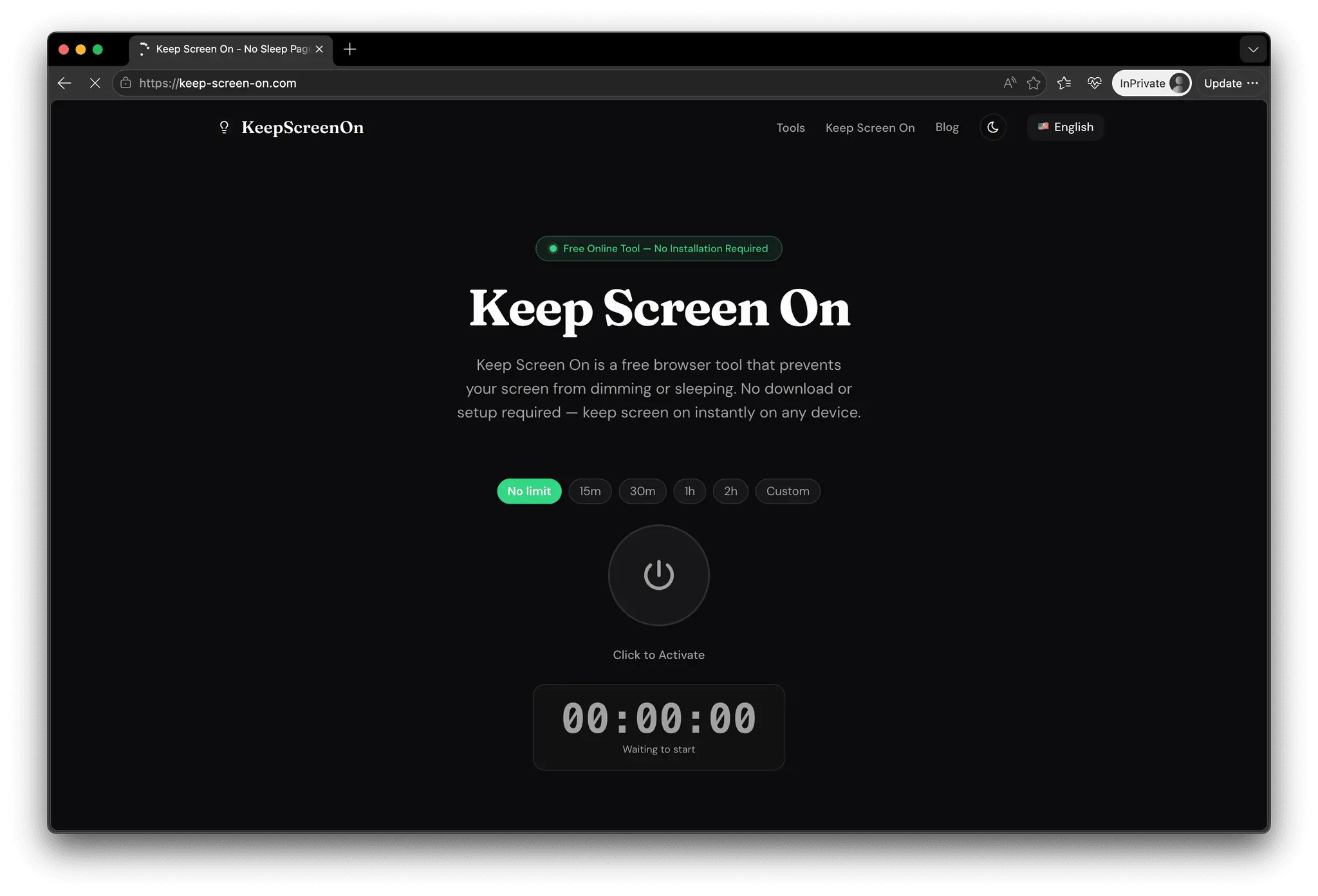
Keep Screen On is a simple, lightweight online tool designed to prevent your device from going to sleep when you need it to stay active. Whether you're reading long-form content, following a tutorial, monitoring a dashboard, or presenting something on your screen, this tool helps you keep your display awake without constantly adjusting system settings. Most devices are built to save power by automatically dimming or turning off the screen after a period of inactivity. While this is useful in many situations, it can quickly become frustrating when you're in the middle of something important. Keep Screen On solves this problem in the most straightforward way possible: open the page, tap once, and your screen stays awake. The tool works directly in your browser and does not require any installation, login, or configuration. It is designed to be fast and accessible, so you can use it instantly without friction. Once activated, it prevents your device from entering sleep mode while the page remains open, allowing you to focus on your task without interruptions. One of the key advantages of Keep Screen On is its simplicity. There are no unnecessary features or distractions. The interface is clean and minimal, making it easy to understand and use for anyone. At the same time, it works reliably across modern browsers and devices, including desktops, laptops, tablets, and smartphones. This tool is especially useful in scenarios like: * Watching long videos or online courses without touching the screen * Reading articles, documentation, or eBooks * Displaying recipes or instructions while cooking * Keeping dashboards or monitoring tools visible * Preventing screen timeout during presentations or meetings Because it runs entirely in the browser, your privacy is respected. No personal data is collected, and nothing is stored or tracked. It simply does one job and does it well. Keep Screen On is a practical utility for everyday use. Instead of digging through system settings or installing additional apps, you can rely on a quick and effective solution that works whenever you need it. If you've ever been annoyed by your screen turning off at the wrong moment, this tool is a small but meaningful upgrade to your workflow.
Screenshots
Reviews (0)
No reviews yet. Be the first to rate this product!
Comments (0)
No comments yet. Be the first to share your thoughts!