
Listd
Turn saved videos into organized lists automatically
Details
- Target Audience
- Pricing
- Free
- Platforms
Discovery signals
How AI and people discover Listd on PeerPush
- ChatGPT
- Perplexity
- Claude
- +3 other AI crawlers
Reads by these AI engines
Crawlers behind these engines read this listing on PeerPush.About Listd
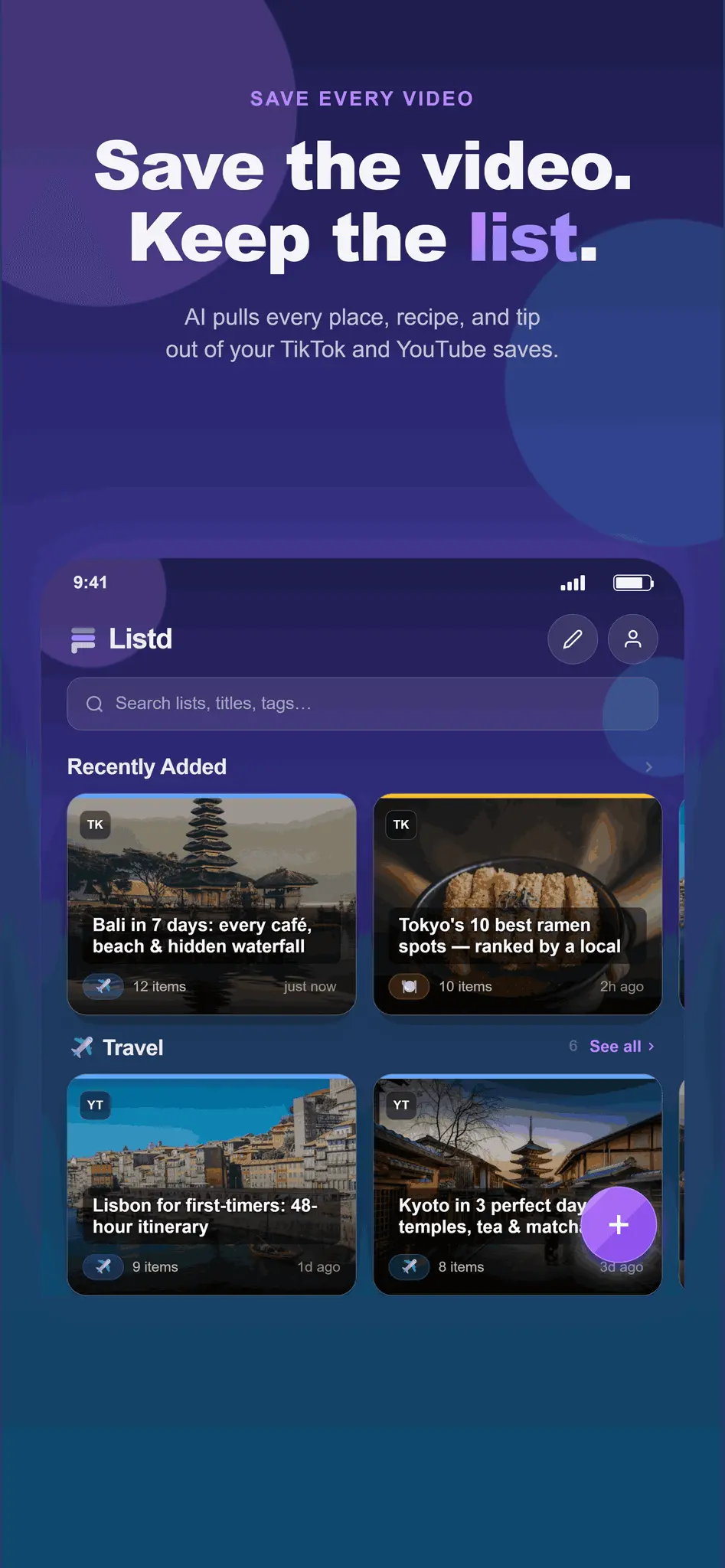
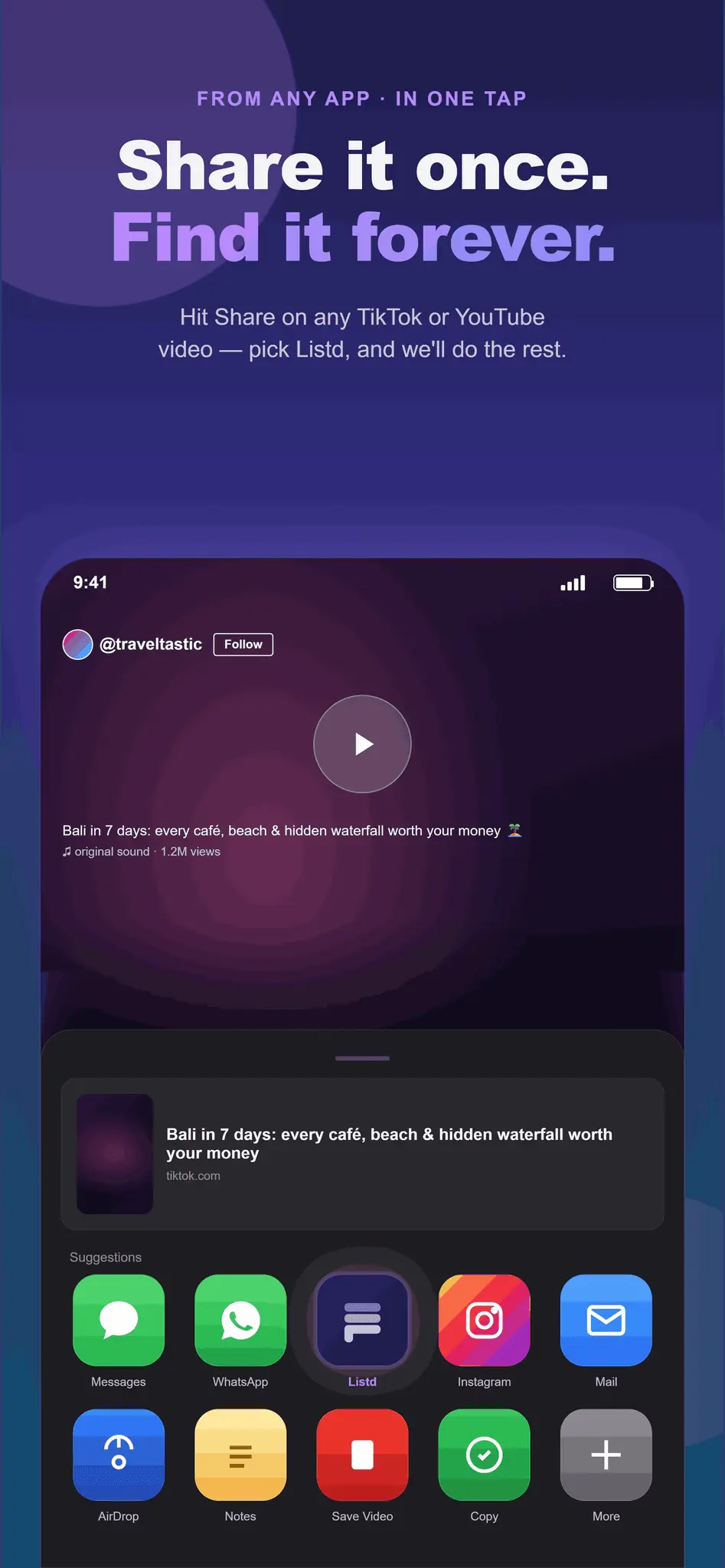
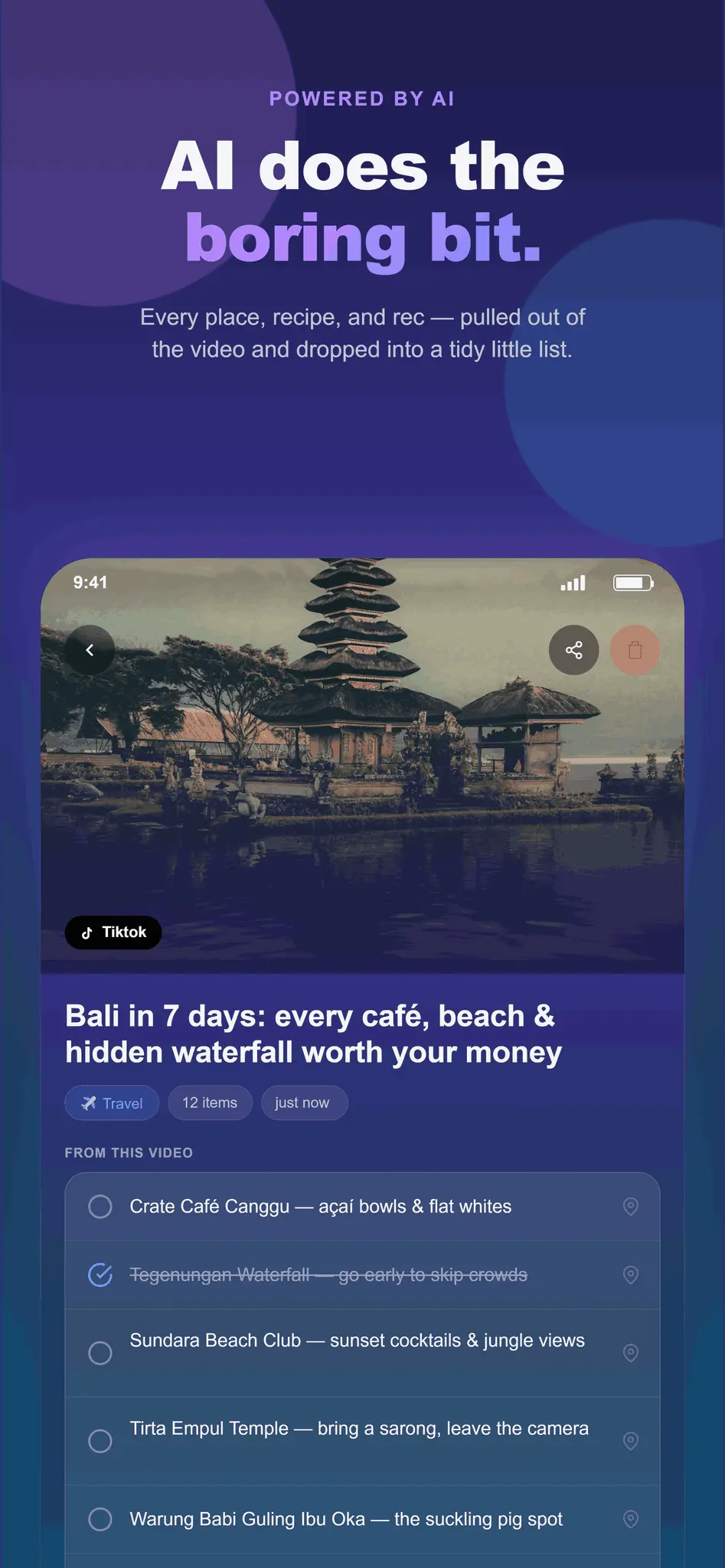
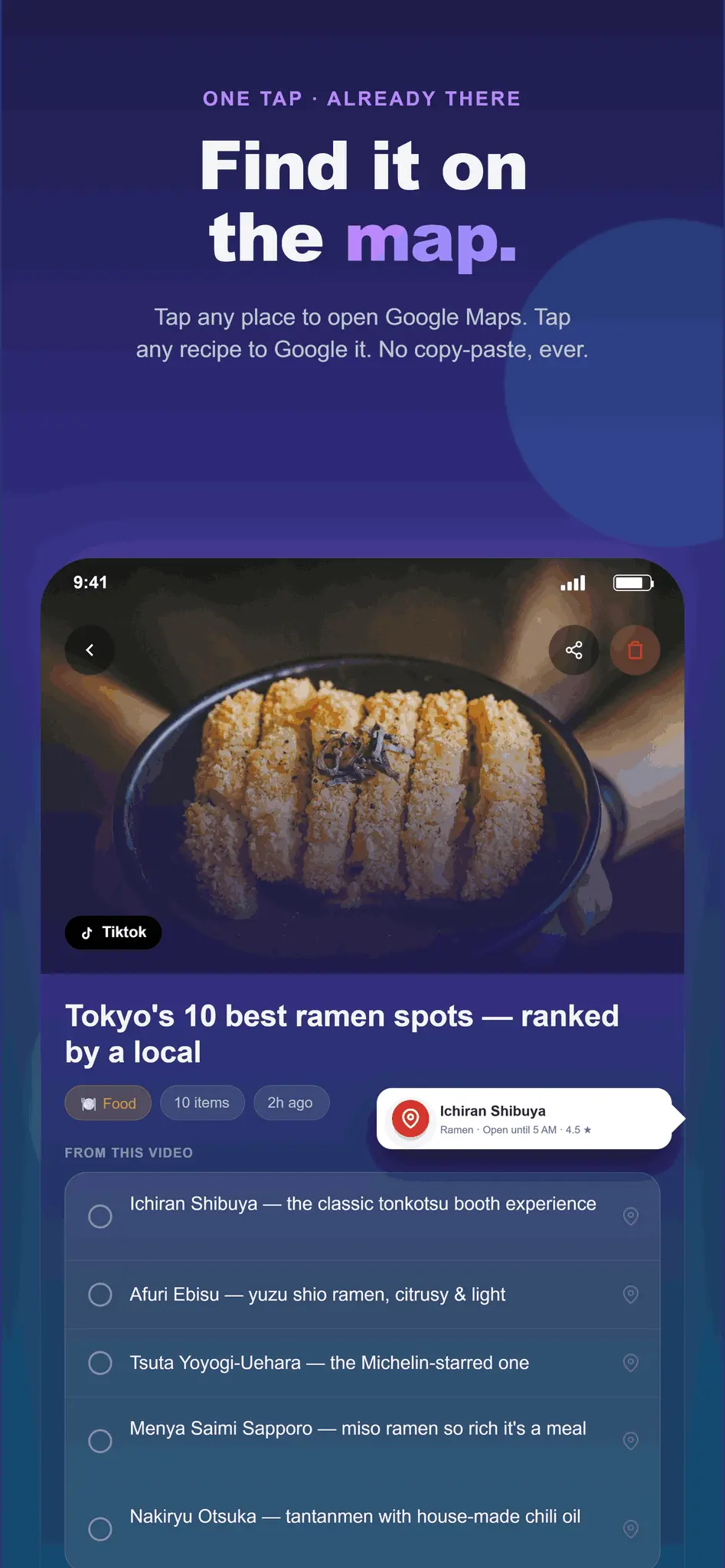
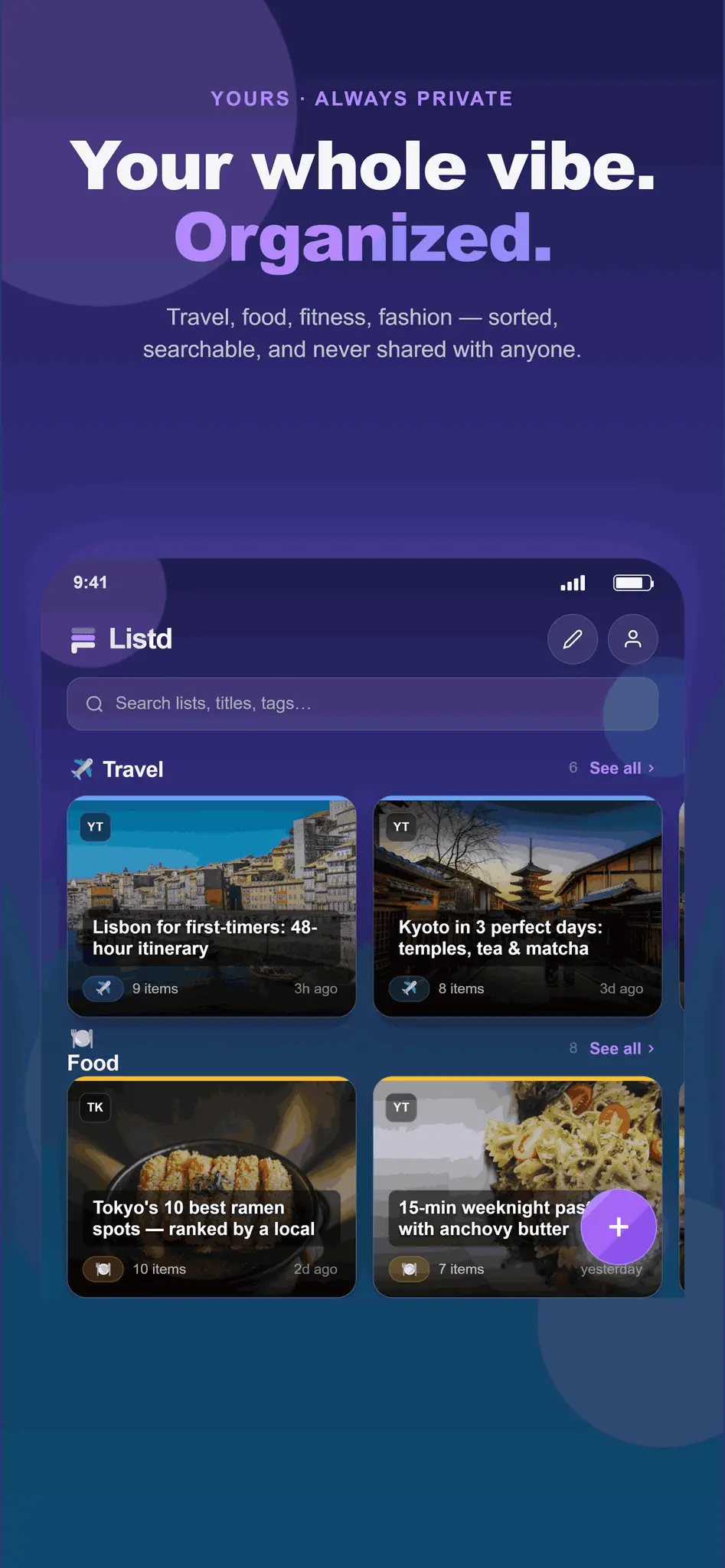
Listd uses AI to extract recipes, itineraries, and recommendations from TikToks and YouTube Shorts. By sharing a video with the tool, users can automatically generate structured lists and save information from social media content without manual note-taking. Listd closes the loop between passive consumption and active execution — not just by extracting the information, but by making it immediately actionable and impossible to forget. Step 1 - Extract: Via a native share sheet, a user sends a video link to Listd in one tap. The app strips away the video fluff and outputs a clean, structured, interactive list in seconds. Step 2 - Act: This is where Listd separates itself from a notes app or a saved folder. Every item in a Listd list is context-aware and interactive: Places can be opened directly in Google Maps or checked for proximity (coming soon) - so "3 hidden bars in Manchester" becomes a live, location-aware guide the moment you're actually out. Songs or artists can be opened straight in your preferred music app - so a "Best study playlists" video becomes a one-tap listening session. Recipes and food items surface nutritional information inline - so a viral 60-second recipe becomes a proper breakdown before you even hit the supermarket. (Coming soon) Anything else can be Google Searched directly from the list item - keeping the user in context without jumping between apps.
Screenshots
Reviews (0)
No reviews yet. Be the first to rate this product!
Comments (0)
No comments yet. Be the first to share your thoughts!