
LLMTerminal
Talk to any AI from Android

Details
- Categories
- AIProductivity & NotesMobile Apps
- Target Audience
- SolopreneursStudentsMobile Application Developers
- Pricing
- Free
Discovery signals
How AI and people discover LLMTerminal on PeerPush
About LLMTerminal
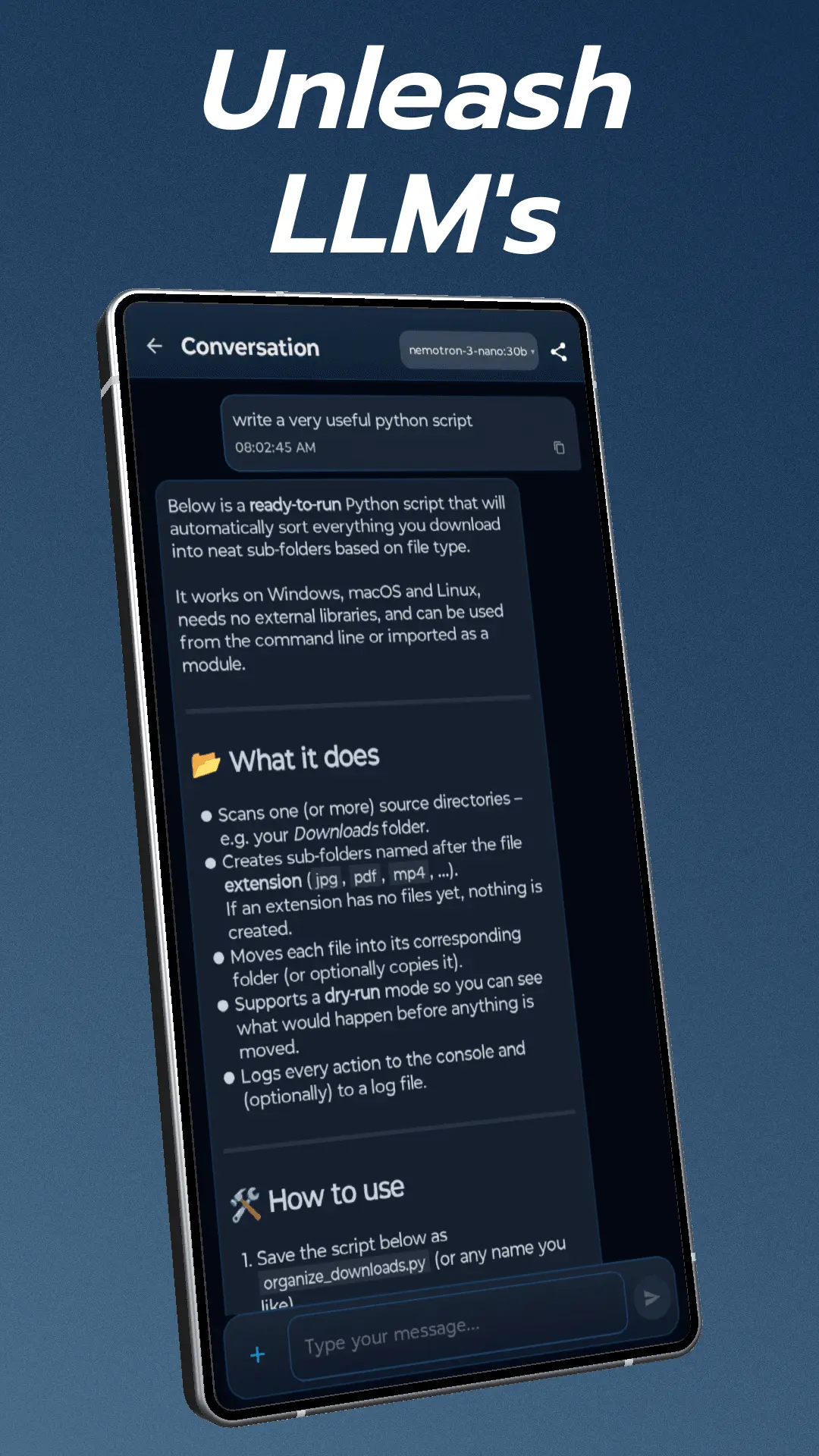
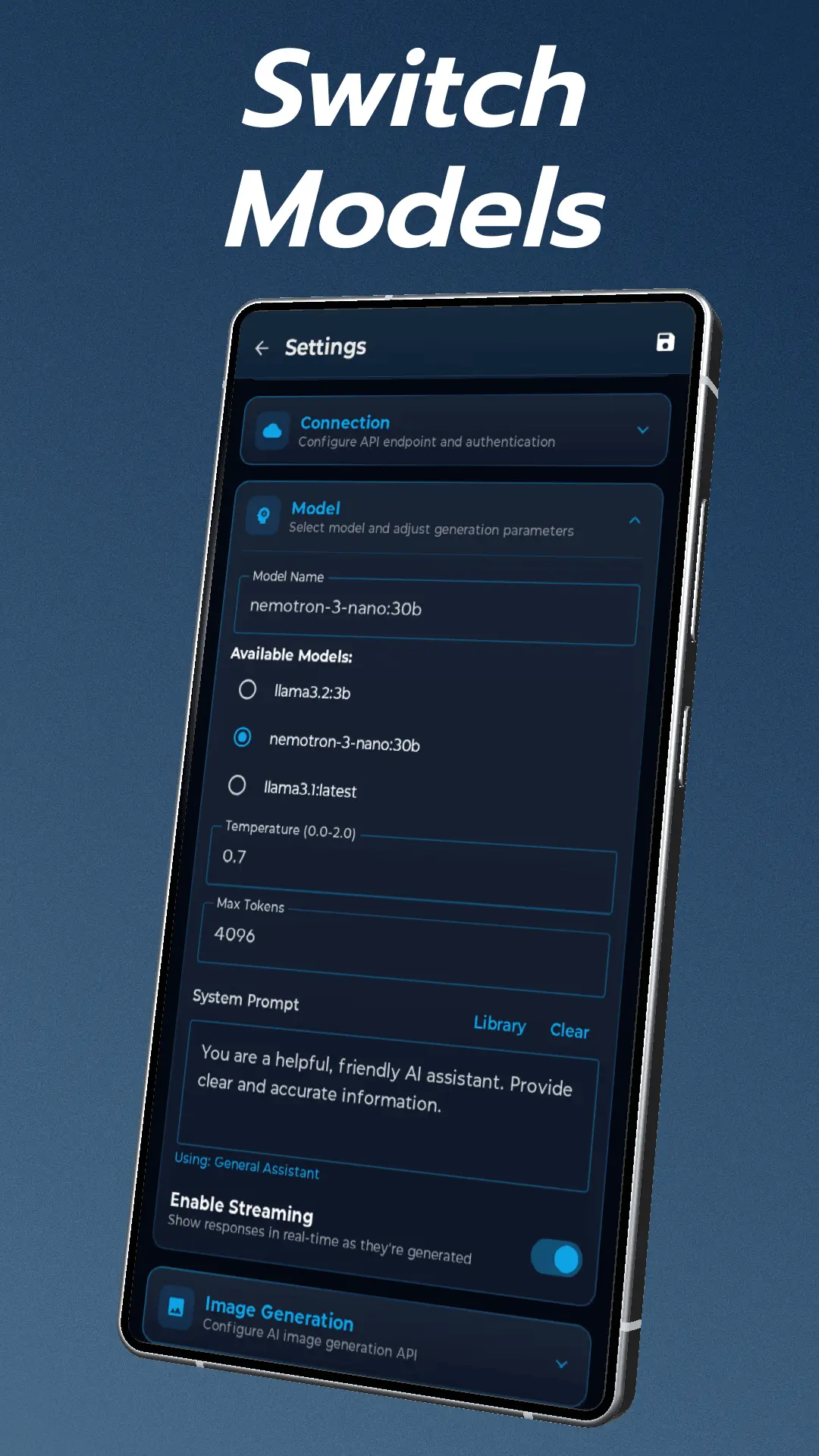
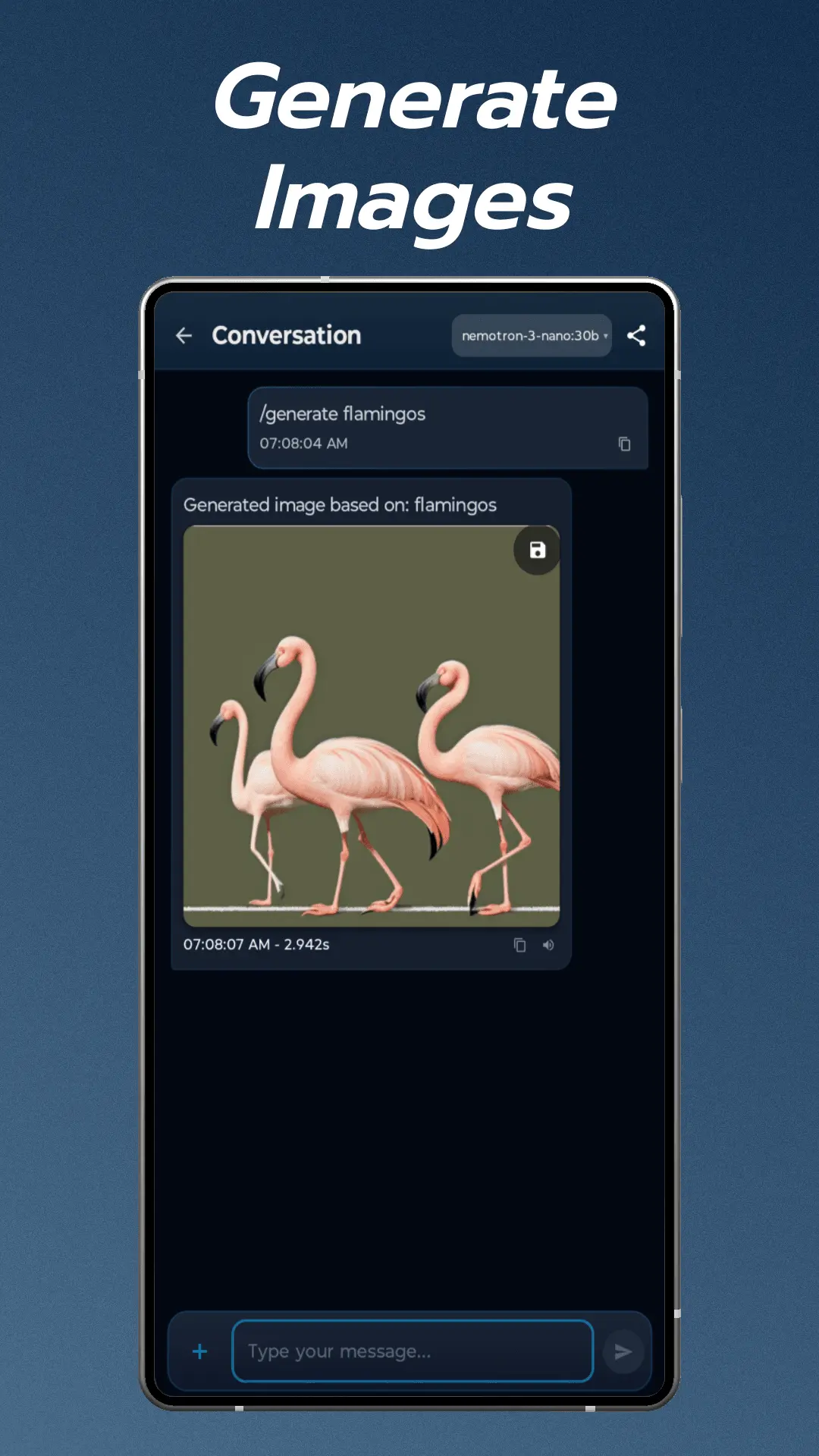
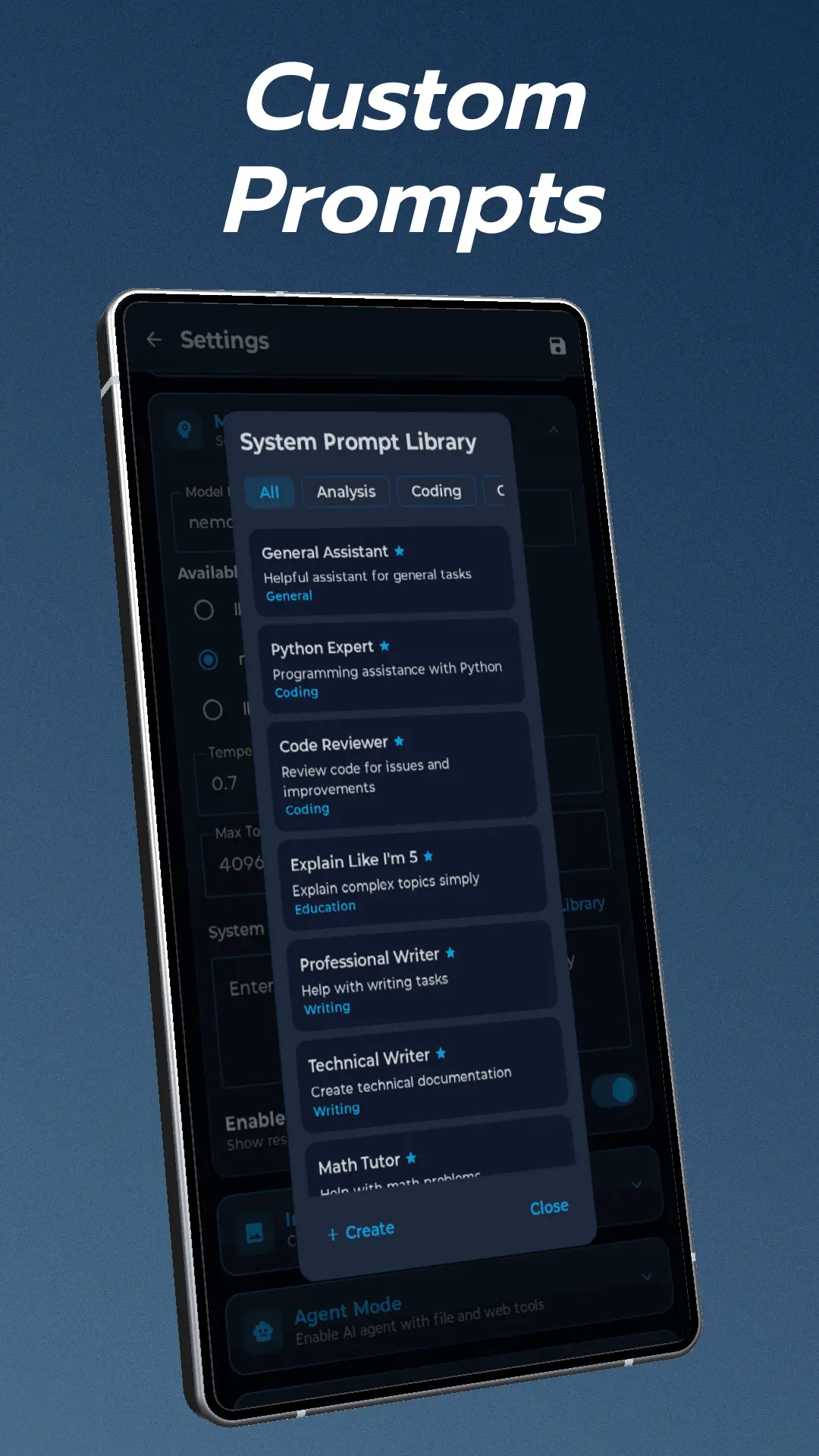
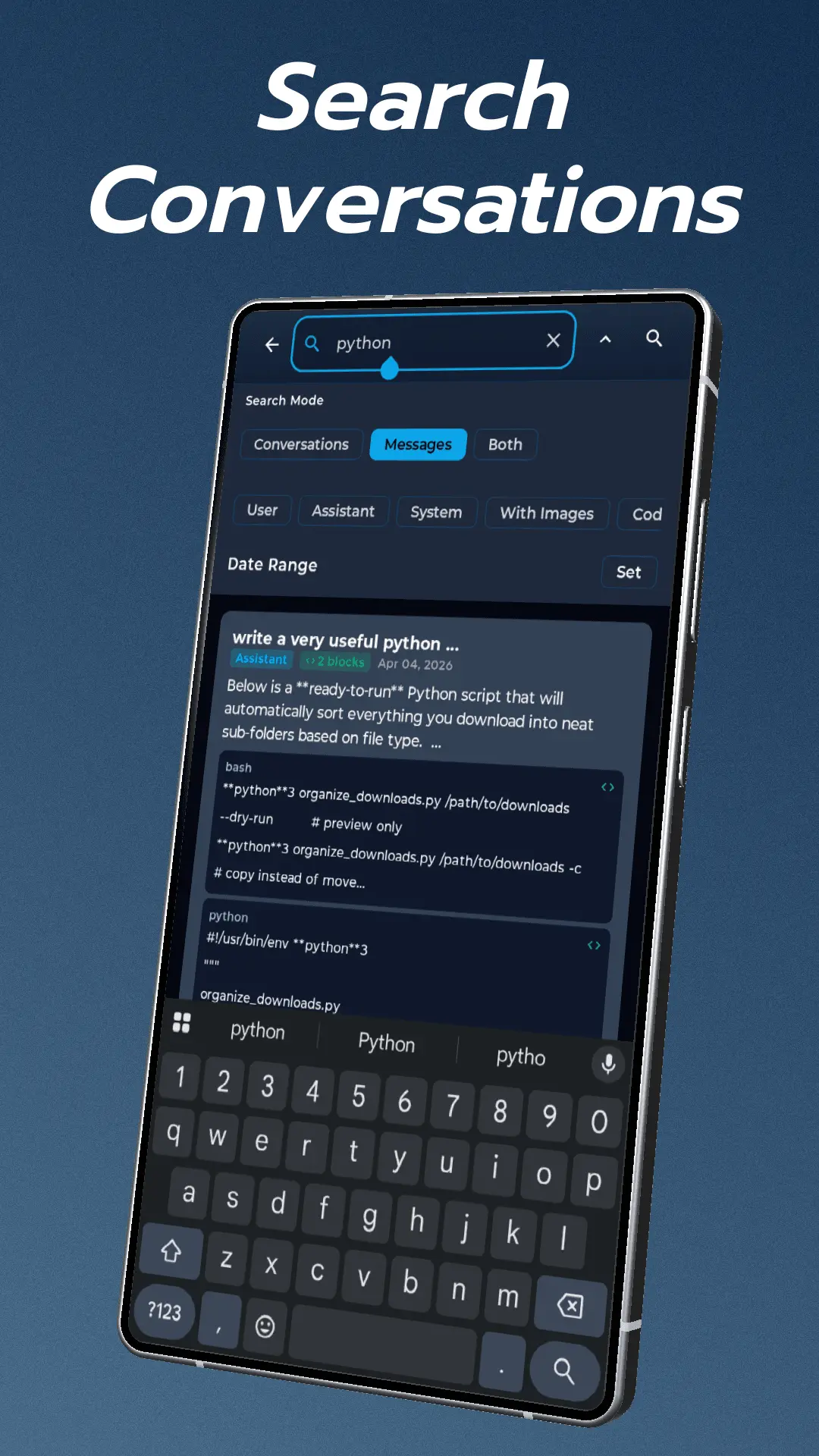
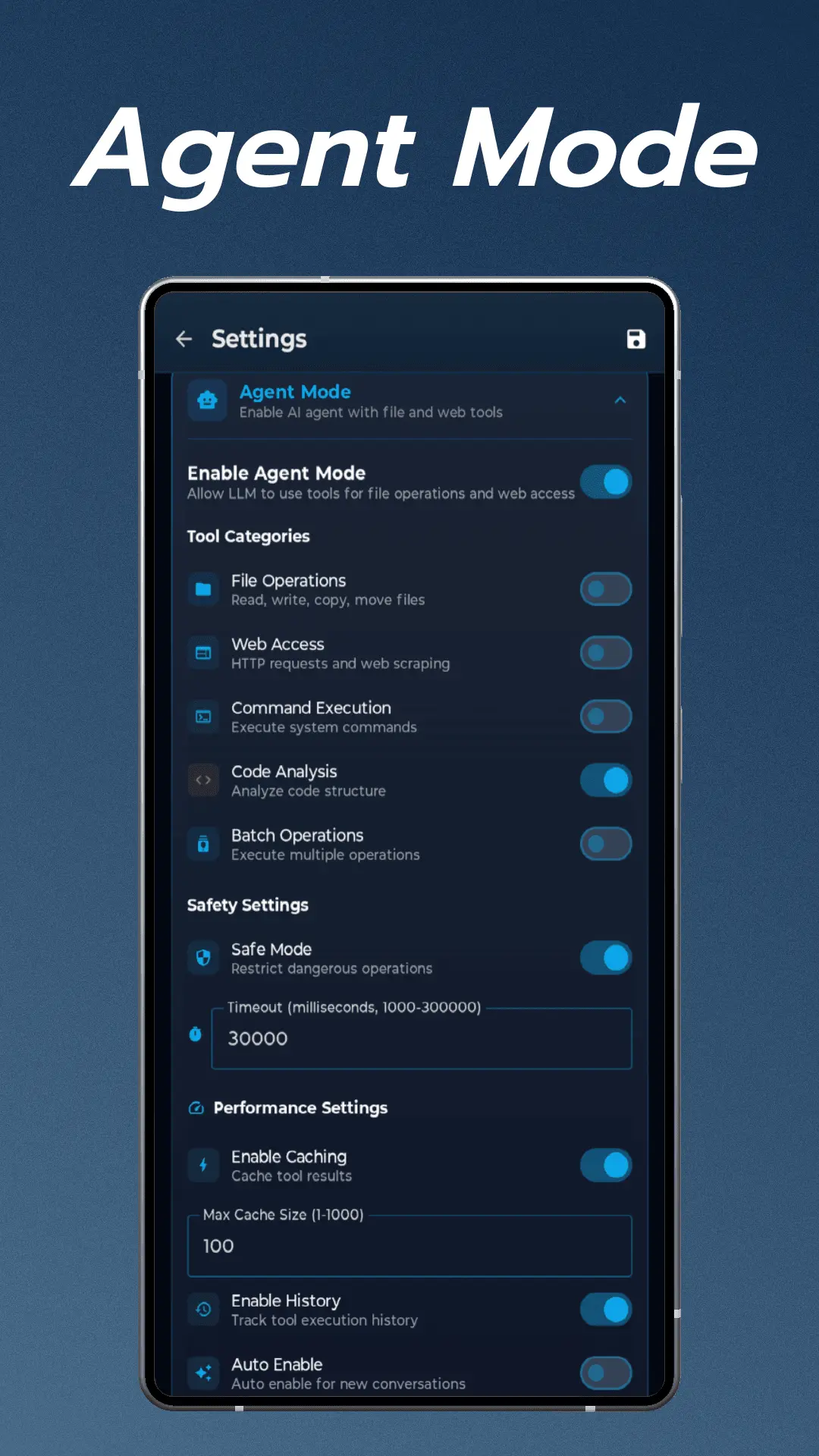
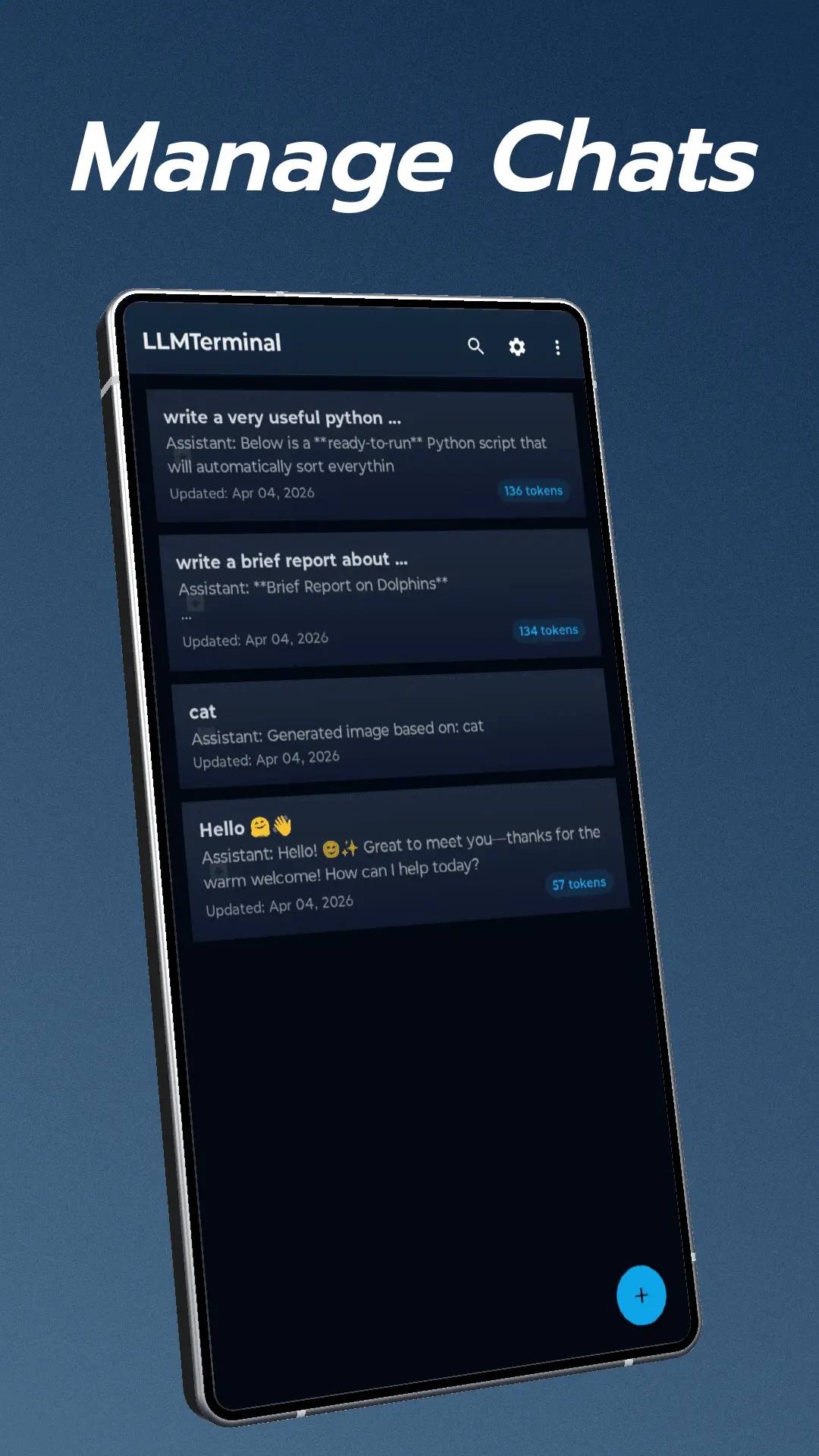
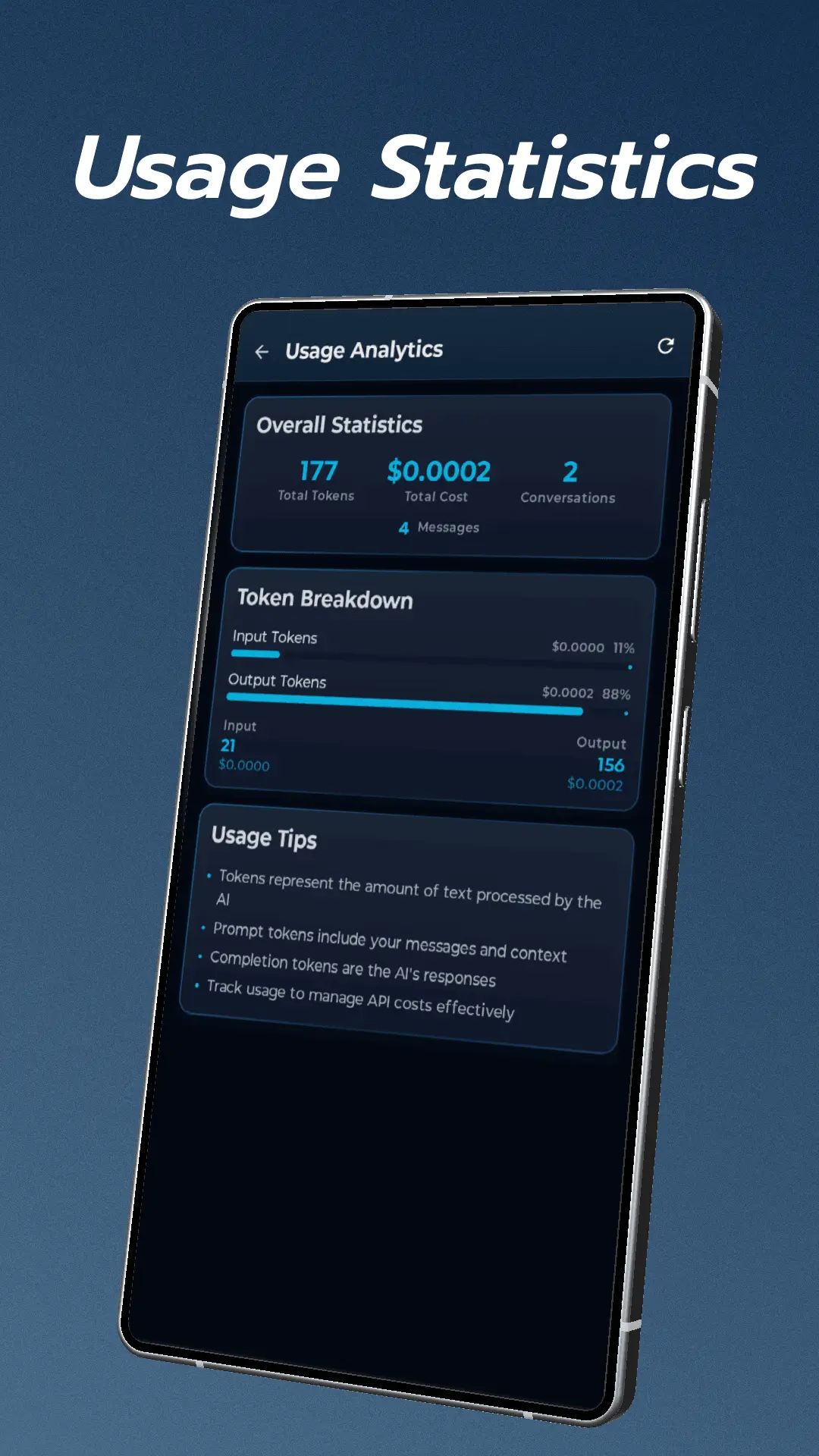
Talk to any Large Language Model directly from your Android device. LLMTerminal connects you to OpenAI, Anthropic, Google, Ollama, and 100+ other models through a unified interface. K E Y F E A T U R E S: 🌐 Universal Model Support Connect to OpenAI (GPT-4o, GPT-4, GPT-3.5), Anthropic (Claude 3.5, Claude 3 Opus), Google Gemini, Ollama, LM Studio, OpenRouter, Azure OpenAI, Mistral, Groq, Cohere, and Perplexity. Auto-detection identifies your provider automatically. ⚡ Streaming Chat Receive responses in real-time with token-by-token streaming. Messages render beautifully with Markdown support, syntax highlighting for code, and LaTeX math rendering. Adjust temperature and max tokens per conversation. 👁️ Vision Support Attach images from your camera or gallery and ask vision-capable models to analyze them. Works with both local and cloud models. Send multiple images in a single message. 🎙️ Voice & Speech Use voice input via microphone for hands-free conversations. Listen to AI responses with text-to-speech (works offline). Use the /repeat command to hear the last response aloud. 🤖 AI Agent Mode Let the AI autonomously perform tasks on your device. Available tools include file operations (read, write, copy, move, delete, rename), directory management, web access, shell command execution, and code analysis. Safety features include configurable safe mode and user confirmation for sensitive operations. 📚 System Prompt Library Choose from built-in prompts: General Assistant, Python Expert, Code Reviewer, ELI5, Professional Writer, Technical Writer, Math Tutor, Creative Writer, Skeptical Analyst, and Concise Responder. Create and organize custom prompts by category. 🔧 Prompt Variables Insert dynamic content that expands before sending: date, time, clipboard, last_message, model, device, and more. 🎨 Image Generation Generate images via Stable Diffusion-compatible APIs. Configure steps and dimensions up to 2048x2048. Works with Automatic1111, ComfyUI, and similar back-ends. 📊 Usage Analytics Track token usage per conversation with live counters during streaming. View cost estimates based on model pricing. Global statistics dashboard shows overall usage. 📤 Export & Sharing Export conversations to Markdown, plain text, or PDF. Share via Android share sheet. 🎭 Themes Choose from multiple color palettes: Ocean (default), Light, Dark, Blue, Green, or Purple. GETTING STARTED: 1. Install the app on your Android device (Android 7.0+) 2. Enter your API server URL (e.g., http://192.168.1.x:11434 for Ollama) 3. Select your model and add an API key if using cloud providers 4. Start chatting - no account required for self-hosted models REQUIREMENTS: - Android 7.0 or higher - API endpoint for your preferred LLM provider (cloud or local)
Screenshots
Reviews (1)
Average 5.0 out of 5
Based on 1 review

Really cool concept and works quite well!
Comments (1)
Wonderful experience while using this, its really helpful!