
Longhand
A quiet place for notes drills and recall

Details
- Categories
- Education & LearningProductivity & Notes
- Pricing
- Free
- Platforms
- Web
Discovery signals
How AI and people discover Longhand on PeerPush
About Longhand
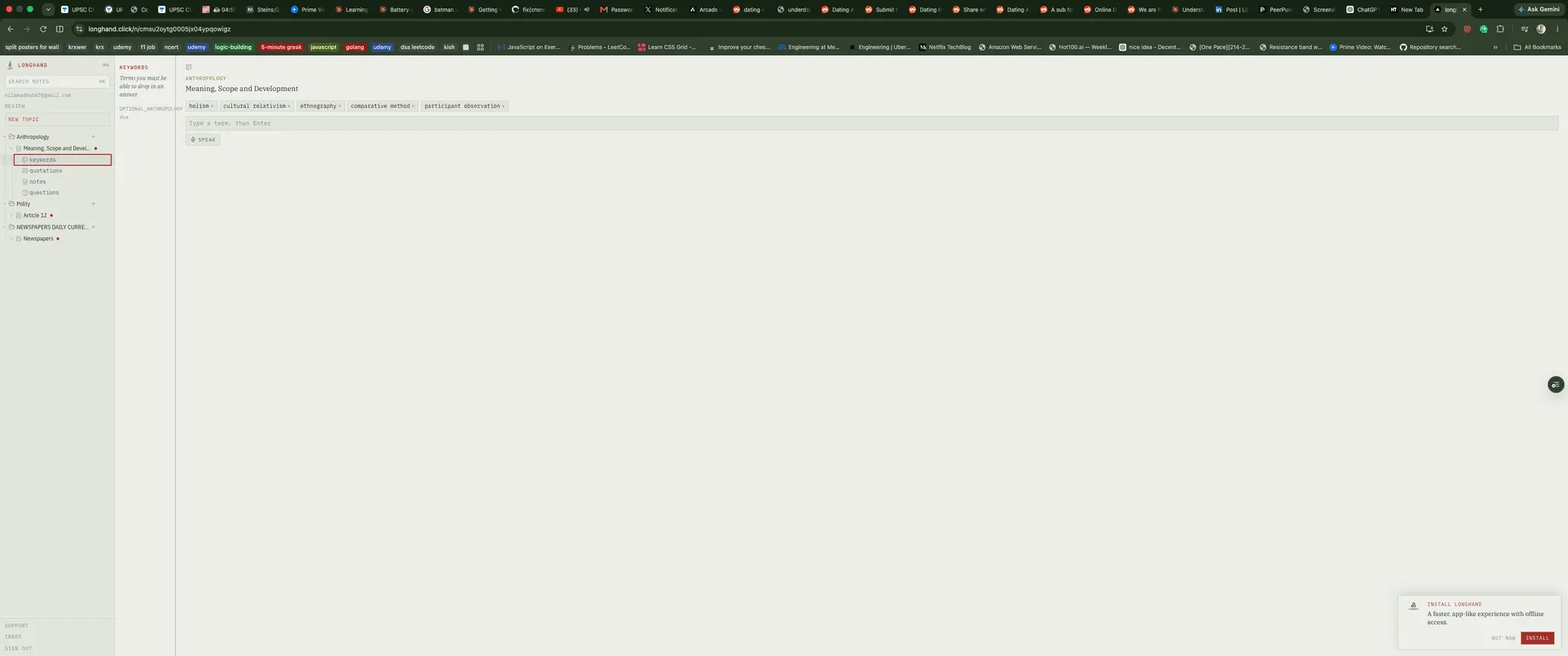
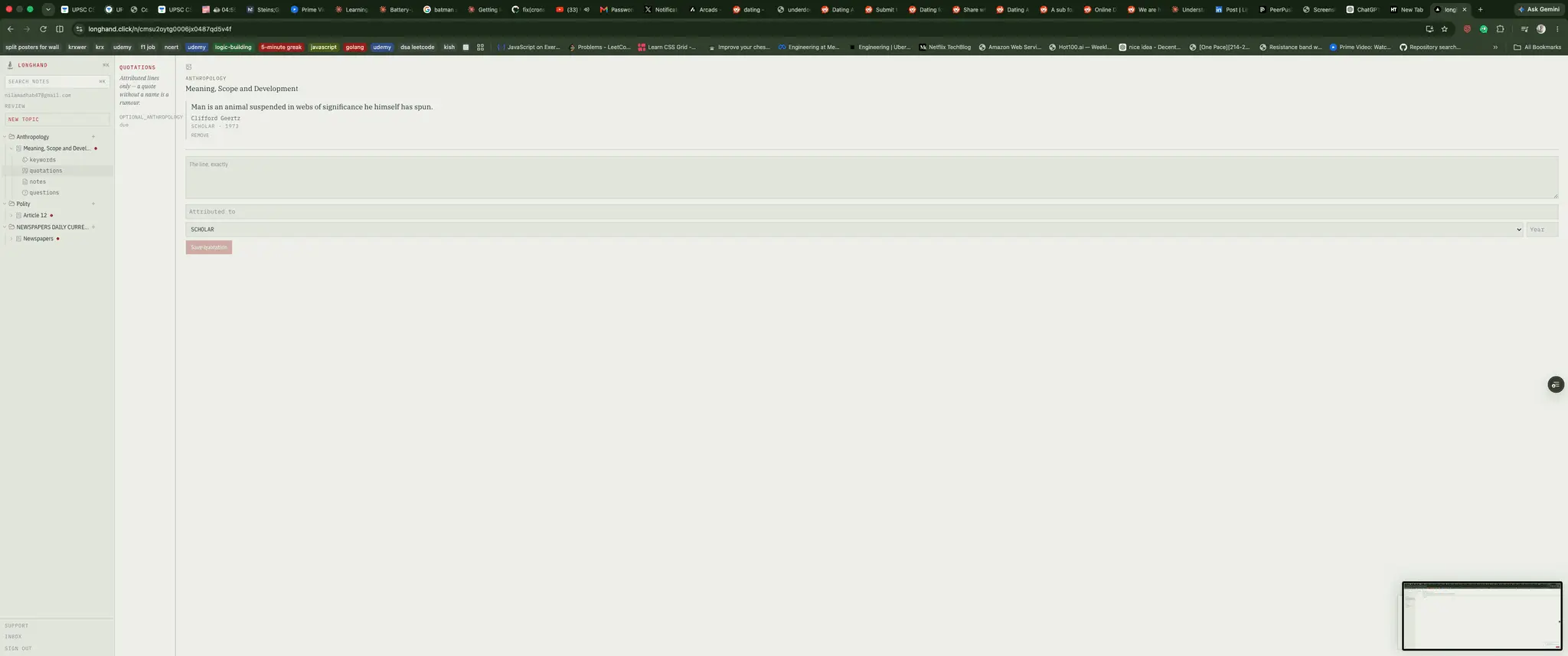
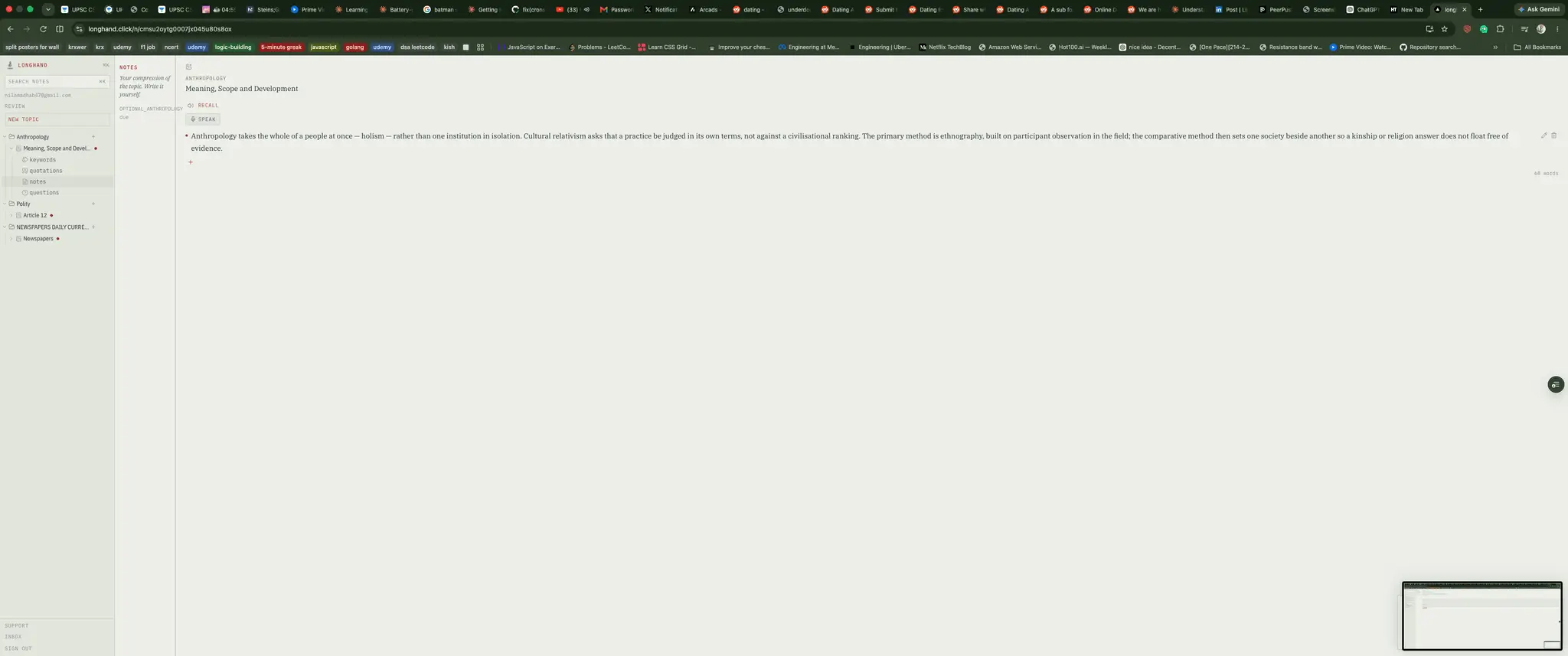
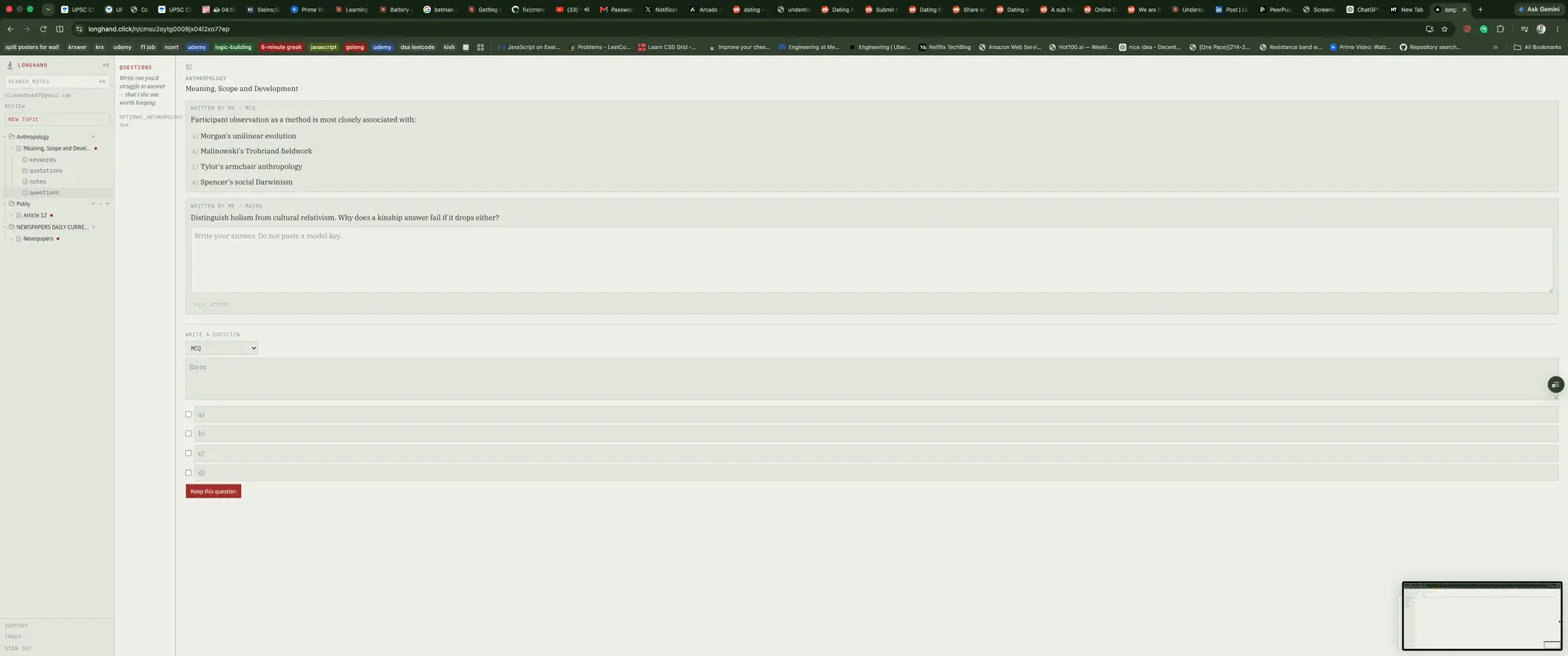
I found this out a while back, during a stretch of exam prep. A video told me to go digital — use Evernote, use OneNote, take notes faster. So I did. For about a week. Then I did the math, and the math ruined it for me. This wasn't going to be 20 notes I'd glance at once. It was going to be hundreds, on subjects that all overlap, revisited over and over for months. Evernote gives you a blank page. It does not give you a library. And once you've got a few hundred notes in there, "just search for it" stops working — you don't remember what you typed, you just remember it's in there. Somewhere. Probably. So I started building something that worked like a library instead of a pile. I got maybe half of it done before life pulled me elsewhere, and it sat unfinished for a long time. I finally had the time to go back and finish it. Every subject is a folder. Every topic inside gets the same four things, every time — keywords, quotations, notes, questions. Not a structure you design and then abandon. The same four, so you stop rearranging your system and start filling it. And once notes have a proper home, you suddenly can't dump a wall of copy-pasted text into any of them without it looking wrong. So now the app won't let you either. Two things I added after using it properly. The first is voice — the notes I lost most often were the ones I had while walking or halfway through an editorial, where stopping to type wasn't going to happen. Speak it, it lands as one point. The second is recall: notes come back on a schedule, because a note you file and never see again may as well not exist.
Screenshots
Reviews (0)
No reviews yet. Be the first to rate this product!
Comments (0)
No comments yet. Be the first to share your thoughts!