
Loupe
Free WCAG checker that explains how to fix each issue
Details
- Categories
- Developer ToolsDesign ToolsAccessibility
- Target Audience
- Web DevelopersAgenciesFreelancers
- Pricing
- Freemium from $14
- Platforms
- Web
Discovery signals
How AI and people discover Loupe on PeerPush
About Loupe
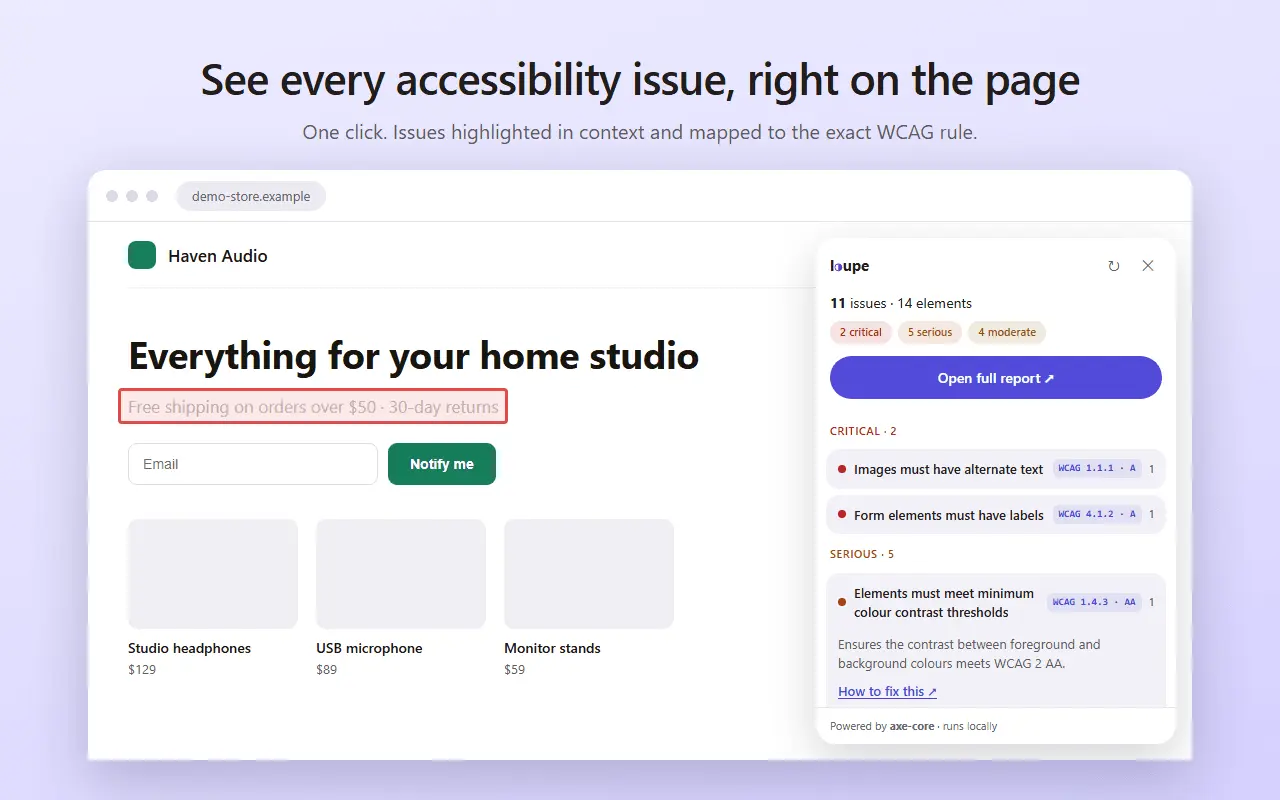
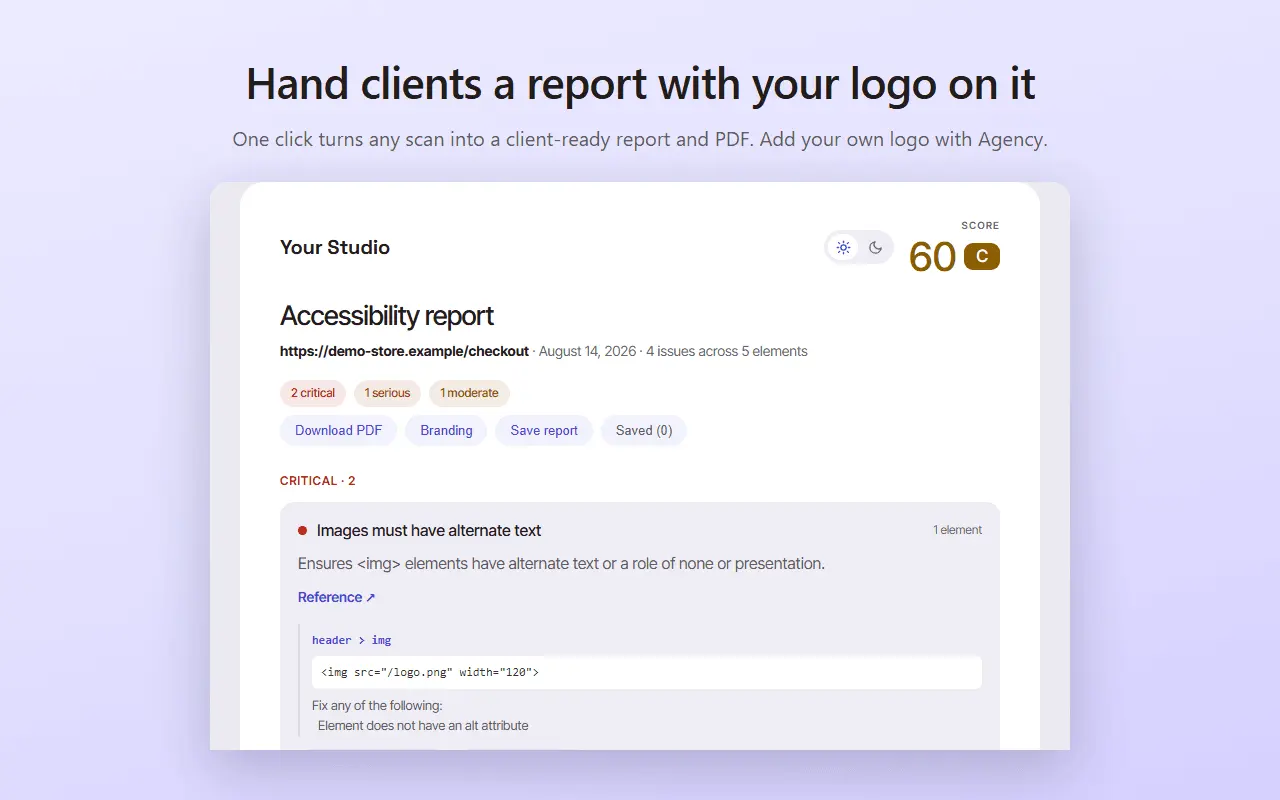
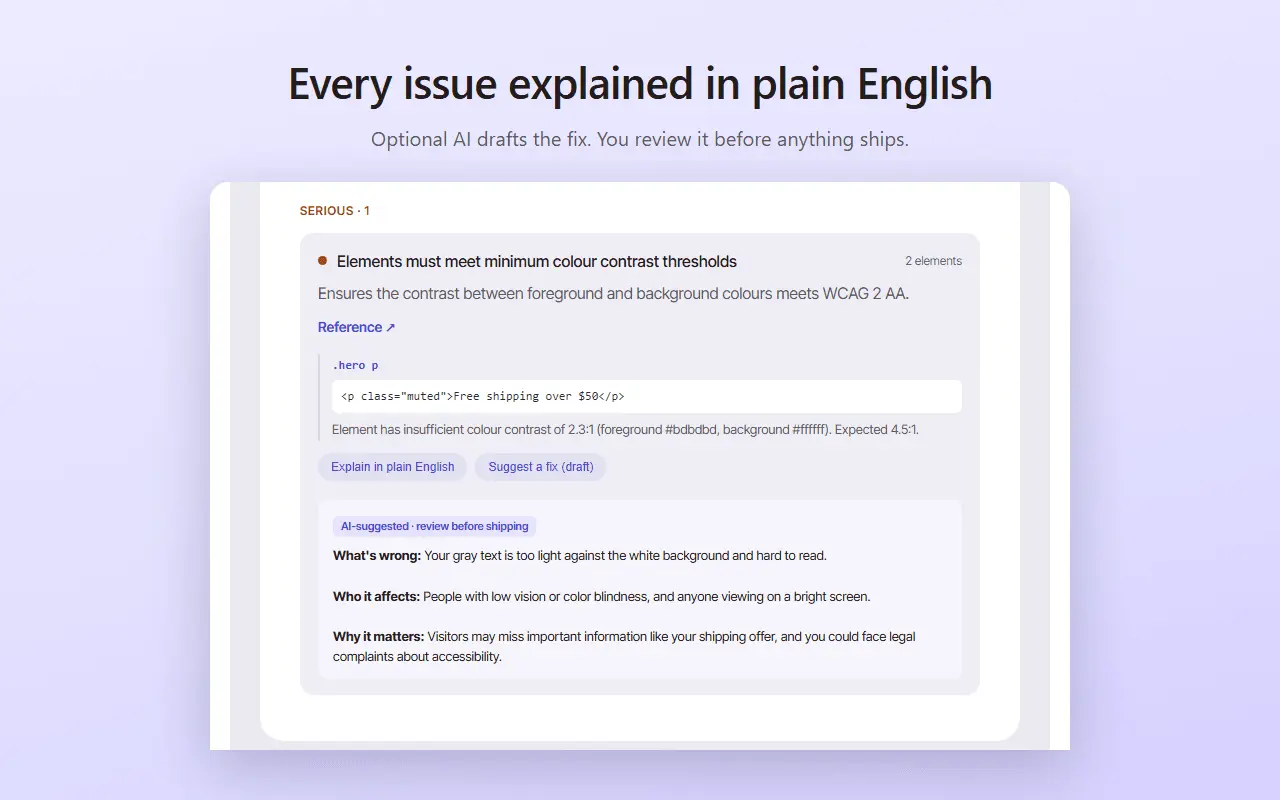
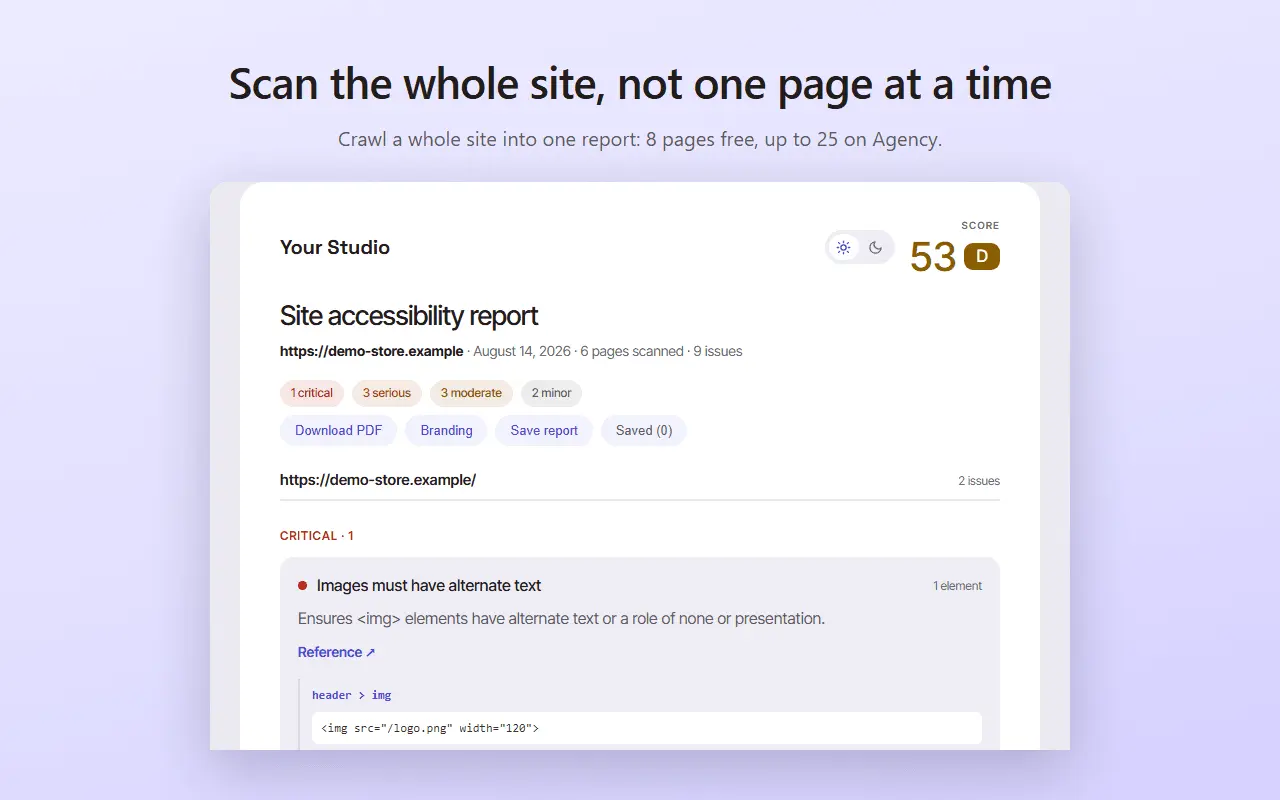
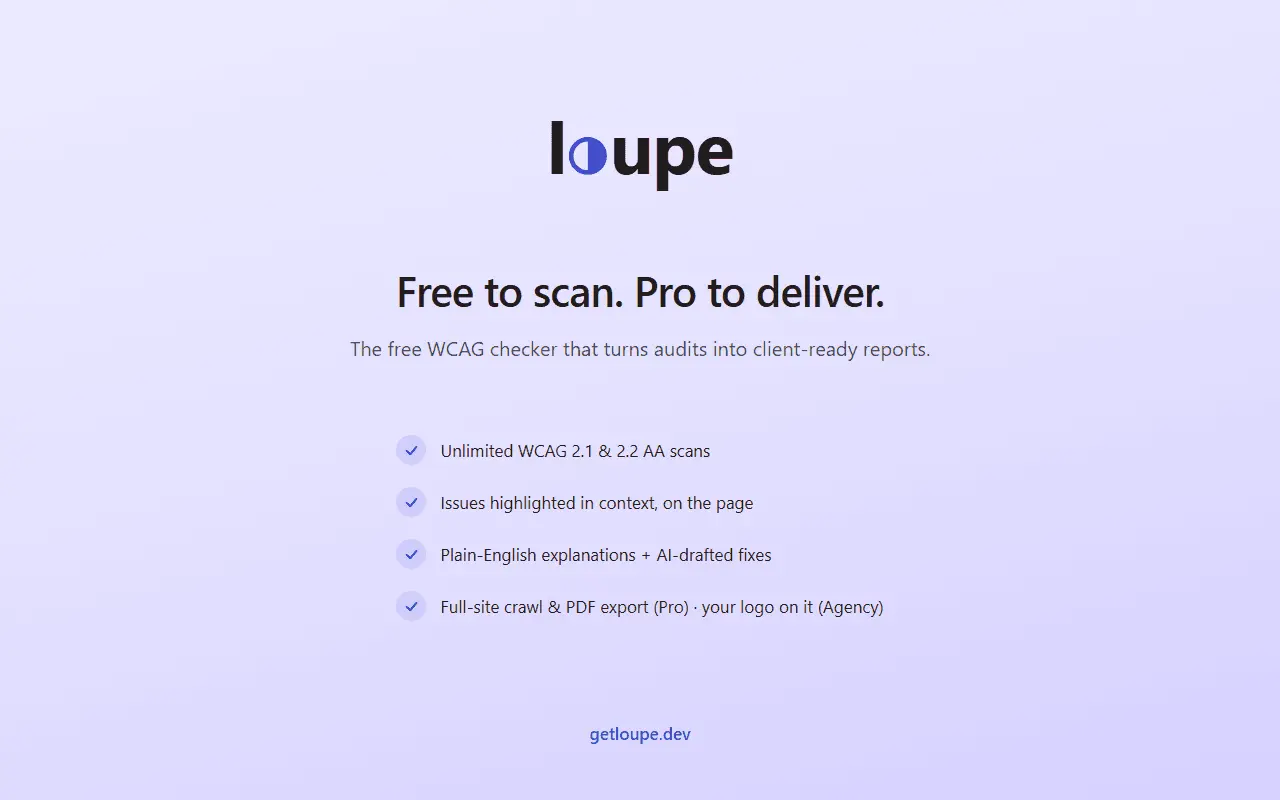
Loupe is a free web accessibility checker for Chrome and Edge. It runs an automated WCAG 2.1 and 2.2 audit on whatever page you are looking at, marks each failure on the page itself, and tells you how to fix it. The scanner is axe-core, the same open-source engine inside axe DevTools, Lighthouse and Accessibility Insights, so the findings match what those tools report. What Loupe adds is everything after the finding: a plain-English explanation of what broke and why it matters to a real user, the exact element that caused it, the WCAG success criterion it violates, and an optional AI-drafted code fix you review before shipping. What it catches: color contrast below WCAG AA, missing or empty alt text, form fields with no label, broken or misused ARIA, heading and landmark structure problems, keyboard and focus issues, links and buttons with no accessible name. Scans are unlimited and free, with no account and no signup. The paid plans are for the reporting side. Pro at $14/month crawls a whole site into one report, exports PDF, saves client projects and drafts fixes. Agency at $39/month puts your own logo and name on that report with a cover page and an executive summary, so a freelancer or studio hands a client a deliverable instead of a screenshot of someone else's tool. Everything runs inside your browser. Loupe does not collect browsing history and never uploads the pages you scan. The optional AI fix sends one failing element's HTML and stores nothing. One honest limit: automated testing catches a large share of accessibility problems, not all of them. Loupe is a fast first pass and a real time-saver. It is not a substitute for keyboard and screen-reader testing, and it is not a compliance certificate. There are also two free tools on the site with nothing to install: a WCAG contrast checker and a single-page scanner at getloupe.dev.
Discount Codes
50% OFF(-50% OFF)
Valid until Aug 31, 2027
Screenshots
Reviews (2)
Average 5.0 out of 5
Based on 2 reviews


Helpful accessibility checker, the fix explanations are practical and easy to act on.
Comments (5)
Very nice! I love the concept, accessibility is so important in usability & human centricity. Love the mission, the site is super clean and the plugin itself looks intuitive, simple, clean & super usable overall.
@chris-coffin-design Thank you, Chris! Simple was the whole goal. Most a11y tools bury you in jargon, so each issue should read like a note from a colleague. Run it on one of your sites and tell me what it finds!
@fermentory I certainly will! I’ll find some time this weekend & report back my experience. Thanks for creating this.
@chris-coffin-design Looking forward to it! Even the bad parts, honestly. If it flags something wrong or misses something obvious, that would be very useful to me :)
the plain english explanation is the part that interests me. have you found people actually make the fixes themselves after a scan or do most still need a developer?
@Jamesatkindword Too early for solid numbers. My guess: quick wins like alt text, contrast, and form labels a site owner can fix alone. ARIA and keyboard focus usually still need a dev, but they get a clear ticket instead of an error code.
Explaining how to fix each WCAG issue, not just flagging it, is the part most checkers miss. Great for devs new to accessibility.
@nckbrz Thanks for the review and the comment! That gap is exactly why I built it. A checker that just says "fails 1.4.3" isn't much use if you don't already know WCAG.
A free WCAG checker for Chrome and Edge that also explains how to fix each issue is a helpful way to make accessibility work approachable. Good luck with the launch!
@TSUTSU Thank you! Approachable is exactly what I was going for.
Loupe scans any page for WCAG issues, marks them on the page itself, and drafts the fix. Free, no account, honest about what automation can't catch. Run it on your site and tell me what it misses.