
Mailflame for Gmail
Bulk email, schedule, followup and tracking on Gmail

Details
- Categories
- Product MarketingProductivity & Notes
- Use Cases
- Email CampaignsEmail Management
- Target Audience
- AgenciesAmazon SellersConsultants
- Pricing
- Subscription from $2.5
- Platforms
- Web
Discovery signals
How AI and people discover Mailflame for Gmail on PeerPush
By AI reads among Product Marketing tools
507 AI reads in the last 30 days, ranked against every Product Marketing tool listed.About Mailflame for Gmail
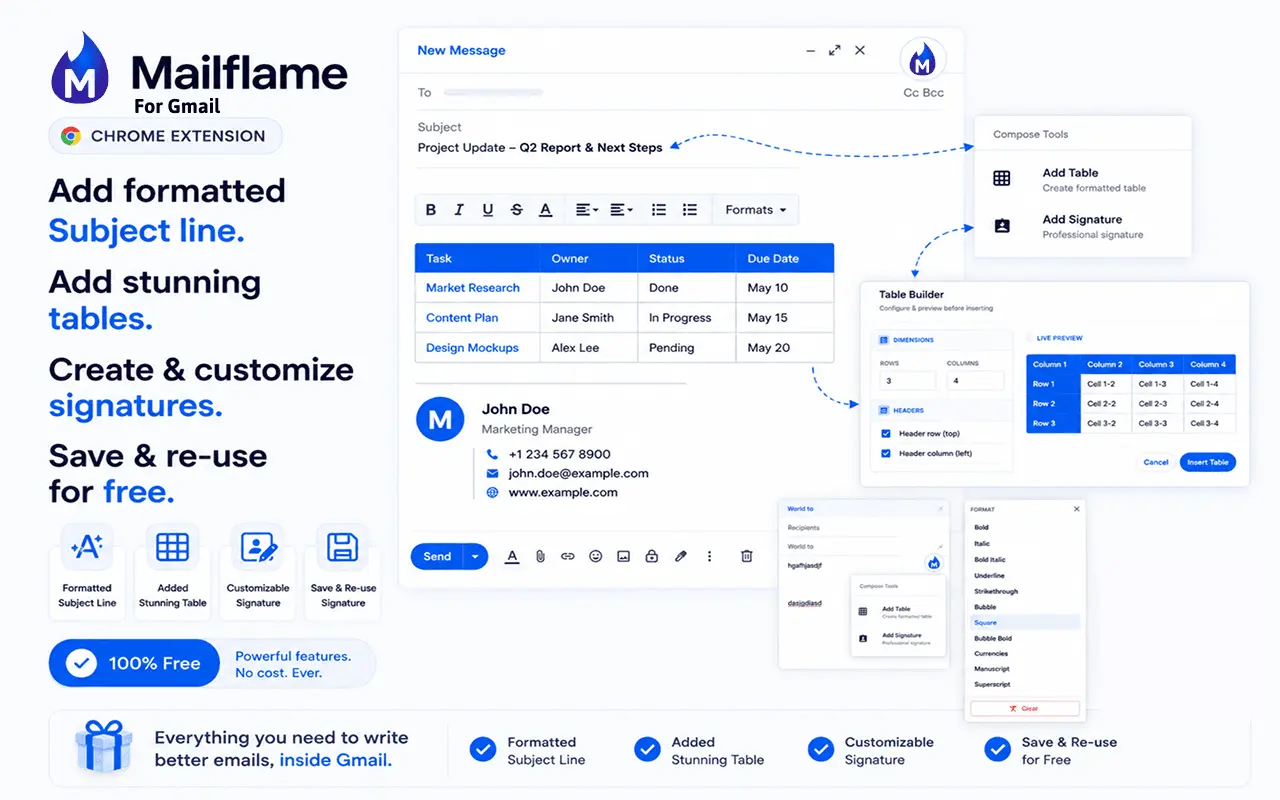
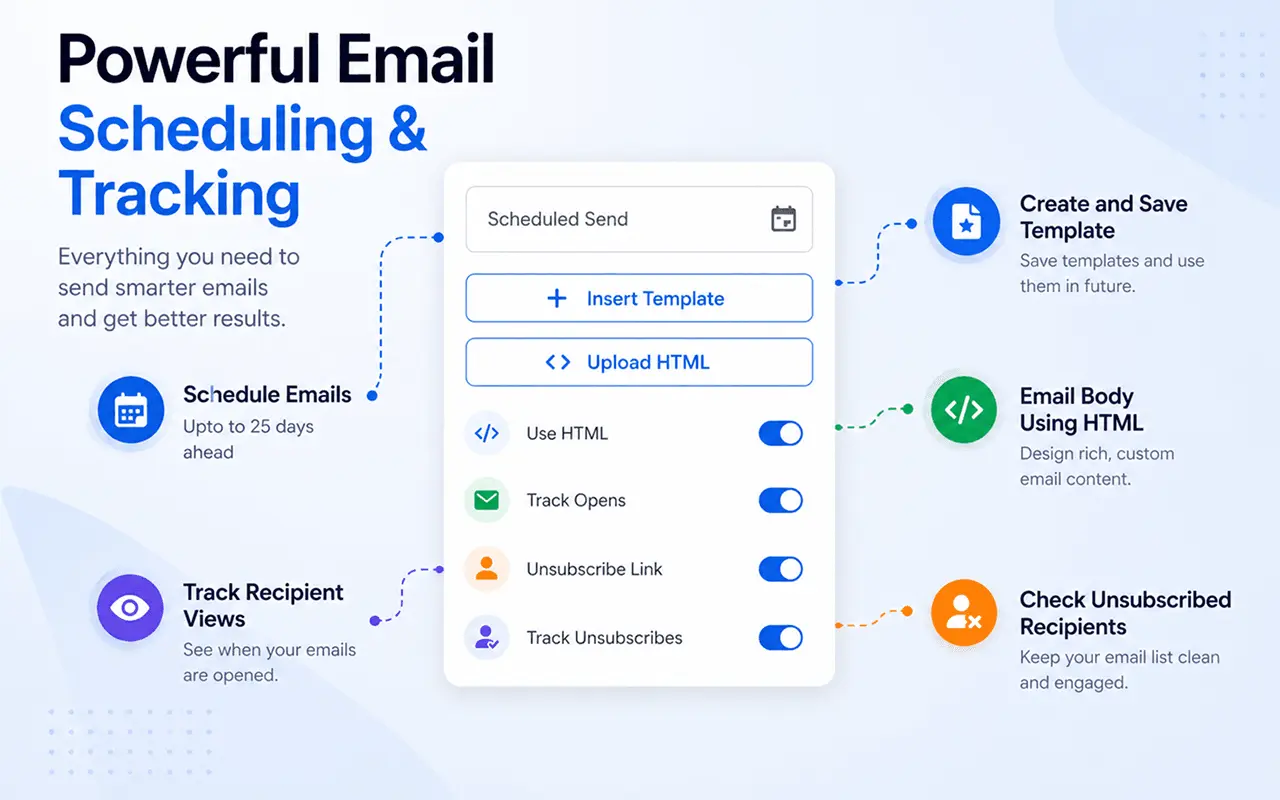
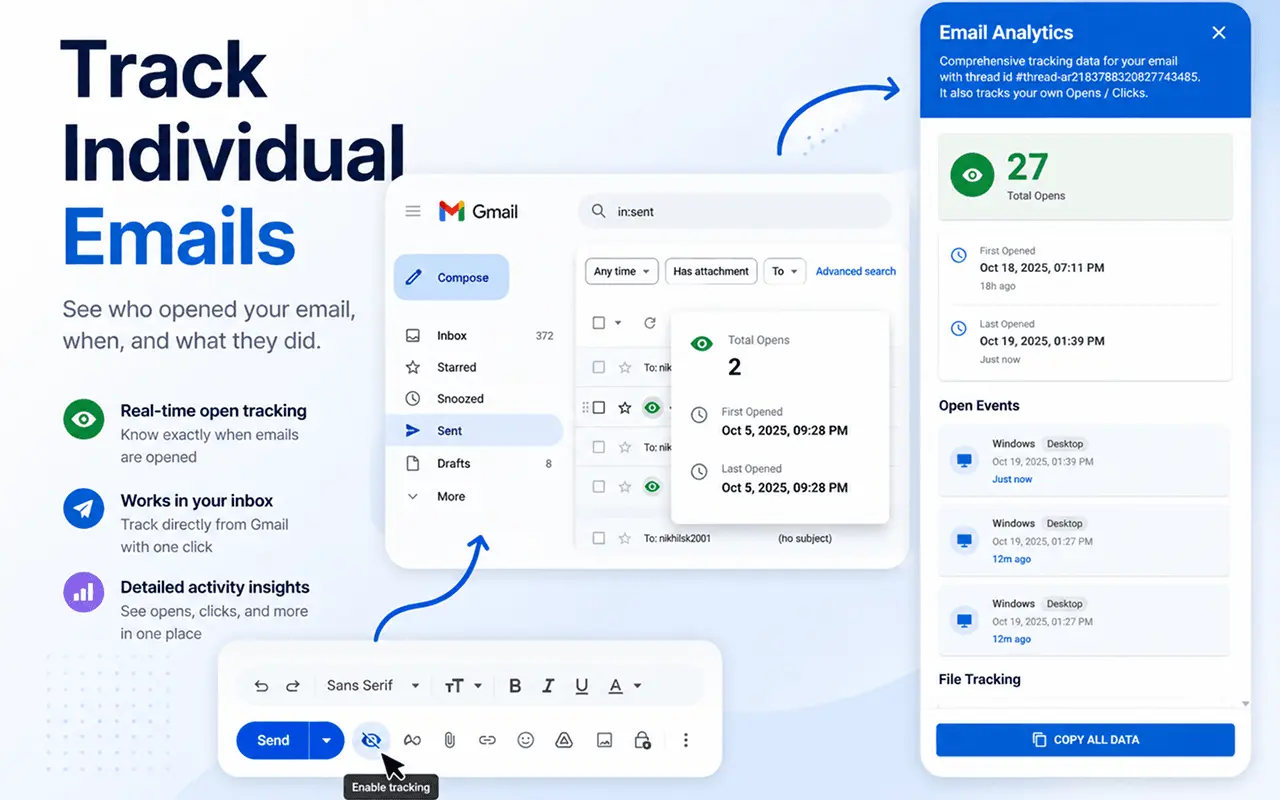
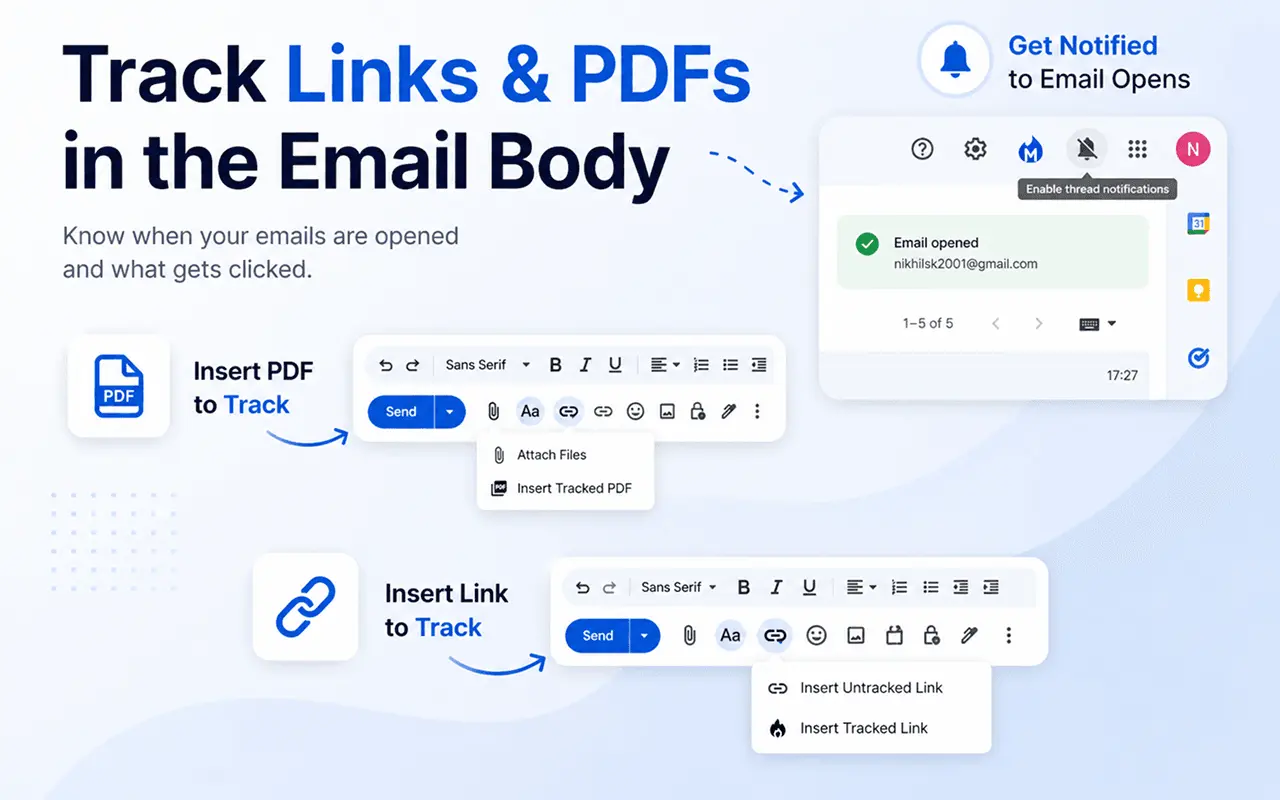
Mailflame helps users send personalized email campaigns directly from Gmail — without leaving their inbox or using any third-party mailing tools. It empowers professionals, creators, and small businesses to run targeted outreach with open and click tracking, giving them full visibility into how recipients engage with their emails. The extension delivers the power of marketing automation right inside Gmail, making bulk communication simpler, smarter, and more transparent for users who rely on email to grow their business or network. Who Should Use Mailflame? Marketers running email campaigns from Gmail Founders doing cold outreach and lead generation Freelancers & consultants who rely on email follow-ups Small businesses sending regular updates and newsletters Key Features: Send Newsletters from Gmail: Craft, personalize, and send newsletters directly from your Gmail account. Mail Merge & Cold Emailing: Easily import contacts from Google Sheets and send personalized bulk emails. Email Tracking: Track email opens and unsubscribes to measure campaign performance. Email Scheduling: Choose the perfect time to deliver your emails for maximum engagement. Template Management: Create and reuse email templates to save time and ensure consistency. Rich Text Editor: Add images, links, and formatting to build professional-looking emails.
Screenshots

Reviews (0)
No reviews yet. Be the first to rate this product!
Comments (0)
No comments yet. Be the first to share your thoughts!