
MarkdownCo
Markdown to word/pdf/html Convert Tools

Details
- Follow on
- @sosojustdo
- Categories
- Developer ToolsWriting & Documentation
- Target Audience
- Technical WritersContent CreatorsDevelopers
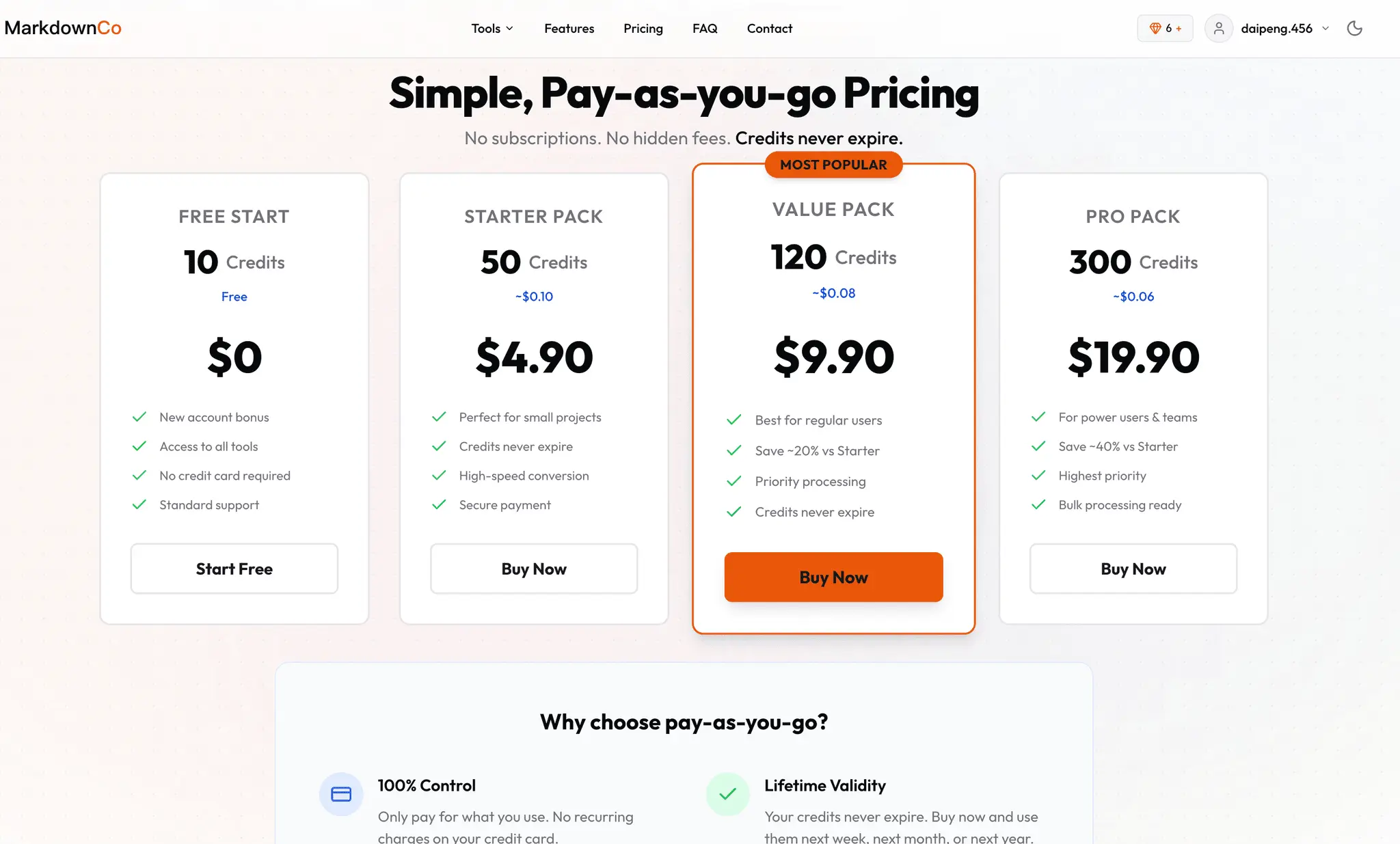
- Pricing
- One-time from $2.9
- Platforms
- Web
Discovery signals
How AI and people discover MarkdownCo on PeerPush
- ChatGPT
- Perplexity
- +3 other AI crawlers
Reads by these AI engines
Crawlers behind these engines read this listing on PeerPush.About MarkdownCo
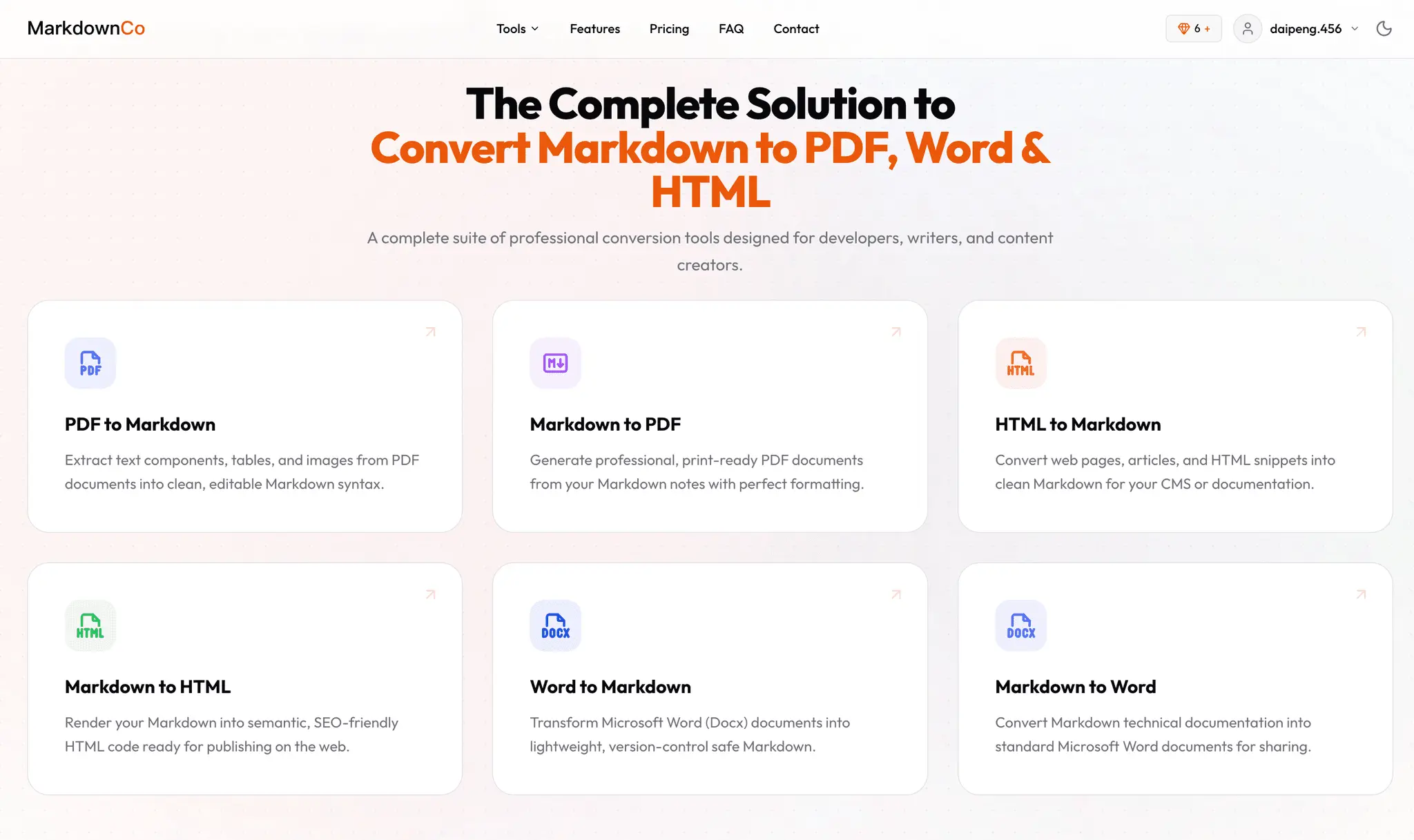
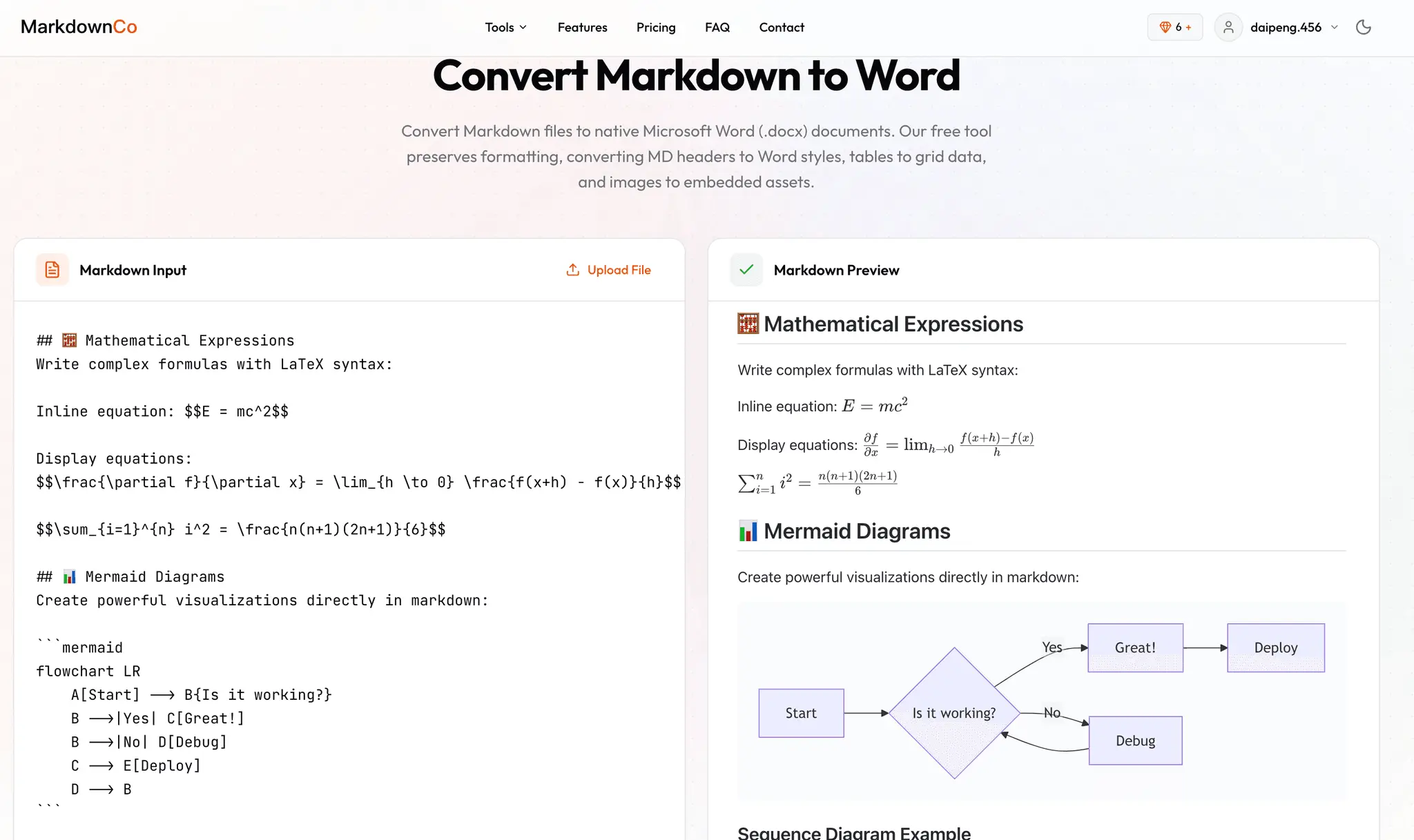
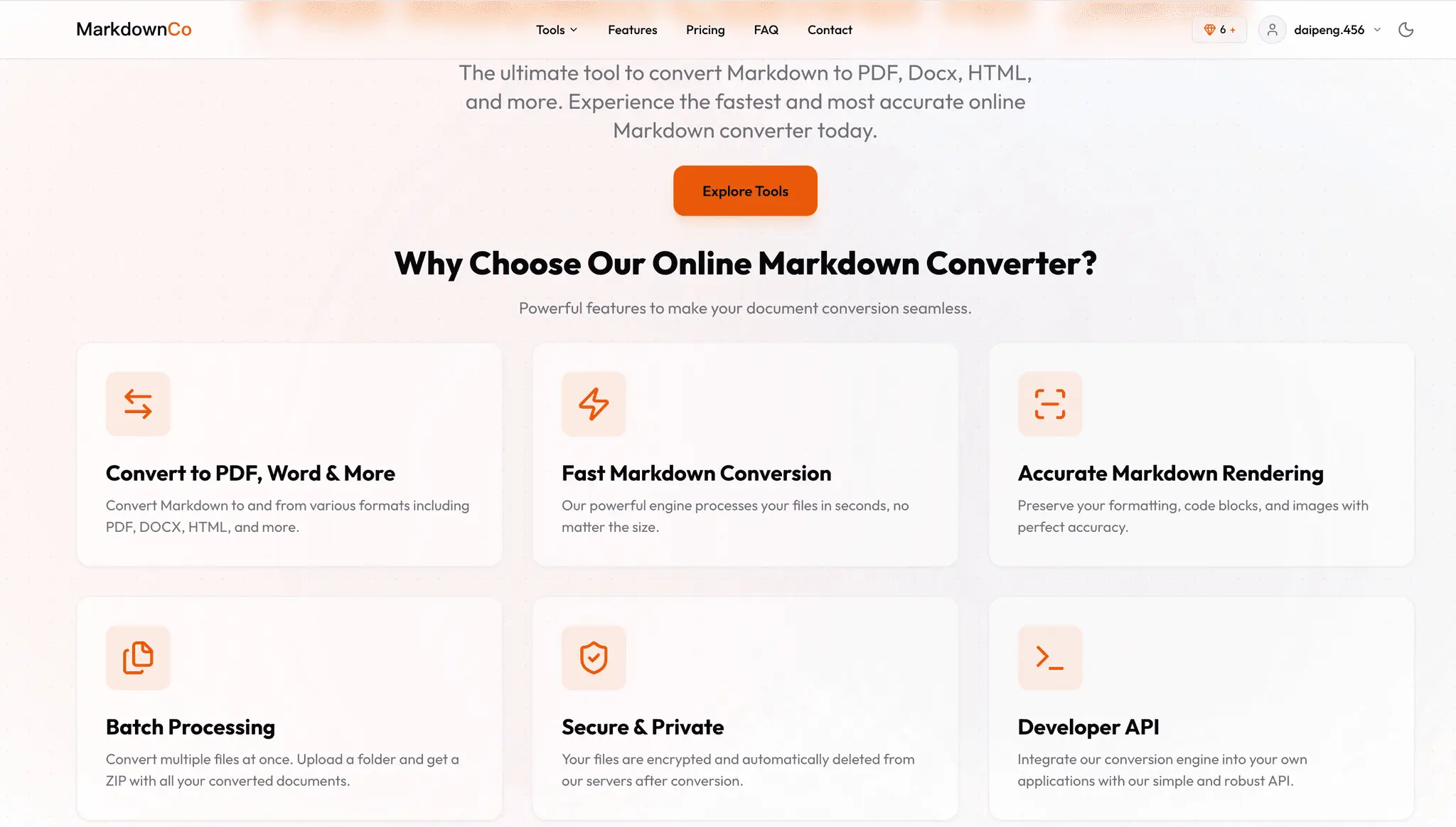
Markdown Converter Pro turns Markdown into polished, ready-to-share documents — and converts them back again — right in your browser. Paste your text or upload a .md file, pick a format, and download a clean result in seconds. No install, no account needed to start. Formats it handles Markdown to PDF — print-ready documents with proper page layout. Markdown to Word (.docx) — fully editable files for clients, teams, and non-technical readers. Markdown to HTML — clean markup ready to publish. Reverse conversions — bring existing Word or HTML back into Markdown to keep editing. Renders the things other converters skip Full GitHub Flavored Markdown (GFM): pipe tables with column alignment, task lists, fenced code blocks, and footnotes. LaTeX math: inline and display equations render accurately, so technical and academic documents come out right. Mermaid diagrams: flowcharts, sequence diagrams, and more are turned into real visuals inside the output. Syntax-highlighted code blocks that stay readable in the exported file. Built for real work Handles files up to 10 MB, enough for long READMEs, documentation, and full reports. Uploads are deleted automatically after processing — your content isn't kept. Consistent, professional formatting so a GitHub README, a blog draft, or technical notes become a document you can hand to a client or stakeholder without manual cleanup. Pricing New users get free conversions to try it out, then simple pay-as-you-go credits — no subscription, pay only for what you convert. Who it's for Developers exporting documentation and READMEs, writers and researchers who draft in Markdown but need to deliver PDF or Word, students preparing papers with equations, and anyone who wants the speed of Markdown with the polish of a finished document. Convert your first file free at https://markdownconverter.pro
Screenshots
Reviews (0)
No reviews yet. Be the first to rate this product!
Comments (1)
As someone who frequently works with digital content—from technical documentation to blog drafts—I’m always looking for a fast, no-fuss way to handle Markdown. MarkdownConverter.pro is exactly that. I