
Markify
Free website and PDF annotation with no signup

Details
- Categories
- Design ToolsProductivity & Notes
- Target Audience
- DesignersDevelopersFreelancers
- Pricing
- Freemium from $15
- Platforms
- Web
- Alternatives
 bugherd alternatives
About Markify
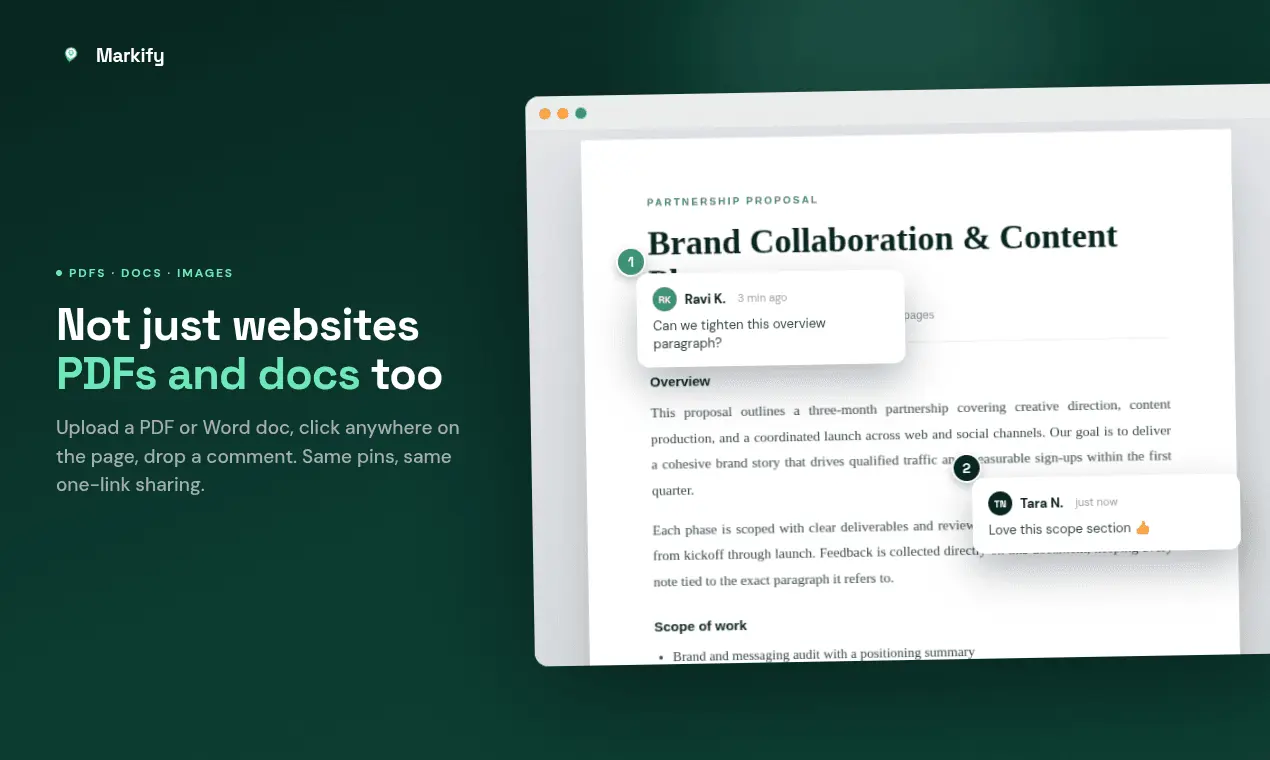
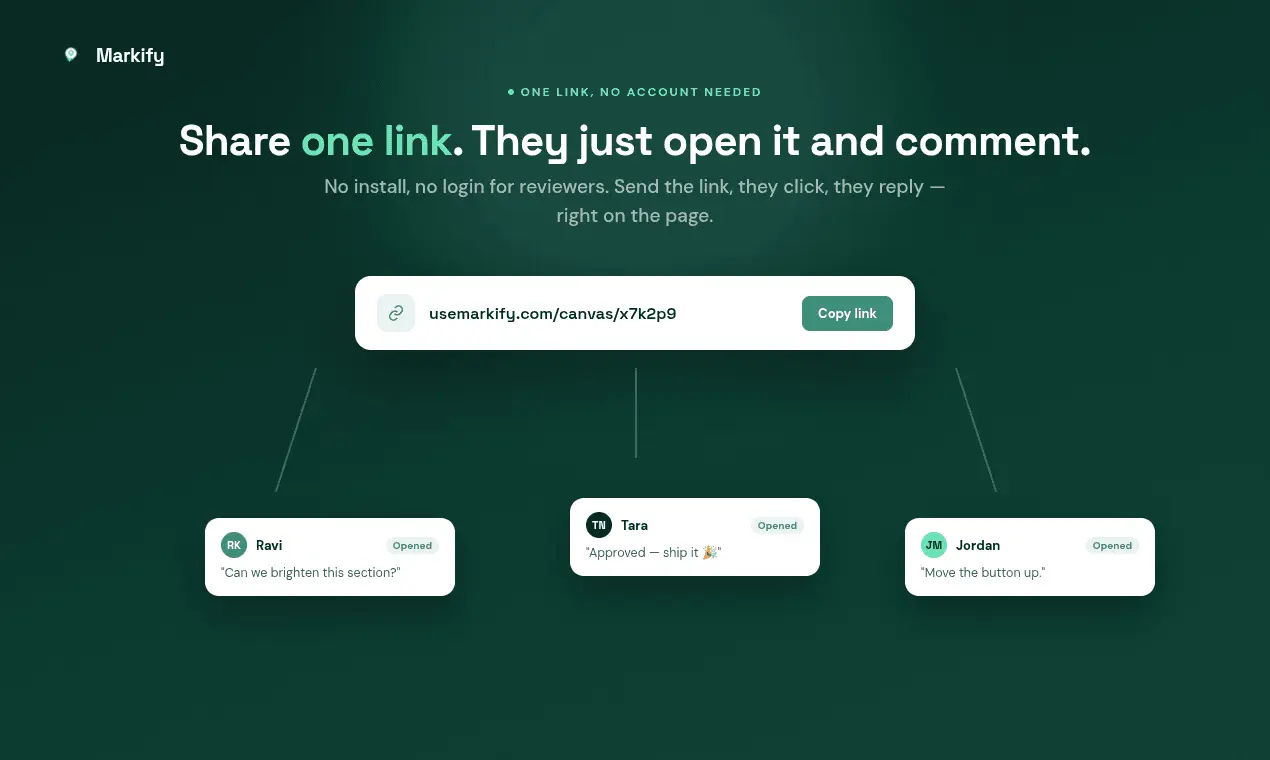
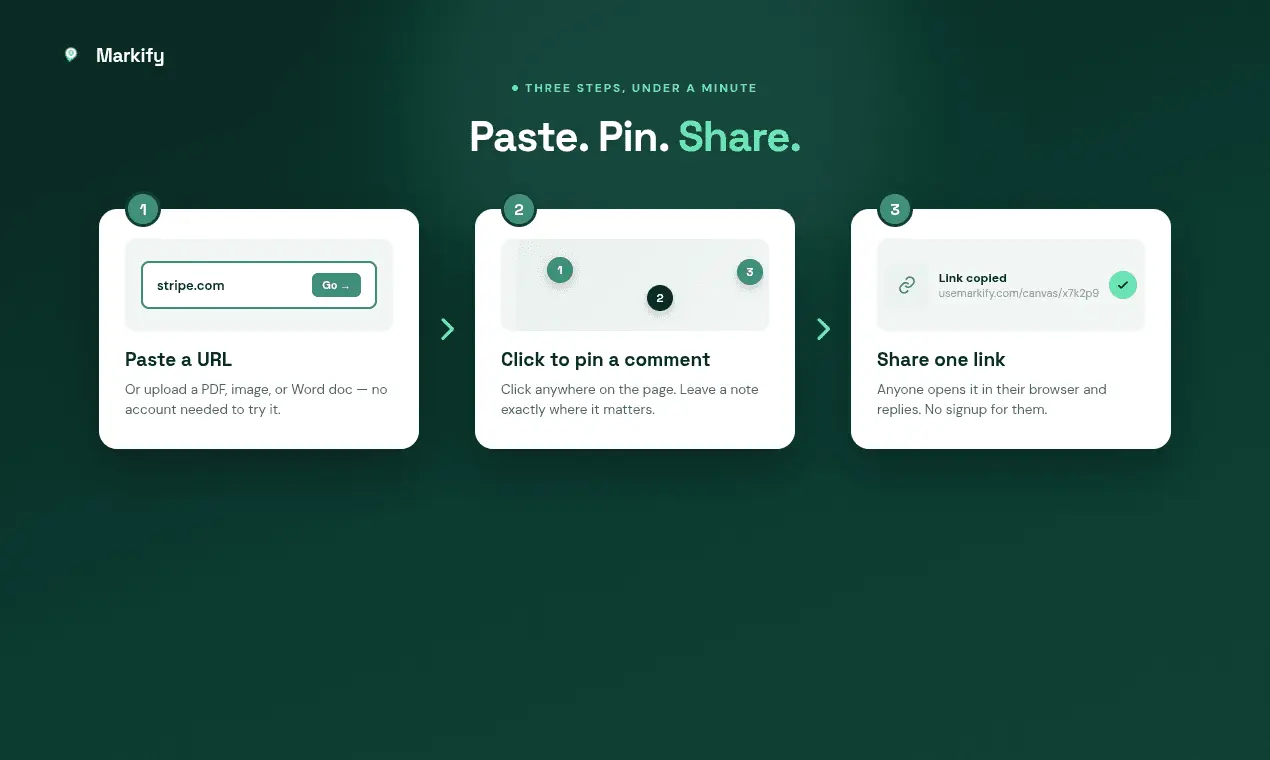
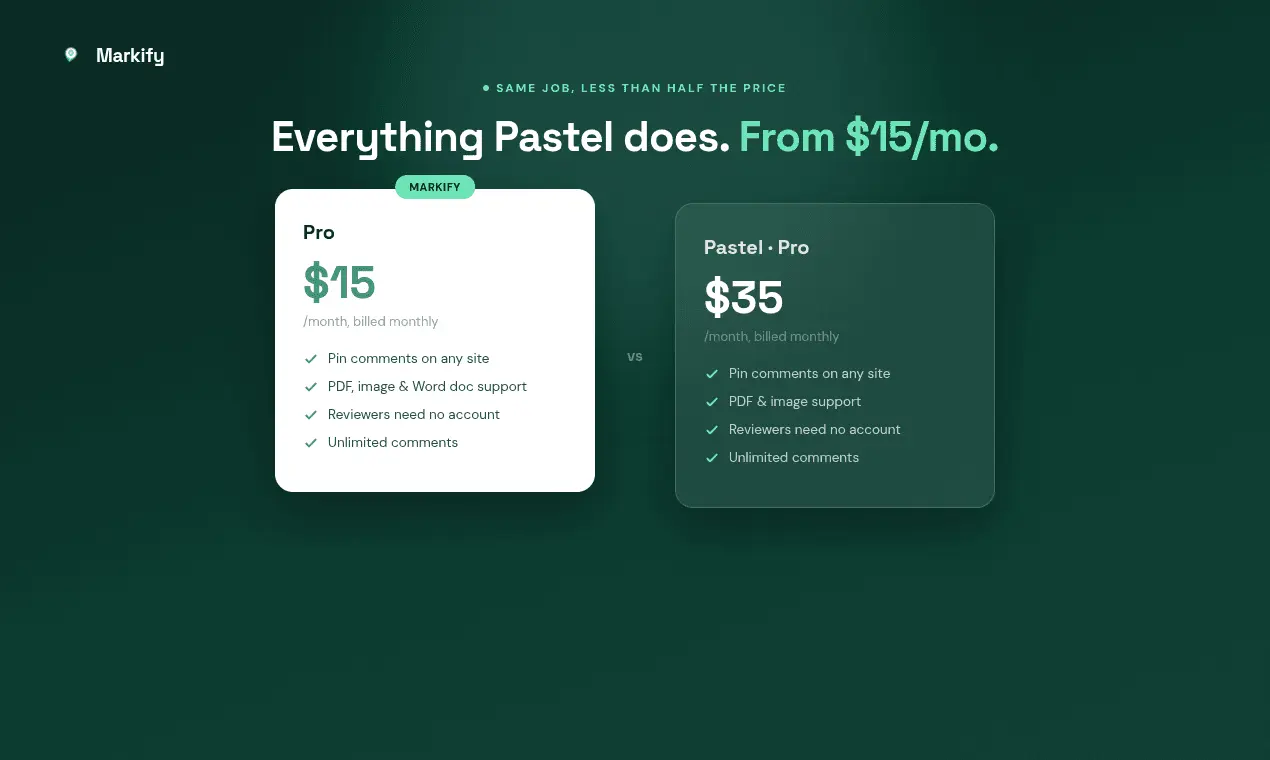
Markify turns any website, PDF, image or Word document into a canvas you can comment on. Paste a URL or upload a file, then click anywhere on the page to drop a numbered pin and write feedback that stays attached to that exact spot. No more describing "the blue button near the top" in an email thread and hoping the other person works out which one you meant. Share the canvas as a single link. Clients and reviewers open it in any browser and reply directly on the page. They never create an account, install an extension or download anything. You can create your first canvas without signing up either, so there is nothing to get past before you see whether it is useful. Key features: - Pin comments to an exact position on live websites, PDFs, images and .docx files - Threaded replies on every pin - One share link, with no account needed for reviewers - Anonymous canvas creation, so you can try it before signing up - A dashboard holding every canvas and its comments - Works on localhost as well as public URLs Built and run by one developer in Colombo, Sri Lanka. Free tier includes 2 canvases; Pro is $15/month.
Screenshots


Reviews (0)
No reviews yet. Be the first to rate this product!
Comments (1)
Built this because client feedback always arrived as "the blue button near the top" and I'd spend two emails working out which button they meant. Now the comment sits on the thing itself.