
MCPfolio
Find and compare MCP servers in one directory

Details
- Categories
- Use Cases
- Target Audience
- Platforms
About MCPfolio
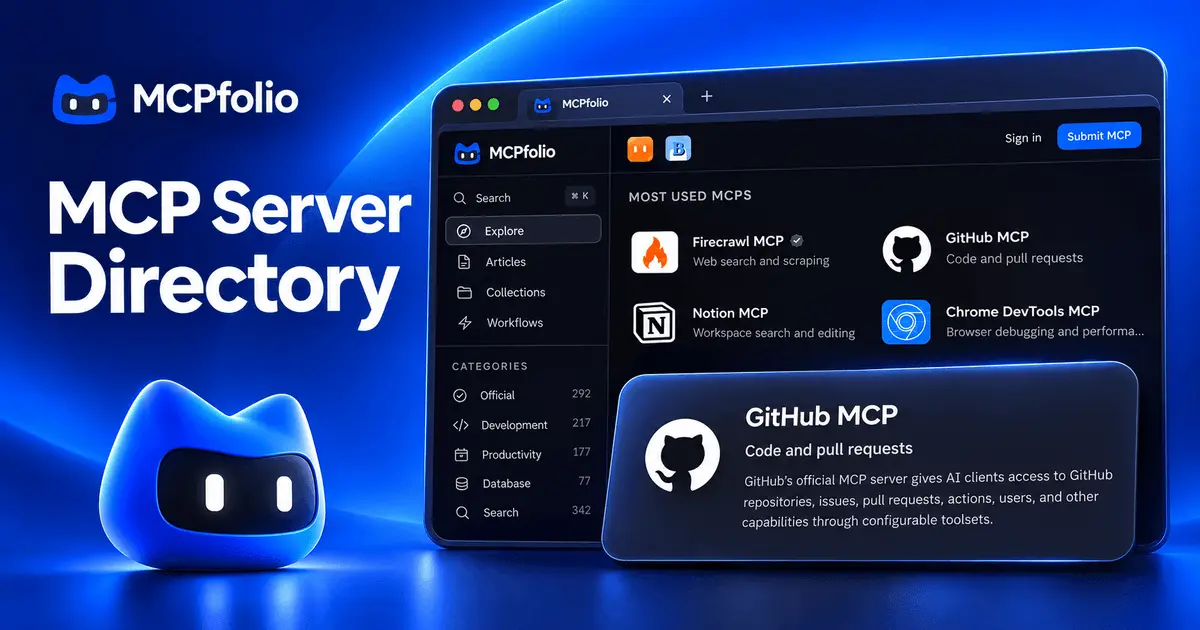
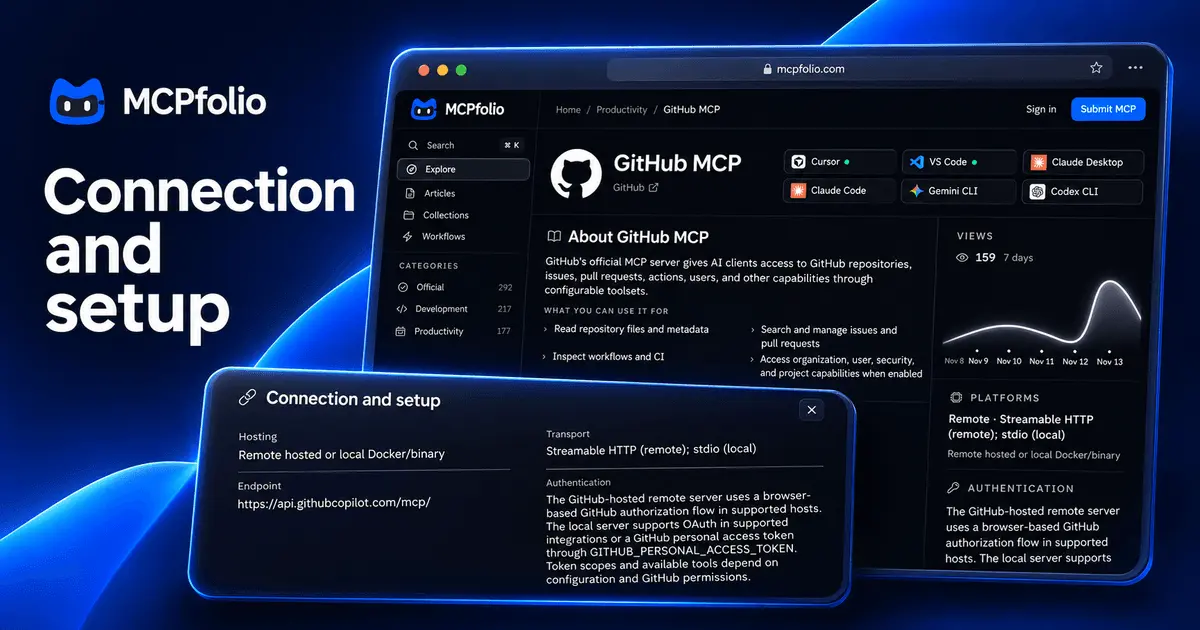
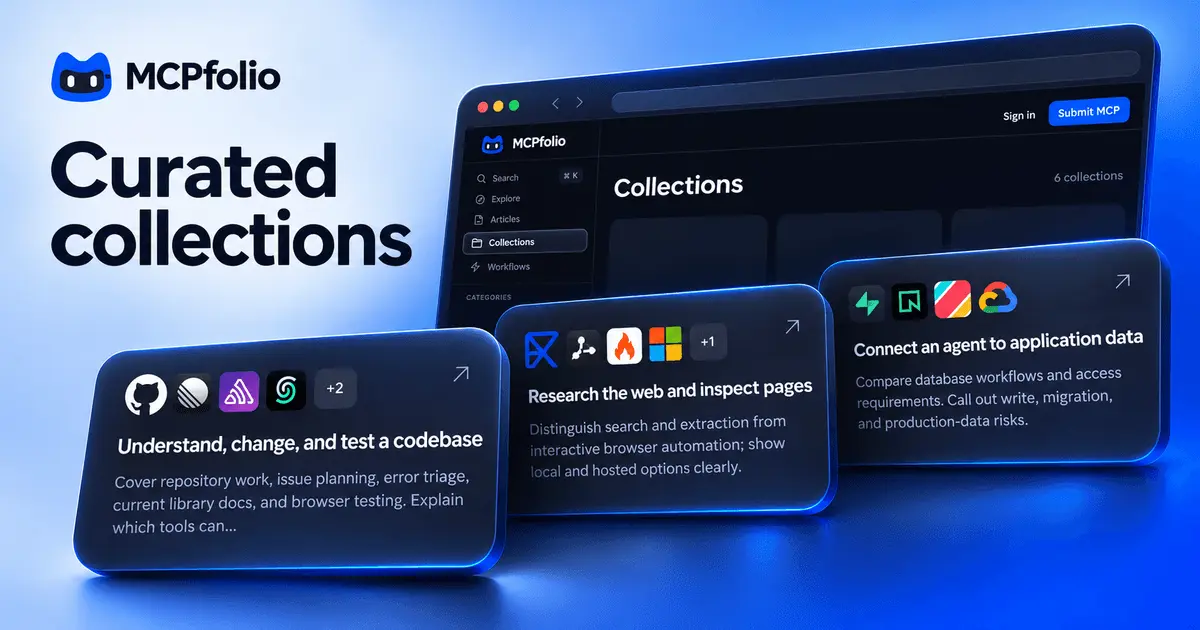
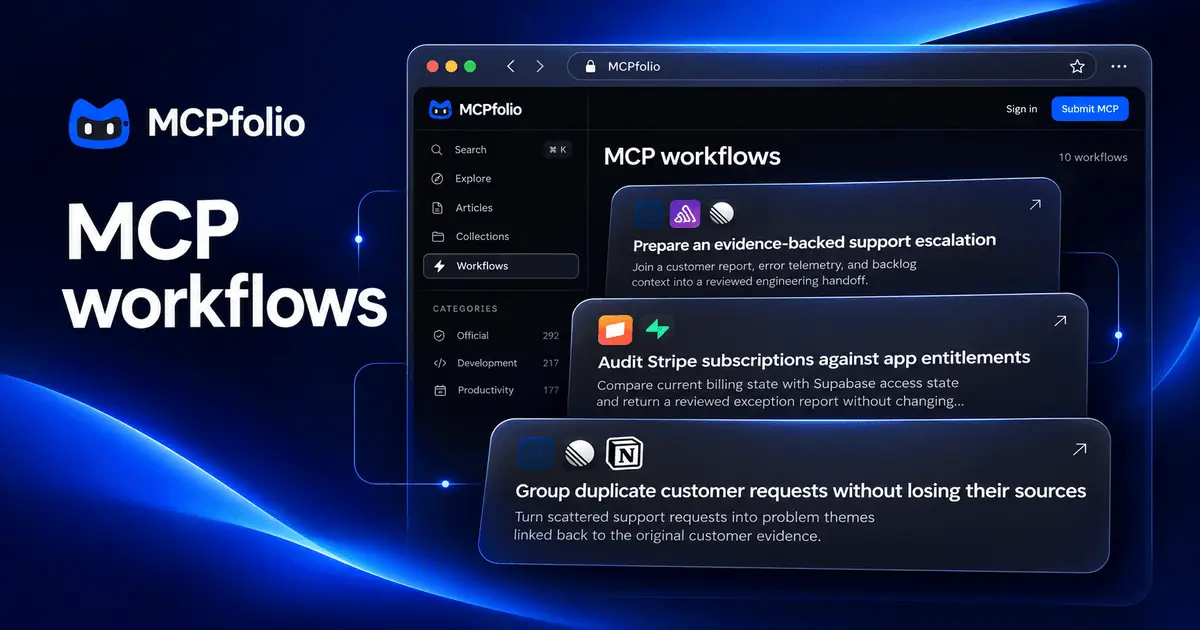
**MCPfolio: Find, Compare and Set Up the Best MCP Servers** MCPfolio is a searchable directory of Model Context Protocol (MCP) servers. It helps developers and AI users find the right MCP server for Claude, ChatGPT, Cursor, VS Code and other AI clients. Instead of digging through scattered GitHub repositories, you get one place to browse, compare and install MCP servers with confidence. **What is an MCP server?** The Model Context Protocol is an open standard that lets AI assistants connect to outside tools and data. An MCP server gives your AI a new ability. It can read files, query a database, search the web, manage GitHub issues, send email, take payments or control a browser. The right server turns a chat assistant into an agent that does real work. The hard part is choosing. Thousands of servers exist, and quality varies. Many have unclear docs, no maintenance, or setup steps that break. MCPfolio exists to fix that. **What you can do on MCPfolio** - **Search by task.** Describe what you need, such as "connect Claude to Postgres" or "automate a browser," and find matching servers fast. - **Browse by category.** Explore the directory by area, including databases, developer tools, productivity, search, design, payments, marketing and automation. - **Read clear server pages.** Each listing explains what the server does, what tools it exposes, how it is installed and which clients it works with. - **Compare options.** See alternatives side by side to pick the best MCP server for your stack. - **Follow curated collections and guides.** Our articles, such as best MCP servers lists and setup walkthroughs, help you get started without guesswork. - **Get a setup plan.** Once you pick a server, MCPfolio gives step-by-step instructions to install and configure it. **Built for developers and AI agents** MCPfolio is more than a website. It also offers an MCP server of its own. Your AI assistant can search the directory, read server details and generate a setup plan directly in chat. Ask your assistant which MCP to use, and it can answer from live directory data instead of memory. The site also provides machine-readable files like `llms.txt`, so AI search tools can read and cite our content accurately. **Submit your MCP server** Built an MCP server? Submit it to MCPfolio and reach people who are actively looking for tools like yours. Listings include a detailed page, category placement and search visibility. Optional upgrades give your server more prominent placement, so users find it before they find the alternatives.
Screenshots

Reviews (0)
No reviews yet. Be the first to rate this product!
Comments (0)
No comments yet. Be the first to share your thoughts!