
MeetingGlass Video Meetings
Frosted glass video meetings for relaxed communication.

Details
- Follow on
- @MeetingGlassApp
- Target Audience
- FreelancersStudentsNon-Technical Users
- Platforms
- Web
Discovery signals
How AI and people discover MeetingGlass Video Meetings on PeerPush
About MeetingGlass Video Meetings
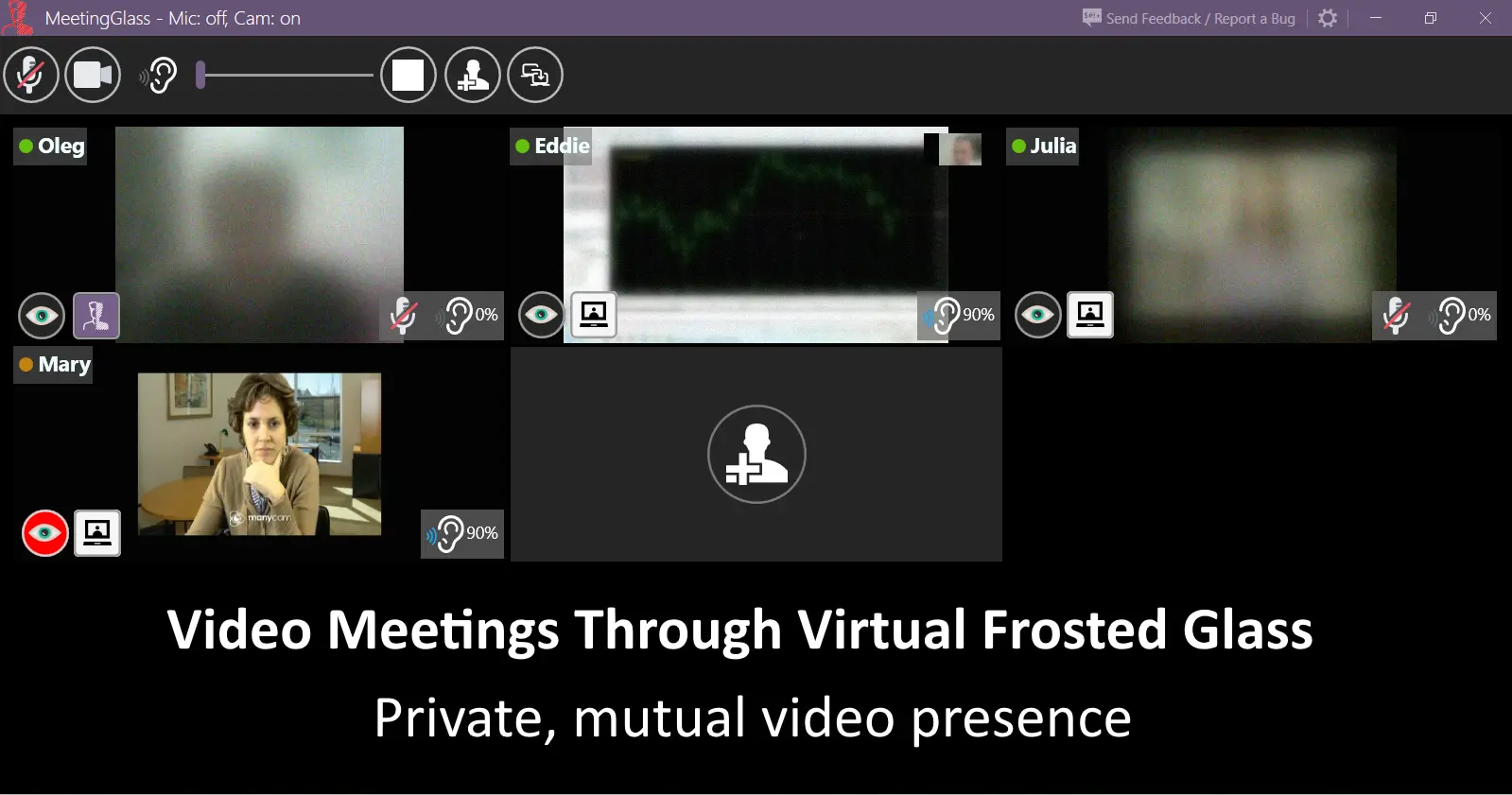
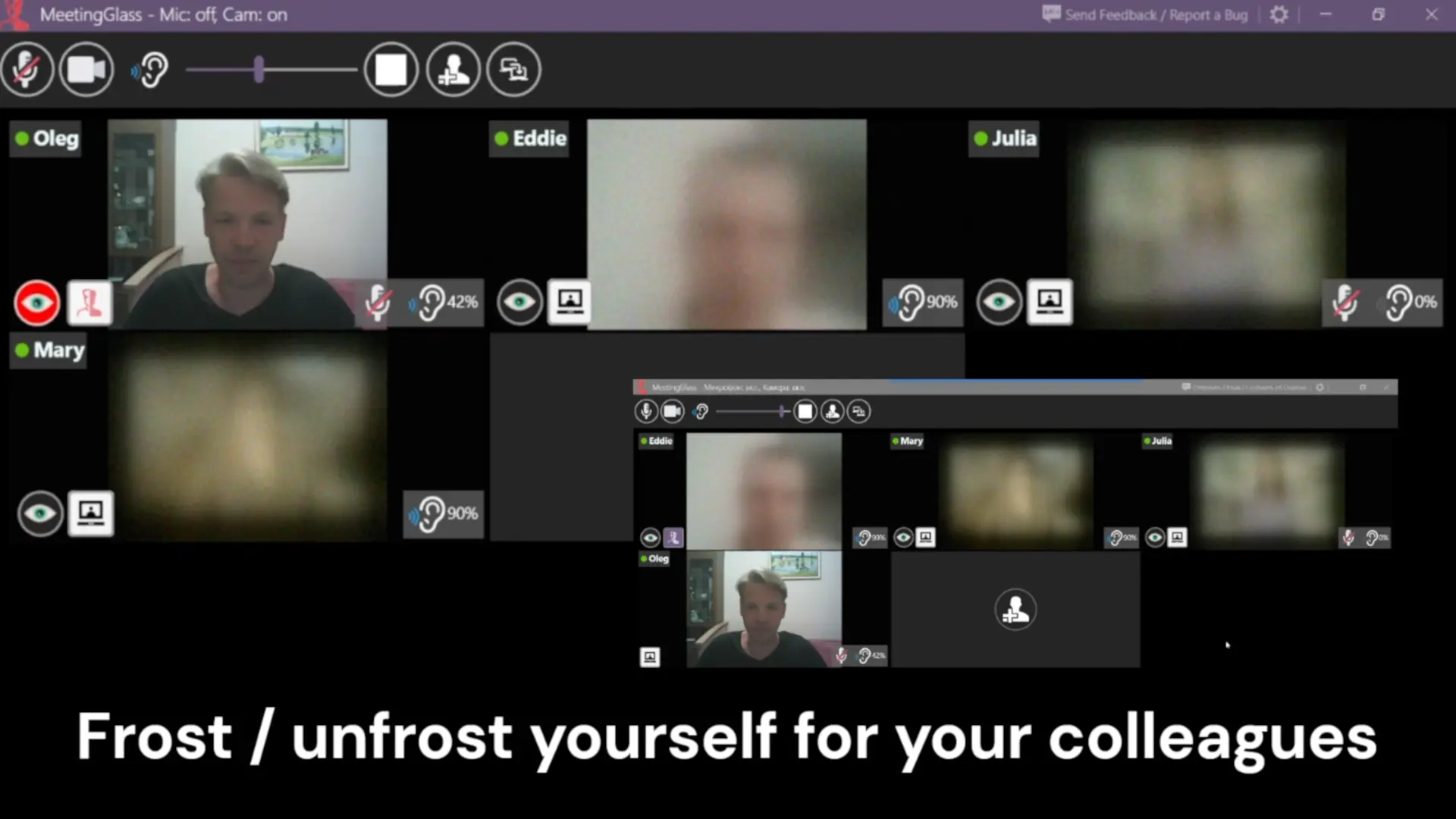
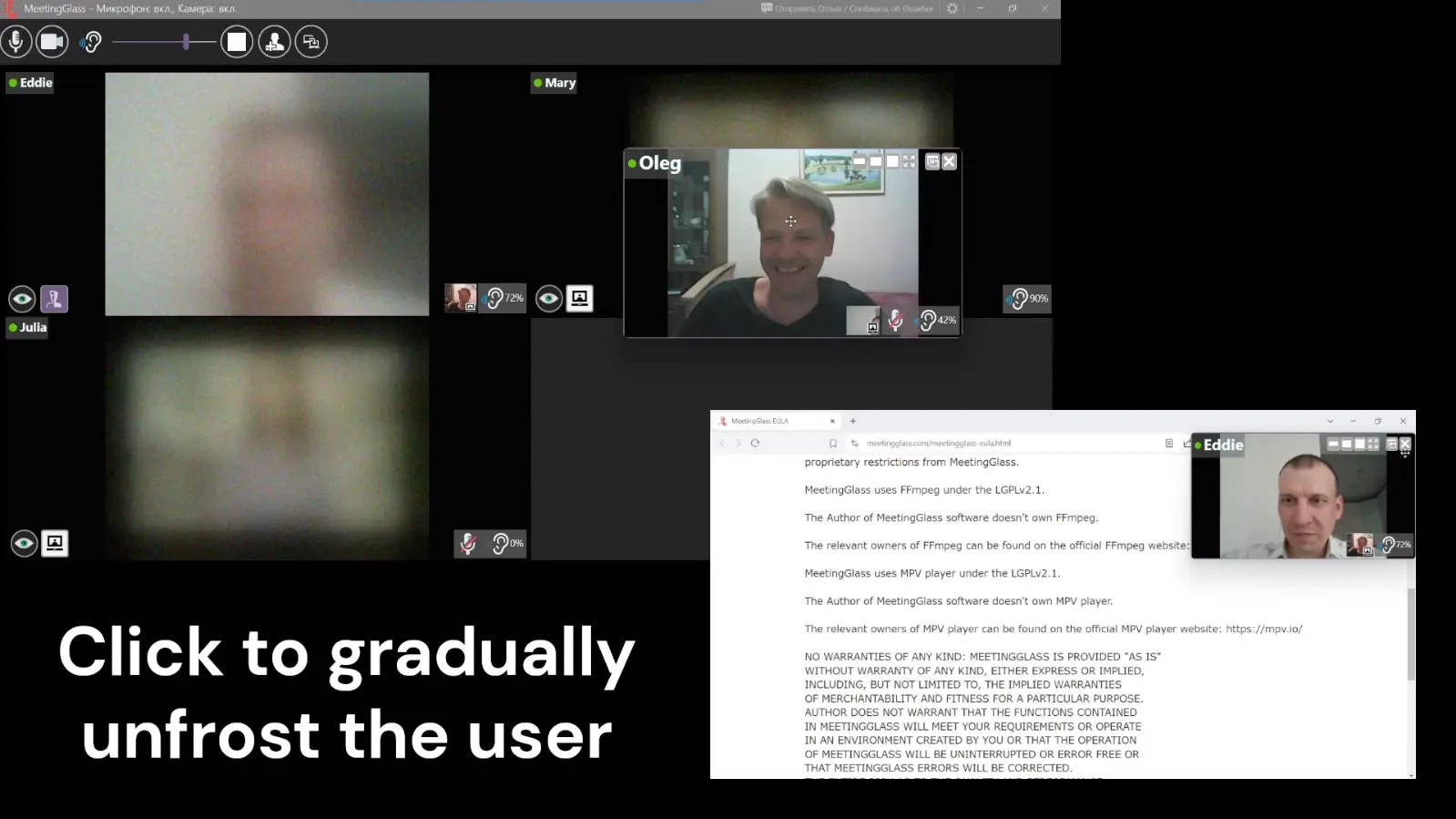
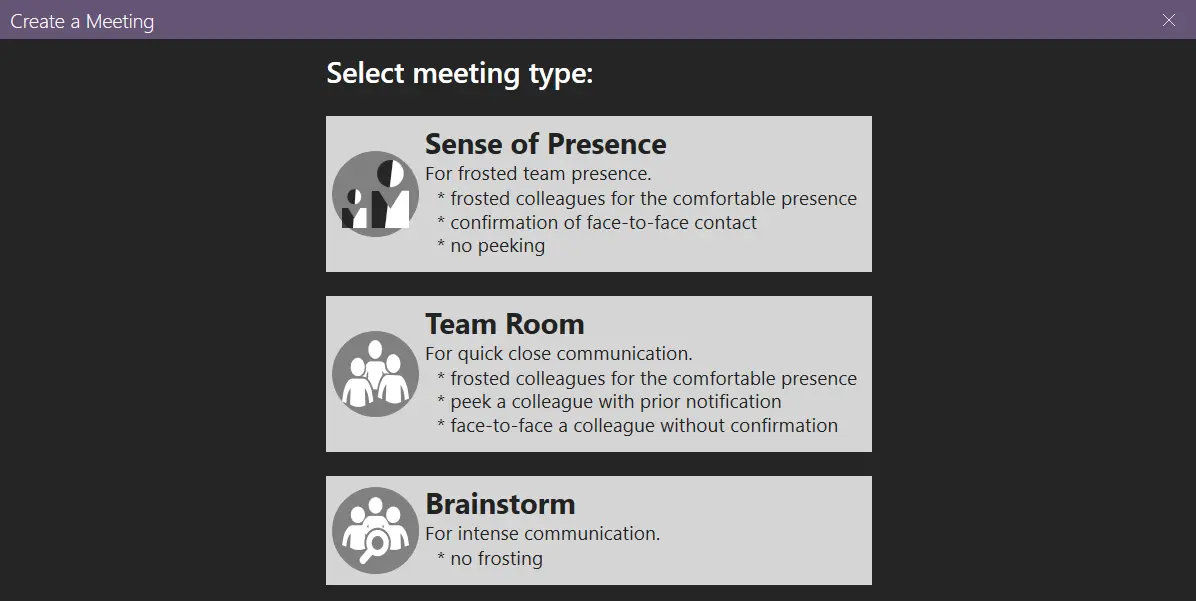
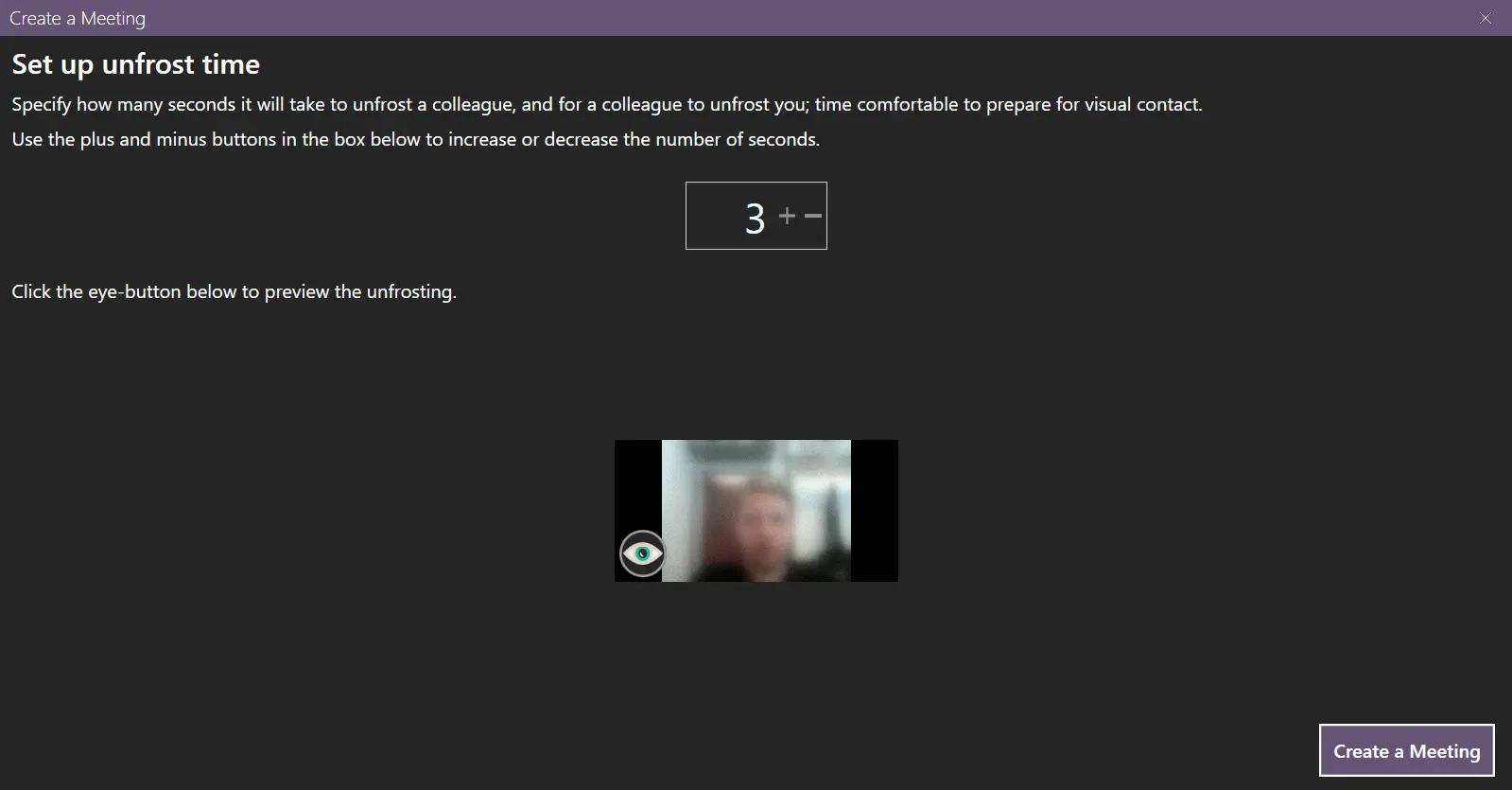
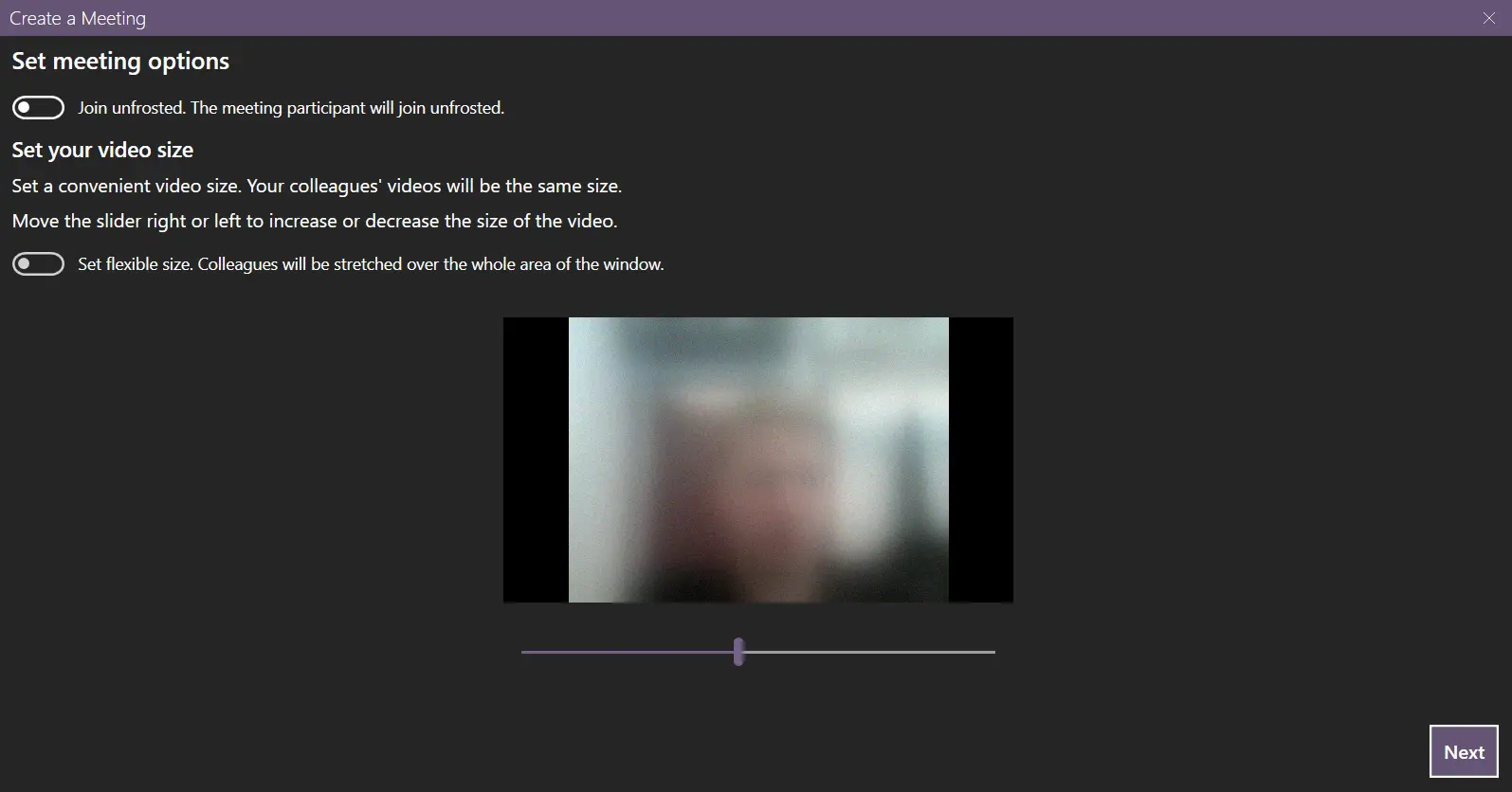
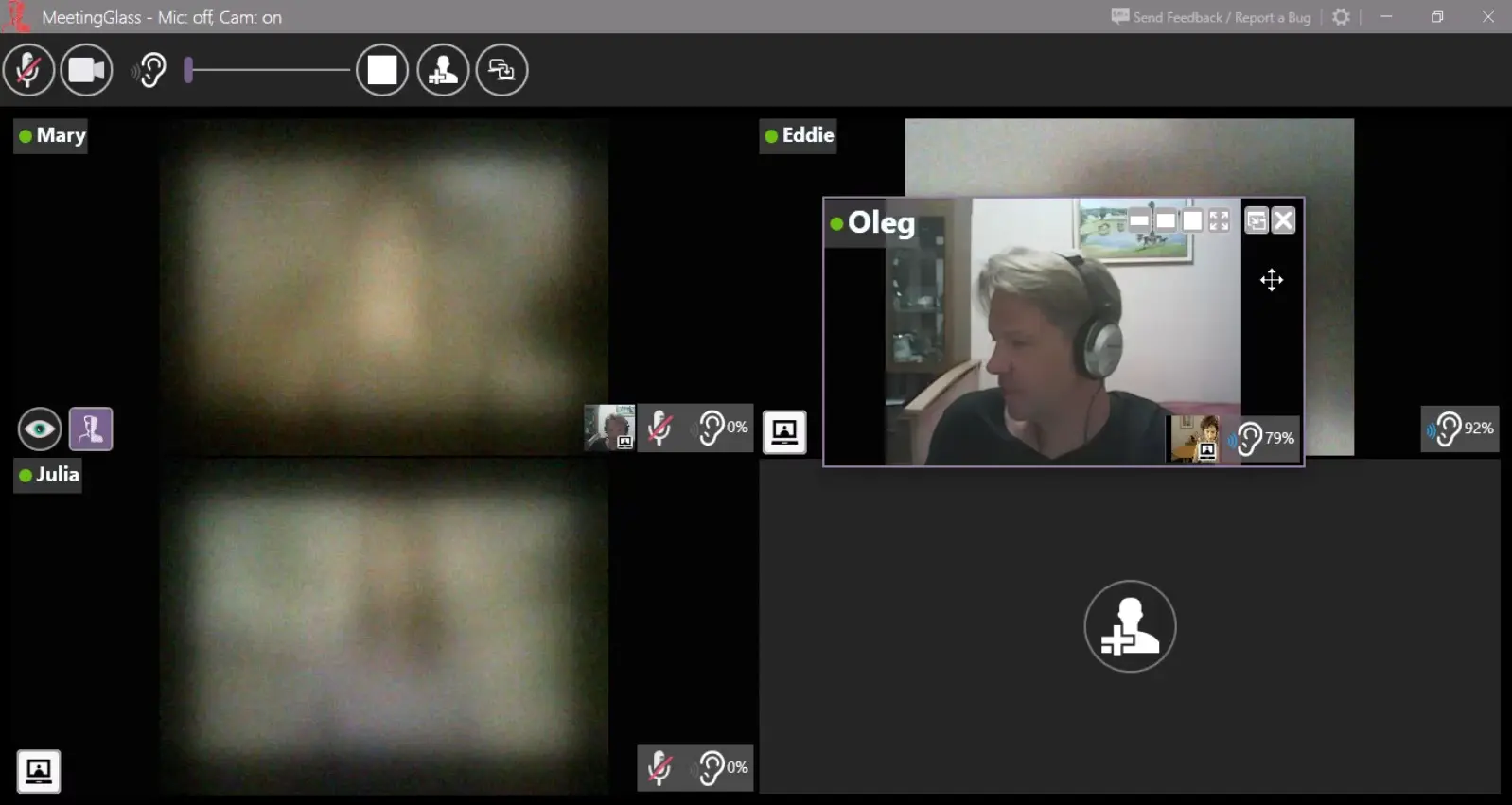
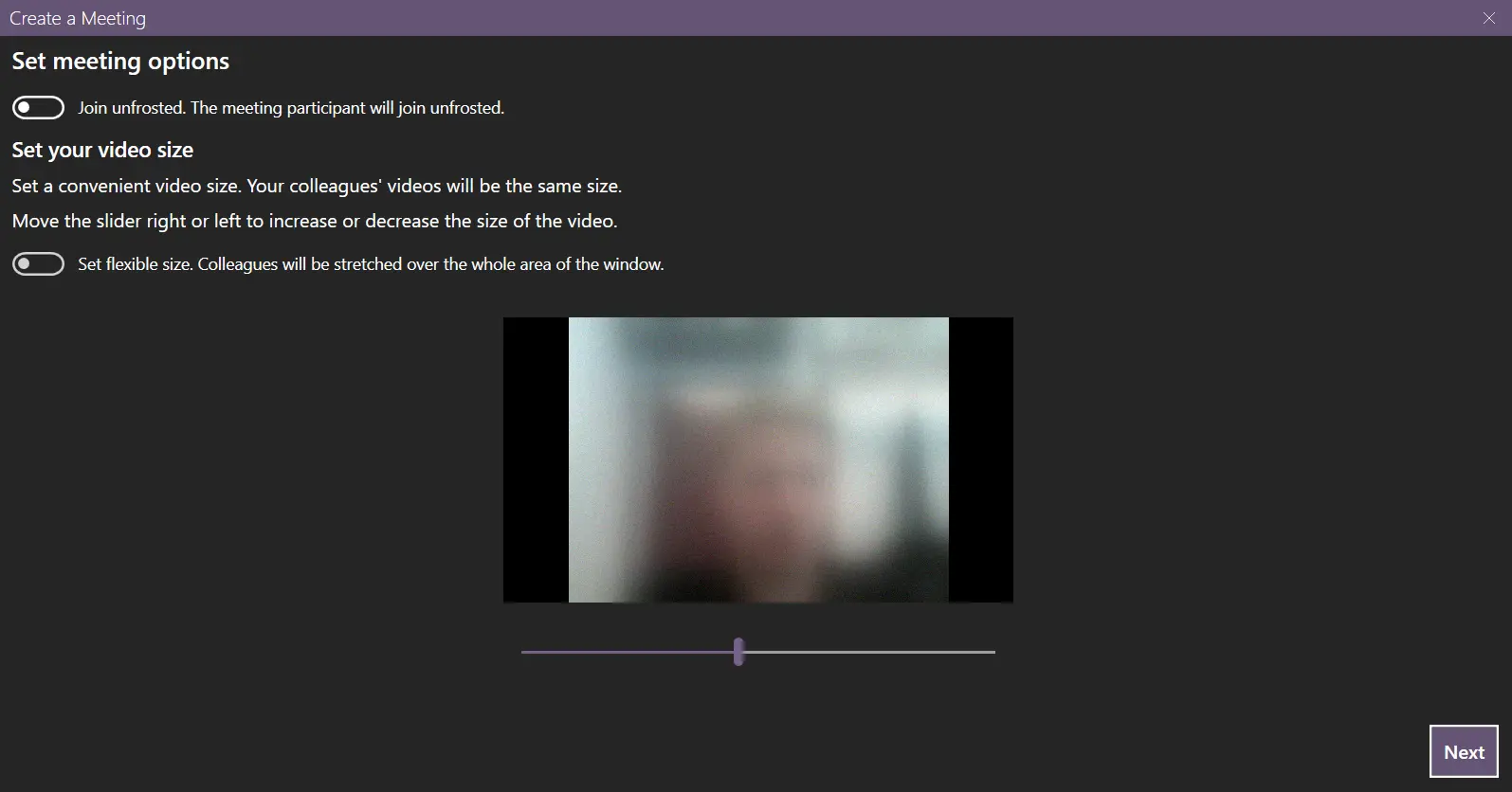
Video meetings through virtual frosted glass: ✓ Visibility is mutual. Like real glass: No one-way viewing. ✓ Frosted by default. Click to see someone clearly (with confirmation). Designed for: • Fatigue-free work meetings • Comfortable study sessions with classmates • Relaxed meetings with friends and family ✅ Low CPU & Bandwidth · ✅ No Time Limits · ✅ No Registration · ✅ 60-Second Setup MeetingGlass recreates the natural privacy of physical frosted glass in video meetings: You can only see others when your camera is on, and they can only see you when their cameras are on. No hidden viewing. No surveillance. Just comfortable, reciprocal presence. ❄️ How Our Virtual Frosted Glass Works (Inherently Mutual) Like real frosted glass, visibility requires mutual presence: - You at the glass? (Camera ON) → You see others → Others see you - You step away? (Camera OFF) → You see nothing → You're invisible This isn't an option — it's the physics of our virtual glass. Then, the frosting: 1. Frosted by Default - When present (camera on), you appear as a comfortable blur - Enough to show presence, not enough to distract or expose 2. Click to Unfrost. Confirm Unfrost. - Click to see a colleague clearly - You decide if you will be unfrosted or not - Automatically re-frosts to maintain privacy 3. Your Control, Your Comfort - Adjust team privacy levels - Customize your glass: More frost? Less? Your call. 🌟 Why This Changes Video Meetings 💼 For Remote Work: "Finally, a video presence that doesn't feel like a surveillance camera." → Reduced isolation, increased team cohesion 🎓 For Study Groups: "We do homework together for hours without feeling watched. Unfrost when we need help, refrost when focusing." → Better concentration, natural collaboration 👥 For Friends & Families: "I auto-join a meeting when my PC boots and see my frosted friends." → Casual video meetings without intrusion ✅ Built for Comfort & Privacy 🔒 Mandatory mutual visibility ❄️ Frosted by Default, Confirm Unfrost ⚡ Low CPU usage 📶 Minimal bandwidth 🛡️ No accounts or tracking 🚀 60-second setup 🎚️ Adjustable audio per person 💻 Hardware acceleration Benefits you get: ✅ Reciprocal privacy: Only seen by those you see ✅ Comfortable presence on live video ✅ Easy long video meetings ✅ Mutual help and collaboration in real time ✅ Study and do homework with your classmates ✅ Less isolated/lonely remote working ✅ Better concentration ✅ Having more fun together! Privacy of Virtual Frosted Glass: 1. Visibility is Mutual 👤 You ⇄ 👤 Them. Your camera ON = See others. Their camera ON = See you. Like real glass: No one-way viewing. 2. Frosted by Default Even when visible, you appear behind frosted glass. Others see your presence but not the details of what you are doing. 3. Click to Unfrost Click to gradually unfrost a user. 4. Confirm Unfrost You decide if you will be unfrosted or not. 5. Choose a Comfortable Privacy Level Choose a comfortable privacy level for meeting participants. Advantages: ✅ Low bandwidth consumption ✅ Low CPU consumption ✅ No meeting time limits ✅ Comfortable video presence balanced with privacy ✅ Designed for spontaneous communication ✅ Instant microphone (un)mute ✅ 1 minute install and setup ✅ No registration required ✅ You can try it alone ✅ Convenient privacy to achieve maximum level of comfort ✅ Fast screen sharing ✅ Adjustable volume of sound coming from others ✅ Big & clear muted / unmuted microphone indication ✅ Join a meeting when Windows starts ✅ Hardware acceleration for video streaming
Screenshots
Reviews (0)
No reviews yet. Be the first to rate this product!
Comments (4)
MeetingGlass brilliantly solves video meeting fatigue with its frosted glass privacy model. The ability to click and see someone clearly with their consent is a game-changer for relaxed, inclusive meetings. Perfect for distributed teams.
Frosted glass design makes video meetings feel premium and less fatiguing. The relaxed communication vibe reduces Zoom fatigue. Great for team building and informal check-ins with intuitive interface.
Cool project! 🚀
Hey, solo founder here! I've been working on this app for many years and it is done and working very well. I love remote work, and this app is the result of my passion towards working remotely.