
Merge JPG
free JPG Merger to merge JPG Files into one

Details
- Categories
- Target Audience
Discovery signals
How AI and people discover Merge JPG on PeerPush
- ChatGPT
- Perplexity
- Claude
- +3 other AI crawlers
Reads by these AI engines
Crawlers behind these engines read this listing on PeerPush.About Merge JPG
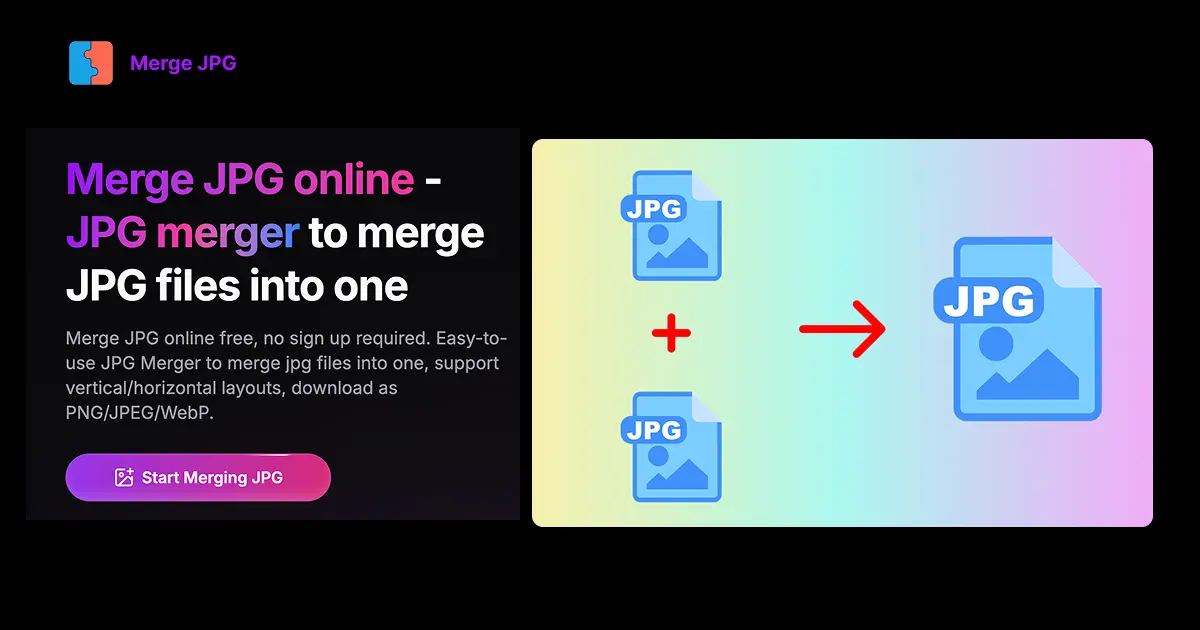
Merge JPG is a free online JPG merger that helps you combine multiple JPG files into one. Upload your JPG, JPEG, PNG, or WebP files and merge them vertically or horizontally. Perfect for creating photo collages, combining screenshots, or merging multiple images into a single picture. All image processing happens locally in your browser and is never uploaded to any server. Key Features 1. Multiple format support: Upload JPG, JPEG, PNG, WebP files 2. Flexible layouts: Choose vertical or horizontal merging 3. Batch processing: Upload up to 10 images at once (10MB each) 4. Output format options: Download merged images as PNG, JPEG, or WebP 5. Drag & drop interface: Easy file uploading with progress tracking 6. Image arrangement: Drag to reorder images before merging 7. Image rotation: Rotate individual images 90 degrees clockwise/counterclockwise 8. Real-time preview: Live preview of merged results 9. Full commercial rights: Use merged images for personal and commercial purposes 10. Responsive design: Works great on mobile and desktop 11. Privacy-first: 100% client-side processing, no server storage How It Works 1. Upload up to 10 images (JPG, JPEG, PNG, WebP, max 10MB each) 2. Arrange images in desired order (drag to reorder) 3. Rotate images if needed (90-degree increments) 4. Choose layout: vertical (stacked) or horizontal (side-by-side) 5. Select output format: PNG, JPEG, or WebP 6. Preview the merged result in real-time 7. Download your merged image
Screenshots
Reviews (0)
No reviews yet. Be the first to rate this product!
Comments (0)
No comments yet. Be the first to share your thoughts!