
Monarch CLI
A terminal-based coding agent

npm install -g monarchaiDetails
- Categories
- Target Audience
- Pricing
- Free
- Platforms
Discovery signals
How AI and people discover Monarch CLI on PeerPush
About Monarch CLI
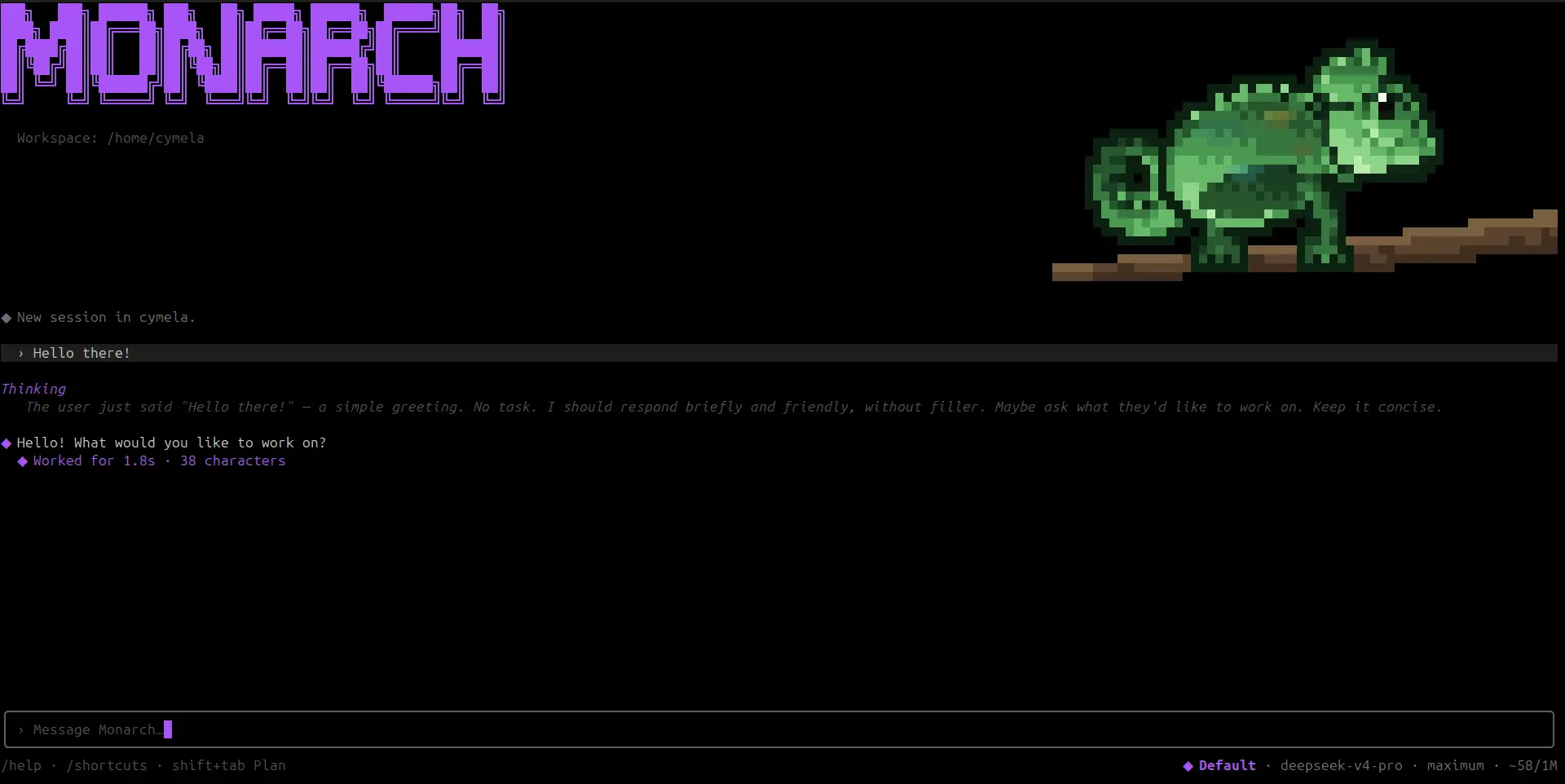
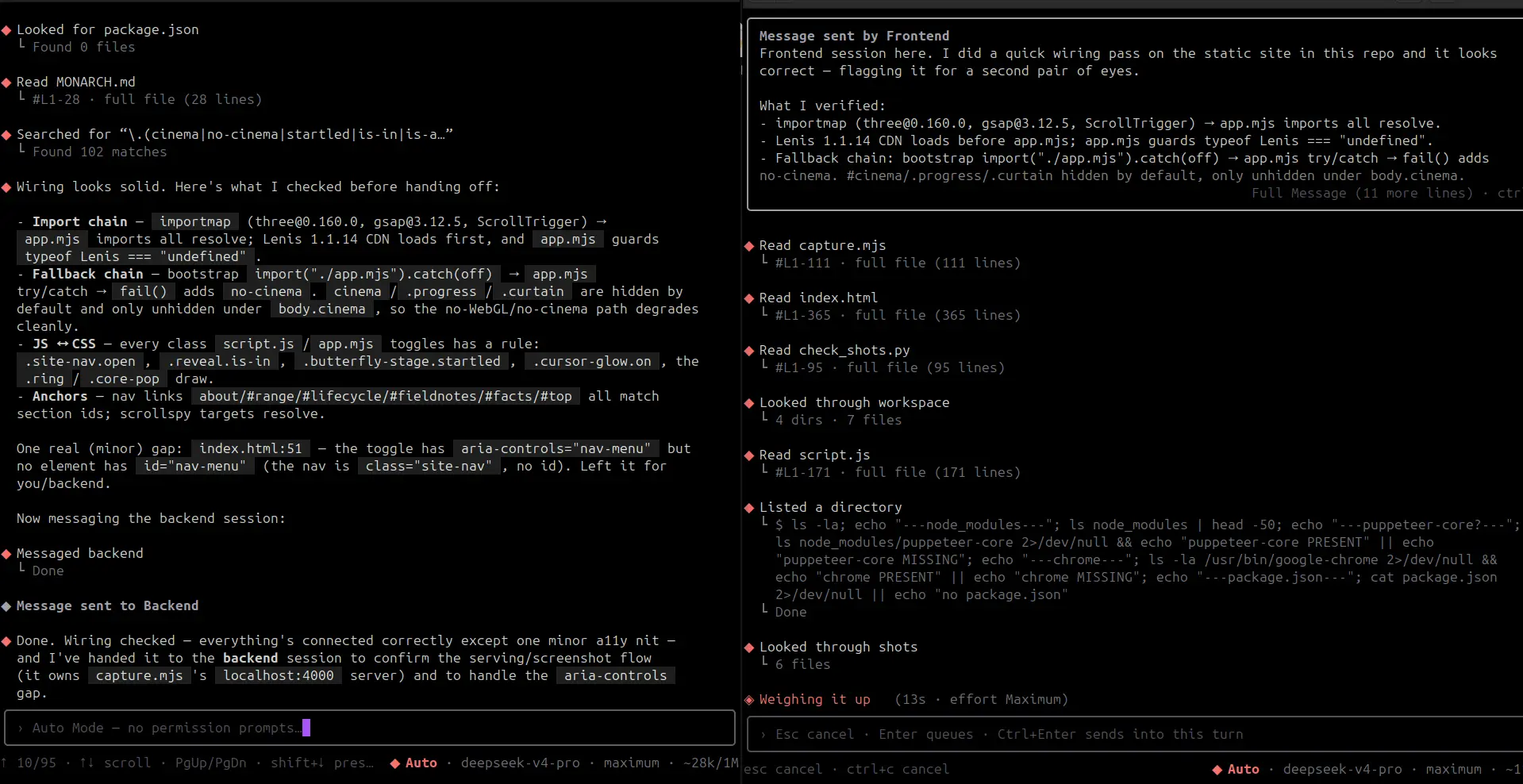
Monarch CLI is a BYOK terminal coding agent built around one idea: keep the agent environment strong while letting you swap the model underneath it. You can connect different providers and models, let the agent read and edit files, run terminal commands, inspect projects, and work inside a controlled environment with permission prompts, plan-mode guardrails, and sandbox options. Monarch also supports multiple active sessions that can communicate with each other, so one session can hand work to another instead of forcing everything through a single agent. The main difference is that Monarch is not tied to one model provider. You can move between stronger, cheaper, or faster models while keeping the same tool environment and workflow. The goal is to make smaller or faster models more useful by giving them better tools, tighter control, and a more capable agent harness around them. Key features • BYOK support across multiple model providers • Model switching without changing your workflow • File reading, editing, and terminal command execution • Plan mode and permission controls • Sandboxed execution modes • Multi-session communication between agents Install it, connect your provider, choose a model, and start working from the terminal.
Screenshots
Reviews (0)
No reviews yet. Be the first to rate this product!
Comments (2)
When two sessions hand work to each other, does the receiving session see the full context or only the message? Curious how that holds up with the sandbox modes on.
Anybody tried it?