
Notate
Capture UI issues and push them to Linear or Jira

Details
- Categories
- Target Audience
- Pricing
- Free
- Platforms
- Alternatives
 Marker.io alternatives
 bugherd alternatives
Discovery signals
How AI and people discover Notate on PeerPush
- ChatGPT
- Perplexity
- Claude
- +5 other AI crawlers
Reads by these AI engines
Crawlers behind these engines read this listing on PeerPush.About Notate
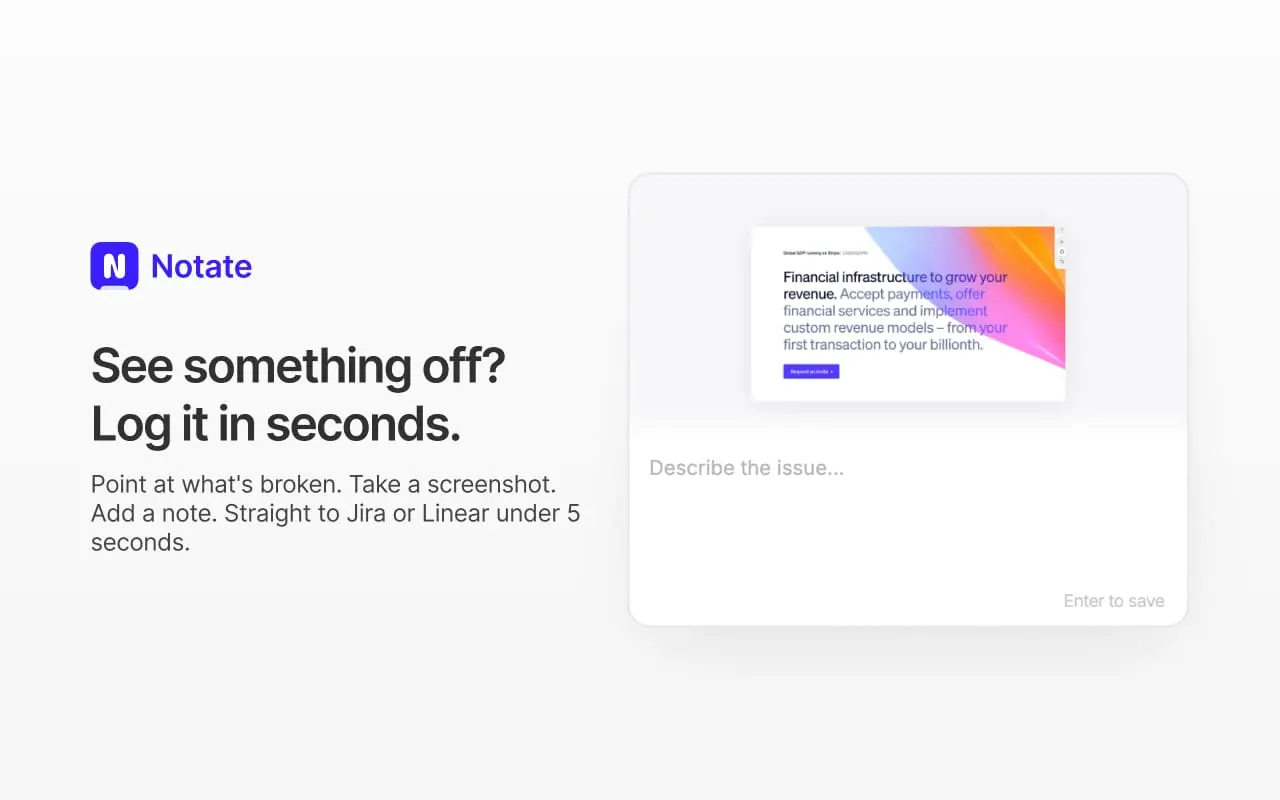
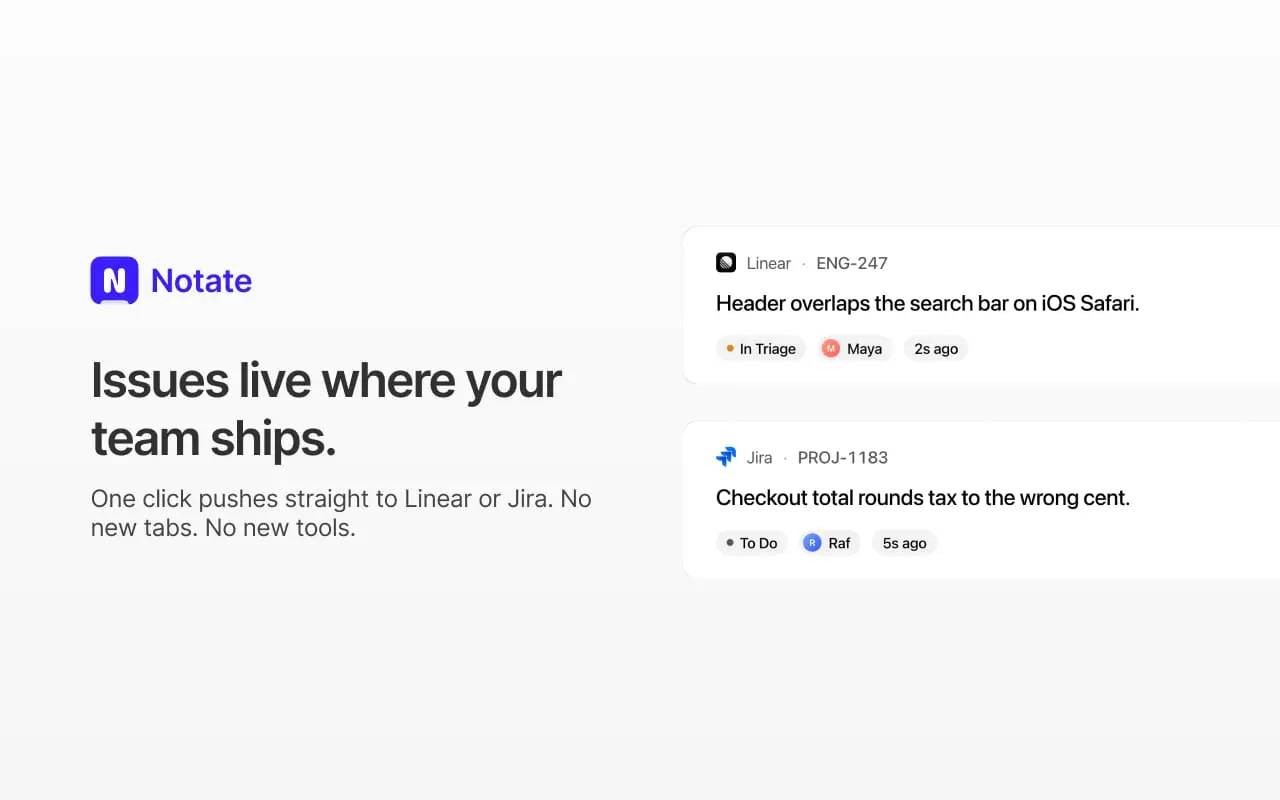
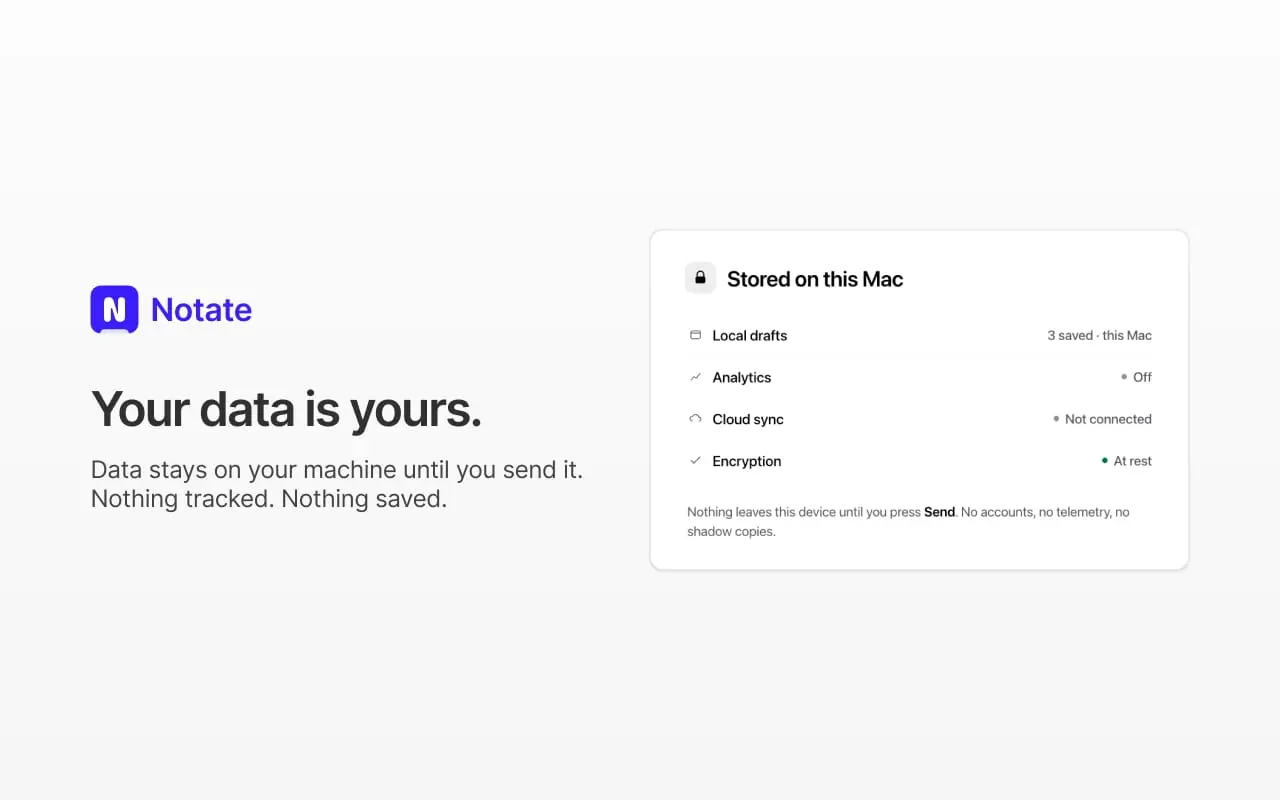
Most bugs don't take long to fix — explaining them does. Notate is a free Chrome extension that lets you point at exactly what's broken on any webpage and push a complete, structured bug report straight to Linear or Jira in seconds. Click anywhere on a page to drop a pin. Notate captures the element, its CSS selector, and exact coordinates, so developers know precisely where to look without a back-and-forth. While you write your comment, it's silently recording everything else a developer would normally have to ask for: browser, OS, viewport size, full URL, and any console errors present at the moment of capture. One click sends it all — screenshot, comment, and context — into a properly formed ticket in your tracker of choice. It works anywhere Chrome can open a page: staging environments, internal admin tools, localhost, even apps behind a VPN. There's no dashboard, no account to create, and no seats to provision. Each teammate just installs the extension and connects their own Linear or Jira. Privacy is core to how it's built. Pins, screenshots, and console logs stay local to your browser until you hit send — there's no Notate server sitting in the data path. Everything goes directly from your browser to Linear or Jira over your own OAuth connection. Notate is also built with AI-assisted workflows in mind. Every report is structured (URL, selector, console output, screenshot) so it can be handed straight to an LLM-based coding agent to reproduce and fix the issue without further prompting. It's free during the open beta — no usage caps, no credit card — at a time when comparable tools typically charge $39–$199/month per seat. The extension itself is tiny (under 1MB) with zero background CPU usage when idle. Built by a small team that got tired of pointing at things on Zoom calls to explain a three-pixel bug, Notate is meant to disappear into your workflow: point, comment, and it's logged — usually in under five seconds, start to filed.
Screenshots
Reviews (2)
Average 5.0 out of 5
Based on 2 reviews

Easy to collaborate with devs

Loved the user experience and the fact that I could use it without signing up. Was able to push 10 issues to my Linear in few mins. Would love to have the feature to annotate in images, though I could do it in recording.
Comments (1)
Hey, I'm one of the people behind Notate. We built this because we were tired of the same loop: spot a bug, screenshot it, drop it in Slack, then spend the next ten minutes explaining what browser we