
OpenQuok
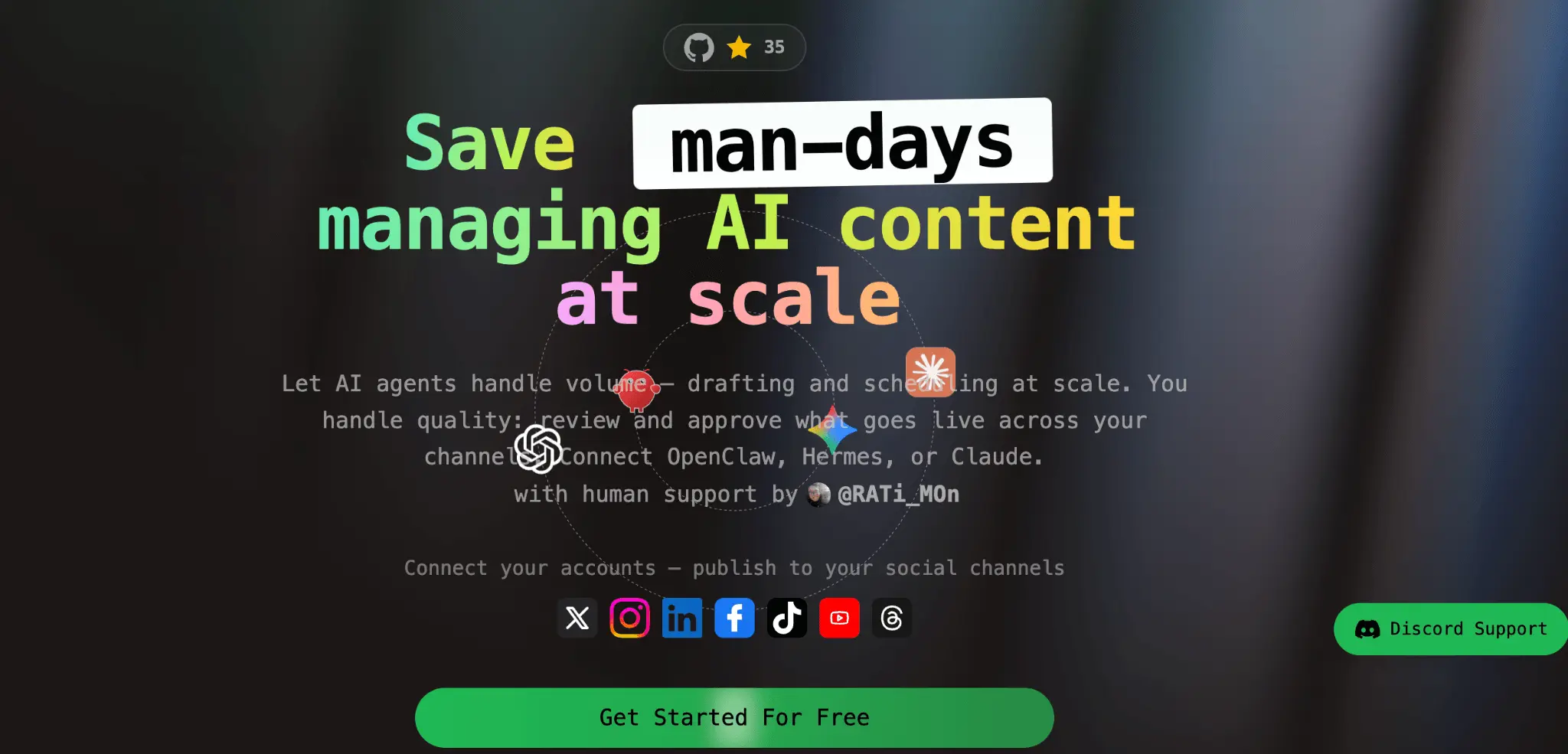
Save hours: agentic post, schedule —you approve with kanban

npm install -g @openquok/auto-clihttps://api.openquok.com/mcpDetails
- Categories
- AISocial Media & Influencer Tools
- Target Audience
- Content CreatorsSocial Media ManagersFounders
- Pricing
- Freemium from $29
- Alternatives
 Hootsuite alternatives
 Buffer alternatives
Discovery signals
How AI and people discover OpenQuok on PeerPush
By AI reads among Social Media & Influencer Tools tools
421 AI reads in the last 30 days, ranked against every Social Media & Influencer Tools tool listed.About OpenQuok
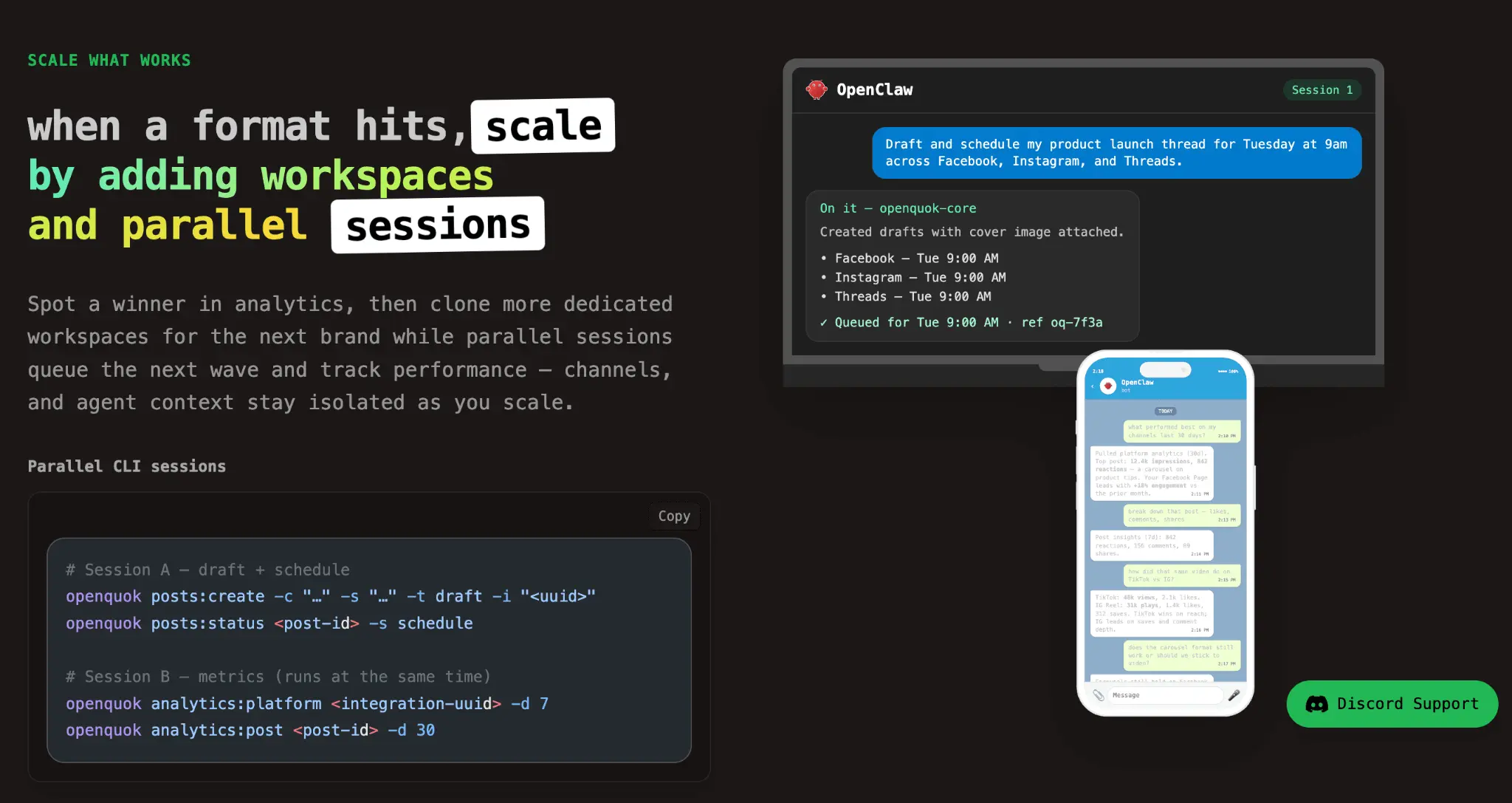
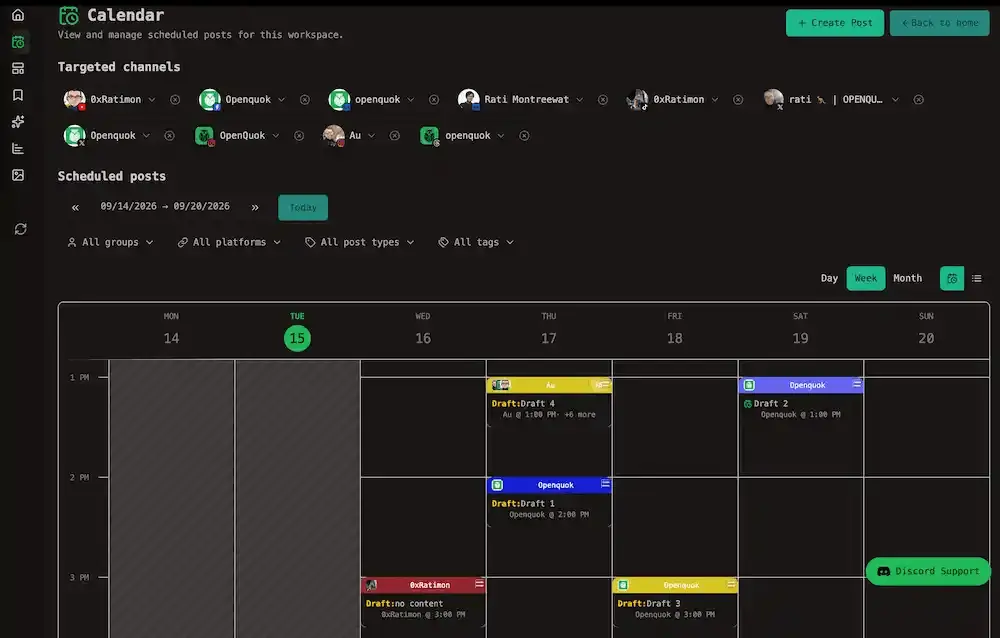
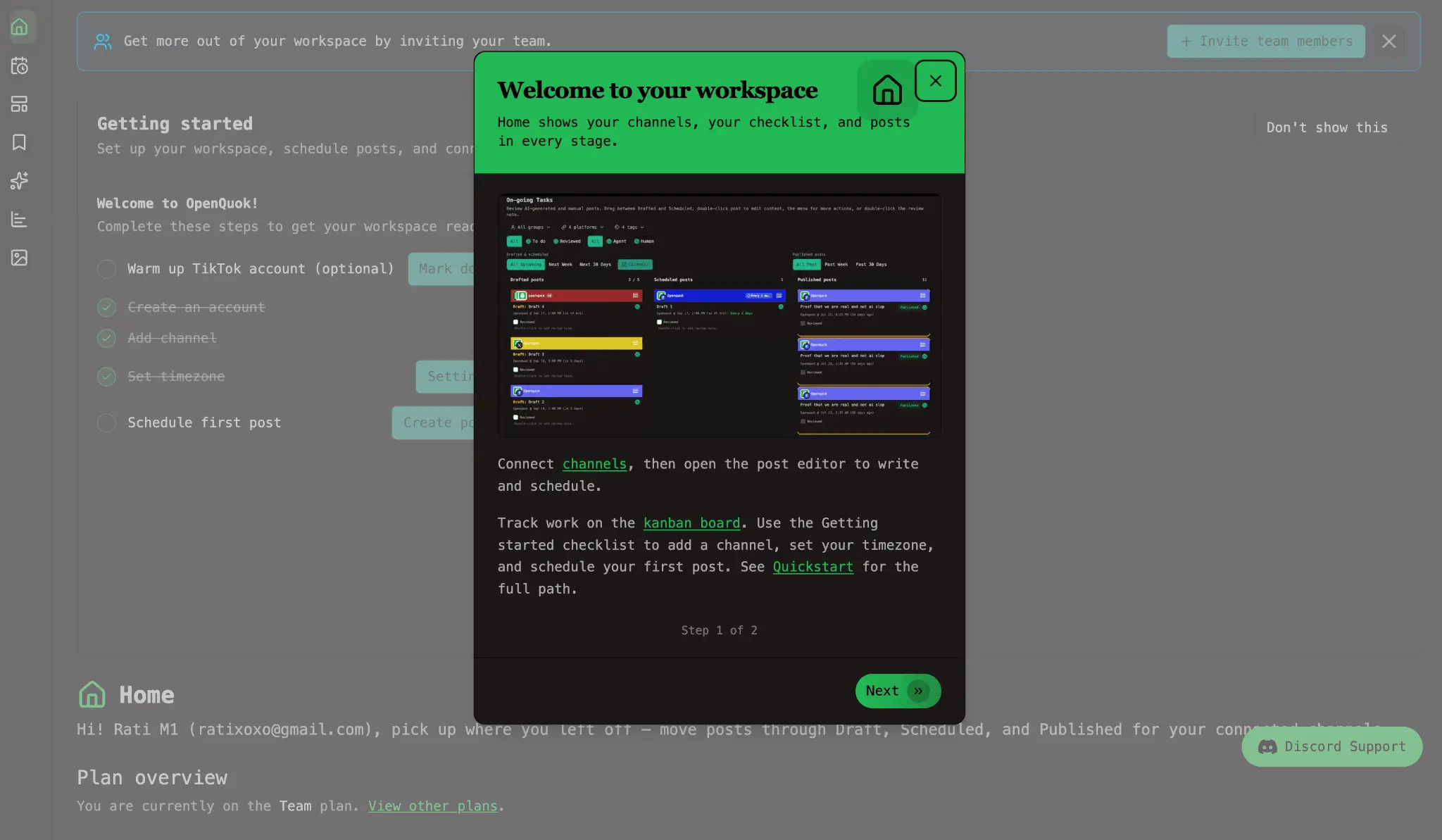
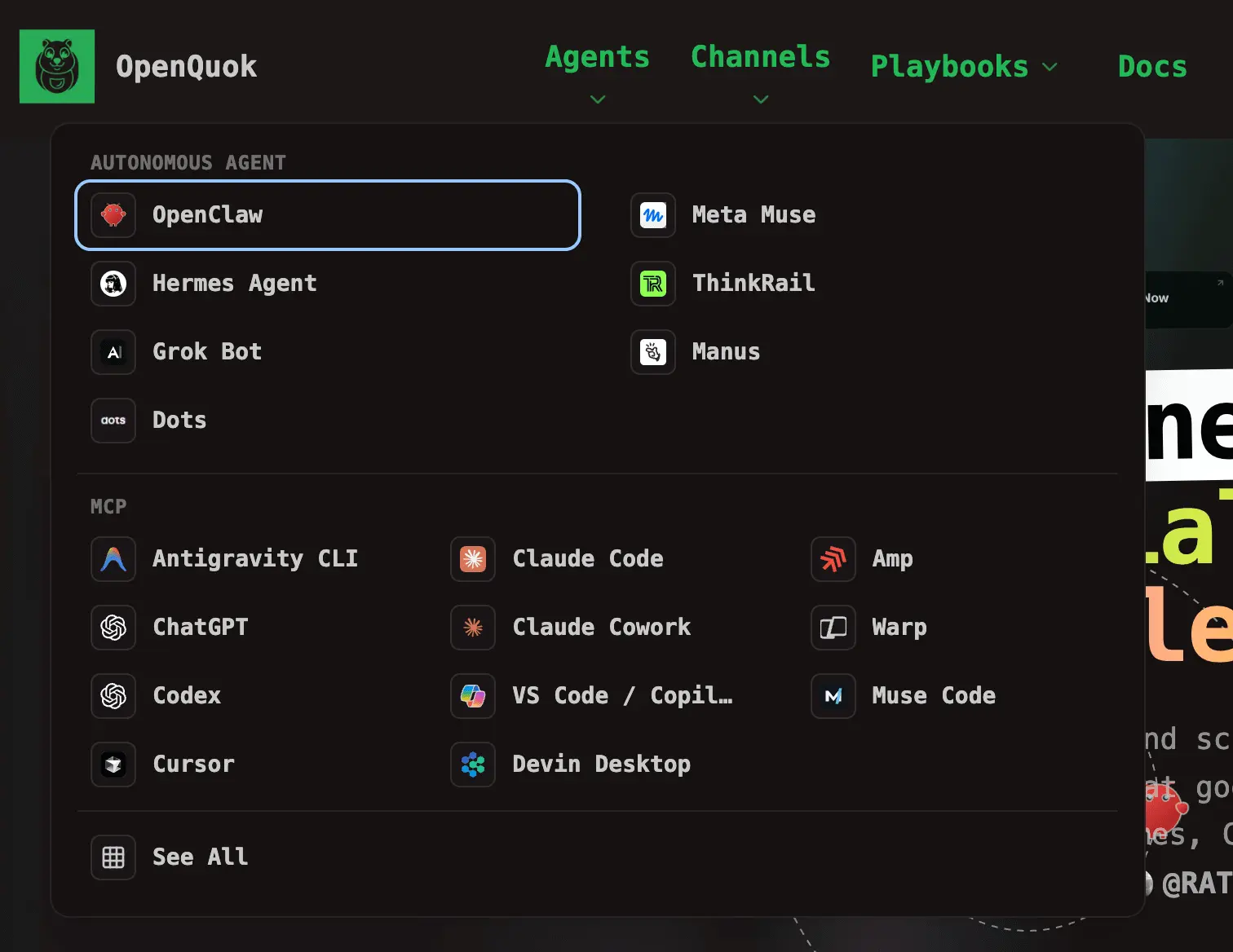
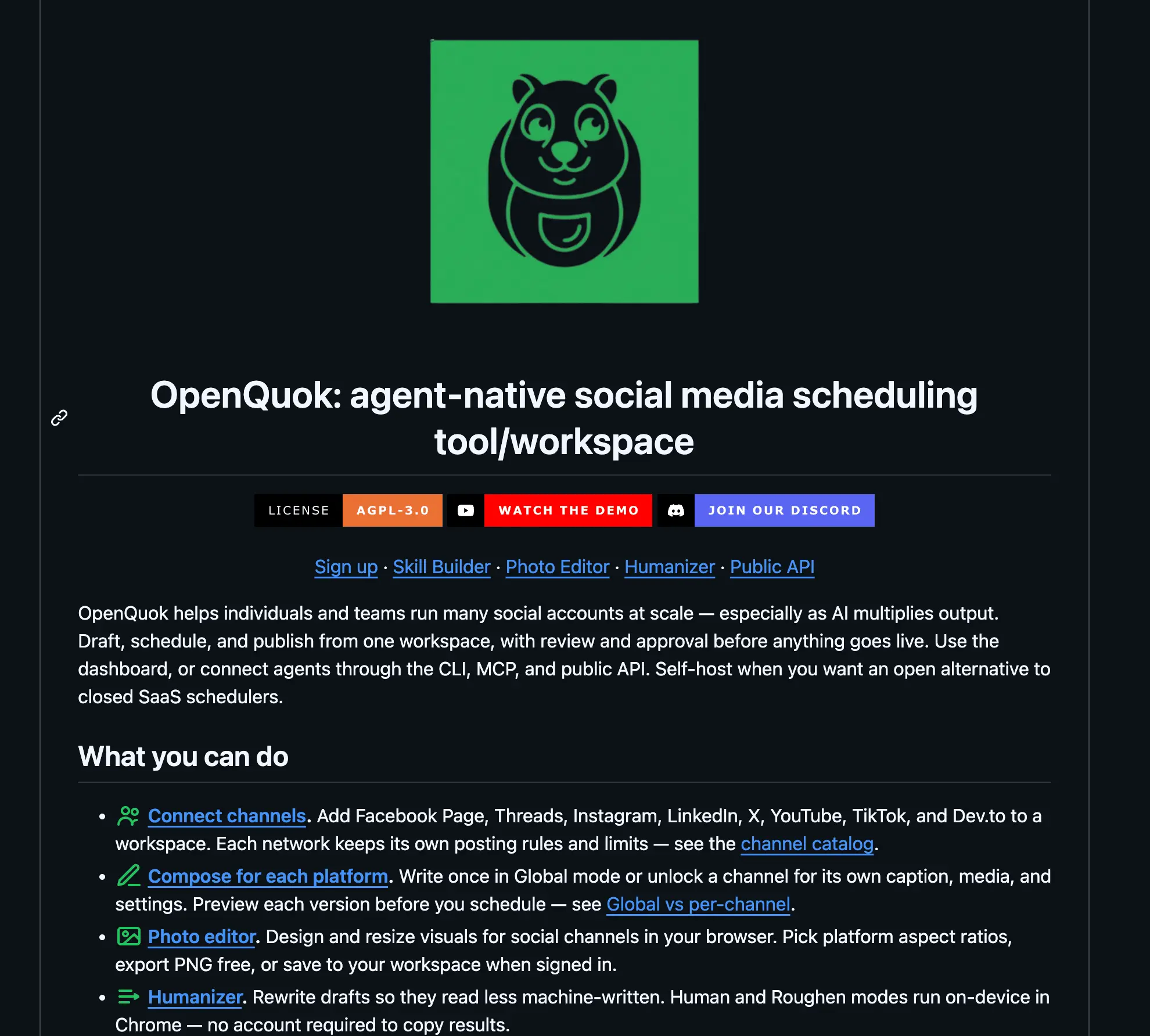
OpenQuok is an open-source, agentic social media scheduler. Post, schedule, and track content everywhere you publish—from one workspace with calendar and kanban review. Connect AI agents through MCP, the openquok CLI, or the Public API (Cursor, Claude, Codex, OpenClaw, Hermes, Grok Bot, and more). Agents handle drafting and queuing at scale; your team approves on the kanban board before anything goes live. Separate workspaces keep brands, clients, and agent contexts isolated. Run OpenQuok on our cloud (free trial) or self-host. Features include: Kanban board with review and approval Calendar plus smart filters (platform, tags, channel groups) Multi-workspace isolation for brands and agents 11+ social channels (Facebook, Instagram, Threads, TikTok, YouTube, LinkedIn, X, Bluesky, Dev.to, and more) CLI, MCP, and Public API for agent-native workflows Per-post and workspace analytics
Product Video
Watch a video demo of OpenQuok.
Screenshots
Product Updates (7)
Schedule social posts from Meta Muse with OpenQuok
What’s new in the product? - Custom connector in Meta Muse — OpenQuok from https://www.openquok.com/api/v1/openapi.json; list channels and queue drafts from chat (consumer Muse, not Muse Code MCP) - You still approve — drafts hit calendar or kanban before publish - All connected channels — Meta plus LinkedIn, X, TikTok, YouTube, and the rest in one workspace - Developers → Access — same opo_… token; paste into Muse secure credentials (not the main chat thread)
Comments (1)

https://www.openquok.com/blog/schedule-social-posts-from-meta-muse-with-openquok. — connector from openapi.json, secure token, draft-only prompts
Schedule social posts from Muse Code with OpenQuok
What’s new in the product? - MCP in Muse Code — openquok in ~/.config/muse/settings.json; list channels and queue drafts from the terminal - You still approve — drafts hit calendar or kanban before publish - All connected channels — Meta plus LinkedIn, X, TikTok, YouTube, and the rest in one workspace - Developers → Access — same opo_… token; Muse snippet ready to paste (no skill zip)
Comments (1)
https://www.openquok.com/blog/schedule-social-posts-from-muse-code-with-openquok MCP setup, verify prompt, and multi-channel draft examples.
OpenQuok plugs for Threads, LinkedIn, and X after publish
What’s new in the product? - Plugs run after go-live — delayed replies, cross-account comments, X reposts, or LinkedIn reshares fire once the main post is published; your scheduled caption does not change - Per-post plugs in channel Settings — Threads internal delayed reply, another Threads profile commenting on the company thread, founder comment or reshare on a LinkedIn Page post, or a second X account reposting the launch tweet - Likes-threshold plugs on Account → Auto Plugs — automatic CTA on X, LinkedIn Page, or Threads when engagement hits your number (X and LinkedIn Page can auto-repost too; Threads is auto plug post only) - Same surfaces as the rest of OpenQuok — set plugs from the dashboard, CLI, public API, or agents; drafts still go through calendar or kanban approval first
Comments (1)
https://www.openquok.com/blog/openquok-plugs-for-threads-linkedin-and-x-after-publish Step-by-step for company Threads + personal comment, LinkedIn Page + exec, X reposts, and global plugs.
Schedule Dev.to posts, tags, and series with OpenQuok
What is news in products? - Connect Dev.to with a personal API key — paste once in Add channel, no OAuth app - Queue markdown with title, tags (up to four), and an optional series name before anything goes live - Draft from the dashboard, CLI, API, or agents — you approve on the calendar or kanban first - Dev.to analytics (page views, reactions, comments) sit next to your other channels
Comments (1)
https://www.openquok.com/blog/schedule-devto-posts-tags-and-series-with-openquok
OpenQuok Humanizer for social drafts
Free on-device rewrite so drafts read less machine-written. Copy with no account; Human / Roughen in Chrome. Not a detector bypass. Sign in to schedule
Comments (1)
Edit video with CapCut skills, then draft in OpenQuok
What is news in products? - Cut short-form video with CapCut skills (CLI + skill package) on any host that can run local commands — Codex, Cursor, OpenClaw, and similar - Brief and caption in chat; the agent rewrites CapCut draft JSON — you still export the MP4 in the CapCut app - Upload the export and queue a draft with OpenQuok Core or MCP (TikTok, Instagram, and other connected channels) - Nothing publishes on autopilot — review on the calendar or kanban, then approve - The same loop works on self-hosted OpenQuok, not only api.openquok.com
Comments (1)
https://www.openquok.com/blog/how-to-edit-video-with-chatgpt-capcut-and-openquok
Schedule social posts from Grok Bot with OpenQuok
What is news in products? - Draft and queue social posts from Grok Bot using the OpenQuok CLI and openquok-core skill on the Bot’s cloud computer - Invoke the skill on demand in chat (/) or enable it under Settings → Plugins — no always-on MCP connector required - Pick a slot first (Best Time to Post or a TikTok-specific window), then draft for that time and channel - Posts land as drafts or scheduled items only — you review on the calendar or kanban before anything goes live
Comments (1)
Guide: https://www.openquok.com/blog/schedule-social-posts-from-grok-bot-with-openquok
Reviews (5)
Average 5.0 out of 5
Based on 5 reviews

great idea, amazing design, thanks! good luck!
Great Product!!
Love that it has CLI version. Great Built for dev !!!
Very cool product. Really Crafted
I liked that it is 100% opensouce and you can self-host all stacks if this SaaS
Comments (0)
No comments yet. Be the first to share your thoughts!