
PDFCrab
PDF editor with real text editing


Details
- Follow on
- @AppStore
- Target Audience
- AccountantsStudentsFinancial Analysts
- Pricing
- Free
- Platforms
- Mobile

 PDF expert alternatives
Discovery signals
How AI and people discover PDFCrab on PeerPush
- ChatGPT
- Perplexity
- +4 other AI crawlers
Reads by these AI engines
Crawlers behind these engines read this listing on PeerPush.About PDFCrab
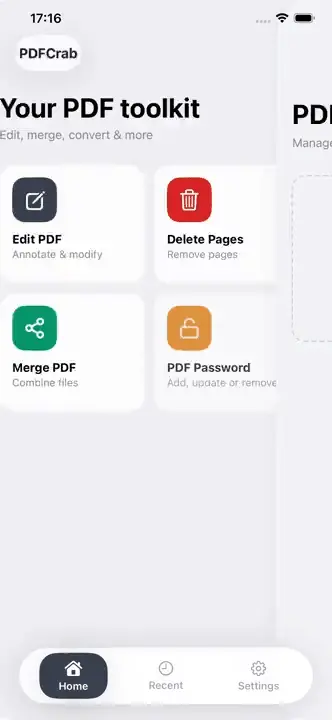
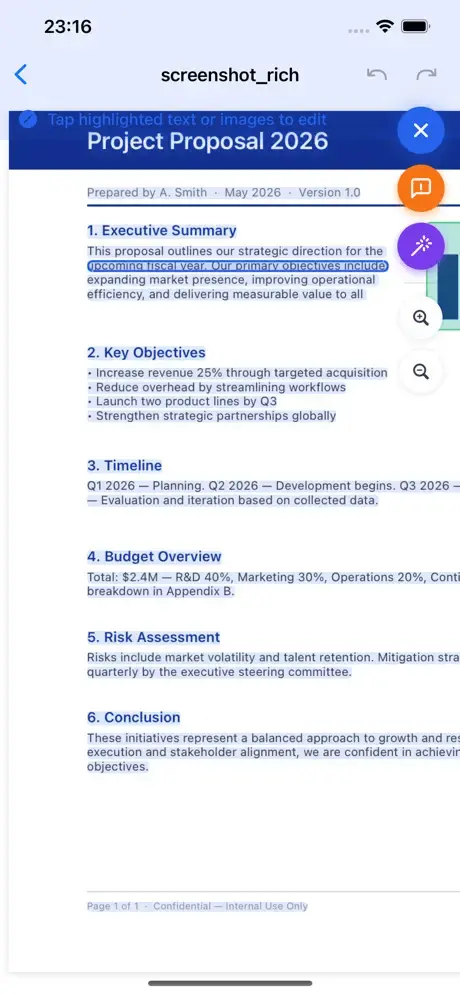
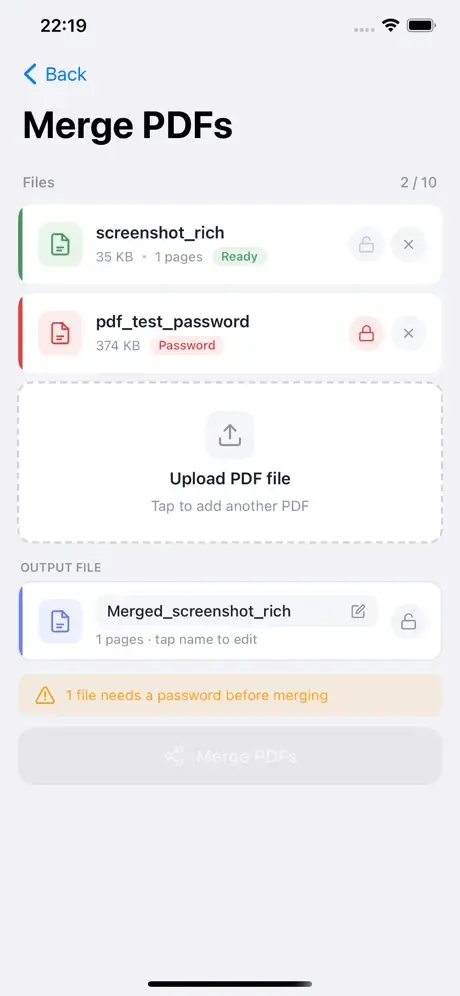
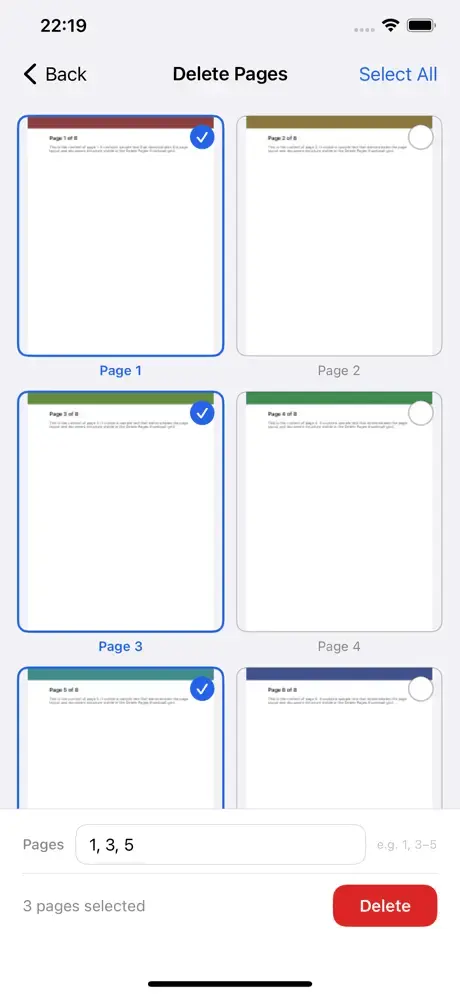
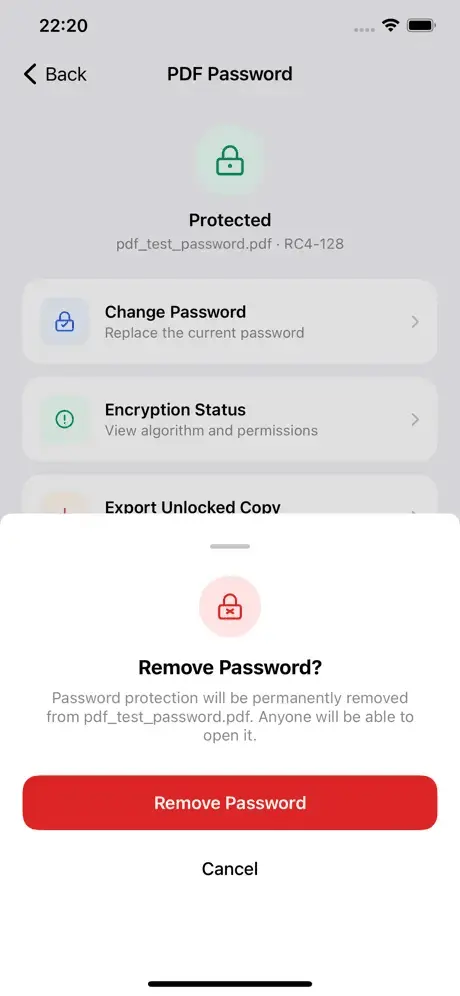
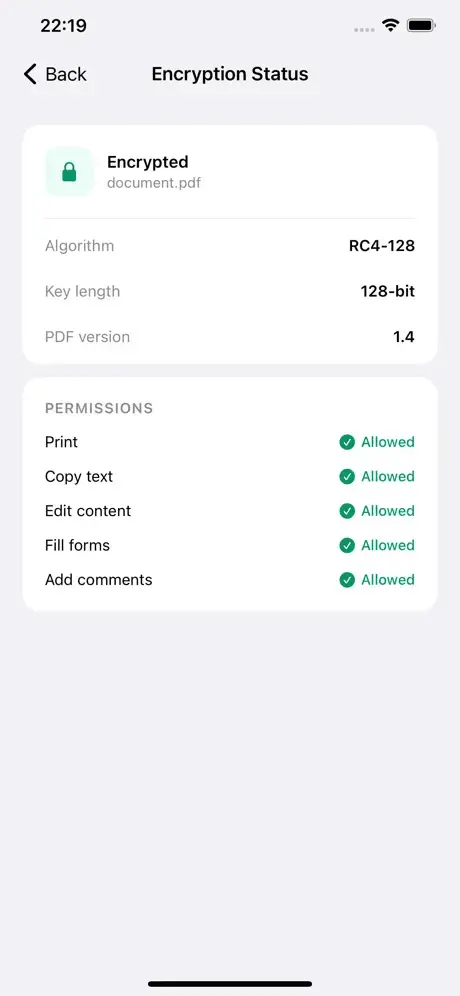
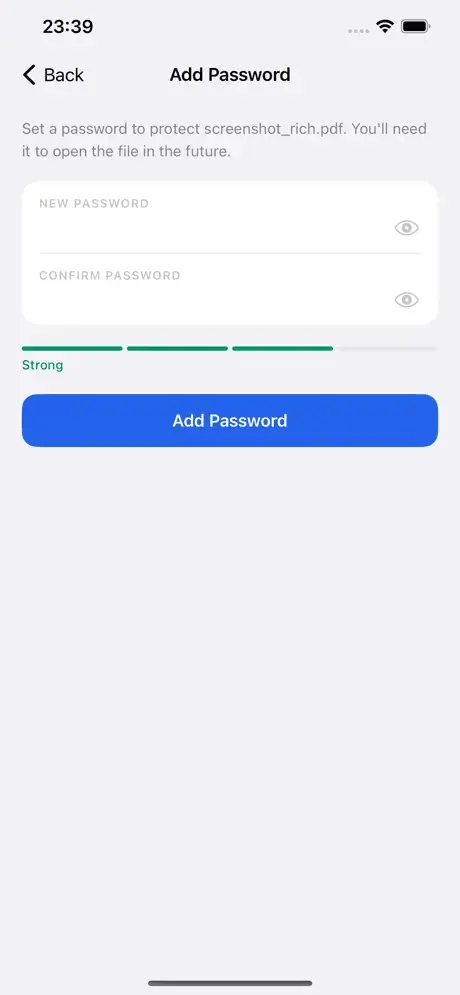
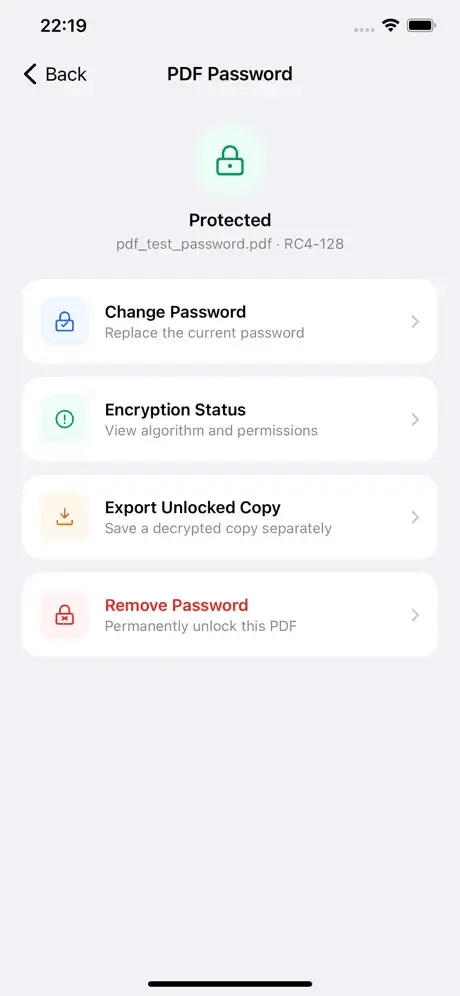
PDFCrab lets you edit PDF files directly on your iPhone — no cloud, no subscriptions, no sign-in required. All processing happens locally on your device. Edit text Tap any text in your PDF to select it, then drag it to a new position or update its content. Choose from 9 bundled fonts or keep the original. Preview font and size live before saving. Edit images Move, resize, or remove images embedded in your PDF. Drag any corner or edge handle to resize precisely, or pick a quick percentage preset. Edit vector objects Reposition and resize vector drawings and shapes without losing quality. Merge PDFs Combine two or more PDF files into a single document. Reorder pages before saving. Delete pages Browse a thumbnail grid of all pages and remove any you don't need. Password-protected PDFs Open, edit, and save encrypted PDFs. Add, remove, or change passwords. View encryption algorithm, key length, and per-flag permissions. Your password never leaves your device. Annotate Draw, highlight, and add freehand annotations using Apple Pencil or your finger. Privacy first PDFCrab never uploads your files. Everything stays on your device.
Screenshots
Reviews (0)
No reviews yet. Be the first to rate this product!
Comments (1)
I like your avatar thanks for cool app