
PicShift
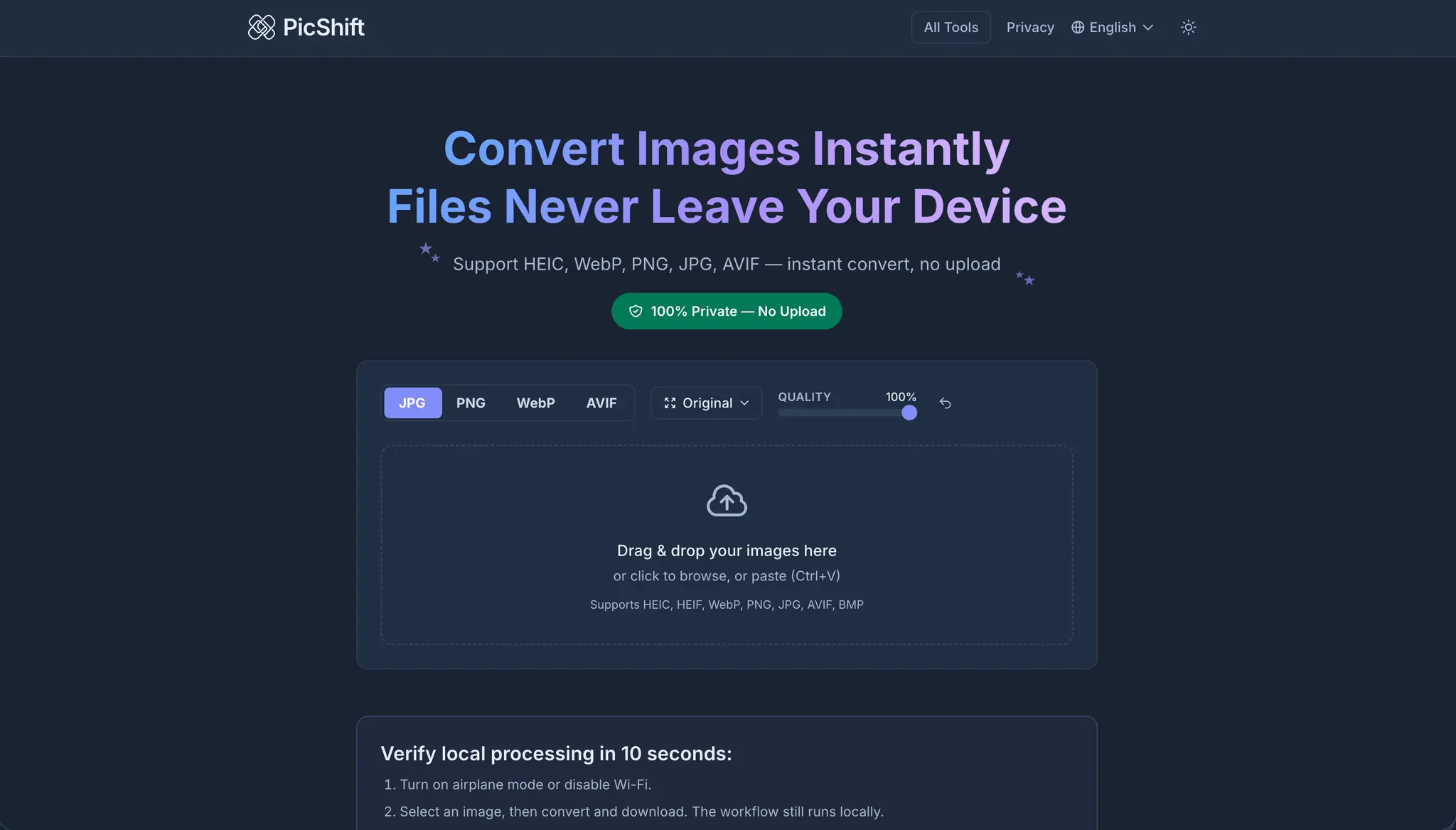
Free image converter — runs locally, nothing uploaded

Details
- Follow on
- Target Audience
Discovery signals
How AI and people discover PicShift on PeerPush
About PicShift
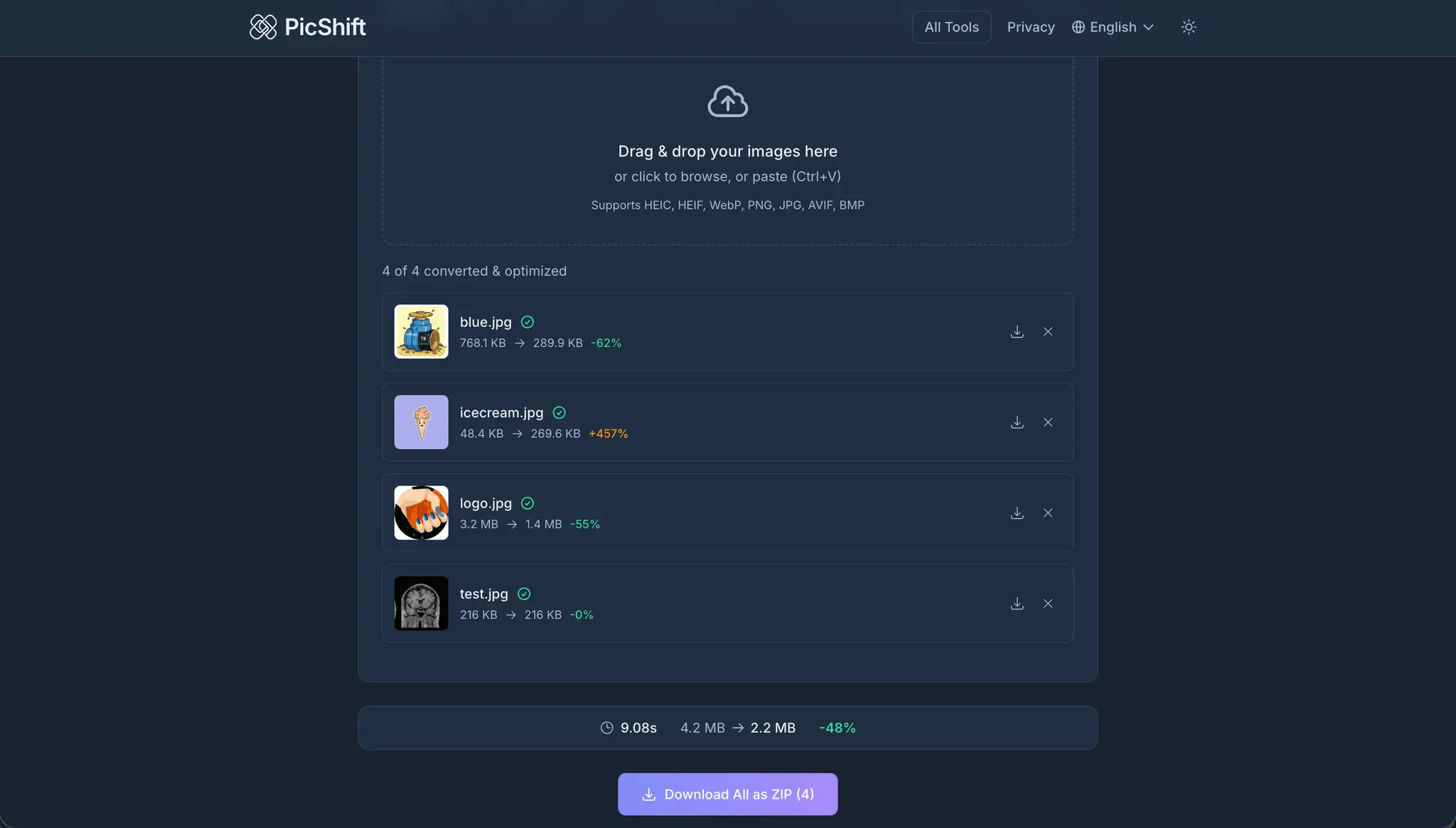
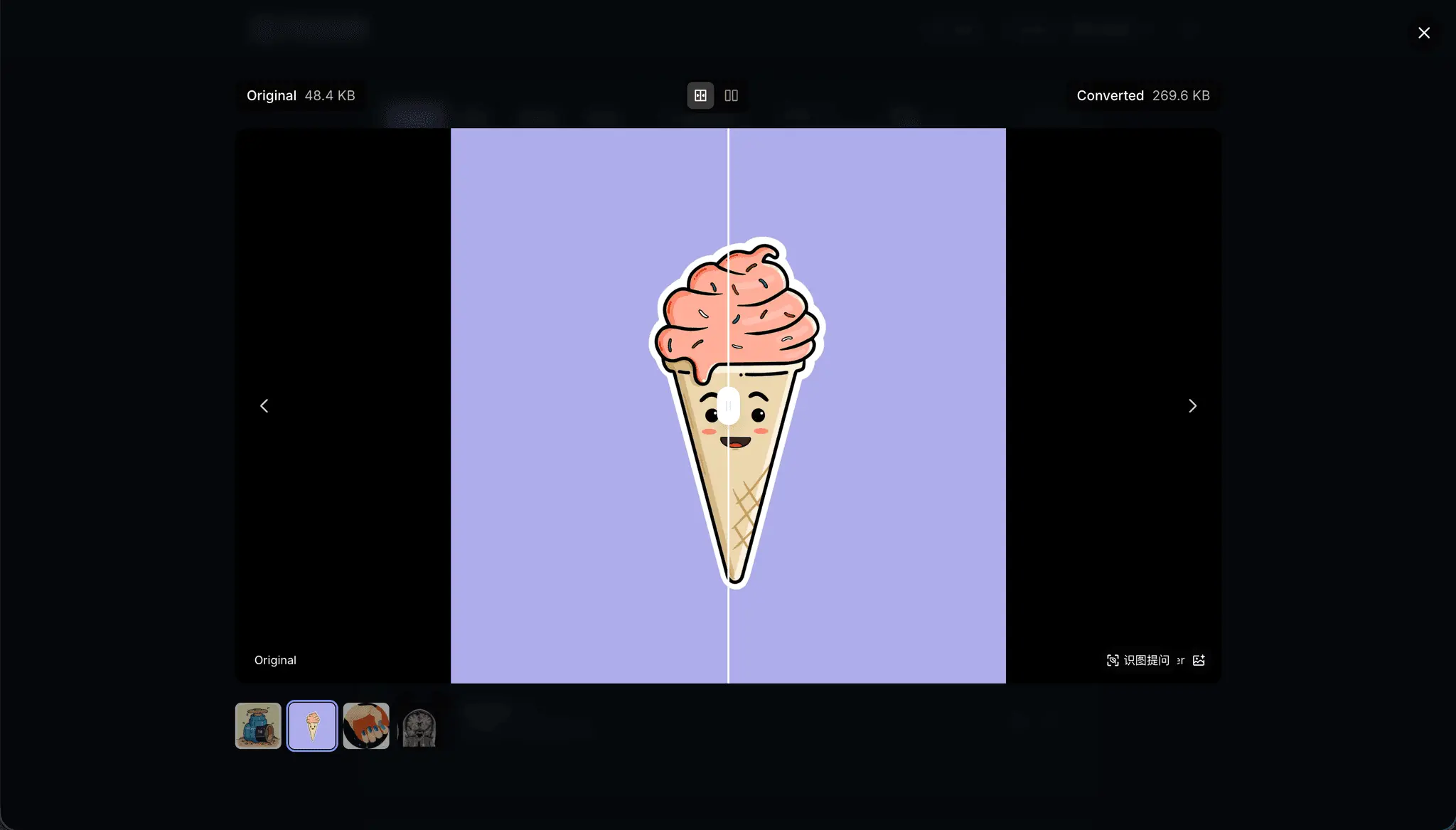
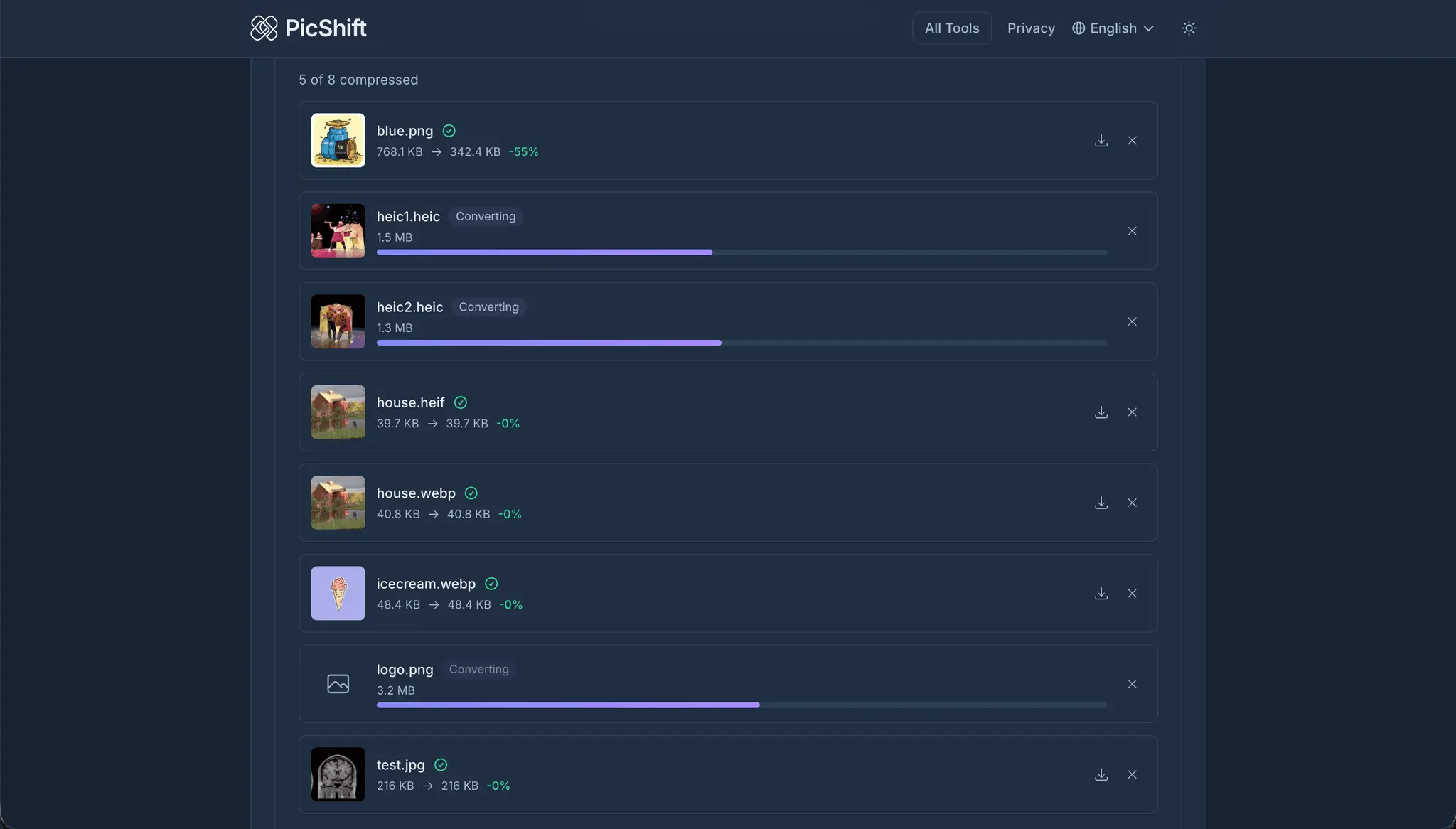
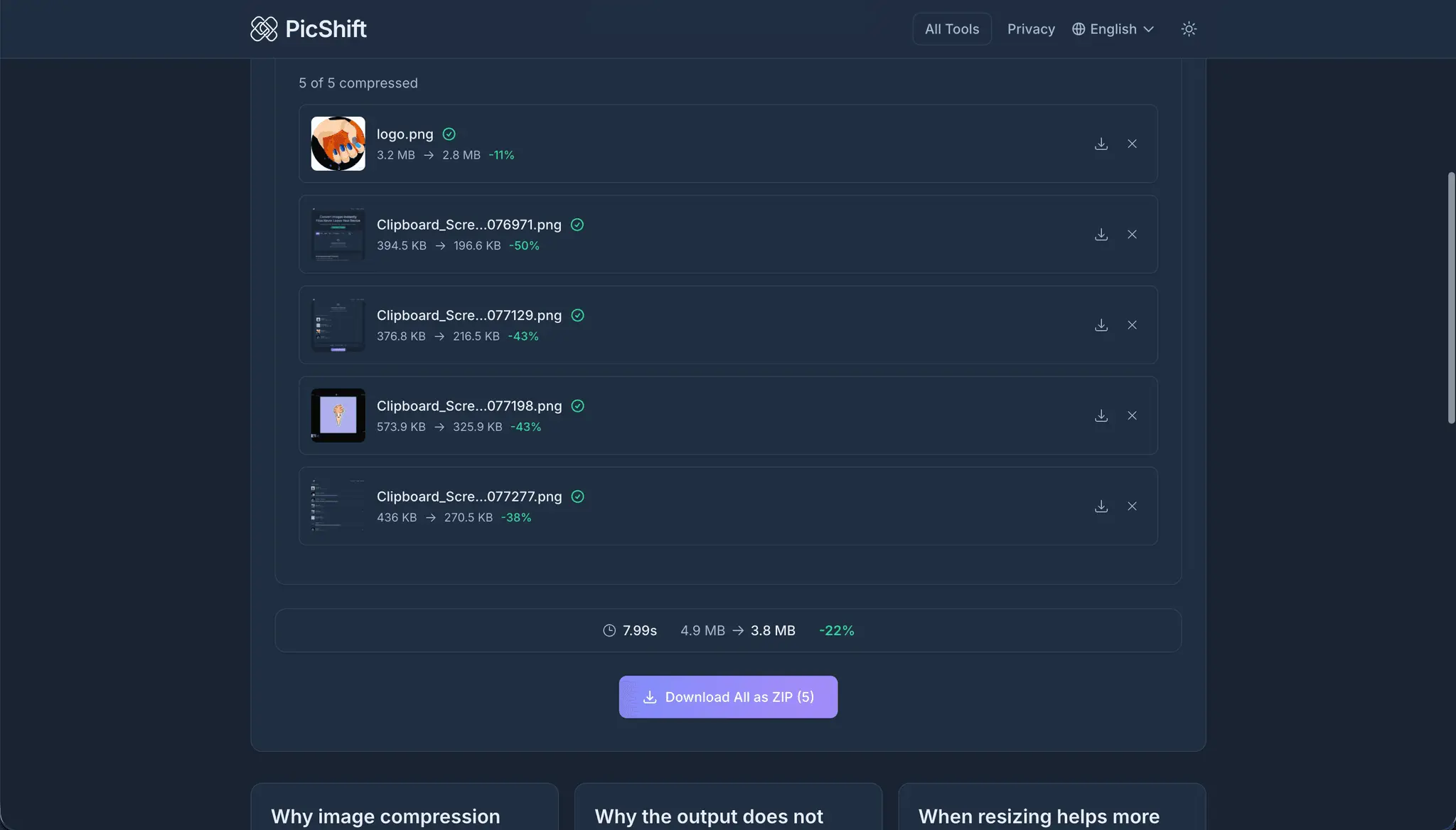
PicShift is a free browser-based image converter and compressor that processes everything locally using WebAssembly. Your files never leave your device. Convert between HEIC, HEIF, WebP, AVIF, PNG, JPG, and BMP with a single drag-and-drop. Batch process up to 200 images at once, compare quality side-by-side before downloading, and work offline after the first page load. Built for people who need quick format conversions without trusting random upload-based tools with their photos. Supports 12 languages and runs on any modern browser — desktop or mobile. No account required. No file size limits from server uploads. No watermarks. Just fast, private image conversion.
Screenshots
Reviews (0)
No reviews yet. Be the first to rate this product!
Comments (2)
Free image conversion that runs locally with nothing uploaded is the right way to build this tool. PicShift respects privacy and works fast without a backend dependency.
Built PicShift because I was tired of uploading private photos to random converter sites. Everything runs locally via WebAssembly — your files never leave the browser. Would love your feedback!