
Quiro
Your AI assistant for workflow and beyond.

Details
- Categories
- Target Audience
- Platforms
Discovery signals
How AI and people discover Quiro on PeerPush
About Quiro
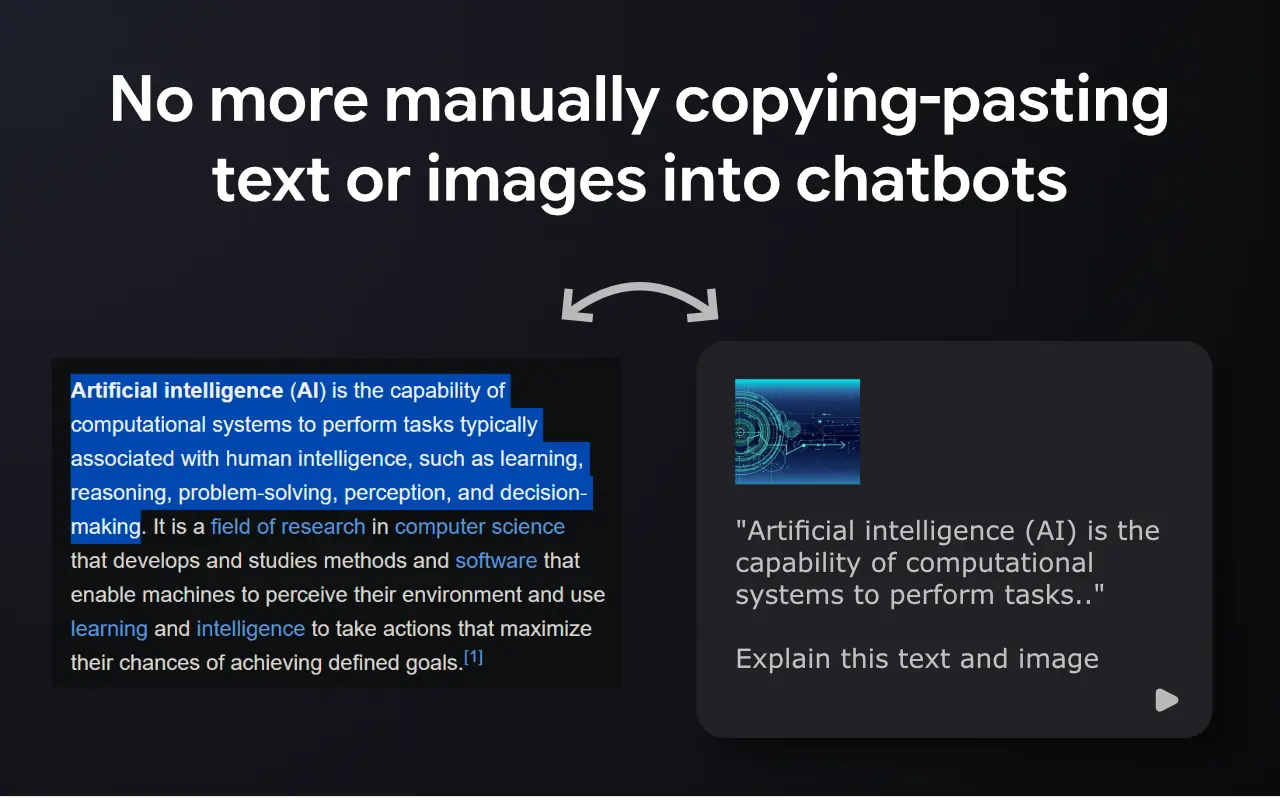
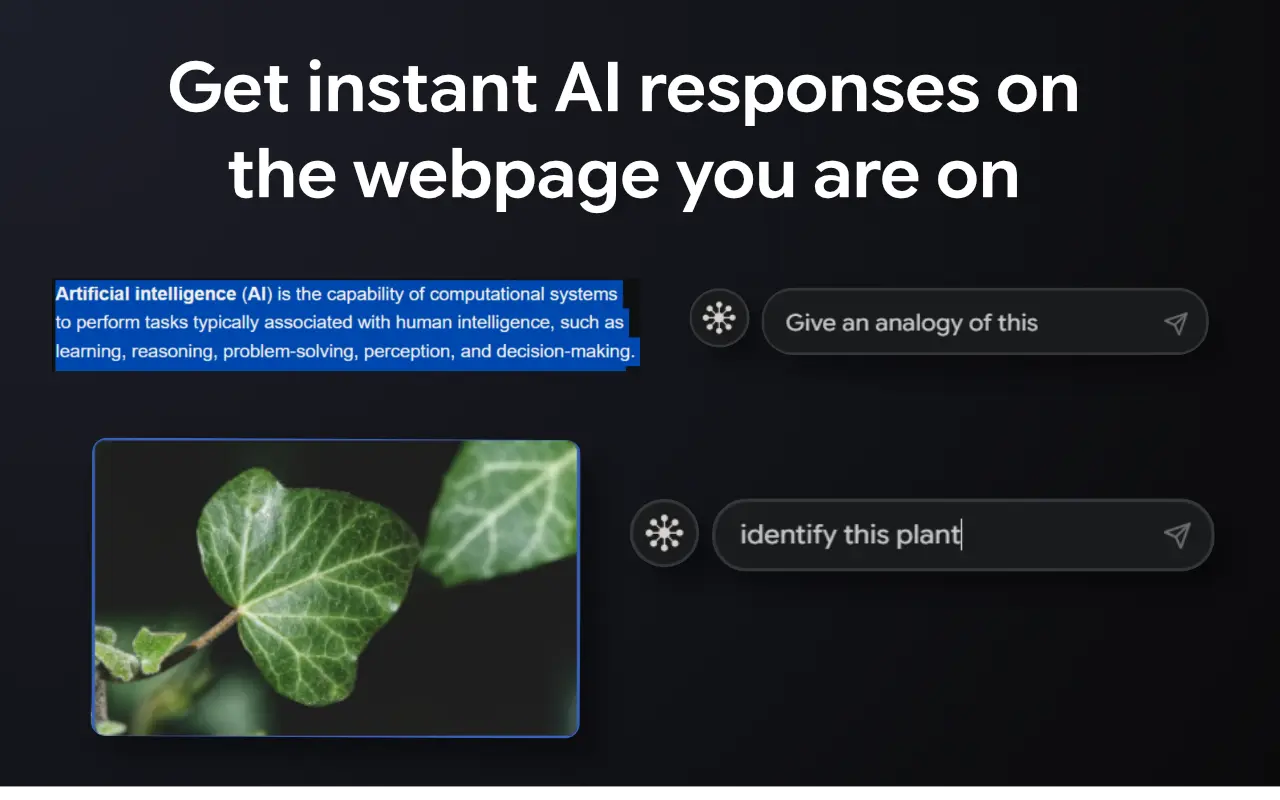
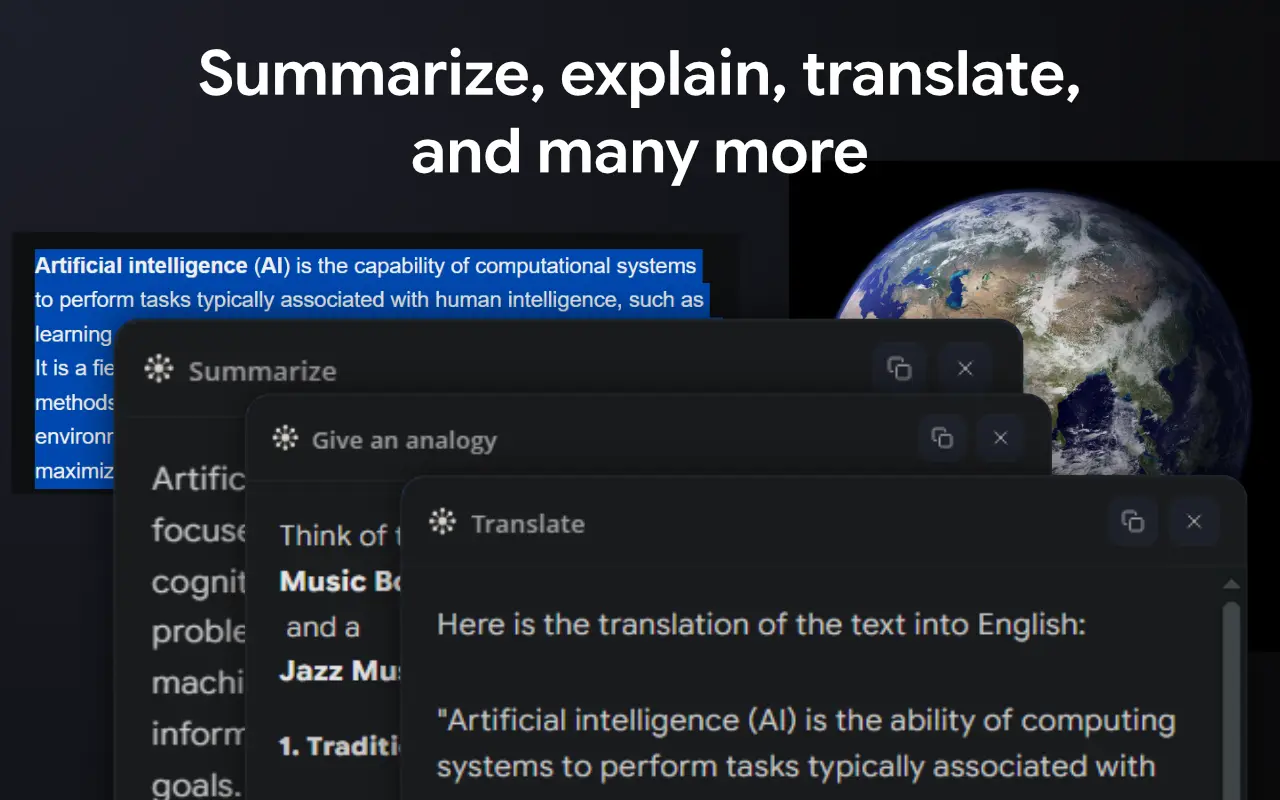
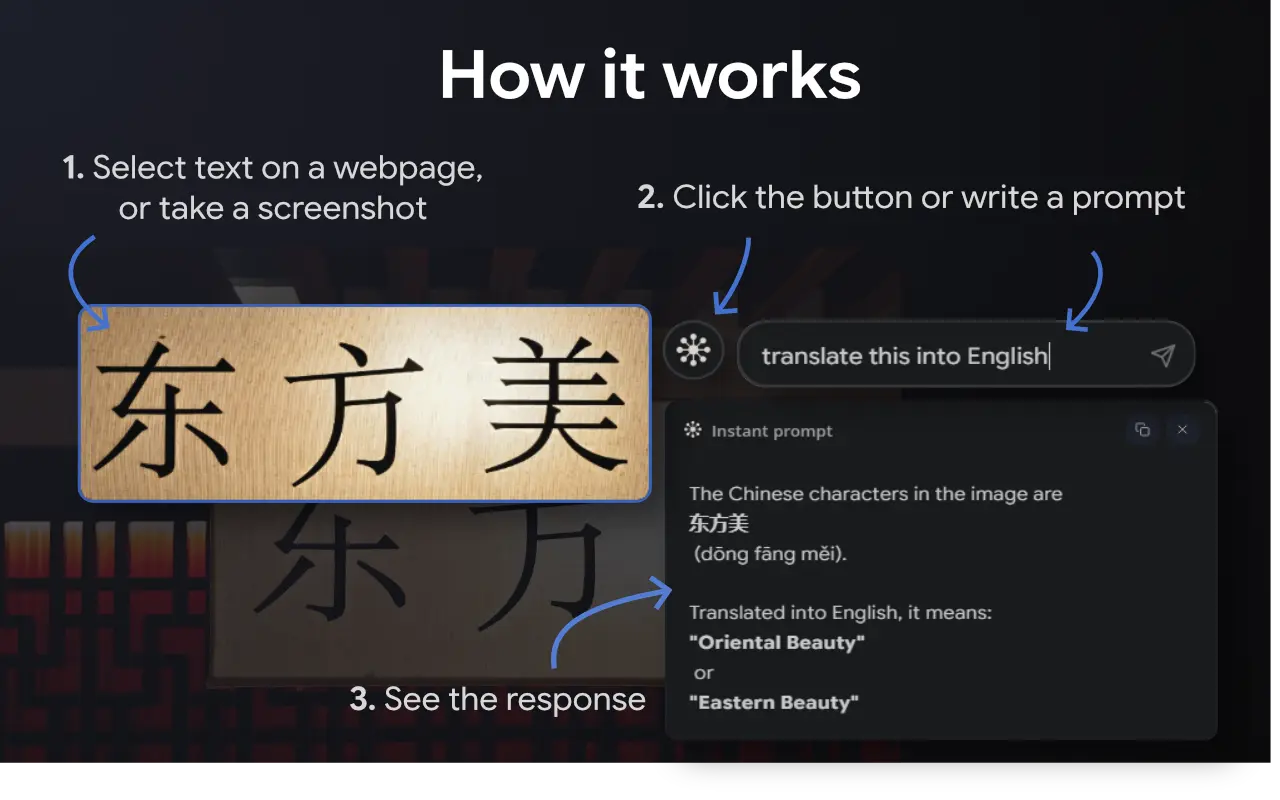
Your AI assistant for workflow and beyond. No more manually copying and pasting text into chatbots or switching tabs. Get instant AI responses on the webpage you are on — for text, images, and screenshots. What You Can Do 📰 Reading an article? Get a summary without leaving the page. 📚 Hit confusing jargon? Instantly explain it in plain English. 🌍 Foreign language? Translate text or images without opening another tab. 🖼️ See an image? Identify it, describe it, or ask anything about it. 📸 Want an answer to something you saw on screen? Take a screenshot and let AI process it instantly. 🧠 Studying? Turn any paragraph into flashcard-ready notes. 💼 Researching? Extract key points from long documents in seconds. ...and many more use cases. Ask Anything, Right There • Use the built-in prompt field to type any question or instruction — without picking from the list. • Select text, image or capture a screenshot — then tell Quiro what you want. Your Prompts, Your Way • You can create and save prompts for easy access – for your workflow or beyond. • Organize them by category. • Pin your favorites to the right-click menu for even faster access. Edit prompts as you want • Prompt title and body • Randomness of the responses; from precise to experimental. • AI thinking level; from minimal to high. Each prompt remembers its own AI settings. That's it. Text, images, screenshots — answered instantly, right where you are. Free credits to try. 🔒 Your data stays private and is never used to train AI or sold to third parties.
Screenshots
Reviews (0)
No reviews yet. Be the first to rate this product!
Comments (0)
No comments yet. Be the first to share your thoughts!