
Reflecto
Private bridge between your Android phone and Chrome


https://api.reflecto.dev/mcpDetails
- Categories
- Target Audience
- Pricing
- Free
Discovery signals
How AI and people discover Reflecto on PeerPush
- ChatGPT
- Perplexity
- Claude
- +4 other AI crawlers
Reads by these AI engines
Crawlers behind these engines read this listing on PeerPush.About Reflecto
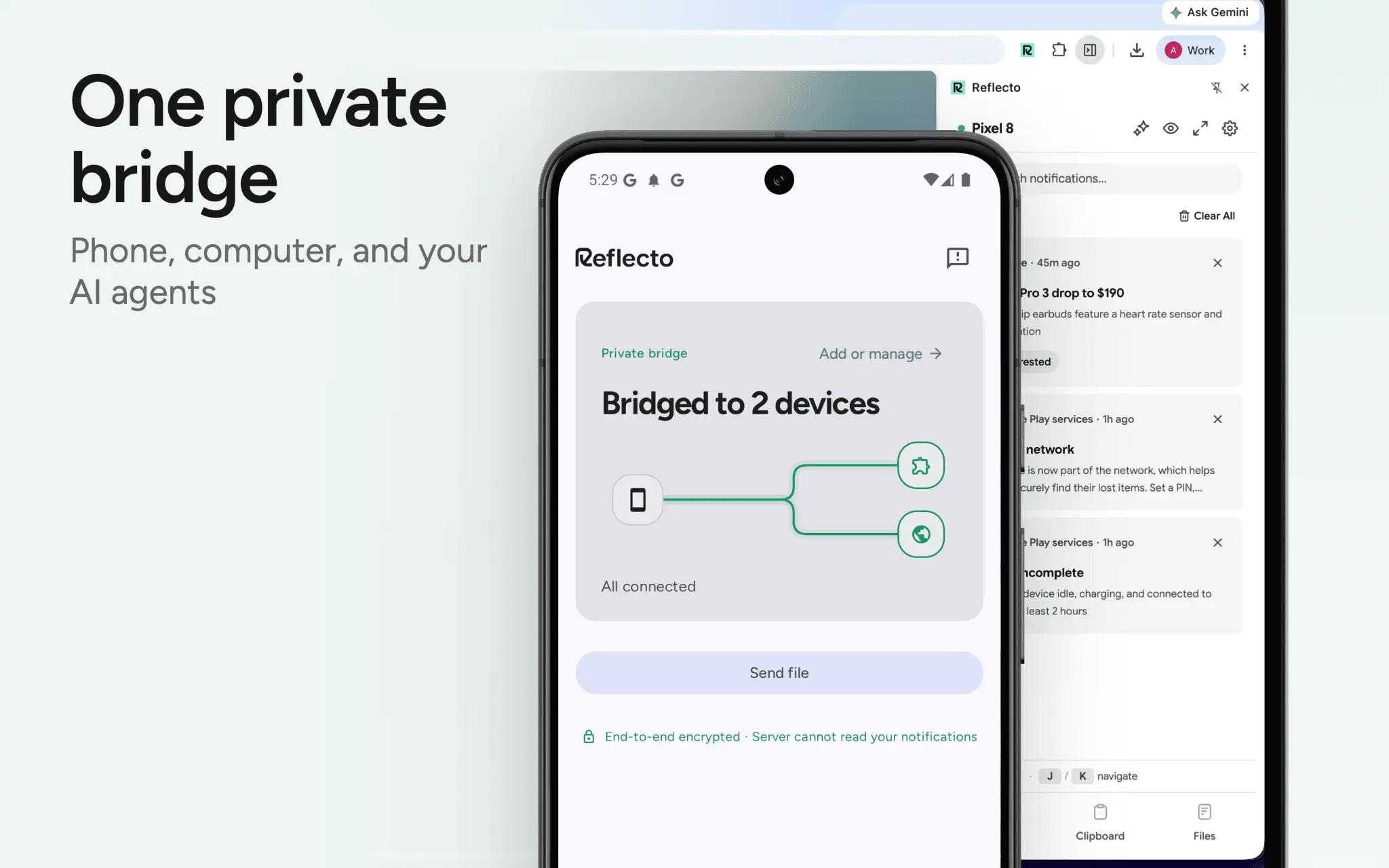
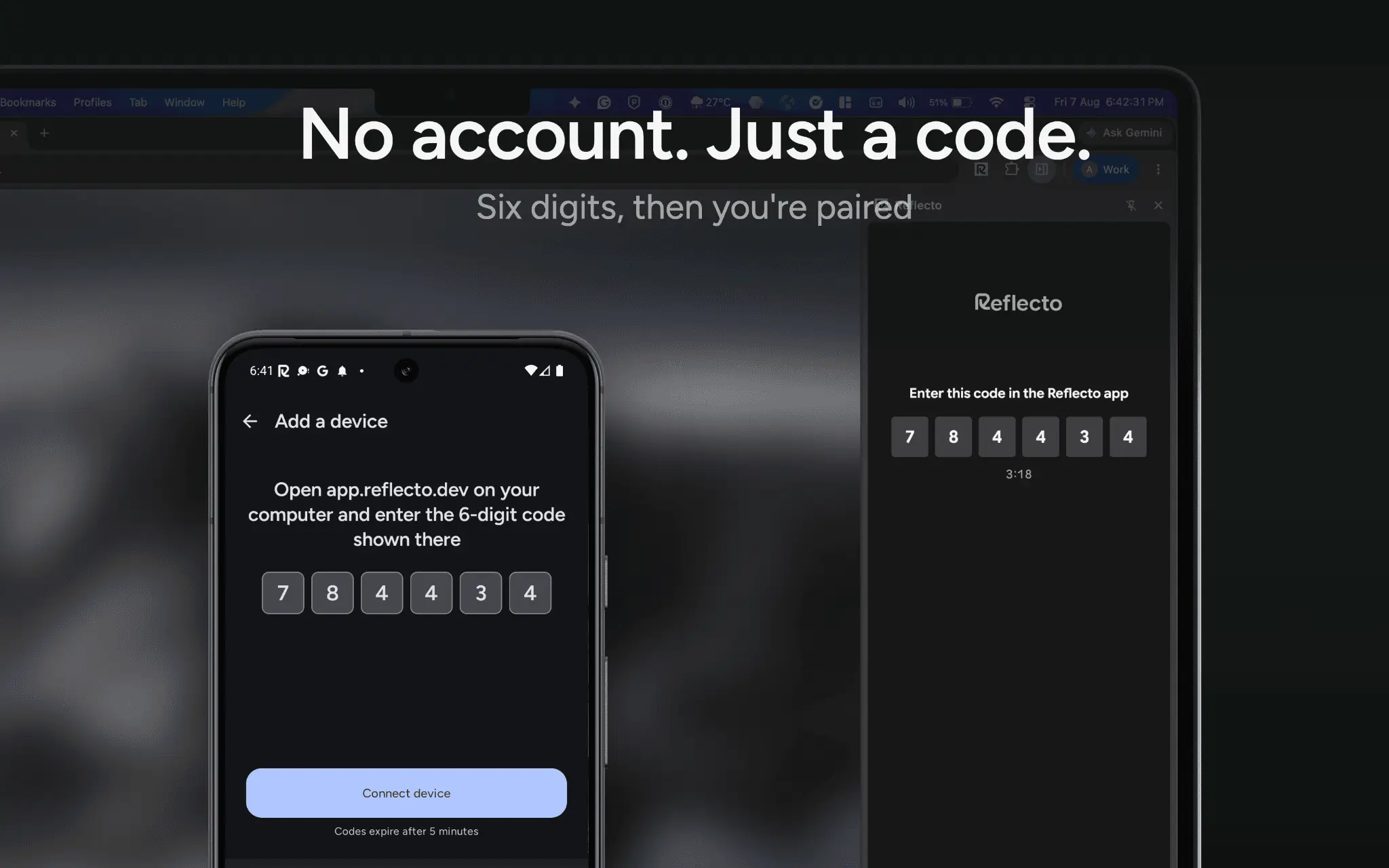
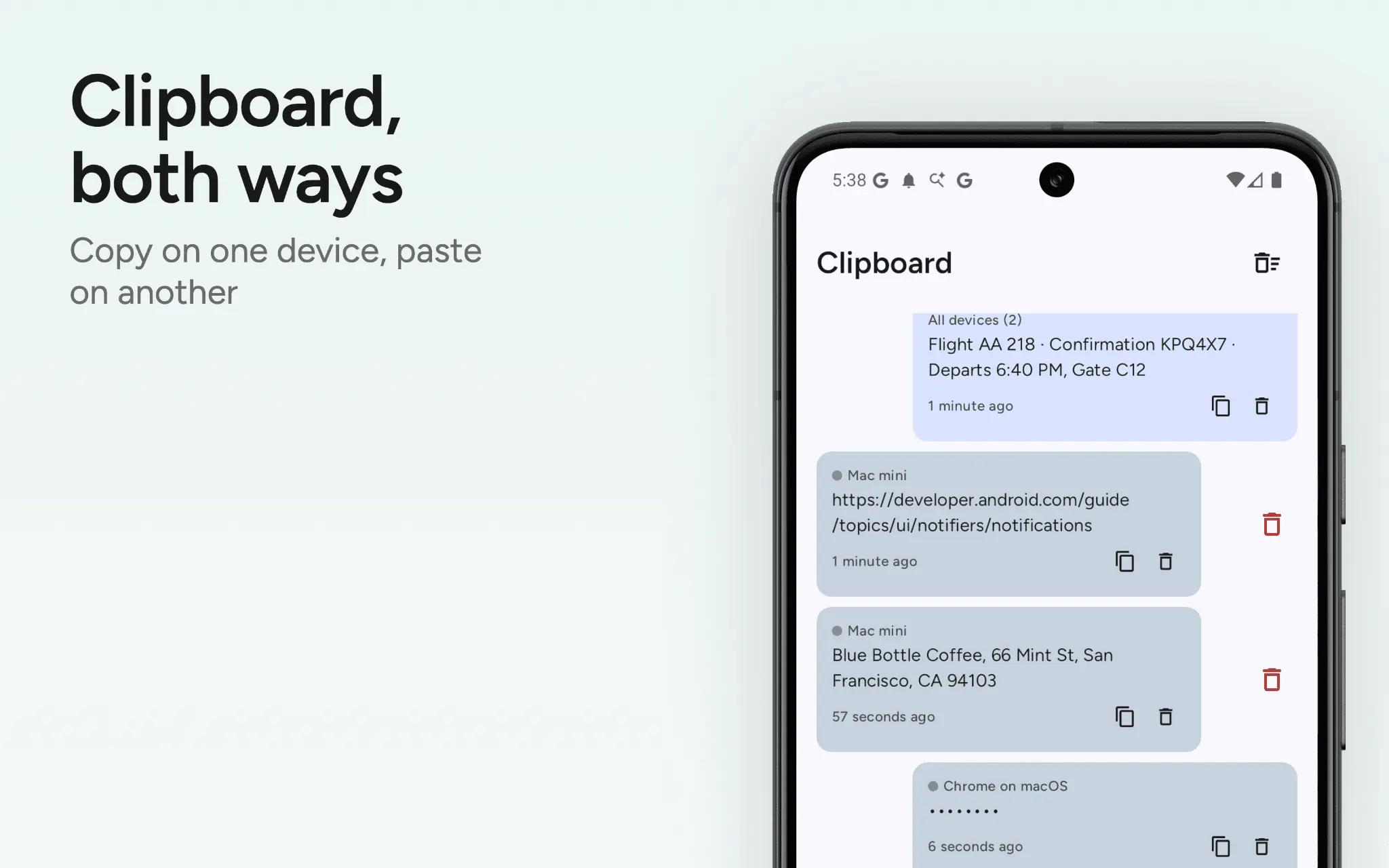
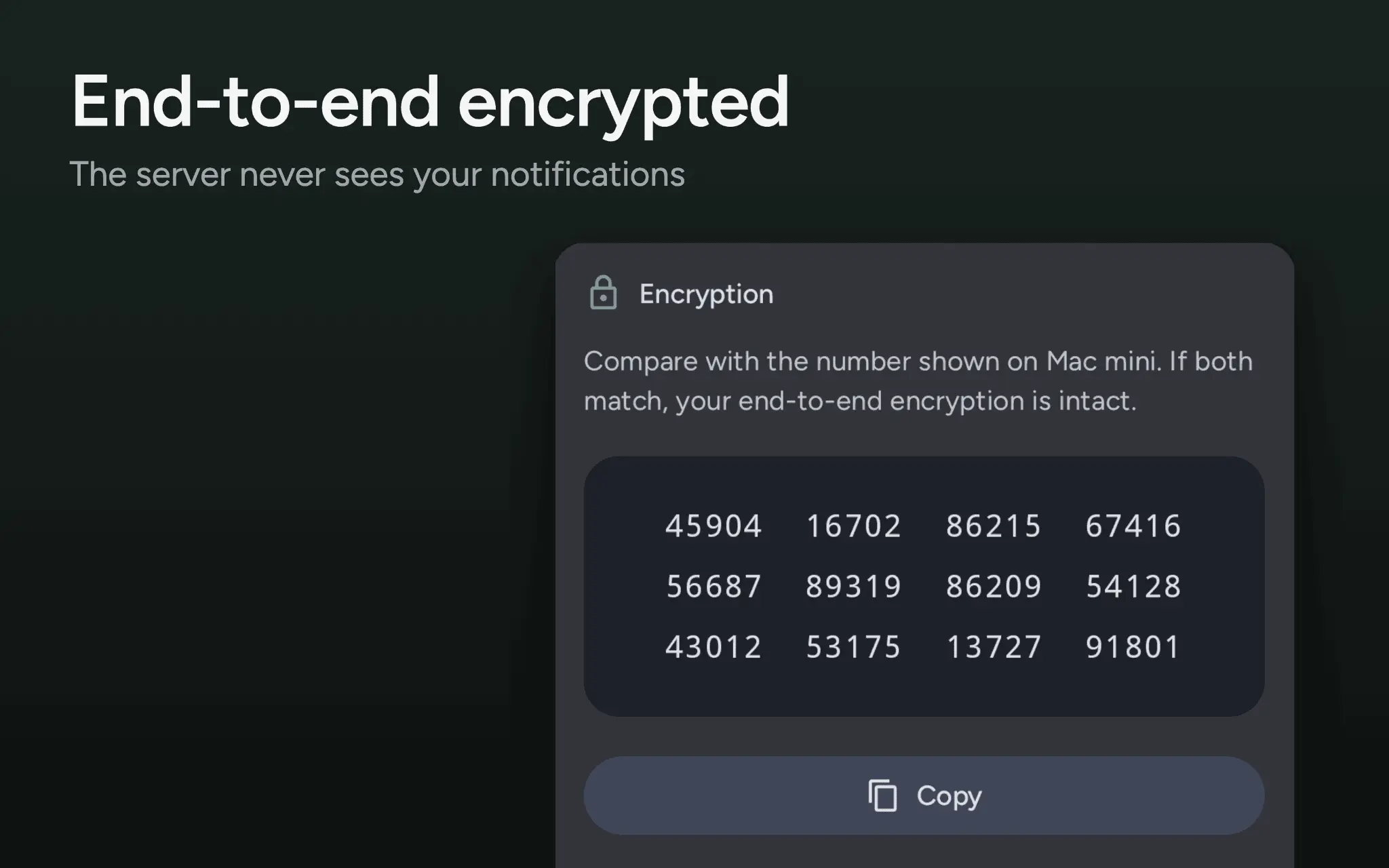
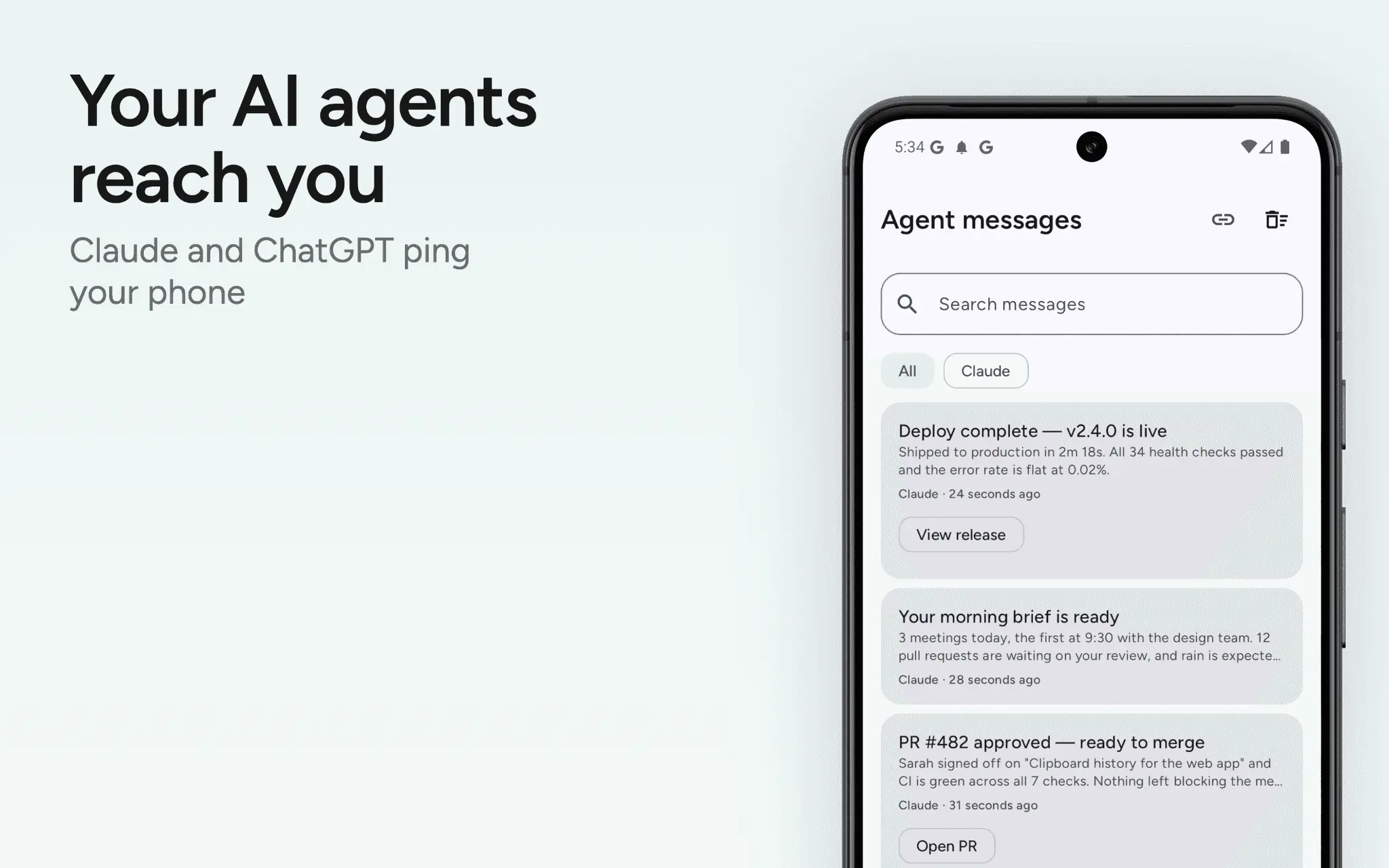
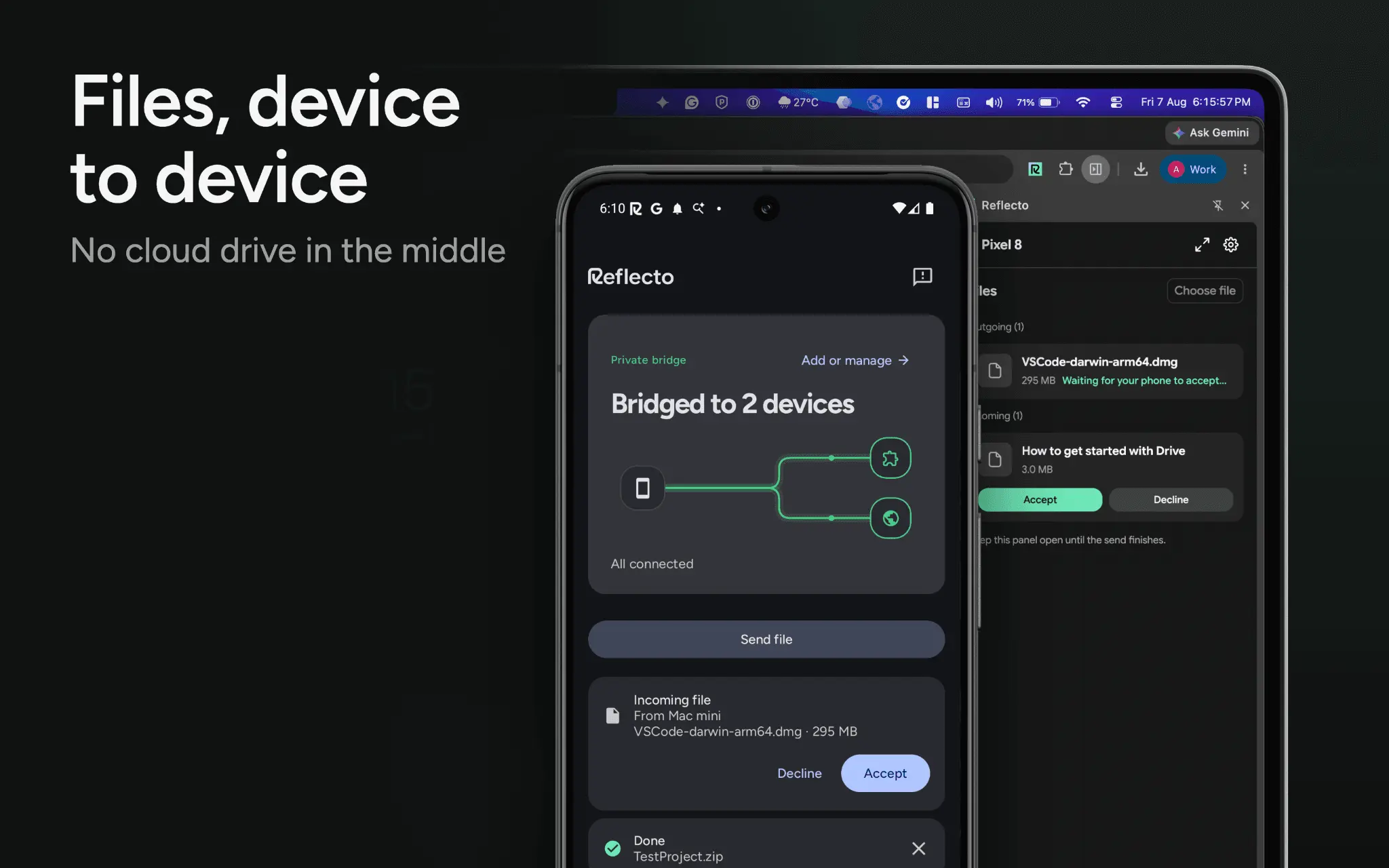
Reflecto syncs your phone and computer in three ways: notifications, clipboard, and files. It can be used via a Chrome extension, web app, or command-line client on Windows, macOS, and Linux. Notifications from your phone appear on your computer instantly, allowing you to reply directly from your keyboard. Dismissing a notification clears it on both devices. Per-app filters control what notifications are mirrored. With the clipboard feature, you can copy a link on your phone and paste it on your computer, and vice versa. Nothing is written to your clipboard without your permission. The files feature lets you send photos or documents from your phone to your computer, or the other way around. Transfer is peer-to-peer when possible, otherwise it uses an encrypted relay. Interrupted transfers resume instead of restarting. Pairing a phone and a computer requires a six-digit code, with no account needed. All data is end-to-end encrypted, and each paired device shows a safety number to confirm security. AI assistants like Claude or ChatGPT can also send notifications. These messages start on the server, which is the only path not end-to-end encrypted. Reflecto is available in 27 languages.
Screenshots
Reviews (10)
Average 5.0 out of 5
Based on 10 reviews

Phenomenal app. Dead simple to set up without ever creating an account or anything. Looking forward to experimenting more with the API as well.
Reflecto Android + Chrome Extension combo is super powerful. Only missing feature is SMS, hope they add it soon.
I've been using this for weeks now. It's far more dependable and usable than local network apps like KDE Connect. The user interface feels carefully designed and intuitive.
Comments (3)
Is there a MacOS native app?
Great app. I wish it also supported SMS mirroring. Reflecto has impressed me a lot.
Great!