Reimagine.AI
AI image generator & editor: inpaint, outpaint, upscale, all

Details
- Categories
- AIDesign ToolsVideo & Audio Tools
- Target Audience
- Content CreatorsDesignersArtists
- Pricing
- Subscription from $10
- Platforms
- Web
Discovery signals
How AI and people discover Reimagine.AI on PeerPush
About Reimagine.AI
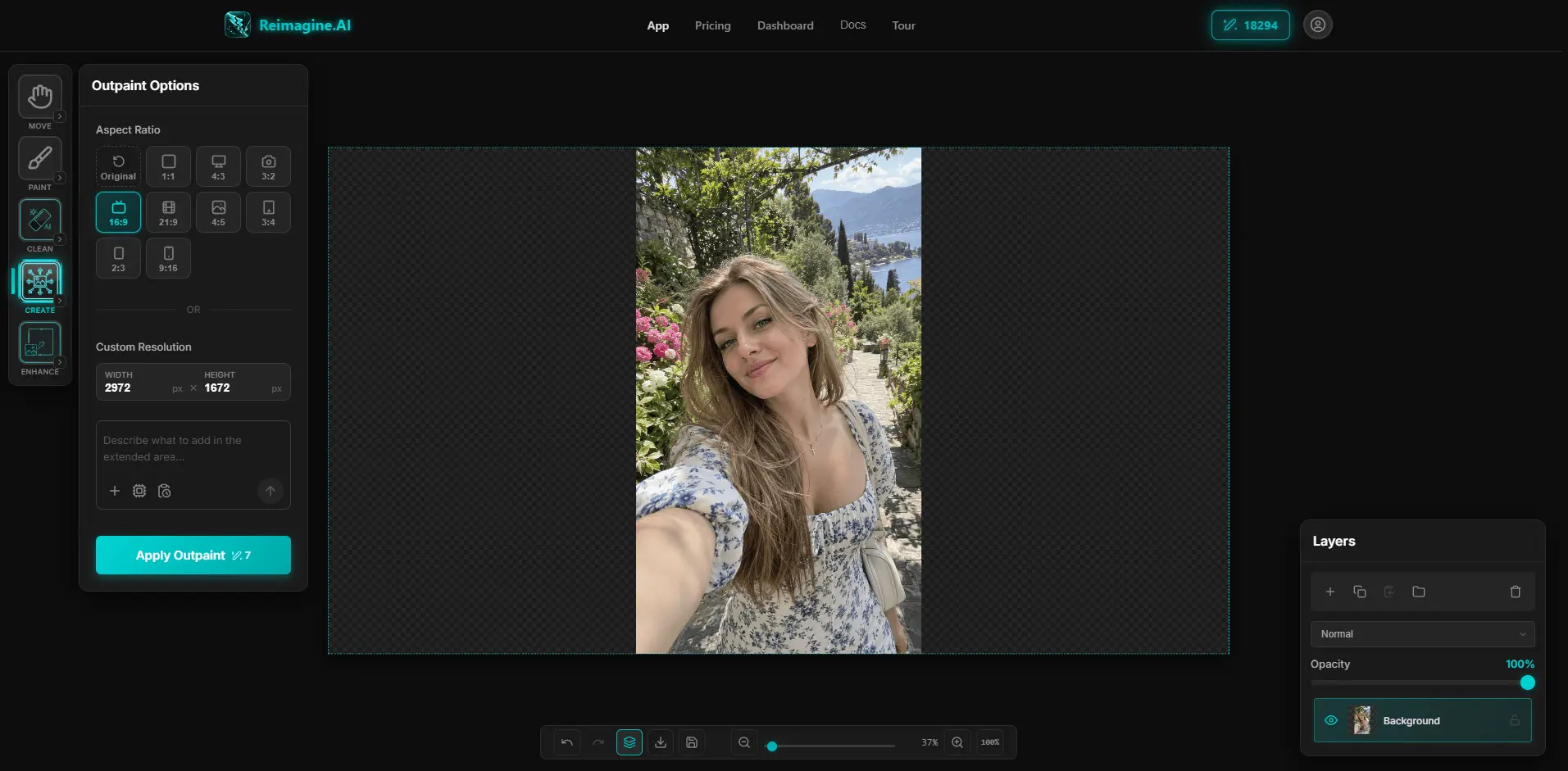
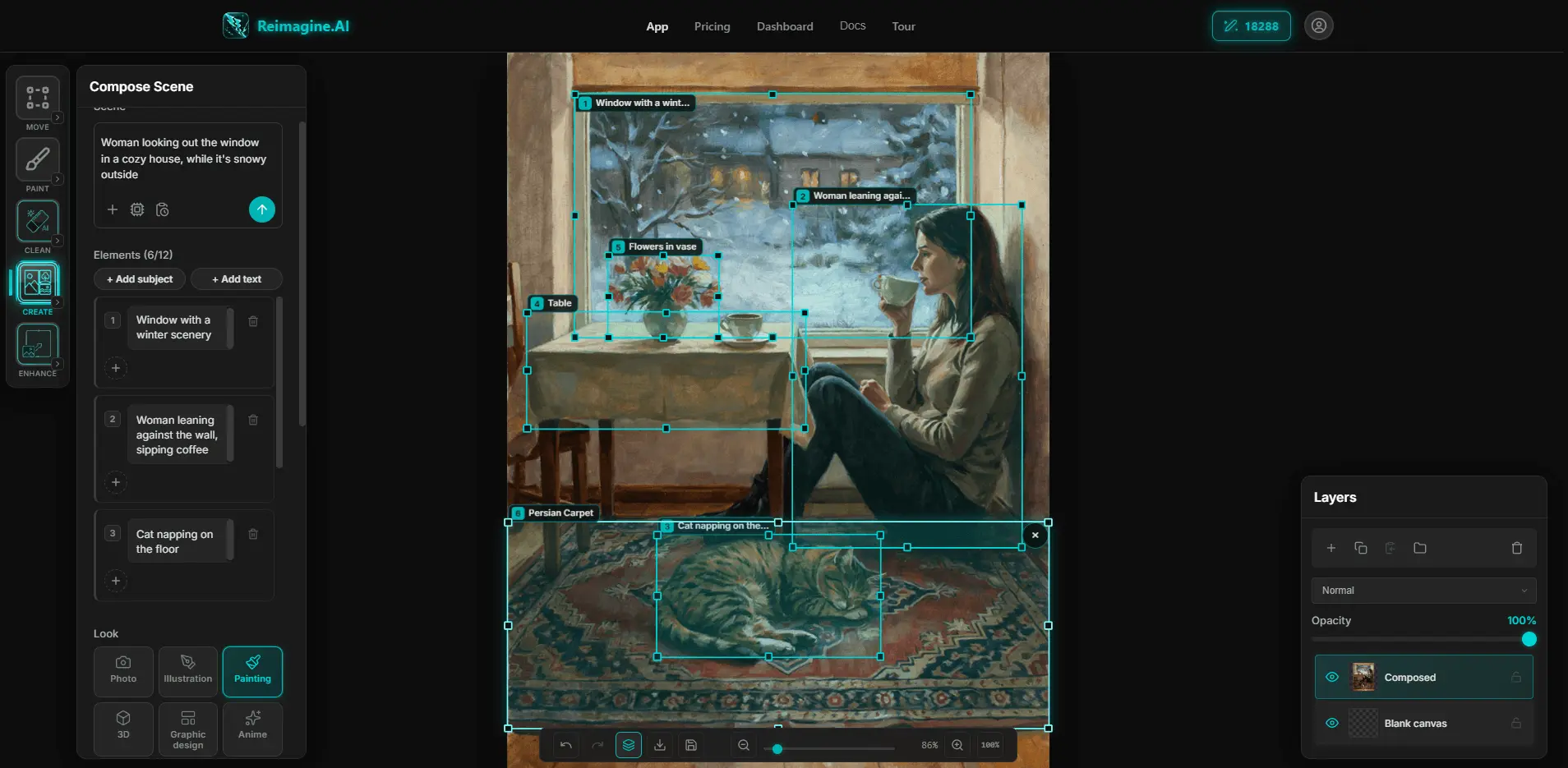
Reimagine.AI is a browser-based AI image generator and editor. Generation, editing, upscaling, outpainting and cleanup all happen on one layered canvas, so you go from prompt to finished image without exporting between apps. Nothing to install. Free trial, no signup required. Features: - Text-to-image generation: pick from a wide range of AI image models, output resolutions and aspect ratios. - Image-to-image editing: select the exact region you want to change using AI-assisted selection tools, then describe the change in plain language. Or transform the whole image. - Inpainting: regenerate, replace or fix any masked area of an image. - Upscaling: upscale with no resolution limit, or use creative upscale to add new detail guided by a text prompt. - Outpainting: extend an image beyond its original frame in any direction, as far as you want. - Content-aware resize: change an image's size or aspect ratio without stretching or warping the main subject. - Layers: work in Photoshop-style layers and build an image up incrementally, edit by edit. - Cleanup tools: background removal, magic eraser for unwanted objects, and watermark removal. Who it's for: designers, artists, photographers and content creators who want AI image generation and AI photo editing in a single web app instead of switching between separate generators, upscalers and editors. Common uses: creating original images from a prompt, editing or replacing objects in photos, reframing images for different aspect ratios (social posts, banners, print), upscaling low-resolution images, and cleaning up product photos.
Product Video
Watch a video demo of Reimagine.AI.
Screenshots
Reviews (5)
Average 5.0 out of 5
Based on 5 reviews

This is awesome! Seriously kudos to the creators that's a very good tool!!

What a great tool!! Excellent results at no time and zero effort

Amazing application!

Super comfortable to use, my new favorite editing tool!

Comments (1)
We are excited to share our new AI-powered image creation and editing platform! Constantly evolving, improving and creating new features for you to enjoy