
Remove Audio
Mute video files instantly in your browser
Details
- Categories
- Video & Audio Tools
- Use Cases
- Video Editing
- Target Audience
- Content CreatorsSocial Media Managers
- Pricing
- Free
- Platforms
- Web
- Alternatives
 LALAL.AI alternatives
Discovery signals
How AI and people discover Remove Audio on PeerPush
About Remove Audio
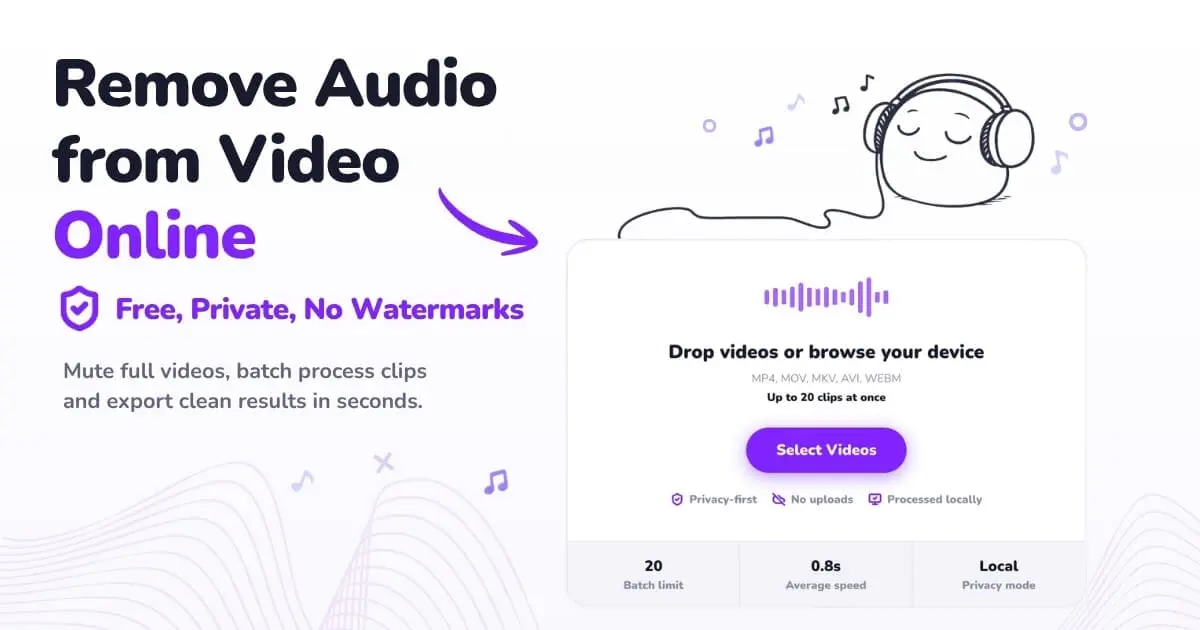
Remove Audio mutes any video without leaving your browser. Drop a file in. The audio comes off. You get the clean video back, same resolution, same bitrate, same codec. No re-encoding, no quality loss, no upload to a server you've never heard of. The whole job runs on the CPU already sitting on your desk or in your pocket. That last part is the whole point. Most online video tools quietly send your file to a queue on someone else's machine. They have to. Their processing happens server-side. Yours does not. Remove Audio runs FFmpeg compiled to WebAssembly, which means the same code that desktop editors use lives inside the page you opened. Your video never leaves your device. Nothing is stored, nothing is logged, nothing is mined for training data. You can mute one clip or twenty in a batch. MP4, MOV, MKV, AVI, WEBM all work. iPhone, Android, Mac, Windows, Linux all work, as long as the browser is recent. No sign-up. No account. No watermark. No paywall hiding the export button at the end. Why this matters depends on who you are. Editors use it to clean a TikTok dump before voiceover. Marketing teams use it for silent autoplay on social feeds. Teachers use it to strip identifying voice from classroom clips before sharing. A lot of jobs land here just because someone pulled a clip and realised the background music was copyrighted. Try it at https://remove-audio.com 🚀
Screenshots
Reviews (0)
No reviews yet. Be the first to rate this product!
Comments (0)
No comments yet. Be the first to share your thoughts!