
ScanIQ
AI document scanner to capture, sign, and edit files


Details
- Target Audience
- Business OwnersFreelancersStudents
- Pricing
- Freemium
- Platforms
- Mobile
Discovery signals
How AI and people discover ScanIQ on PeerPush
About ScanIQ
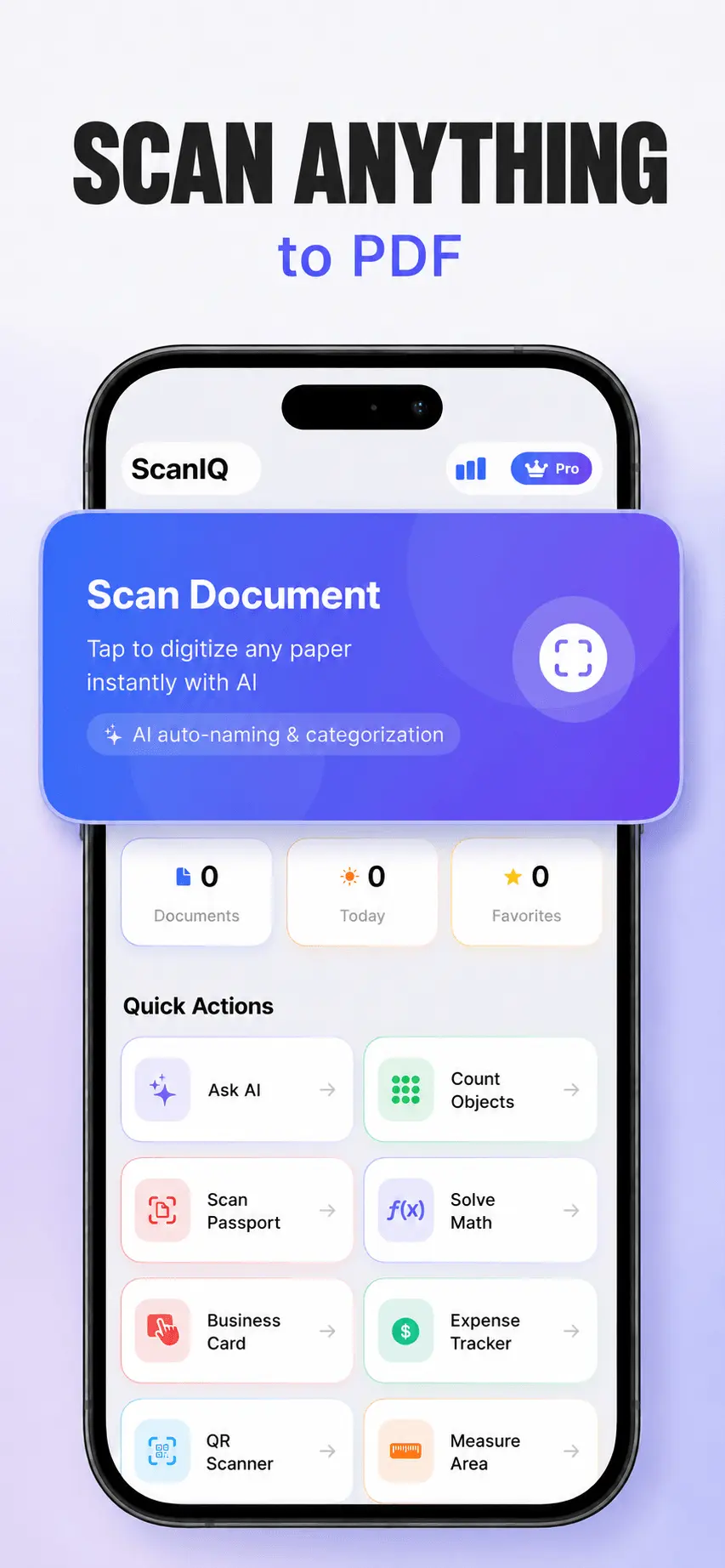
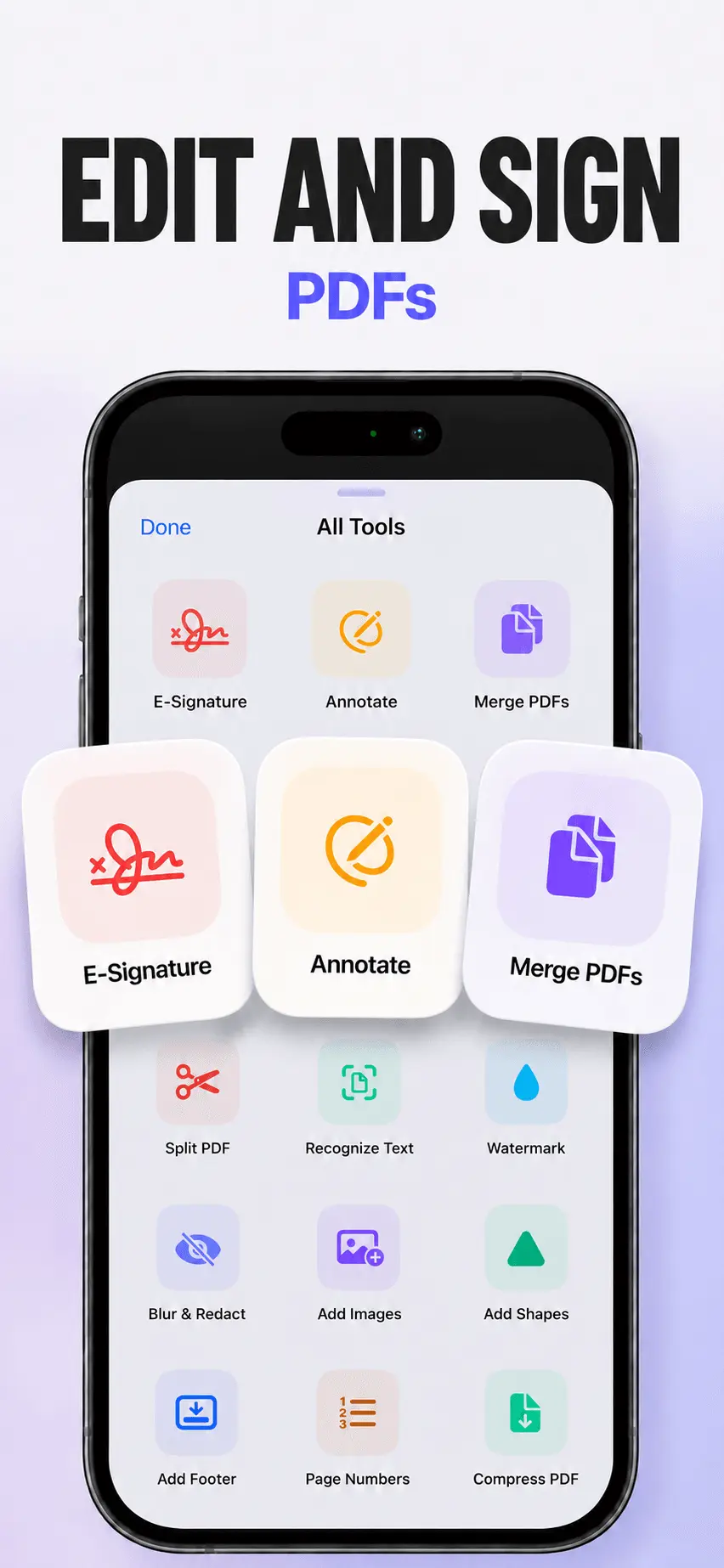
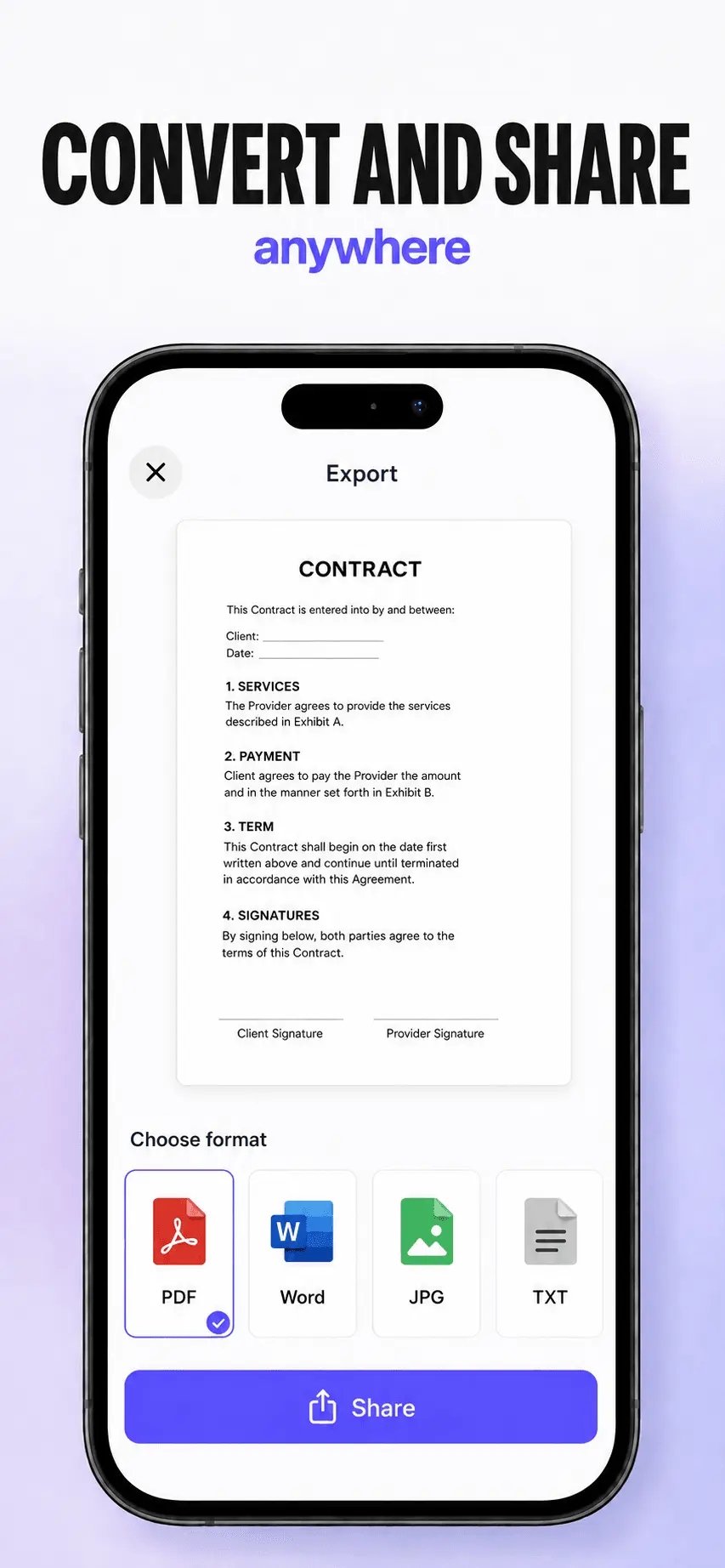
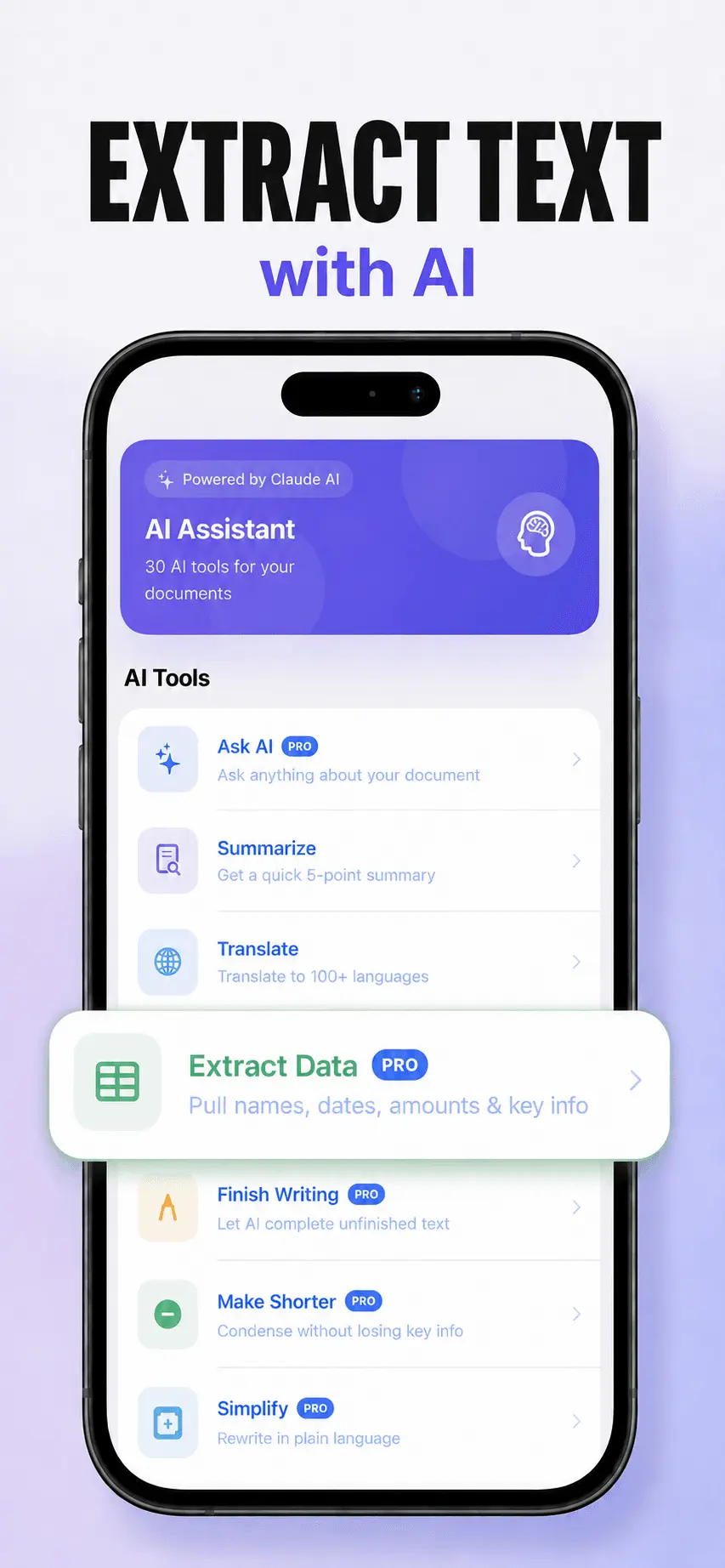
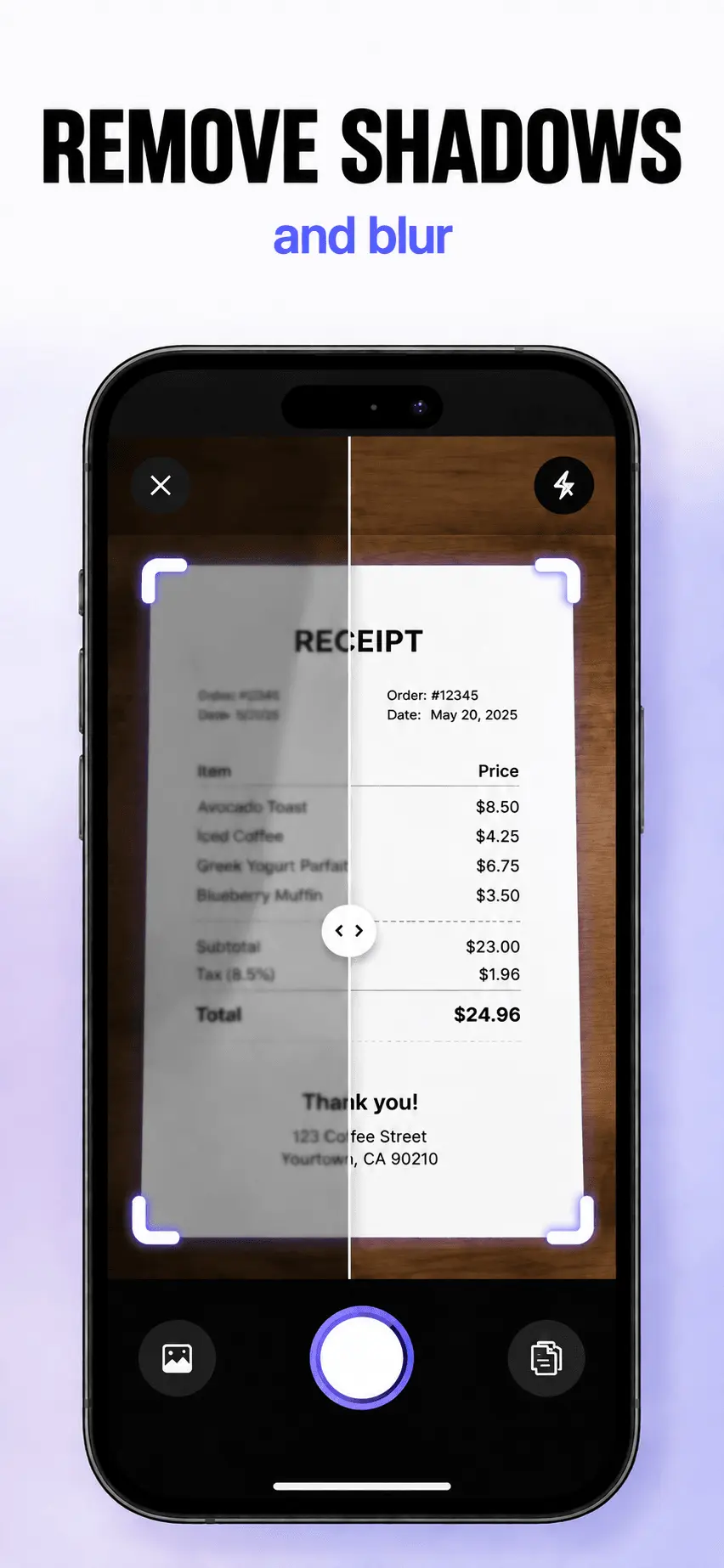
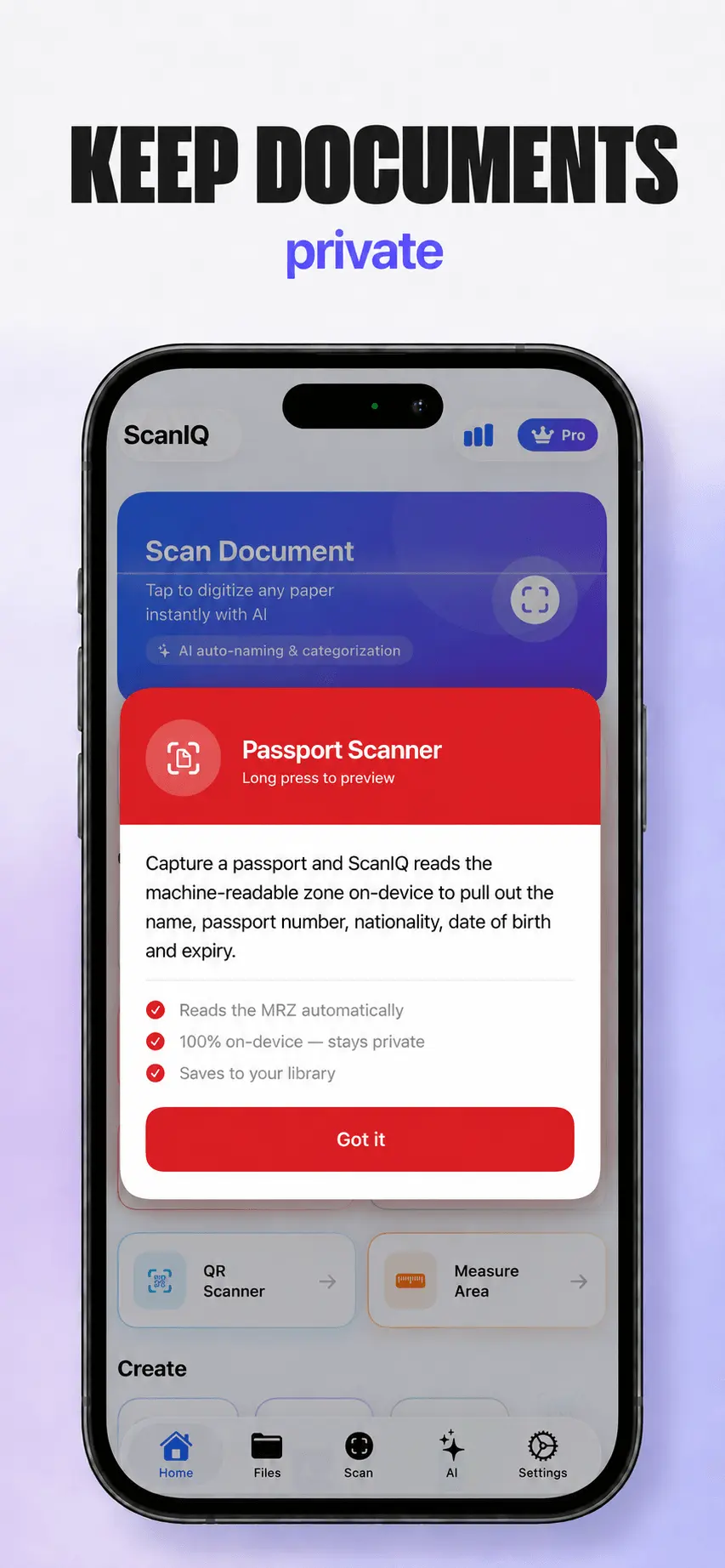
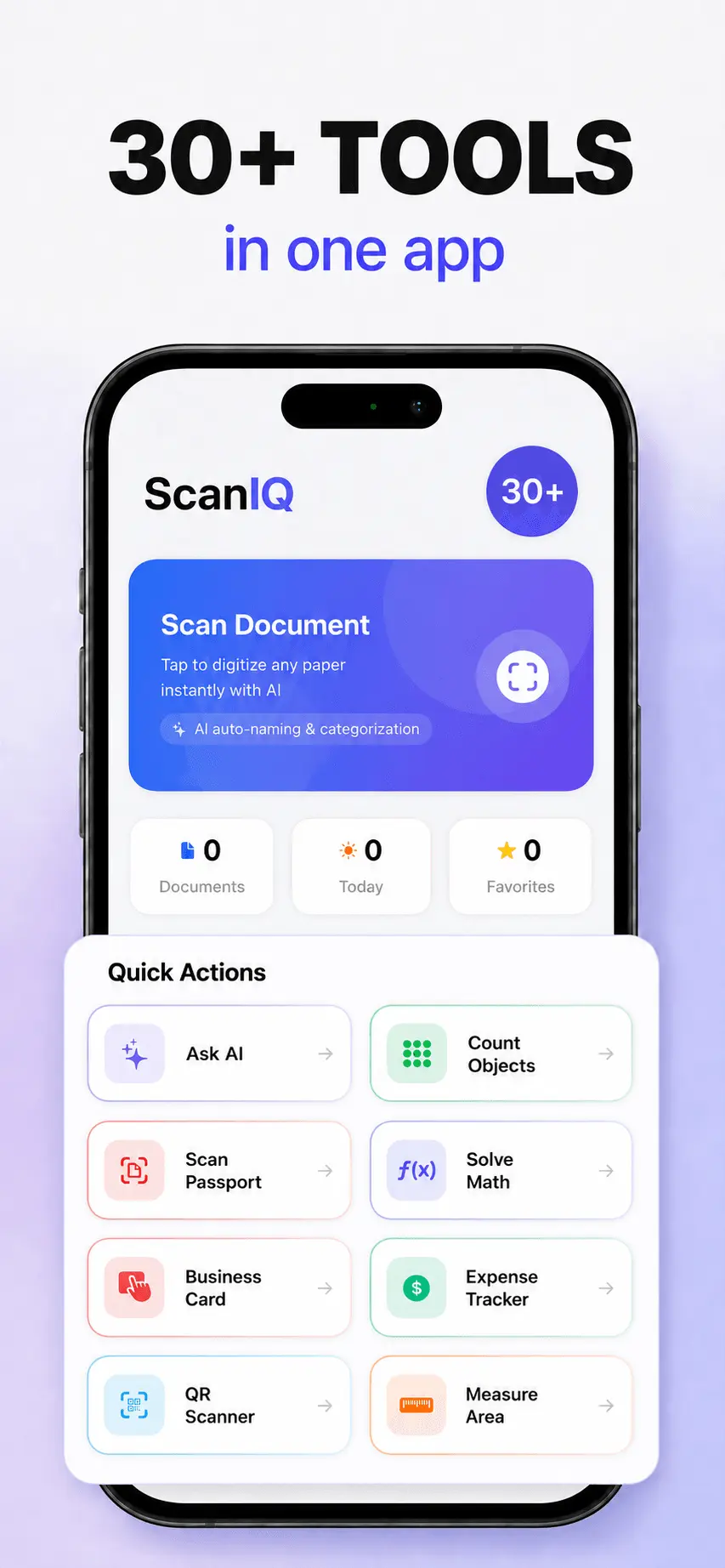
ScanIQ is an AI-powered document scanner that lets you capture, clean, edit, sign and understand documents in one app. Scan paper documents with automatic edge detection and perspective correction, remove shadows and blur, create multi-page PDFs, and export files in formats such as PDF, JPG, DOCX and TXT. Beyond scanning, ScanIQ includes built-in AI tools to summarize documents, translate across 100+ languages, extract key information and ask questions about your files. It also includes OCR, e-signatures, annotations, redaction, PDF merging and compression, password protection, smart file naming and iCloud sync. ScanIQ is built for students, freelancers, small business owners and professionals who want one lightweight tool for scanning, managing and working with documents. Pro starts at $14.99/year, with no ads.
Screenshots
Reviews (0)
No reviews yet. Be the first to rate this product!
Comments (1)
We’re excited to launch ScanIQ! If you give it a try, we’d love to hear what you find useful, what feels missing, and how it fits into your document workflow.